Wan2.2 LoRA training can improve a recurring character or visual scene style, but it is not a complete continuity or voice system. The reliable approach is to curate short, licensed clips, caption fixed identity details consistently, train and test the high- and low-noise experts deliberately, then use references, locked prompts, and a continuity checklist for every shot. A visual LoRA does not learn an approved speaker voice, so audio identity must remain a separate production track.
Updated August 6, 2026, this guide separates official Wan2.2 facts from trainer-specific advice. The official Wan repository publishes inference code and Apache-2.0 model weights; it does not document an official LoRA training recipe. The practical commands below use Musubi Tuner, an actively maintained project that explicitly says it is unofficial and under development. Pin a release and reproduce a baseline before spending time on a large dataset.
Table of Contents
What Changed and What LoRA Controls
Wan2.2 A14B uses a mixture-of-experts design with one expert for high-noise early denoising and another for low-noise detail refinement. The official repository describes about 27 billion total parameters, with about 14 billion active at each step. This matters for LoRA training because a character concept may need to affect both early composition decisions and later texture or identity details.
Official Model and License Status
As verified on August 6, 2026, the official Wan2.2 repository lists T2V-A14B and I2V-A14B at 480p and 720p, plus TI2V-5B, S2V-14B, and Animate-14B workflows. The repository and released models use the Apache License 2.0. Recheck the license of the trainer, dataset, captions, audio, and every third-party checkpoint separately; the base model license cannot grant rights to material you did not own or license.
The official repository also warns against applying ordinary Wan2.2 LoRAs to Wan-Animate because weight changes can cause unexpected behavior. Treat each task family as a specific compatibility target.
What Consistency Means
| Continuity layer | Best control | What LoRA contributes |
|---|---|---|
| Face and body | Clean identity dataset plus reference frame | Recurring visual features |
| Wardrobe and props | Fixed references and literal captions | Learned details, with entanglement risk |
| Scene and lighting | Scene bible, angle boards, stable prompt | Style or set tendencies |
| Motion | Short representative clips | Motion bias, not choreography |
| Voice identity | Approved recording or voice system | Nothing; visual LoRA has no audio track |
| Shot continuity | Reference, seed log, QC, and editing | One aid among several |
Hardware and Installation
Separate Inference and Training Baselines
The official Wan2.2 single-GPU examples for T2V-A14B and I2V-A14B state at least 80 GB of VRAM, even with offloading and dtype conversion. That is an inference baseline, not a LoRA training promise. Musubi Tuner recommends 24 GB or more for video training and 64 GB of system RAM, while noting that resolution, frame count, precision, block swapping, and optimizer settings change the requirement. Training both Wan2.2 experts can also demand substantial system memory; its documentation notes roughly 96 GB RAM for one Windows offload path.
Start with a short, low-resolution diagnostic dataset. If it cannot overfit a few approved examples and reproduce the trigger reliably, a bigger cloud GPU will not repair bad captions or contradictory footage.
Install and Version-Lock
- Download the intended official I2V-A14B or T2V-A14B weights and record their revision.
- Clone Musubi Tuner, select a tagged release, and record its commit. Its current documentation requires Python 3.10 or later and PyTorch 2.5.1 or later.
- Create a dedicated environment, install matching CUDA and PyTorch packages, then run
pip install -e .. - Keep the T5 encoder, VAE, high-noise DiT, and low-noise DiT paths in a versioned manifest. For Wan2.2 14B, the trainer uses the Wan2.1 VAE and does not require CLIP.
- Run a known inference sample before training. Archive its prompt, seed, task, size, precision, and output as the base-model control.
Build the Dataset and Prompt Context
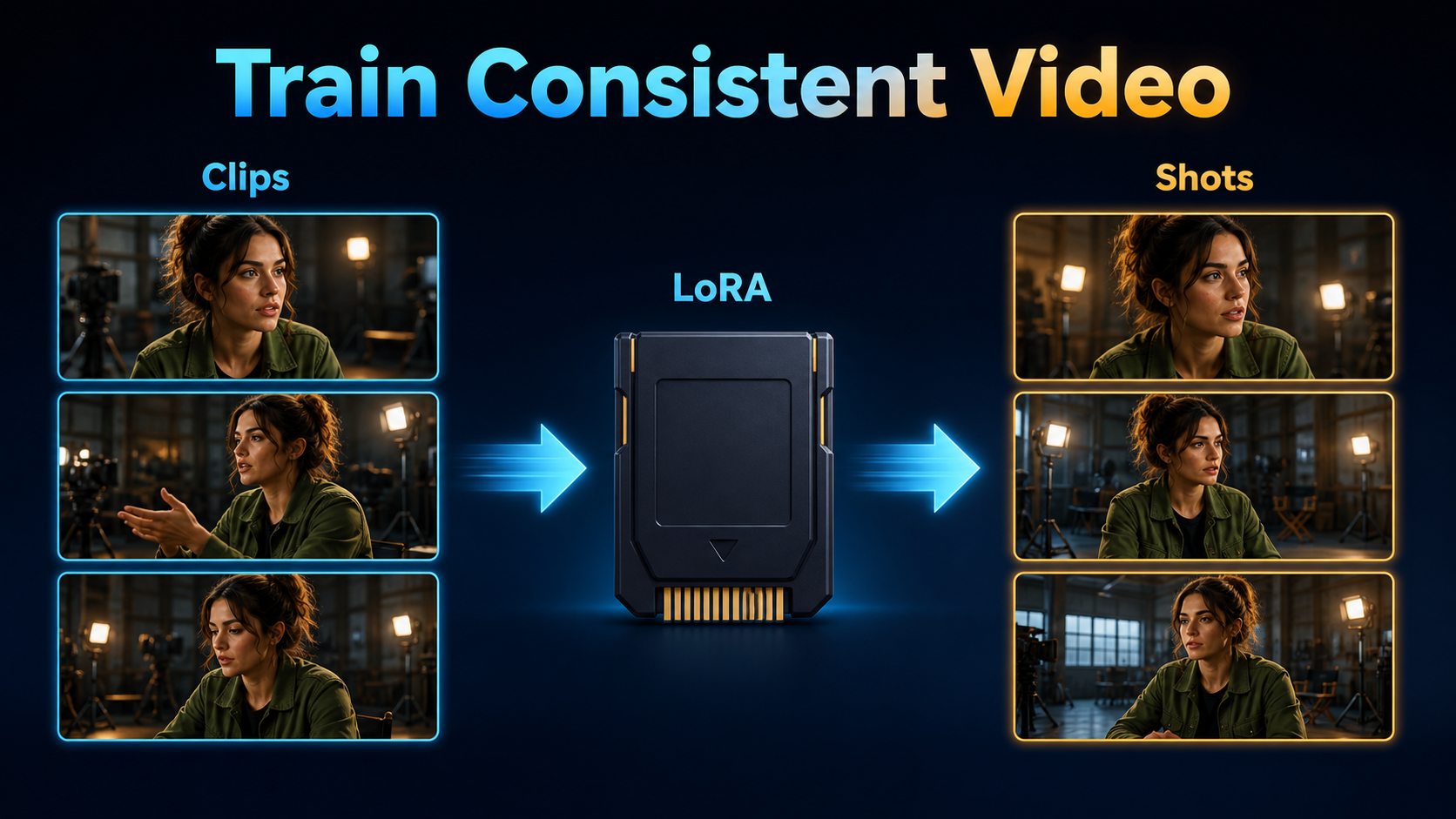
A useful dataset varies pose, expression, framing, and simple motion while keeping intended identity facts stable. Remove near-duplicates, beauty-filter artifacts, watermarks, cuts inside clips, heavy blur, inconsistent grades, and any footage without documented rights and consent.
Reference Pack Checklist
- Sharp front, three-quarter, and profile views with stable facial proportions.
- Medium and wider views that teach body scale without hiding the face.
- Several restrained gestures, turns, and expressions rather than one repeated pose.
- One approved wardrobe per adapter, unless clothing variation is intentional.
- Simple backgrounds for identity training; separate scene adapters when practical.
- A held-out validation group that is never repeated into training.
- File-level records for source, consent, license, crop, frame rate, caption, and exclusions.
Caption Template
[unique trigger], the same [person or character], [stable face and hair facts],
wearing [literal wardrobe], [specific action] in [specific environment].
Shot: [size and angle]. Camera: [movement or locked].
Lighting: [direction and quality]. Preserve [critical identity facts].
Example: “aklMara, the same adult woman with an oval face and shoulder-length dark curls, wearing an olive field jacket, turns toward camera in a warm studio. Medium eye-level locked shot, soft key from camera-left. Preserve face shape, hair length, jacket color, and set layout.” Use a rare, neutral trigger and repeat only facts that should be recalled. If every caption pairs the character with one room or jacket, the adapter may learn them as inseparable.
Train and Test the Adapter
Cache First
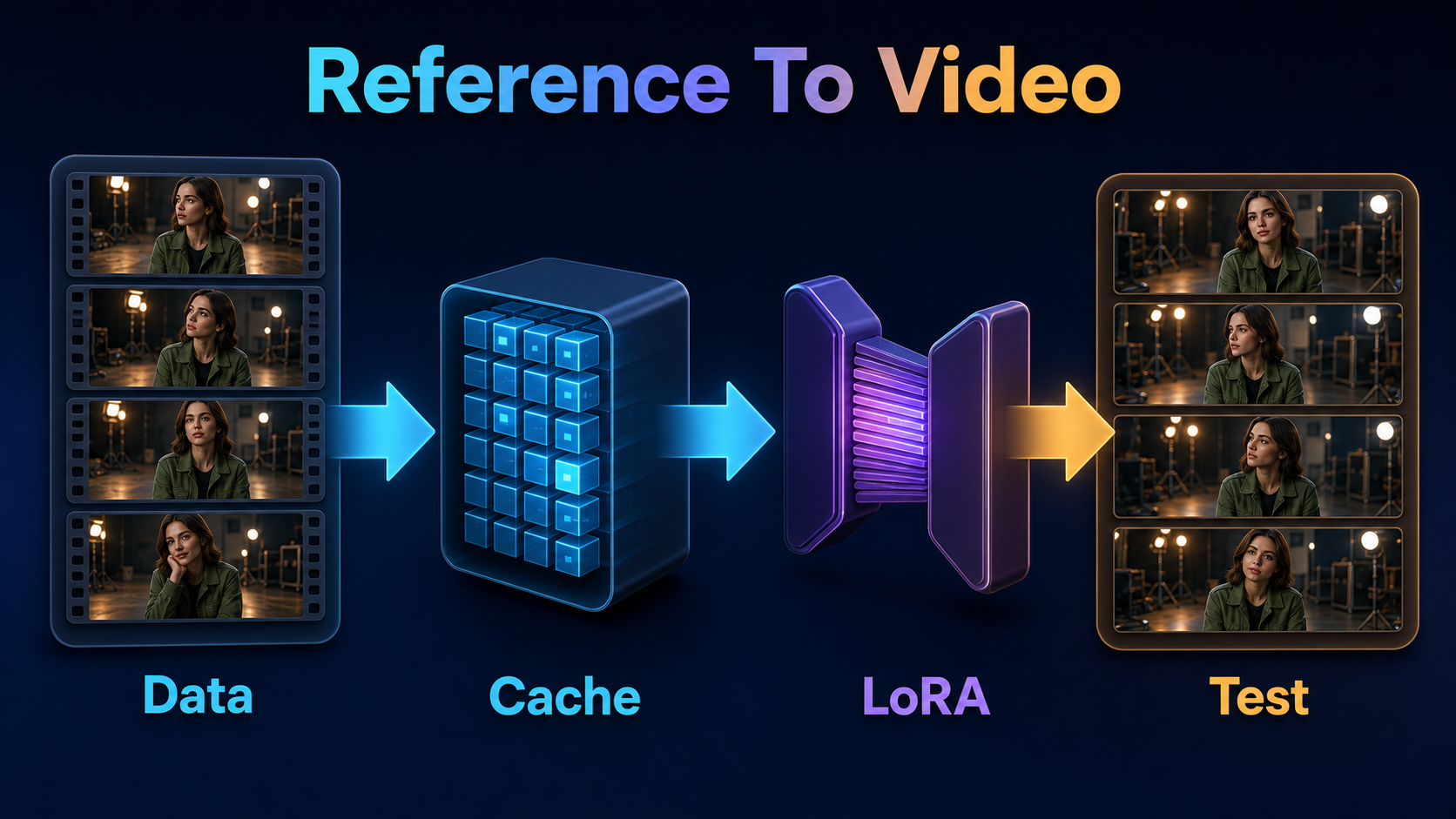
Musubi Tuner supports caption text files or metadata JSONL, resolution buckets, frame extraction, and separate cache directories. Inspect actual training frames with debug mode. Cache latents with wan_cache_latents.py; add --i2v for I2V training. Then cache T5 outputs with wan_cache_text_encoder_outputs.py. A stale cache is a hidden dataset, so rebuild it after crop, frame, or caption changes.
python src/musubi_tuner/wan_cache_latents.py \
  --dataset_config character.toml --vae /models/Wan2.1_VAE.pth --i2v

python src/musubi_tuner/wan_cache_text_encoder_outputs.py \
  --dataset_config character.toml --t5 /models/umt5-xxl-enc-bf16.pth --batch_size 4
Dual-Expert Training Example
This is a diagnostic starting point based on the trainer documentation, not an official Wan optimum:
accelerate launch --mixed_precision bf16 \
  src/musubi_tuner/wan_train_network.py \
  --task i2v-A14B \
  --dit /models/wan22_i2v_low_noise.safetensors \
  --dit_high_noise /models/wan22_i2v_high_noise.safetensors \
  --timestep_boundary 0.9 \
  --dataset_config character.toml \
  --network_module networks.lora_wan --network_dim 32 \
  --optimizer_type adamw8bit --learning_rate 2e-4 \
  --gradient_checkpointing --mixed_precision bf16 \
  --save_every_n_epochs 1 --seed 42 \
  --output_dir output --output_name aklMara
For T2V-A14B, use matching task and weights; the documented default expert boundary is 0.875 rather than 0.9. Learning rate, rank, epochs, timestep sampling, and flow shift require experiments. Save frequent checkpoints and compare them against the base model on fixed prompts. The last checkpoint is not automatically the best.
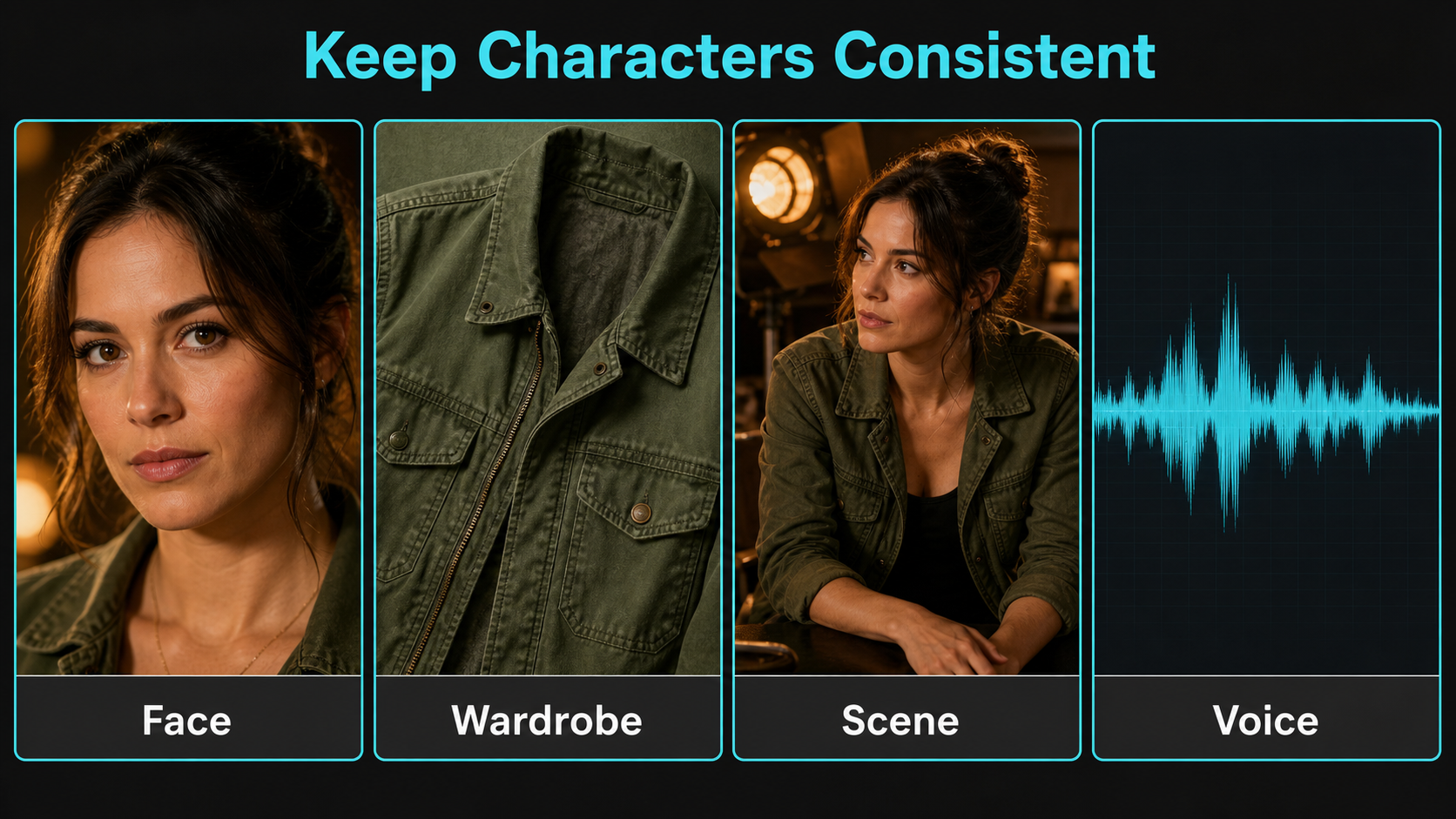
Character, Scene, and Voice Consistency
Use a Continuity Bible
Store approved face views, hair silhouette, skin details, body proportions, wardrobe layers, jewelry, props, set geometry, light direction, screen direction, camera height, lens look, and accepted frames. Use LoRA for recall, an I2V reference for opening composition, and the prompt for current action. Generate one short shot at a time; a single clip that changes room, costume, weather, and angle invites drift.
Test identity and scene separately. First use a neutral set to measure the face. Then use the intended set with the same seed and camera. Finally test new angles and motions. This reveals whether the adapter learned the character, memorized the background, or copied a training composition.
Keep Voice and Audio Separate
T2V and I2V LoRA training is visual. It does not learn timbre, pronunciation, speech rhythm, or lip synchronization. Use approved dialogue or a consented synthesis workflow as the audio master, and use a supported speech-to-video or lip-sync stage when needed. Keep voice authorization, source file, transcript, synthetic-audio disclosure, and final mix in the shot manifest. Never infer permission to clone a voice from permission to use someone’s image.
Practical Production Workflow
- Define one adapter goal: identity, wardrobe, scene style, or motion tendency.
- Collect licensed examples and reserve held-out tests.
- Normalize cuts, frame rate, crop policy, and captions without erasing useful variation.
- Build the dataset TOML and inspect every extracted sample.
- Cache latents and T5 outputs into unique, versioned directories.
- Train a short baseline and save frequent checkpoints.
- Compare base and adapter outputs on fixed prompts, references, seeds, and render settings.
- Select the lowest strength that improves recall without freezing motion or scenery.
- Generate short production shots using the continuity bible and approved references.
- Review face, hands, wardrobe, props, set, motion, voice, and lip sync separately.
Prompt Templates
IDENTITY TEST
[trigger], the same [character], neutral expression, plain background.
Medium eye-level locked shot, natural perspective, soft even light.
Preserve face shape, hairline, eye spacing, and skin details.
No scene change, wardrobe change, zoom, or fast gesture.
PRODUCTION SHOT
[shot size] of [trigger] wearing [fixed wardrobe] in [fixed set].
Action: [one readable action]. Camera: [one move], [height], [lens look].
Lighting: [key direction], [fill], [practicals].
Preserve [face], [prop hand], [set geometry], and [screen direction].Quality-Control Gate
- The trigger works at low and moderate adapter strength.
- Held-out angles remain recognizable without copying a training frame.
- Motion remains natural and does not collapse into a still portrait.
- Wardrobe and background appear only when requested.
- High-noise and low-noise behavior do not fight at the expert boundary.
- The same prompt and reference beat the base control across several seeds.
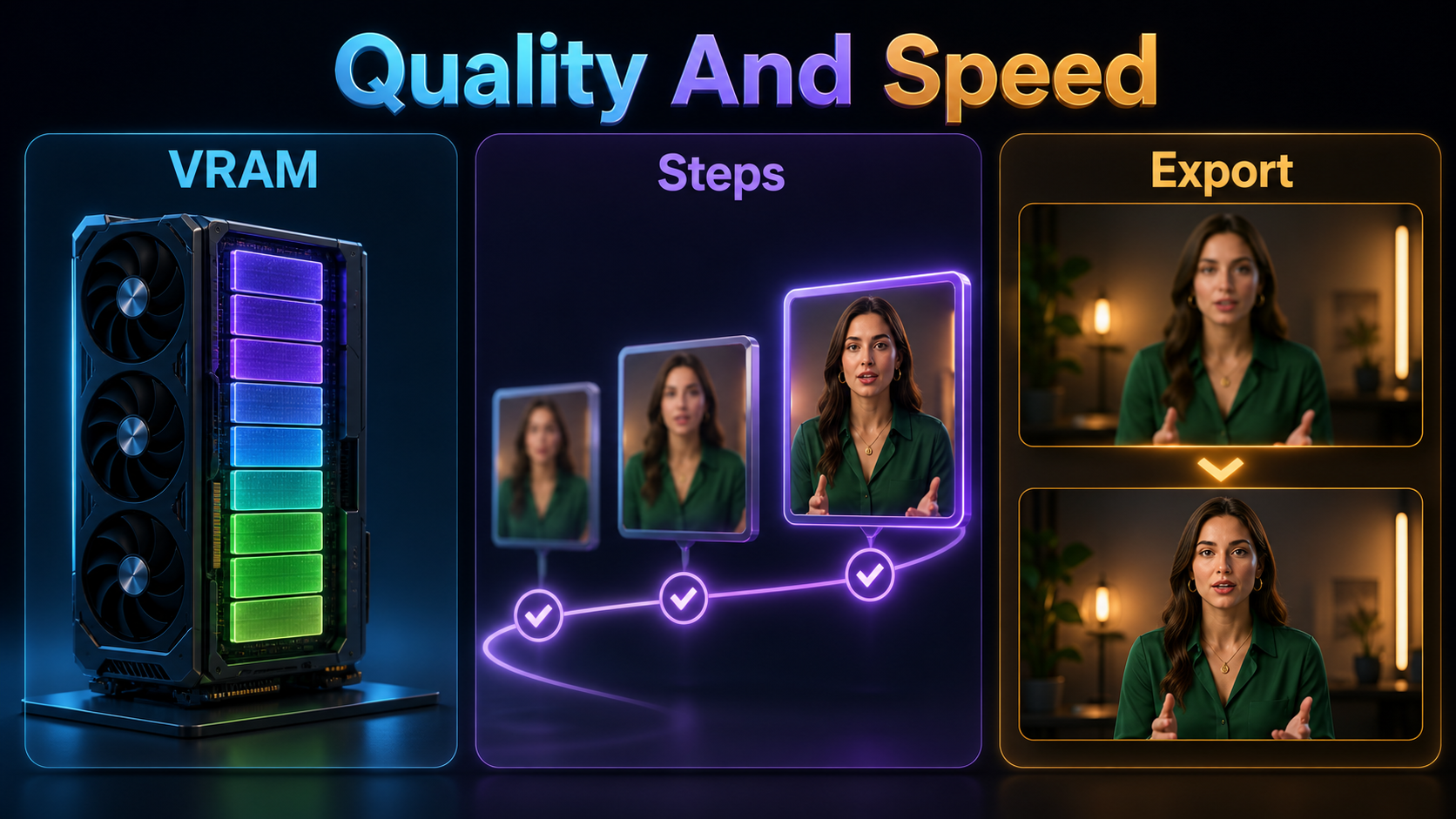
Settings Checklist
| Control | Diagnostic start | Decision rule |
|---|---|---|
| Task | I2V-A14B for reference-led shots | Match the production pipeline |
| Resolution | Small bucket before delivery size | Increase after identity passes |
| Frame count | Short N*4+1 clips | Inspect extracted motion |
| Rank | 32 as a test | Lower if memorization appears |
| Learning rate | 2e-4 example, then sweep | Prefer stable held-out recall |
| Experts | Train and test both deliberately | Check layout and detail separately |
| Checkpoints | Save each epoch | Select by test grid, not recency |
| Adapter strength | Low-to-moderate sweep | Stop before motion freezes |
Limitations and Troubleshooting
A LoRA stores a bias, not a 3D scan, scene database, or episodic memory. Profiles, occlusions, hands, jewelry, fast camera moves, long clips, crowded sets, and unseen costume backs can still fail. Dataset size cannot fix conflicting labels, unlicensed material, or one repeated composition.
Common Failures and Fixes
| Failure | Likely cause | Fix |
|---|---|---|
| Face is generic | Weak signal or inconsistent captions | Improve close views and repeat stable facts |
| Training frame appears | Overfitting or duplicates | Deduplicate, stop earlier, lower rank or strength |
| Jacket appears everywhere | Identity and wardrobe are entangled | Add wardrobe variation or separate adapters |
| Background is frozen | Every sample used one set | Vary simple backgrounds and separate scene prompts |
| Motion becomes stiff | Too many stills or excessive strength | Add clean motion clips and reduce adapter weight |
| Only coarse likeness works | High-noise learning dominates | Evaluate both experts and checkpoint combinations |
| Out of memory | Frames, resolution, or two-expert load is too large | Reduce buckets and frames; use documented block swap |
| Voice changes | Audio source changed | Restore approved audio; LoRA cannot fix it |
Edit AI videos here
Assemble accepted shots, trim drift, replace weak mouth frames, synchronize approved dialogue, match color and sound, add captions, and export platform versions at https://ai.alphatechnologies.vn. Editing is where separately generated shots become one intentional sequence.
Final Recommendation
Train the smallest adapter that solves one measured visual problem. Pin the unofficial trainer, preserve dataset rights and consent, test both Wan2.2 experts against the base model, and keep references, prompts, audio, and continuity QA in the loop. Explore more practical AI-video workflows on Aikolhub, then prove the character on short held-out tests before scaling the render.
Frequently Asked Questions
Does Wan2.2 include official LoRA training code?
The official Wan2.2 repository documents inference, not an official LoRA training recipe. This workflow uses Musubi Tuner, which clearly identifies itself as unofficial.
Which Wan2.2 model should I train?
Use I2V-A14B when production begins from a reference frame and T2V-A14B when text-only generation is the target. Match the adapter, base weights, and task exactly.
How much VRAM does training need?
Musubi Tuner recommends at least 24 GB for video training, but resolution, frames, precision, optimizer, and offloading can move the requirement substantially. Test the exact configuration before renting hardware.
Can a LoRA keep the same voice?
No. A Wan2.2 visual LoRA does not train audio identity. Use approved recordings or a consented voice system and manage lip sync separately.
Does a LoRA guarantee character consistency?
No. It improves recall, but references, prompts, adapter strength, camera choices, short shots, and frame-level review still determine continuity.
Official and primary sources: Wan2.2 repository and release notes; Wan2.2 I2V-A14B model card; Wan2.2 T2V-A14B model card; Wan2.2 Apache-2.0 license; Musubi Tuner repository and releases; Wan training documentation; dataset configuration documentation; Diffusers Wan LoRA loader documentation.