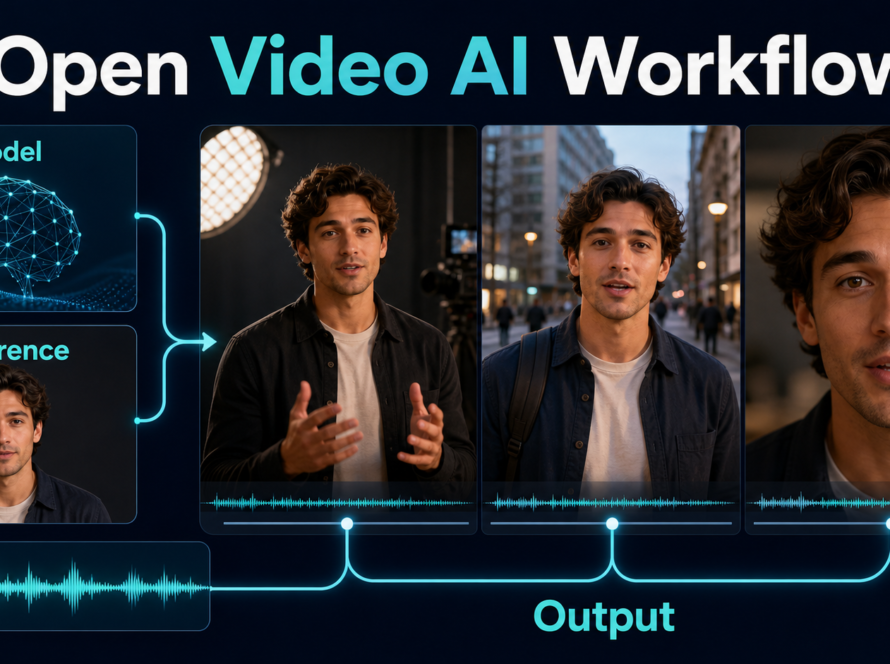
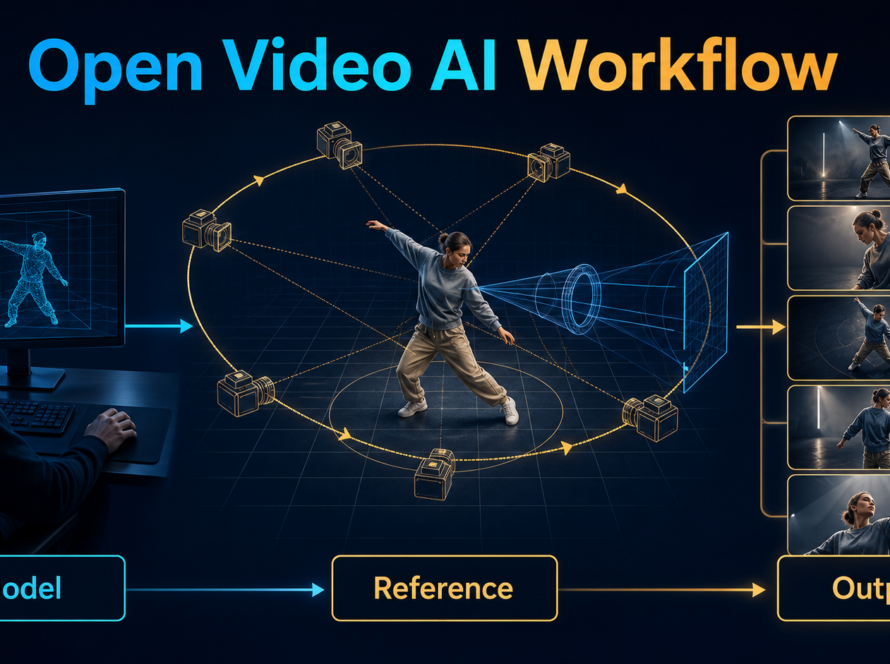
The safest HunyuanVideo-Avatar local setup is Linux with an NVIDIA CUDA GPU, the official checkpoint bundle, one clean reference image, and one clean speech file. Start with the repository’s documented 24 GB minimum path only if slow inference is acceptable; use FP8 and CPU offload carefully, and treat the linked 10 GB Wan2GP route as a community implementation rather than the main official baseline.
Checked on July 28, 2026, the official repository remains available and unarchived. Its latest code push was December 16, 2025, and there are no tagged GitHub releases. HunyuanVideo-Avatar is an audio-driven human-animation model, not a general text-to-video replacement: it uses character imagery, audio, and prompt context to produce expressive single- or multi-character performance. The weights are open for download under the custom Tencent Hunyuan Community License, so “open-weight” is more accurate than an unqualified “open source” claim.
Table of Contents
What Changed and Current Status
The project released inference code and weights on May 28, 2025. On June 6, 2025, its README added a 10 GB single-GPU route through Wan2GP with TeaCache. That low-memory path is useful, but the main repository’s own requirement remains 24 GB for a 704×768, 129-frame job, described as very slow, with 96 GB recommended for better generation quality.
Verified Release State
The main branch is the current source of truth because the repository has no tagged releases. The README still lists inference and checkpoints as complete while its official ComfyUI checkbox remains incomplete. Do not infer a supported native ComfyUI workflow from third-party nodes or wrappers. Pin a known commit, record dependency versions, and review upstream changes before updating a working installation.
The license excludes the European Union, United Kingdom, and South Korea from its defined territory. It also contains distribution, acceptable-use, disclosure, and large-service conditions, including a separate license requirement when applicable products exceeded 100 million monthly active users at release. Read the actual license for deployment decisions; this guide is not legal advice.
What the Model Accepts
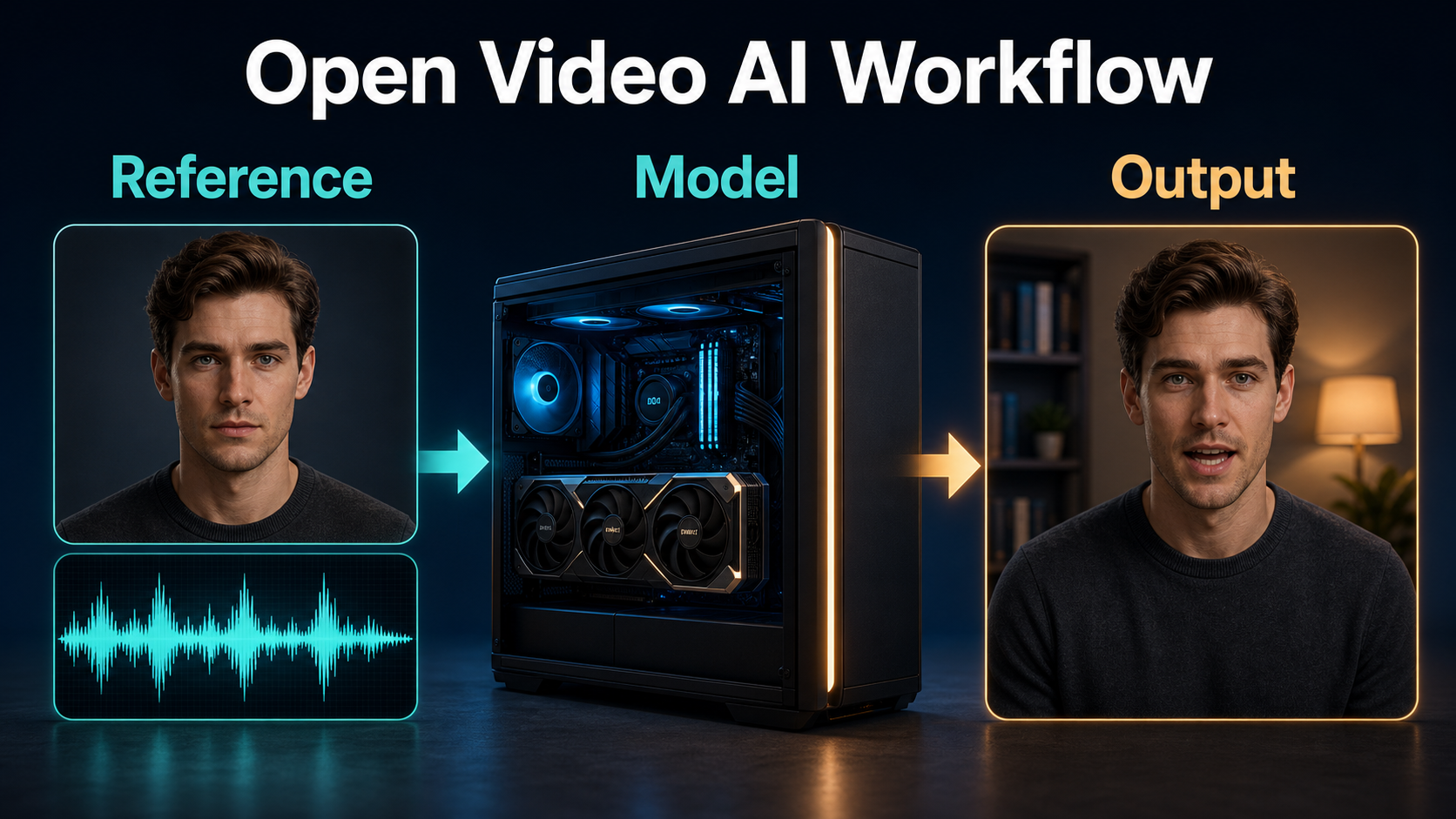
The official sample CSV uses five fields: videoid, image, audio, prompt, and fps. The reference defines who appears, the audio drives speech and emotional timing, and the prompt describes the person and scene. The technical report attributes multi-character targeting to a Face-Aware Audio Adapter, emotion control to an Audio Emotion Module, and identity retention to a character-image injection module.
Hardware, Installation, and Weights
Use a Linux machine with an NVIDIA CUDA GPU. The official manual path specifies Python 3.10.9, PyTorch 2.4.0, and CUDA 11.8 or 12.4. FlashAttention 2 is optional acceleration in the documented install, but its build must match the CUDA and PyTorch environment.
Official Installation Path
- Clone the official repository and create an isolated Python 3.10.9 environment.
- Install the documented PyTorch 2.4.0 build for CUDA 11.8 or 12.4.
- Install
requirements.txt, then FlashAttention 2 only if the GPU and compiler toolchain support it. - Download the official model bundle from Tencent’s model card into the repository’s
weightsdirectory. - Copy the sample CSV, replace its asset paths, and confirm that every referenced file opens before inference.
Do not mix the current requirements file with arbitrary newer Transformer, Diffusers, or Torch versions. The latest upstream commit adjusted Transformer and Gradio constraints, which is a reminder to build from the current repository rather than an old tutorial command.
Checkpoint Map and Storage
| Component | Purpose | Practical note |
|---|---|---|
| HunyuanVideo transformer | Core video denoising model | FP8 and full checkpoints are listed |
| VAE | Video latent encode/decode | Keep its config beside the weight |
| LLaVA image encoder | Reference-image understanding | Several shards increase download size |
| Text encoder | Prompt conditioning | Use the official directory structure |
| Whisper Tiny | Audio feature extraction | It is part of inference, not a voice generator |
| Face alignment assets | Detect and align faces | Needed for stable character targeting |
The Hugging Face repository is roughly 80 GB, so budget more than the checkpoint size for caches, environments, inputs, temporary frames, and outputs. Put weights on fast local storage and keep enough system RAM for CPU offload; low VRAM does not mean low total memory demand.
Prepare the Reference Image and Audio
A strong input pair matters more than decorative prompt language. Use a clear character image and an authorized, clean voice track with one dominant speaker. For a first run, avoid profiles, crossed hands near the face, severe shadows, music, echo, and overlapping voices.
Reference Image Checklist
- Show one unobstructed face at useful resolution.
- Keep hairstyle, wardrobe, accessories, and background deliberate.
- Choose portrait, upper-body, or full-body framing that matches the intended motion.
- Leave space in the direction of gestures and camera movement.
- Avoid small text, branded marks, mirrors, and ambiguous background faces.
Audio and Consent Checklist
- Use speech you recorded or have explicit permission to animate.
- Remove long silence, clipping, music, and room echo.
- Keep the sample rate and loudness consistent across a series.
- Never impersonate a real person without consent and a lawful basis.
- Disclose synthetic media as required by the license and applicable rules.
Prompt Context and Templates
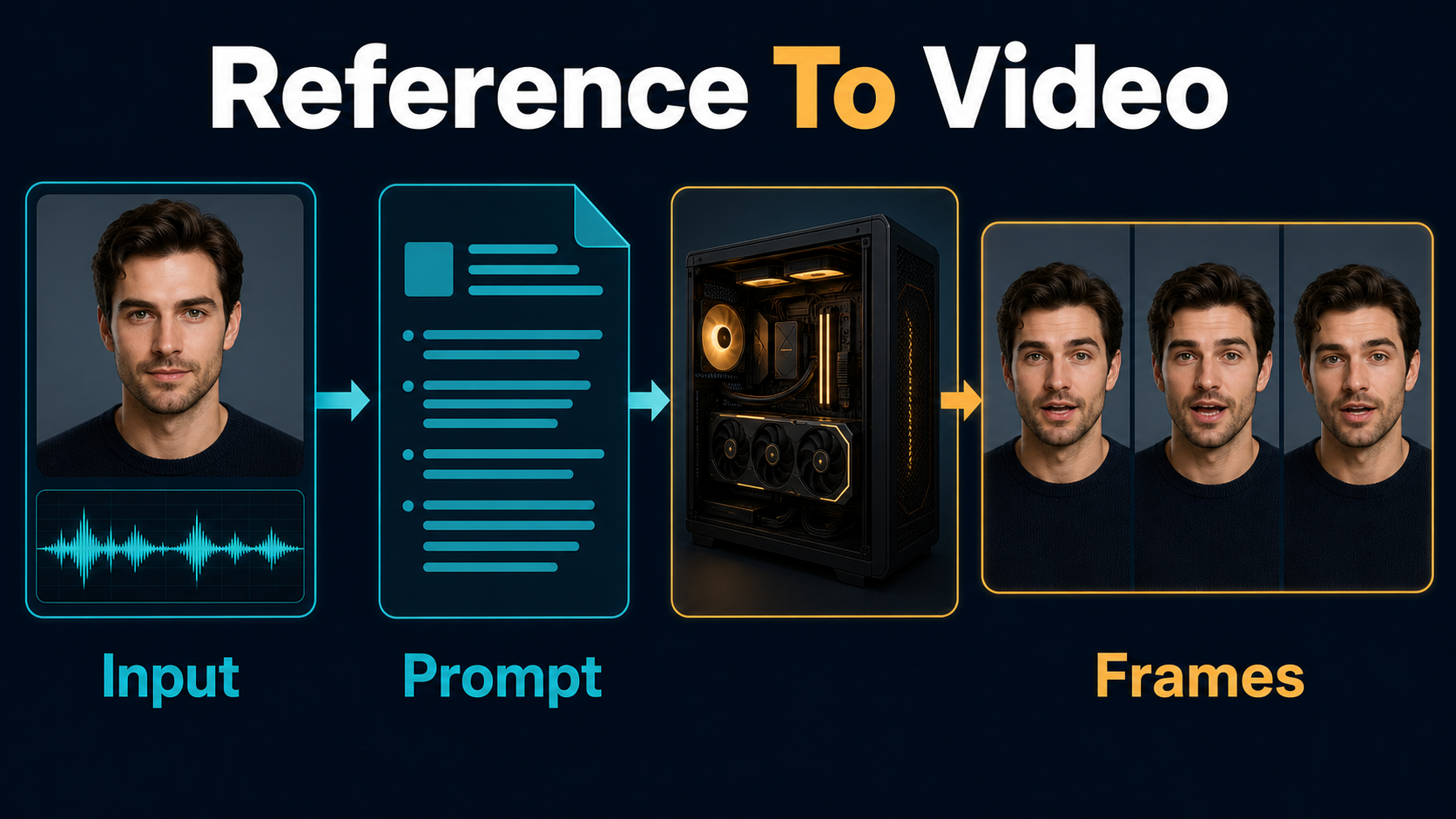
Describe visible facts, not abstract praise. The prompt should agree with the image and audio: identity, wardrobe, setting, framing, expression, and one main action. Contradictions force the model to choose between conditions.
Single-Character Prompt Template
[Framing] of the same [character description] wearing [fixed wardrobe].
The character delivers the supplied speech with [emotion] and [gesture].
Scene: [location], [background], [time of day].
Camera: [height], [angle], [movement], [lens look].
Lighting: [key direction], [fill], [practical light].
Preserve face, hair, wardrobe, background geometry, and speaking identity.
Example: “Medium close-up of the same presenter in a navy blazer and green shirt. She delivers the supplied speech with calm confidence and restrained hand gestures. Warm studio at night, eye-level locked camera, natural 65 mm perspective, soft key from camera-left, dim practical behind. Preserve face, hair, jacket, necklace, desk edge, and background layout.”
Multi-Character Planning Template
Speaker A: [position], [wardrobe], , [emotion].
Speaker B: [position], [wardrobe], , [emotion].
Action: [one exchange with clear turn order].
Camera: [stable two-shot or restrained move].
Preserve each face, position, eyeline, wardrobe, and speaking turn.
Although the paper supports multi-character dialogue, prove the environment with one speaker first. Multi-person face masks, turn-taking, occlusion, and cross-talk make quality control harder. A single-speaker baseline separates installation errors from scene-complexity errors.
First-Run Workflow
Verified Baseline Settings
| Setting | Official example | First-run guidance |
|---|---|---|
| Image size | 704 | Use the documented baseline before experimenting |
| Frames | 129 | Keep the first test short and comparable |
| Frame rate | 25 in sample CSV | Match timeline and audio expectations |
| Inference steps | 50 | Use for the reproducible baseline |
| CFG scale | 7.5 | Change only after the baseline works |
| Flow shift | 5.0 | Keep the official example initially |
| Memory path | Full, FP8, or CPU offload | Select by hardware and record it |
These are repository examples, not universally optimal creative settings. The full eight-GPU command uses the standard transformer checkpoint. The single-GPU command uses the FP8 checkpoint, --use-fp8, and --infer-min; the lowest-memory official script adds CPU offload.
Preview-to-Final Steps
- Validate the portrait, WAV file, prompt, FPS, and paths in one CSV row.
- Run the smallest documented single-character job your hardware supports.
- Save the exact Git commit, checkpoint name, seed, command, and environment lockfile.
- Inspect the first, middle, and last frames for face shape, teeth, eyes, hands, clothing, and background drift.
- Watch the clip with audio for phoneme timing, expression, and unwanted motion.
- Change one variable at a time: input crop, audio cleanup, prompt, or memory mode.
- Only after the baseline passes, test longer audio, larger motion, or a second character.
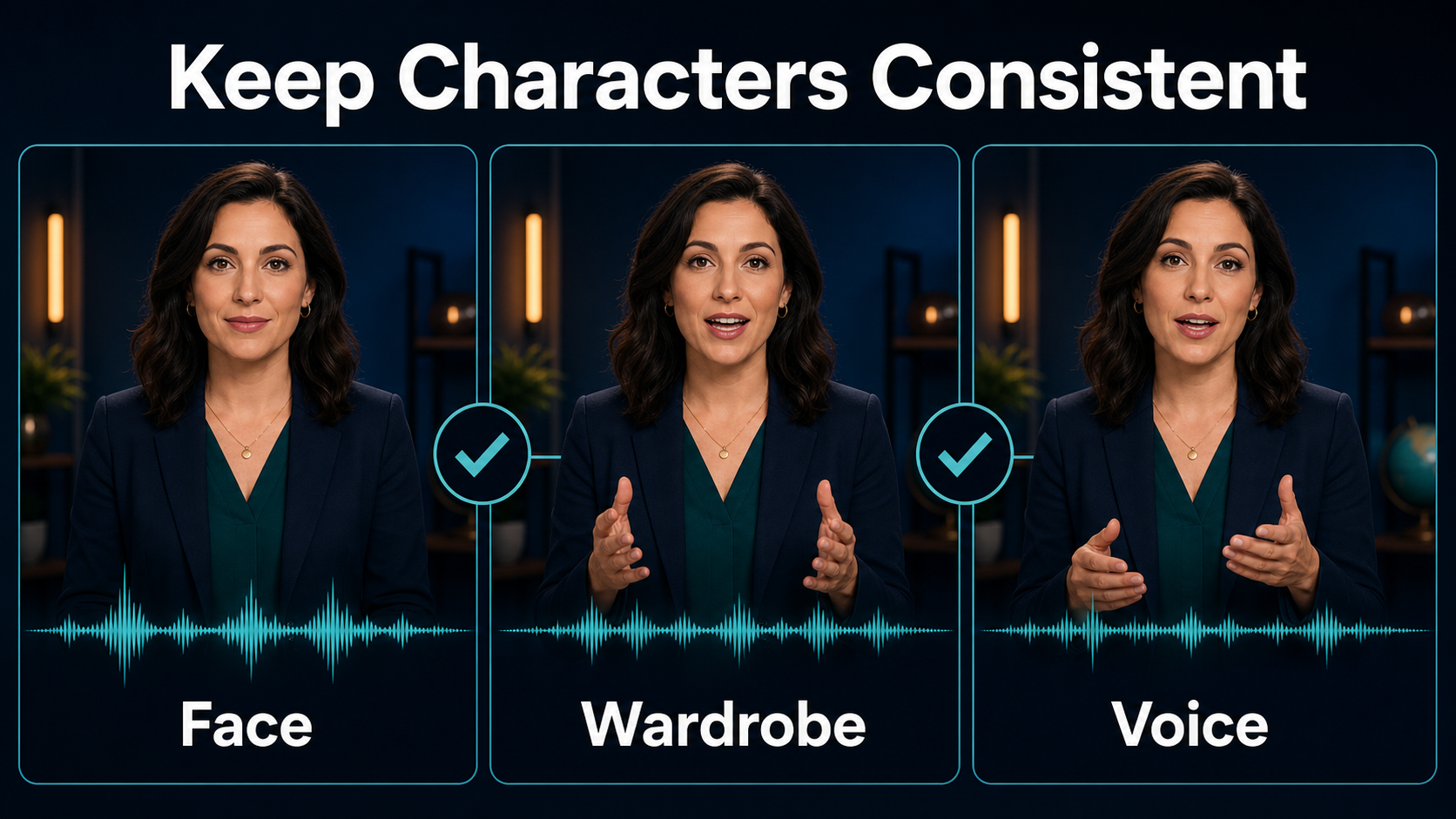
Character, Scene, and Voice Consistency
HunyuanVideo-Avatar can preserve a character while producing dynamic motion, but consistency is not a guarantee. Separate identity, lip synchronization, audio emotion, wardrobe, scene geometry, and speaker targeting in review. A clip can score well on one and fail another.
Continuity Acceptance Checklist
| Check | Pass condition | Primary control |
|---|---|---|
| Face identity | Stable landmarks and proportions | Clear reference and limited occlusion |
| Lip sync | Major mouth closures match speech | Clean audio and visible face |
| Emotion | Expression follows vocal tone | Consistent audio and prompt context |
| Wardrobe | Color and shape do not mutate | Visible reference details |
| Scene | Background layout remains coherent | Simple set and restrained camera |
| Speaker target | Only the intended face responds | Face-aware masking in multi-person work |
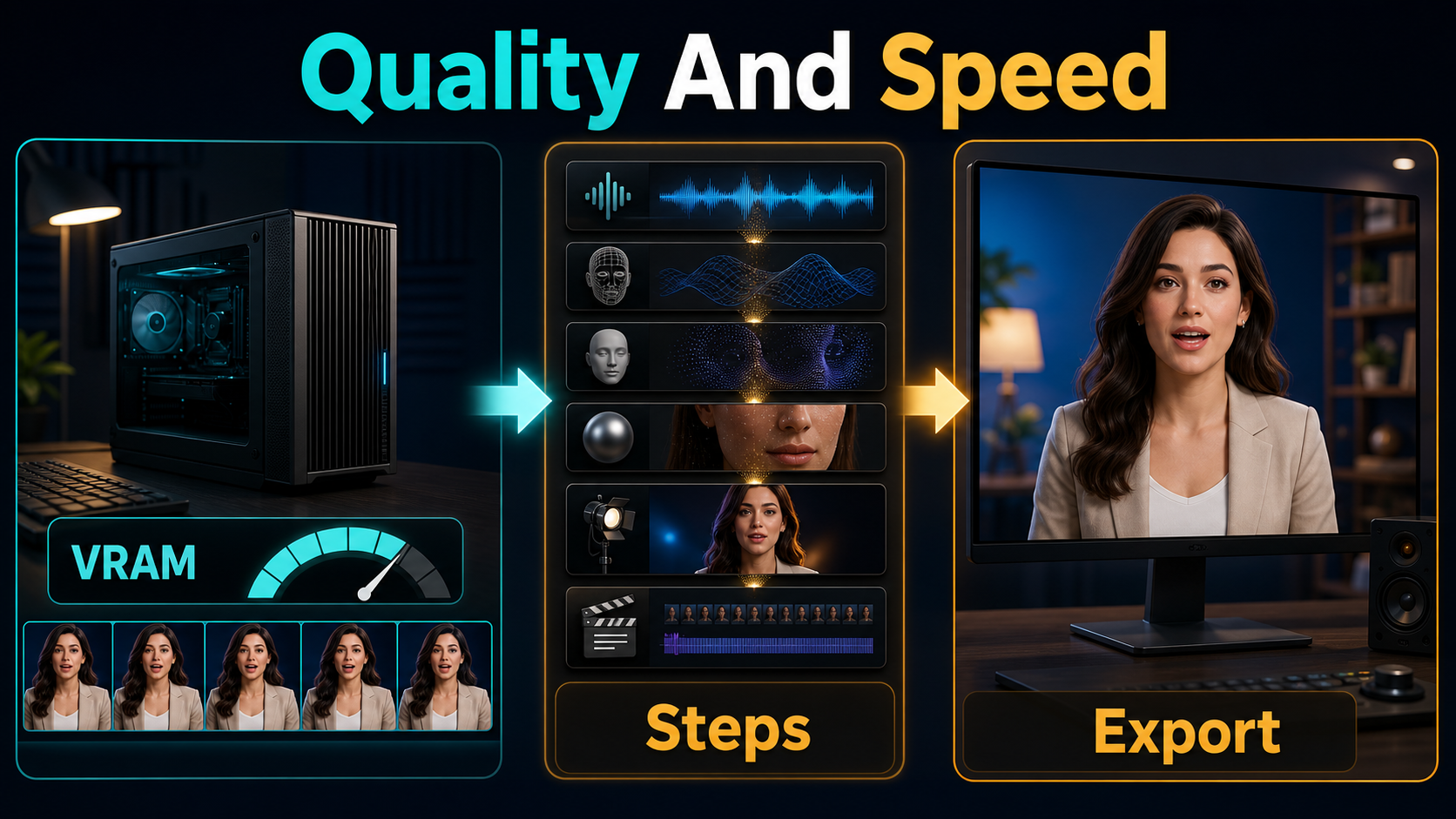
Limitations and Troubleshooting
Local inference is compute-heavy and the official 24 GB minimum is explicitly slow. CPU offload can fit smaller GPUs but increases RAM use and data transfers. Long speech, fast gestures, face occlusion, overlapping speakers, unusual aspect ratios, and crowded backgrounds can reduce identity or lip-sync quality. The model also does not replace editing, factual review, rights clearance, or disclosure.
Common Failures and Fixes
| Failure | Likely cause | Fix |
|---|---|---|
| CUDA out of memory | Resolution or checkpoint exceeds capacity | Use the documented FP8/offload path; reduce image size |
| Floating-point exception | CUDA, cuBLAS, or cuDNN mismatch | Follow the repository’s CUDA 12.4 or 11.8 guidance |
| Package import error | Unpinned dependency drift | Rebuild from current requirements in a clean environment |
| Face drifts | Weak crop, occlusion, or excessive motion | Use a clearer image and simpler performance |
| Poor lip sync | Noisy audio or hidden mouth | Clean the speech and use frontal or three-quarter framing |
| Both faces react | Speaker targeting failed | Simplify the shot and verify the face-aware mask workflow |
| Render is extremely slow | CPU offload or low-memory path | Expect the tradeoff; use faster storage and more GPU memory |
Edit AI videos here
Turn accepted avatar clips into a finished video at https://ai.alphatechnologies.vn. Cut around unstable frames, align the approved audio, add captions and disclosure, mix music and effects, match color, and export platform-specific versions.
Final Recommendation
Use the official Linux path for a reproducible baseline, the official FP8 or CPU-offload command when hardware requires it, and the community 10 GB route only after understanding that it is a separate implementation. Begin with one speaker, one clean portrait, and one short speech file. Explore more practical AI video workflows on Aikolhub, but keep consent, provenance, the current license, and human review inside every production checklist.
HunyuanVideo-Avatar FAQ
Is HunyuanVideo-Avatar open source?
It is safer to call it open-weight. Code and weights are public, but the custom Tencent Hunyuan Community License has territorial, distribution, and acceptable-use restrictions.
How much VRAM is required?
The main repository says 24 GB is the minimum for 704×768 at 129 frames, though very slow, and recommends 96 GB. It links a community Wan2GP path claiming 10 GB support.
Does it generate audio?
No. You supply an audio file. The model uses that audio to drive mouth motion and expression in the generated avatar video.
Can it animate two speakers?
The model and paper support multi-character audio-driven animation with face-aware targeting. Test single-character inference first because multi-speaker masking and turn-taking add failure modes.
Does it have official ComfyUI support?
Not in the main repository as checked July 28, 2026; its ComfyUI item remains unchecked. Community integrations do not equal upstream support.
Official Sources Checked
HunyuanVideo-Avatar repository and README; official checkpoint download guide; official Hugging Face model card and weights; HunyuanVideo-Avatar technical report; Tencent Hunyuan Community License.