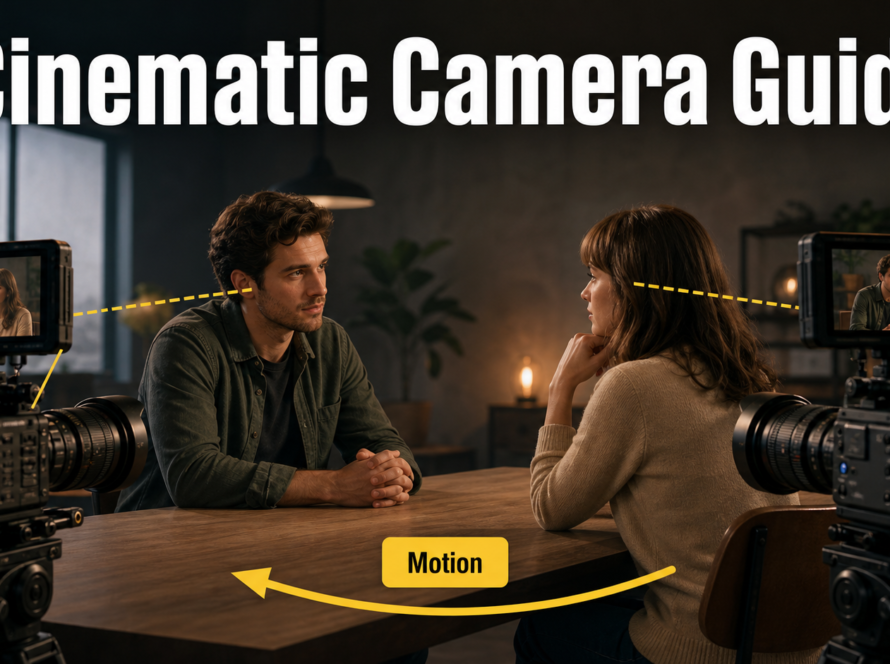
UCPE Camera Control can run locally, but its official repository is a research implementation rather than a one-click app. Use the documented Python 3.11 environment, download the authors’ fine-tuned checkpoint into the expected logs/ location, run the supplied demo, and measure memory on your own GPU before increasing resolution or duration. The official project does not publish a minimum-VRAM guarantee, so a fixed consumer-GPU claim would be speculation.
Checked July 31, 2026, the repository’s latest dated update is April 12, 2026. UCPE controls camera pose, intrinsics, lens distortion, pitch, and roll through geometry-aware encodings attached to a video Diffusion Transformer. The code is open-source under MIT; review the separately downloaded checkpoint and base-model terms before commercial deployment.
Table of Contents
What Changed
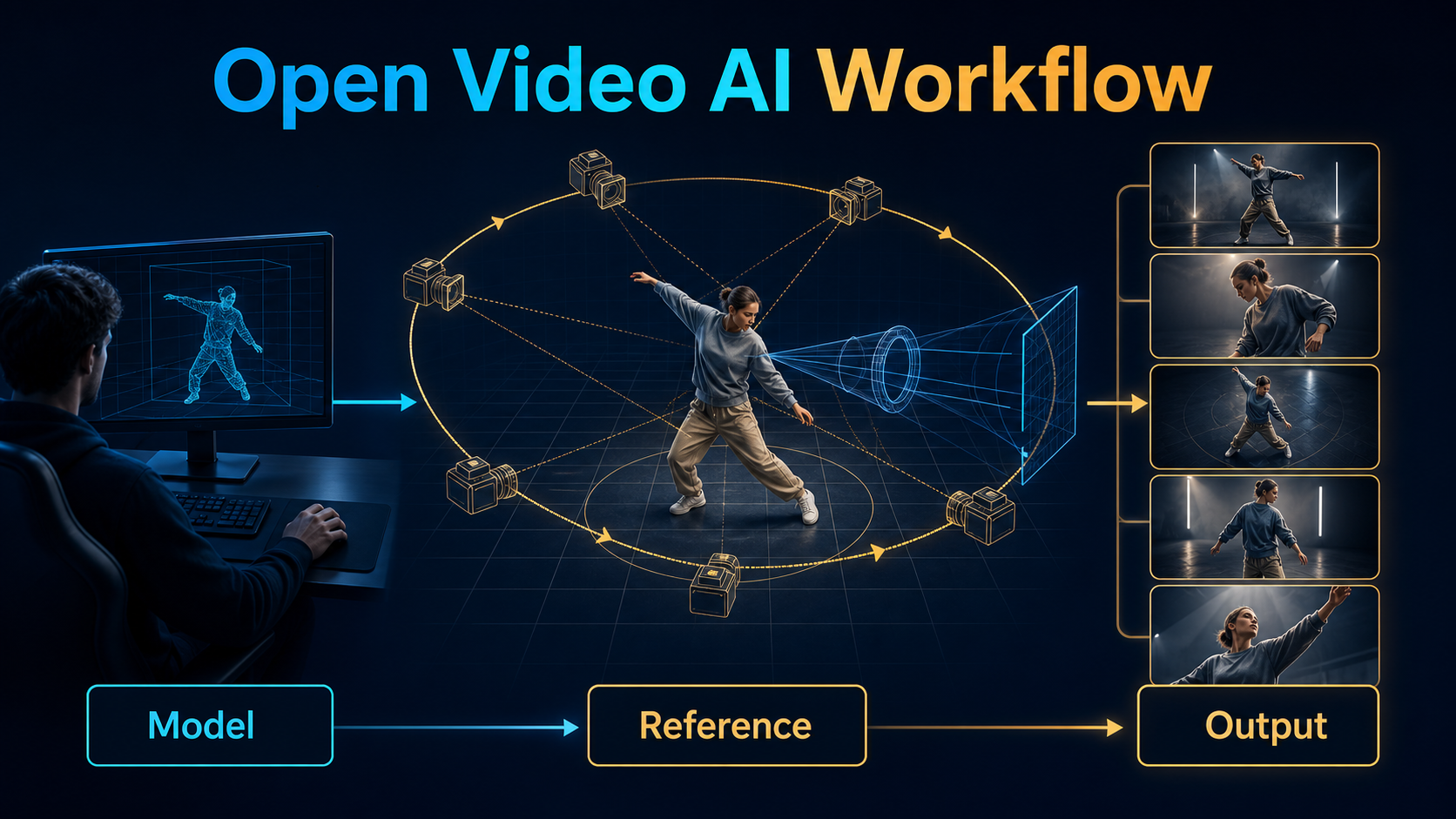
UCPE means Unified Camera Positional Encoding. It replaces a narrow pinhole-camera assumption with a representation designed for complete camera information. Relative Ray Encoding carries 6-DoF pose, camera intrinsics, and lens distortion. Absolute Orientation Encoding adds controllable initial pitch and roll. The paper reports an adapter of about 35.5 million parameters attached to a 7.3-billion-parameter base model, roughly 0.5 percent.
The public timeline matters. Quick-demo code arrived December 7, 2025; full training, evaluation, and visualization code followed February 4, 2026; CVPR 2026 acceptance was announced February 21; a Plucker-encoding bug was fixed March 19; and raw 4K panoramic videos were released April 12. Pull the current repository rather than following an old environment snapshot.
Controls and Boundaries
| Layer | UCPE role | Not guaranteed |
|---|---|---|
| Position | Conditions translation and rotation | Perfect scene geometry |
| Intrinsics | Represents focal behavior and field of view | Physical lens metadata |
| Distortion | Supports non-pinhole behavior | Artifact-free extreme fisheye motion |
| Orientation | Controls initial pitch and roll | Stable horizon under every prompt |
| Content | Uses the base generator and text | Identity memory across renders |
Hardware and Installation
Install UCPE on a CUDA-capable Linux workstation or compatible Linux environment. The authors document training on eight NVIDIA A800 GPUs for about one day, but that is a training statement, not an inference minimum. The quick demo is the correct first target for a local creator.
Prepare the Environment
git clone https://github.com/chengzhag/UCPE.git
cd UCPE
conda create -n UCPE python=3.11 -y
conda activate UCPE
conda install -c conda-forge "ffmpeg<8" libiconv libgl -y
pip install -r requirements.txt
pip install --no-build-isolation --no-cache-dir flash-attn==2.8.0.post2
pip install -e .
cd thirdparty/equilib && pip install -e .
Use versions in the current repository. FlashAttention is sensitive to CUDA, PyTorch, compiler, and GPU combinations. If the pinned package cannot build, confirm those components before changing unrelated dependencies. Optional GeoCalib, UniK3D, Q-Align, and ViPE environments support evaluation or data processing; they are not required for the basic demo.
Weights and First Run
The official README links the authors’ fine-tuned weights through OneDrive and instructs users to place them under logs/. Preserve the extracted checkpoint structure because the demo configuration expects it. Return to the repository root and run bash scripts/demo.sh. The documented output is logs/6wodf04s/demo. Treat that run ID as an example and compare it with the downloaded directory. Do not substitute an unofficial checkpoint without recording its base model, format, license, and camera encoding.
VRAM Planning
No official minimum-VRAM figure is stated. Record peak allocated and reserved memory during one supplied sample. If it fails, reduce resolution, frames, batch size, or evaluation extras only where the configuration supports those changes. CPU offload or quantization may help in forks, but neither is an official UCPE promise unless the relevant source documents it.
Reference and Prompt Context
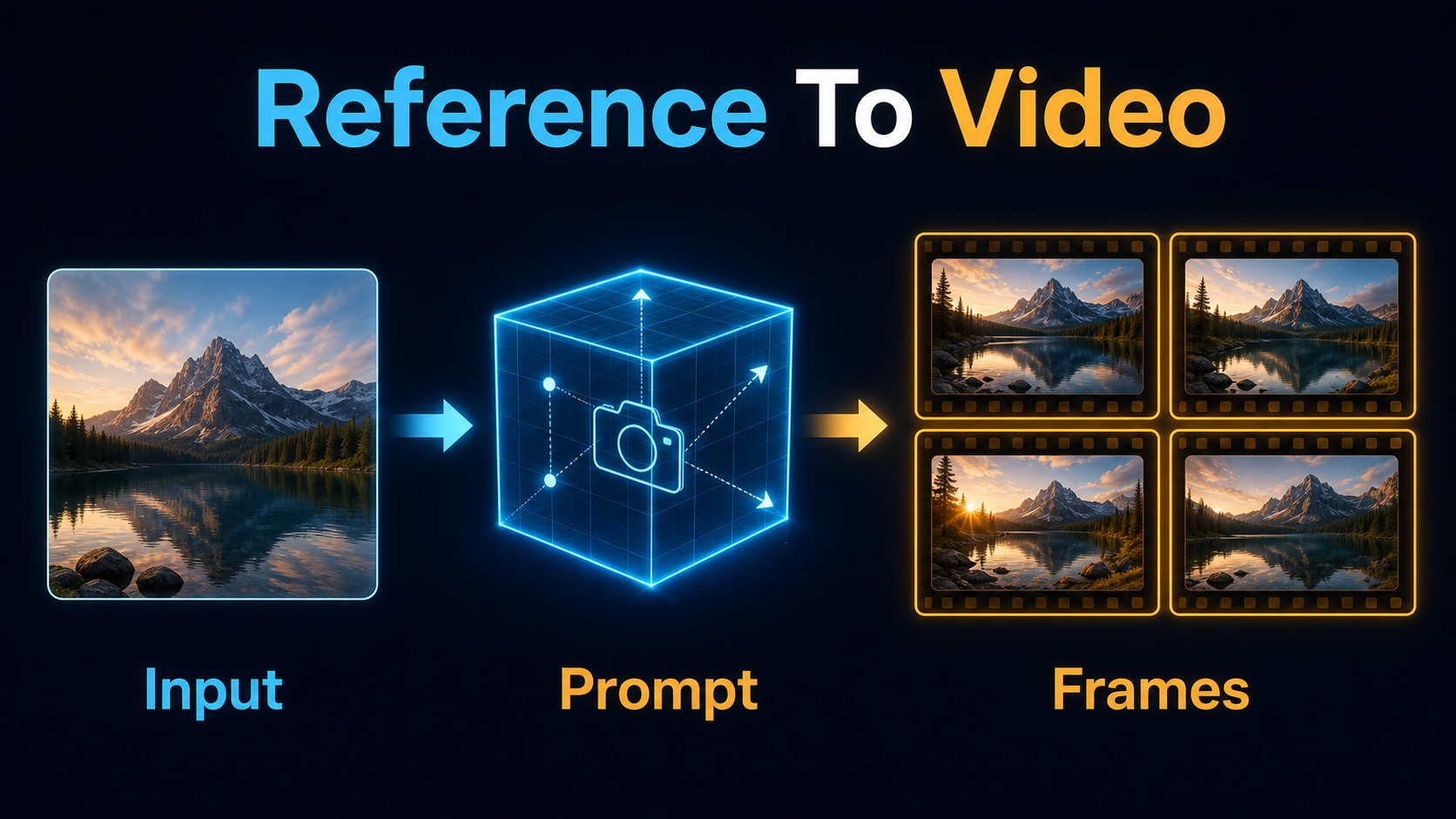
A camera-controlled render needs two coordinated plans: what the world contains and how the virtual camera observes it. A text prompt describes subject, action, environment, and light. Camera parameters describe pose, motion, intrinsics, distortion, pitch, and roll. A reference frame, when the selected base pipeline accepts one, anchors appearance and opening composition; it does not replace trajectory data.
Camera Checklist
- Draw the subject, camera start, camera end, and travel direction.
- Choose one dominant move: dolly, orbit, crane, pan, tilt, or roll.
- State focal-length behavior separately from camera distance.
- Use distortion intentionally; extreme wide angles magnify geometry errors.
- Set pitch and roll explicitly when the horizon matters.
- Keep speed and acceleration gentle for the first test.
- Match the reference perspective to the initial camera.
Prompt Template
[shot size] of [fixed subject] in [environment].
Action: [one clear action].
Camera: [start] to [end], [speed and easing].
Lens: [focal behavior], [distortion], [depth of field].
Orientation: [pitch], [roll].
Motion look: [frame rate], [shutter-angle look].
Lighting: [key], [fill], [practicals].
Preserve [wardrobe, prop, layout, landmarks].
Example: Wide shot of the same architect in a charcoal coat beside a concrete model in a daylight studio. Slow clockwise orbit from front-left to profile, gentle ease-in and ease-out. Natural 35 mm look, low distortion, level pitch and zero roll, 24 fps with a 180-degree shutter look. Soft window key from camera-right. Preserve face, coat, table, model, and window positions.
Character, Scene, and Audio Consistency
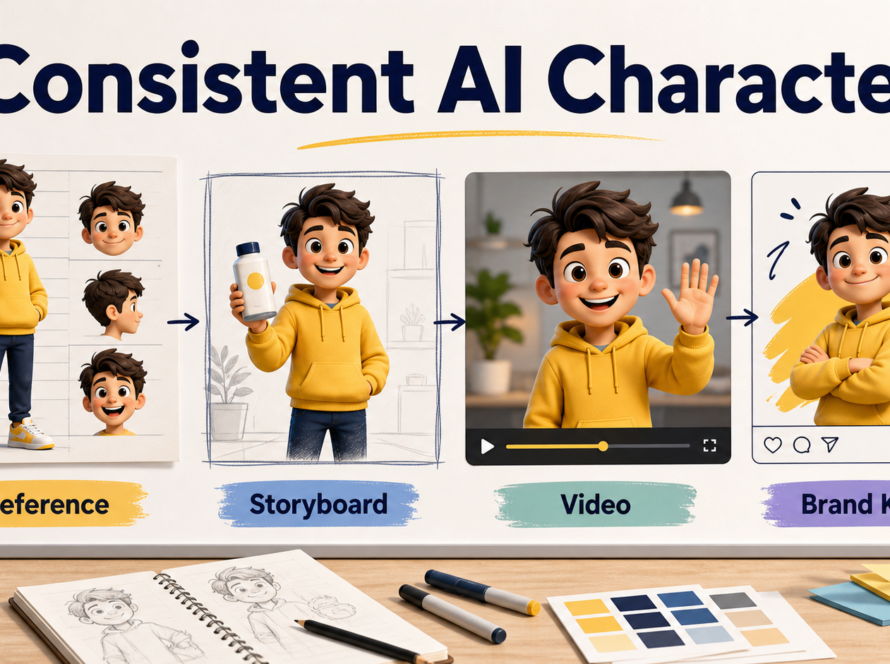
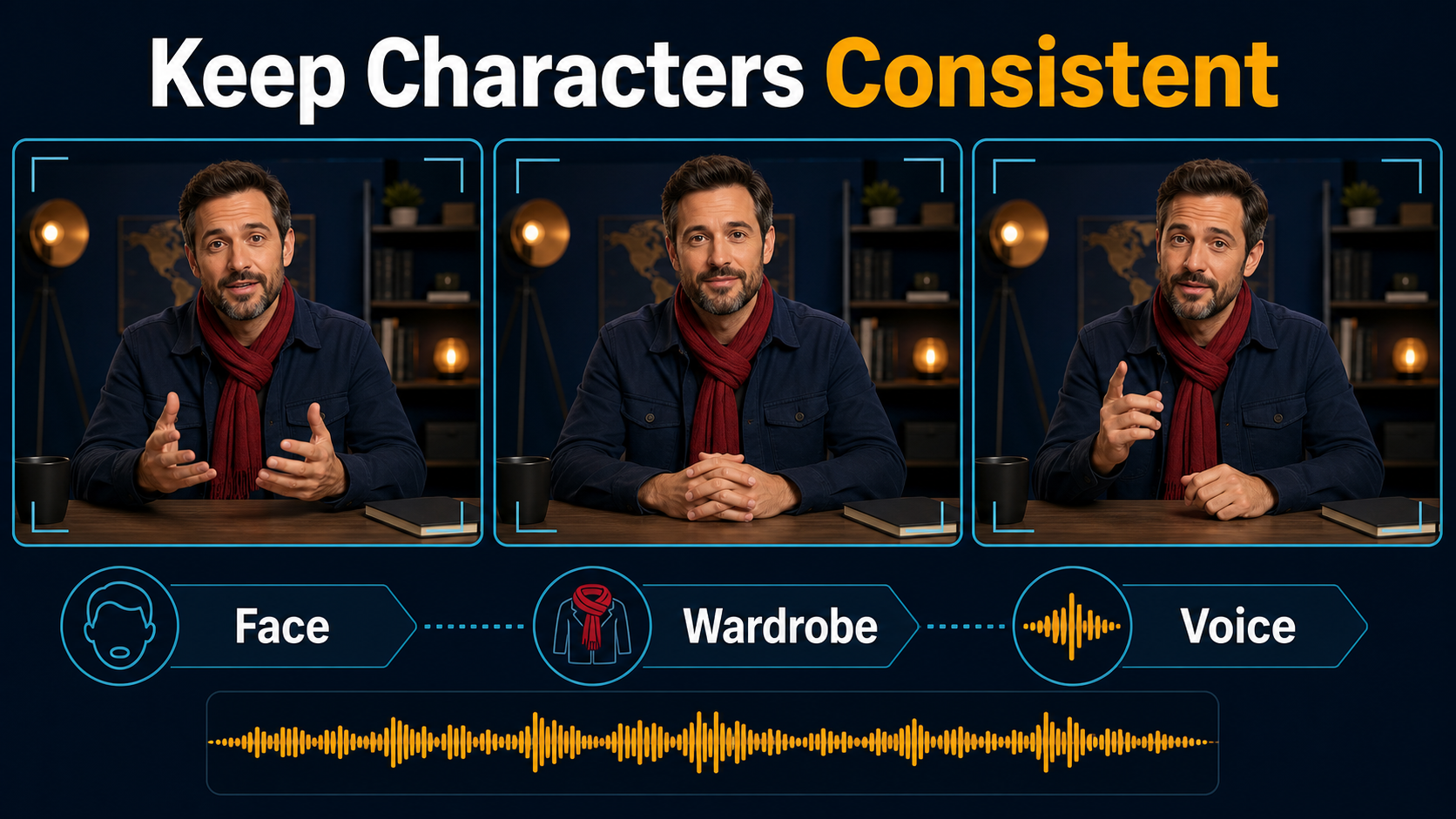
Explicit camera control solves a different problem from continuity. UCPE may steer viewpoint while the face, wardrobe, prop, or set drifts. Build a character sheet and scene bible, repeat the same descriptive nouns, keep clips short, and compare first, middle, and final frames with approved references.
Separate Consistency Layers
- Subject consistency: face, hair, proportions, and signature features.
- First-frame consistency: opening composition relative to a reference.
- Scene continuity: layout, lighting, props, and landmarks.
- Voice identity: the approved recording or synthesis voice.
- Speech synthesis: generation of words and vocal performance.
- Lip sync: alignment of mouth shapes with phonemes.
- Audio-driven motion: gestures and expression responding to sound.
UCPE addresses camera geometry, not the audio layers. Generate or record authorized speech separately, use a dedicated lip-sync or audio-driven system when needed, and preserve consent and provenance for synthetic voices.
Practical Workflow
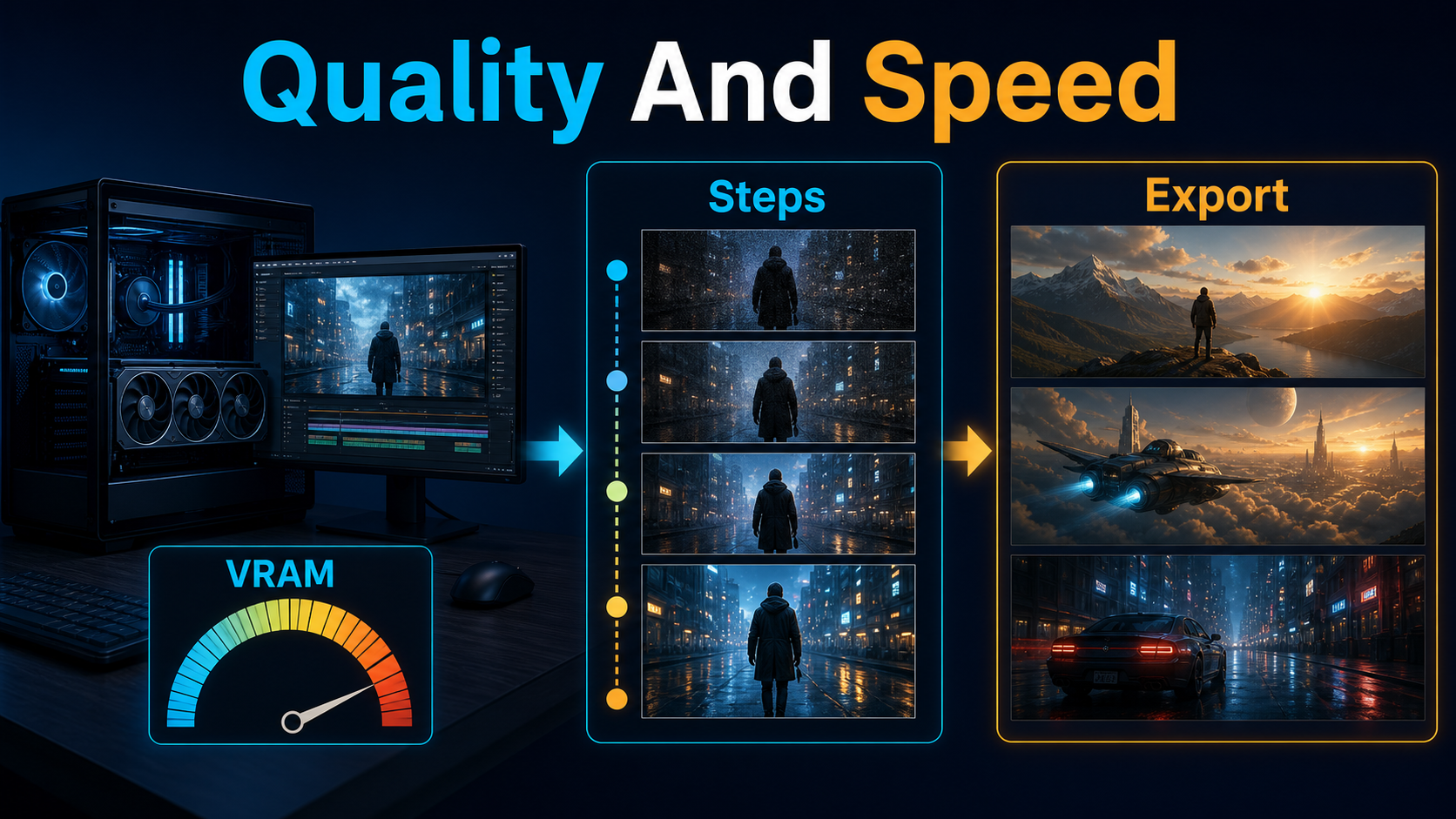
Preview, Then Scale
- Clone the current repository and note its commit.
- Create the documented environment and test imports.
- Download the official checkpoint and verify its directory tree.
- Run
scripts/demo.shunchanged for a baseline. - Record output, runtime, peak VRAM, resolution, frames, and configuration.
- Change only the prompt and inspect content versus camera behavior.
- Change one camera parameter and compare trajectory and horizon.
- Add a matched reference only if the base pipeline supports it.
- Render a short continuity test before a production clip.
- Export approved shots separately and assemble them in an editor.
Settings Checklist
| Setting | First test | Scale after |
|---|---|---|
| Resolution | Demo default | Geometry passes |
| Frames | Shortest useful clip | Key frames pass |
| Motion | One gentle move | Horizon stays stable |
| Lens | Moderate field of view | Edges remain plausible |
| Prompt | One subject and action | Identity stays stable |
| Export | Native frames | Edit and deliver |
Limitations and Troubleshooting
UCPE is research code with multiple datasets, third-party tools, and experiment configurations. The authors acknowledge jitter caused by inaccurate ViPE pose estimation in some synthesized examples. Camera adherence can also compete with fidelity when trajectories, distortion, subject motion, and prompt complexity are all extreme.
Common Fixes
| Problem | Likely cause | Fix |
|---|---|---|
| FlashAttention fails | Stack mismatch | Match CUDA, PyTorch, compiler, and GPU |
| Checkpoint missing | Wrong run directory | Compare logs/ with configuration |
| Out of memory | Large render | Return to demo and measure each increase |
| Path jitters | Noisy poses or complex motion | Smooth path and test one move |
| Horizon drifts | Pitch or roll conflict | Set orientation and simplify trajectory |
| Character changes | No identity control | Use a shot reference and continuity bible |
| Edges bend | Aggressive distortion | Start moderate and increase gradually |
Edit AI videos here
Assemble approved shots, trim unstable frames, add authorized voice, captions, music, transitions, and delivery formats at https://ai.alphatechnologies.vn. Editing controlled clips is more reliable than forcing one generation to perform every camera, scene, and audio change.
Final Recommendation
Start with the exact official demo, log the environment and checkpoint, and measure VRAM instead of trusting an unsupported number. Validate camera geometry with a simple scene before adding identity, props, speech, or complex motion. Explore Aikolhub for more production-tested open video AI workflows and keep a reproducible record of every accepted shot.
Frequently Asked Questions
Is UCPE open-source?
Yes. The official code uses MIT. Review separate checkpoint and base-model terms for your use.
How much VRAM does UCPE need?
The repository states no inference minimum. Run the demo, measure peak memory, and scale from that baseline.
Does UCPE support reference images?
UCPE is a camera-encoding method. Reference behavior depends on the integrated base pipeline and configuration.
Can UCPE control focal length and distortion?
It represents intrinsics and distortion plus 6-DoF pose. Inspect field of view, edges, faces, and horizon.
Does UCPE control voice or lip sync?
No. Voice identity, speech synthesis, lip sync, and audio-driven motion require separate workflows.
Official sources: UCPE repository, setup, updates, weights, and MIT license; UCPE technical paper; UCPE paper page.