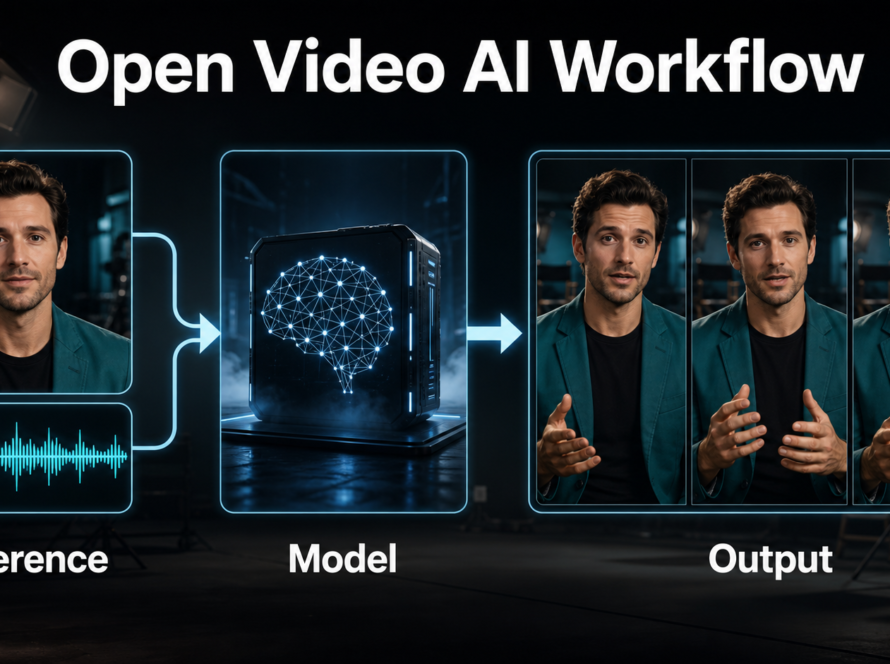
Open-Sora 2.0 character consistency is a production workflow, not a single prompt setting: define the character and scene, create a shot-specific image, render short tests, and compare identity at the first, middle, and last frames. The 11B model supports text-to-video and image-to-video workflows, but native voice generation and lip sync are not documented features. This guide was verified on July 26, 2026 against the official repository, Hugging Face model card, technical report, computational-efficiency table, and Apache-2.0 license.
Open-Sora 2.0 is best treated as a research-grade visual generator with substantial compute needs. Keep character, wardrobe, prop, scene, camera, voice, and dialogue specifications in a shot bible. Generate short clips that can be edited, rather than asking one long shot to solve every continuity and audio problem.
Table of Contents
Open-Sora 2.0 Status
The official Open-Sora repository records the 11B Open-Sora 2.0 release on March 12, 2025. The project released checkpoints, training code, inference configurations, and a technical report describing how the model was trained at a reported cost of about $200,000.
Release, Model, and License
The repository and the official model card identify Apache-2.0 licensing. The model repository includes the main Open-Sora v2 checkpoint plus supporting components, and its file listing is roughly 69 GB. Plan storage for downloads, caches, test output, and final frames rather than reserving space only for the 23.8 GB primary safetensors file.
Open-Sora’s main branch is the current version; older 1.x code remains on version branches. Capture the commit and configuration used because a tutorial written for 1.2 or 1.3 may not match 2.0 dependencies, memory behavior, or commands.
Hardware and Memory Reality
The official computational-efficiency table was measured on H100/H800 GPUs with 50 sampling steps. For 256×256 text-to-video with offload, it reports 52.5 GB peak GPU memory on one GPU and 44.3 GB on two or four GPUs. At 768×768, it reports 60.3 GB on one GPU, 48.3 GB on two, and 44.3 GB on four or eight GPUs, with runtime falling as more GPUs are used.
Those are official measurements for specific configurations, not a universal minimum. Consumer GPUs, different precision, software versions, and third-party offload methods may behave differently. Do not promise that an 11B run will fit based on model file size alone. Start with the official 256 px configuration and record actual peak memory.
| Planning item | Verified fact | Action |
|---|---|---|
| Model | 11B Open-Sora 2.0 | Use the official checkpoint and main branch |
| License | Apache-2.0 | Retain notices and review all dependencies |
| Low-resolution test | 256×256 official config | Validate motion and environment first |
| Memory | 52.5 GB peak in official 1-GPU 256 px test | Measure your exact configuration |
| Final resolution | Much slower and heavier | Promote only approved shots |
Define Character and Scene
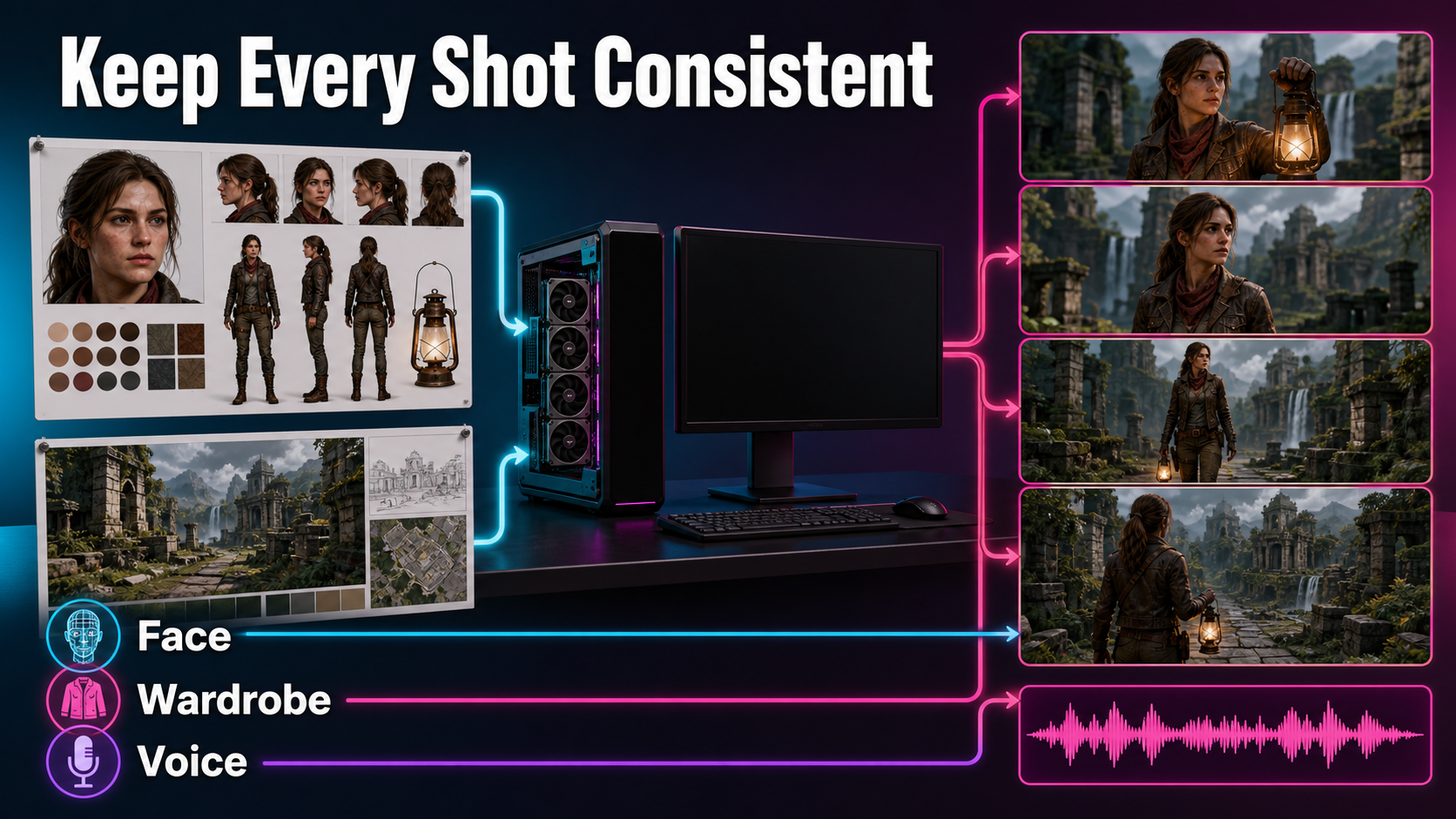
Consistency begins before inference. Assign stable names to every visible and audible asset. Keep the description factual and visual: face shape, skin tone, hair, body, wardrobe layers, materials, accessories, prop dimensions, environment geometry, palette, light direction, and time of day.
Character Bible
- Neutral front, three-quarter, profile, and full-body views.
- Close views of eyes, hairline, distinctive marks, and accessories.
- Wardrobe front/back, fabric, color swatches, and footwear.
- Prop views with scale and hand-contact examples.
- Pose limits and motions the character must perform.
- An approved name for the separate voice asset and consent record.
Do not pack conflicting ages, hairstyles, outfits, and moods into one reference board. Create versions when the story intentionally changes wardrobe or time period, and label the shot range that uses each version.
Scene Bible
Document the location as a navigable space: wide view, reverse angle, floor plan, key surfaces, door/window positions, practical lights, screen direction, and palette. A single beautiful background cannot define what appears after a camera turn. For each new direction, create a matching environment reference before generation.
Reference Image and Prompt Context
Shot-Specific Reference
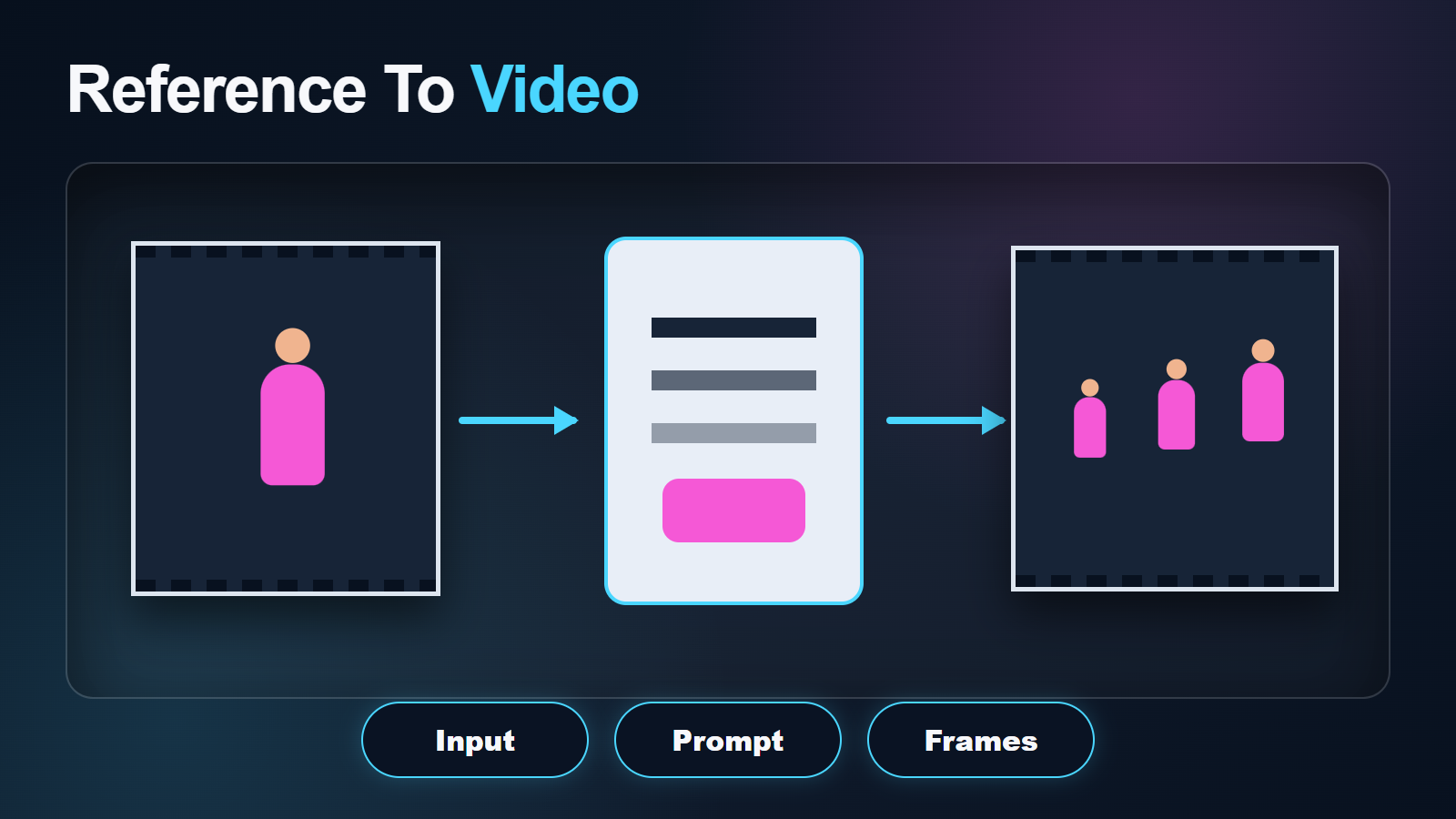
Use image-to-video when identity and composition matter. The shot-specific reference should already contain the approved character version, wardrobe, prop, set, lens perspective, camera height, crop, eye line, and light direction at the final aspect ratio. Remove anatomy errors, impossible reflections, and ambiguous objects before asking the video model to animate them.
A reference anchors the opening state; it cannot define every future view. Large rotations, exits, occlusion, and long travel expose information that was not in the image. Split the sequence into shots and build a new reference for each major view.
Open-Sora Prompt Template
The same [named character with fixed identity anchors] wearing [exact wardrobe] in [fixed scene].
Shot: [shot size, camera height, lens look, one camera behavior].
Action: [one continuous physical action].
Environment: preserve [geometry, palette, time, and light direction].
Continuity: preserve face, hair, body, wardrobe, prop, screen direction, and background landmarks.
Motion: natural [speed and rhythm], stable focus, consistent exposure.
Avoid identity drift, costume change, duplicate limbs, morphing props, bent architecture, camera jumps, and texture flicker.
The repository includes optional prompt refinement and motion-score evaluation that can use an OpenAI API key. These are optional external calls, not required for base inference. Review any refined prompt before generation: expansion can introduce a new costume, weather, object, or camera move that breaks the shot bible.
Practical Generation Workflow
Preview Before Final
Use the lowest-cost official configuration that represents the intended motion. A 256 px preview can reveal identity collapse, wrong action, camera drift, or bad scene geometry before an expensive 768 px run. It cannot prove that fine details will survive final resolution, so plan a second continuity review after promotion.
Reproducible Shot Steps
- Record repository commit, environment, checkpoint, and license.
- Write character, scene, prop, camera, and audio specifications.
- Create and approve a shot-specific reference image.
- Write one action and one camera behavior.
- Run a 256 px preview with a fixed seed.
- Compare first, middle, and last frames against the bibles.
- Change one variable per test.
- Save the winning seed and exact configuration.
- Promote only the approved shot to higher resolution.
- Export the shortest stable section for editing.
The repository documents setting both sampling and global seeds for reproducibility and supports multiple samples per prompt. Reproducibility is essential: without fixed inputs and seeds, a prompt comparison does not identify which change improved the result.
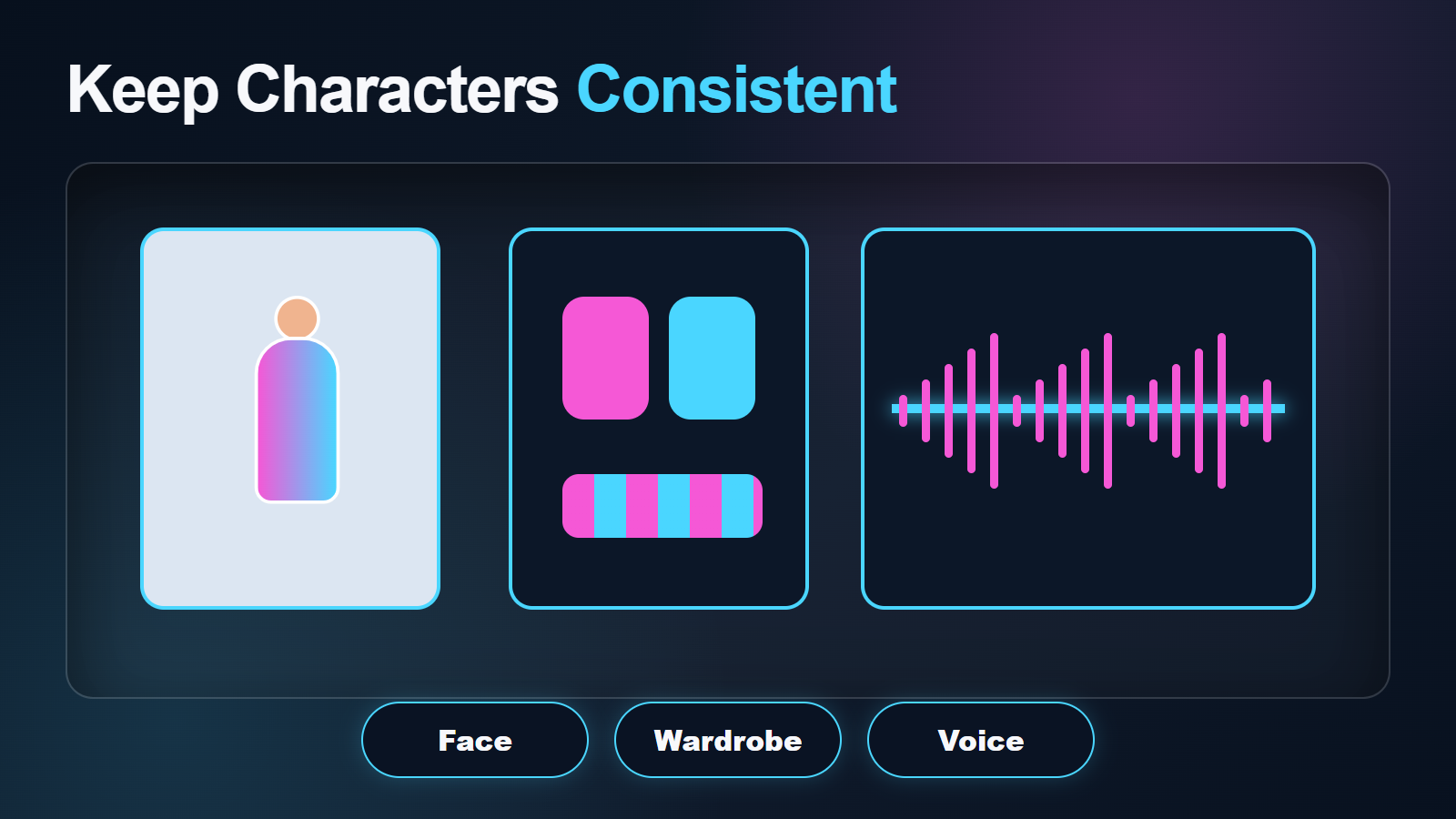
Consistency Review
Separate Visual Tests
| Layer | Pass criteria | Common failure |
|---|---|---|
| Face | Stable features and age | Eyes, jaw, or hairline drift |
| Body | Stable proportions and limb count | Hands fuse or gait changes |
| Wardrobe | Same layers, colors, accessories | Buttons, seams, or scarf disappear |
| Prop | Same shape, scale, contact | Object morphs during interaction |
| Scene | Stable layout, landmarks, light | Doors move or architecture bends |
| Camera | Only requested movement | Unintended zoom, orbit, or roll |
Review at native frames, not only in a compressed preview. Mark the first bad frame and decide whether to trim, regenerate, or split the action. Small continuity defects often become obvious when clips are cut together.
Quality, Speed, and Export
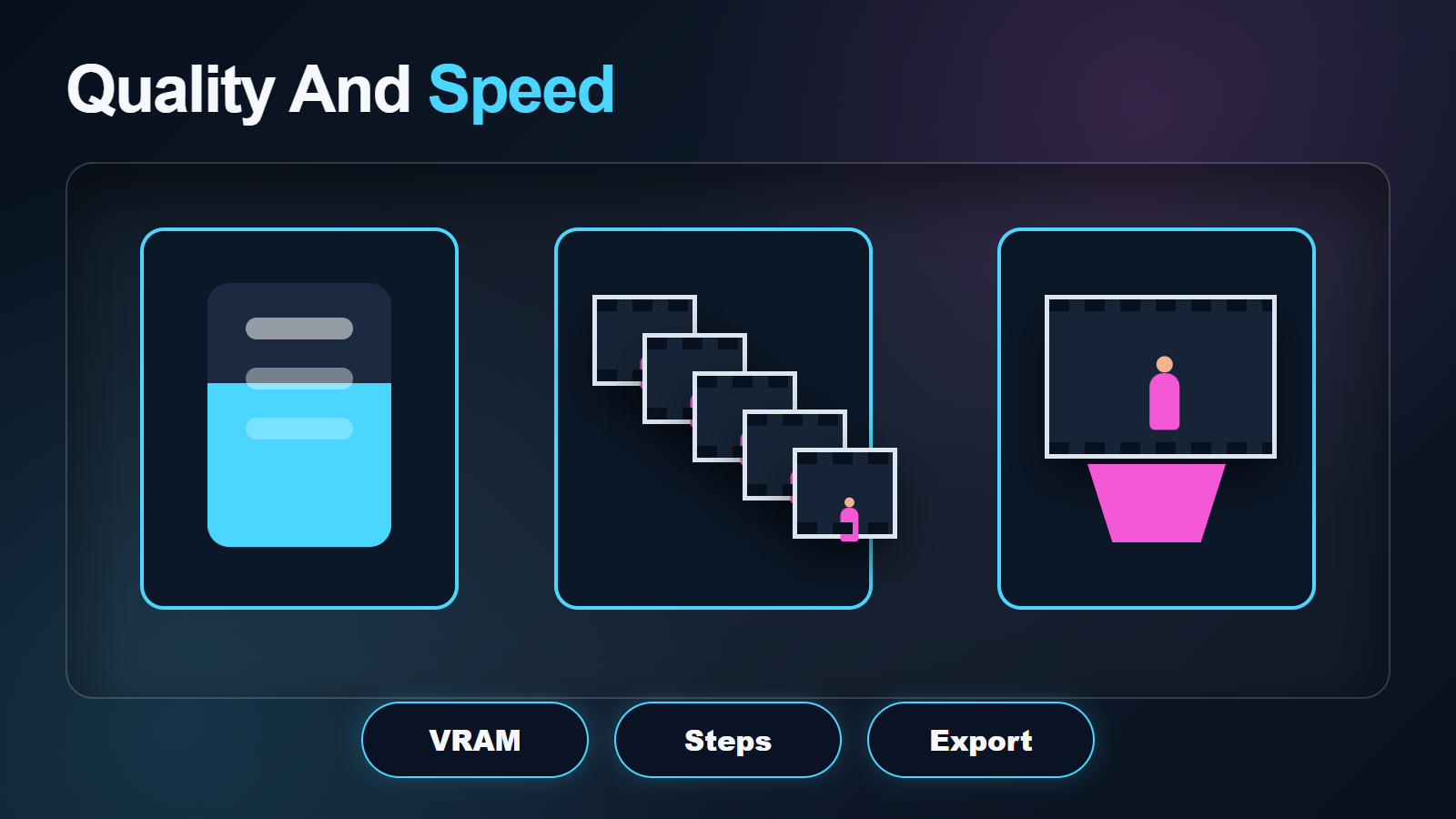
Open-Sora Settings Table
| Pass | Resolution/approach | Goal |
|---|---|---|
| Environment | Official 256 px example | Verify installation and memory |
| Motion | 256 px, fixed seed | Approve action and camera |
| Continuity | Multiple short samples | Choose stable identity and scene |
| Final | Approved higher-resolution config | Recover detail without changing intent |
| Delivery | High-quality intermediate | Encode once in the editor |
Fifty steps were used in the official efficiency benchmark; that does not make 50 ideal for every task. Use repository configurations as the baseline, then test one setting at a time. Monitor VRAM, system RAM, runtime, disk space, and GPU utilization. Avoid repeated lossy compression before final delivery.
Voice, Audio, and Lip Sync
Open-Sora 2.0’s official visual workflow does not document native synchronized dialogue, voice cloning, music, effects, or lip sync. Keep visual generation and audio production separate. Obtain consent for any synthetic voice, preserve provenance, record or synthesize clean speech, and use a documented audio-conditioned or lip-sync system after the face motion is stable.
Review voice identity, pronunciation, emotion, mouth timing, and body rhythm independently. A consistent face is not proof of consistent voice, and a stable audio track cannot repair visual identity drift.
Limitations and Troubleshooting
Open-Sora Fix Table
| Problem | Likely cause | Fix |
|---|---|---|
| Out of memory | 11B model and heavy configuration | Use the official 256 px offload baseline or documented multi-GPU path |
| Identity drift | Long duration or weak reference | Improve the shot image and split the action |
| Wardrobe changes | Ambiguous layers or prompt expansion | Show full wardrobe and review refined prompts |
| Scene bends | Camera reveals undefined geometry | Add view-specific environment references |
| Different result each run | Seeds not fixed | Set sampling and global seeds |
| High-resolution run changes motion | Different configuration or sampling path | Keep prompt/seed fixed and compare one change |
| Lip sync fails | Capability is outside base model | Use clean audio and a separate supported stage |
Limitations include very high GPU memory in the official benchmarks, large downloads, complex environments, long-shot drift, weak control over unseen views, no native audio, and research-code setup demands. Review safety, provenance, rights, and dependency licenses before commercial use.
Edit AI videos here
Trim unstable frames, combine approved Open-Sora shots, add authorized dialogue, effects, music, captions, transitions, color matching, and delivery exports at https://ai.alphatechnologies.vn. Keep the reference, prompt, seed, configuration, commit, checkpoint, and audio provenance with every select.
Open-Sora Final Recommendation
Use Open-Sora 2.0 as a shot generator with strict continuity gates. Prove the environment at 256 px, fix seeds, approve one action, and promote only stable shots. Keep voice and lip sync separate. Aikolhub tracks more official-source video-model workflows and practical production guidance.
Open-Sora FAQ
Is Open-Sora 2.0 open source?
Yes. The official repository and model card list Apache-2.0 for Open-Sora 2.0. Still verify the licenses of every downloaded dependency and asset.
How much VRAM does Open-Sora 2.0 need?
The official 50-step benchmark reports 52.5 GB peak for 256×256 on one H100/H800 GPU with offload and 60.3 GB for 768×768. Your configuration may differ.
Does it support image-to-video?
Yes. The official repository documents text-to-video and image-to-video inference, including optional prompt refinement for both.
Can one reference prevent all drift?
No. It anchors the first state, but large turns, occlusion, long duration, complex action, and unseen environment views can still cause drift.
Does Open-Sora 2.0 create voice?
Native synchronized voice is not documented. Produce authorized audio separately and use a supported lip-sync or audio-conditioned stage.
Official sources: Open-Sora repository, official model card, Open-Sora 2.0 technical report, and Apache-2.0 license.