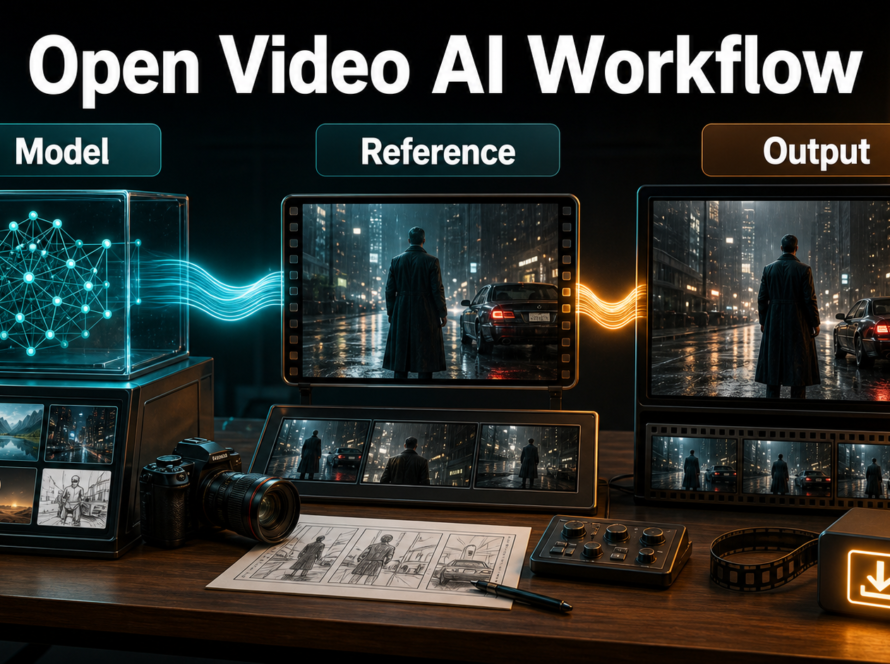
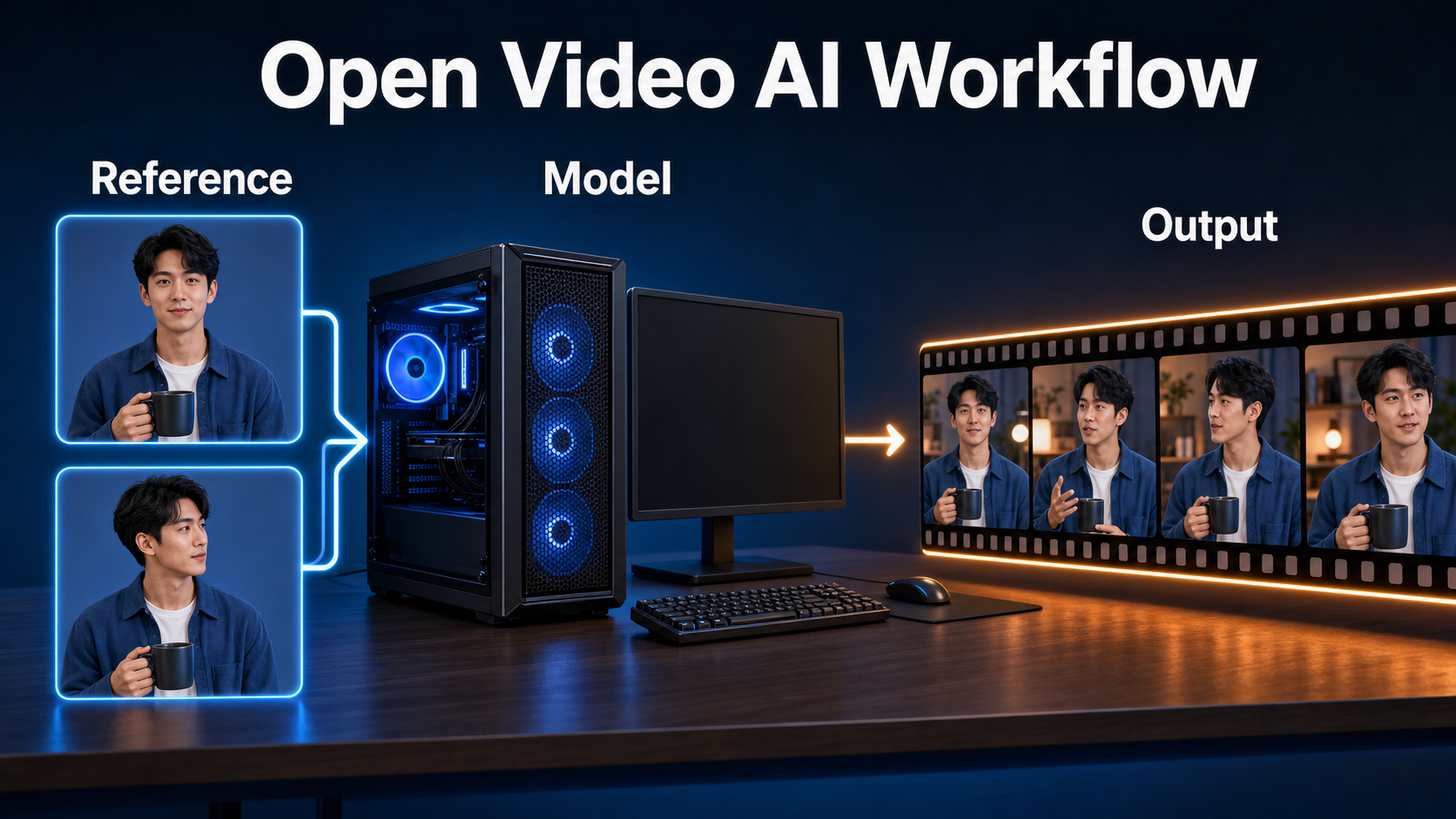
A practical Phantom-Wan production workflow starts with Phantom-Wan-1.3B at 832×480, one to four clean subject references, and a prompt that explicitly describes every referenced subject and prop. Approve identity and motion at the model’s stable horizontal 480p target before testing 14B, 720p, or longer output. The official repository does not publish one universal VRAM minimum, so memory must be measured for the exact checkpoint, resolution, frames, precision, and parallel strategy. This guide was verified on July 26, 2026.
Phantom is a subject-to-video framework designed to align text and visual references for single or multiple subjects. It can improve face, clothing, and object consistency, but it does not make camera motion, scene continuity, hands, voice, lip sync, or physics automatically reliable. Treat every layer as a separate production test.
Table of Contents
Phantom-Wan Status
The official Phantom repository describes a unified framework for single- and multi-subject reference video generation. It builds Phantom-Wan on Wan2.1 and uses joint text-image conditioning to preserve the referenced subject while following a new textual scene and action.
What Changed
The repository records Phantom-Wan inference code and checkpoint release on April 21, 2025, Phantom-Wan-14B on May 27, 2025, ICCV 2025 acceptance on June 26, 2025, and a Phantom-Data announcement on June 24, 2025. Its newest dated news item is September 10, 2025, when the same team announced HuMo, a separate human-centric model with text, reference-image, and audio conditioning.
Do not transfer HuMo’s audio features to Phantom-Wan. Phantom-Wan’s documented workflow is visual subject-to-video generation. The repository’s todo list still includes training-code and additional checkpoint work, so capture the exact commit and released model files used.
Weights and License
| Official weight | Documented support | Production role |
|---|---|---|
| Phantom-Wan-1.3B | 480p and 720p; single- or multi-GPU examples | Installation, prompt, reference, and motion tests |
| Phantom-Wan-14B | 480p and 720p; trained on 480p data | Higher-capacity final comparisons |
| Wan2.1-T2V-1.3B components | VAE and text encoder dependency | Required base files for the official setup |
The repository and official model card list Apache-2.0. The model repository is about 63 GB: the 1.3B checkpoint is roughly 5.69 GB, while 14B is split across six large safetensors shards. Keep license notices and verify the Wan2.1 dependency and every production asset separately.
Hardware and Installation
Verified Setup
The official quickstart requires PyTorch 2.4.0 or newer. Clone the repository, install its requirements, then download both Wan2.1-T2V-1.3B components and the Phantom model files into separate directories.
git clone https://github.com/Phantom-video/Phantom.git
cd Phantom
pip install -r requirements.txt
pip install "huggingface_hub[cli]"
huggingface-cli download Wan-AI/Wan2.1-T2V-1.3B --local-dir ./Wan2.1-T2V-1.3B
huggingface-cli download bytedance-research/Phantom --local-dir ./Phantom-Wan-Models
Use an isolated environment and record Python, PyTorch, CUDA, driver, repository commit, model hashes, and download source. For multi-GPU inference, the official examples install xfuser>=0.4.1 and use FSDP plus xDiT USP with eight processes.
VRAM Planning
The official README gives single-GPU and eight-GPU commands but does not state a minimum VRAM number. Do not infer VRAM from checkpoint size or quote an unverified community value. Measure free VRAM and peak allocated memory for the exact task.
- Start with 1.3B, 832×480, one short sample, and one or two references.
- Close other GPU applications and record system RAM as well as VRAM.
- Keep precision, frame count, reference count, and resolution fixed during one comparison.
- Use the official multi-GPU path for 14B when one GPU cannot fit the job.
- Leave disk space for roughly 63 GB of Phantom files, Wan components, caches, and outputs.
Reference Images and Prompt Context
Choose One to Four References
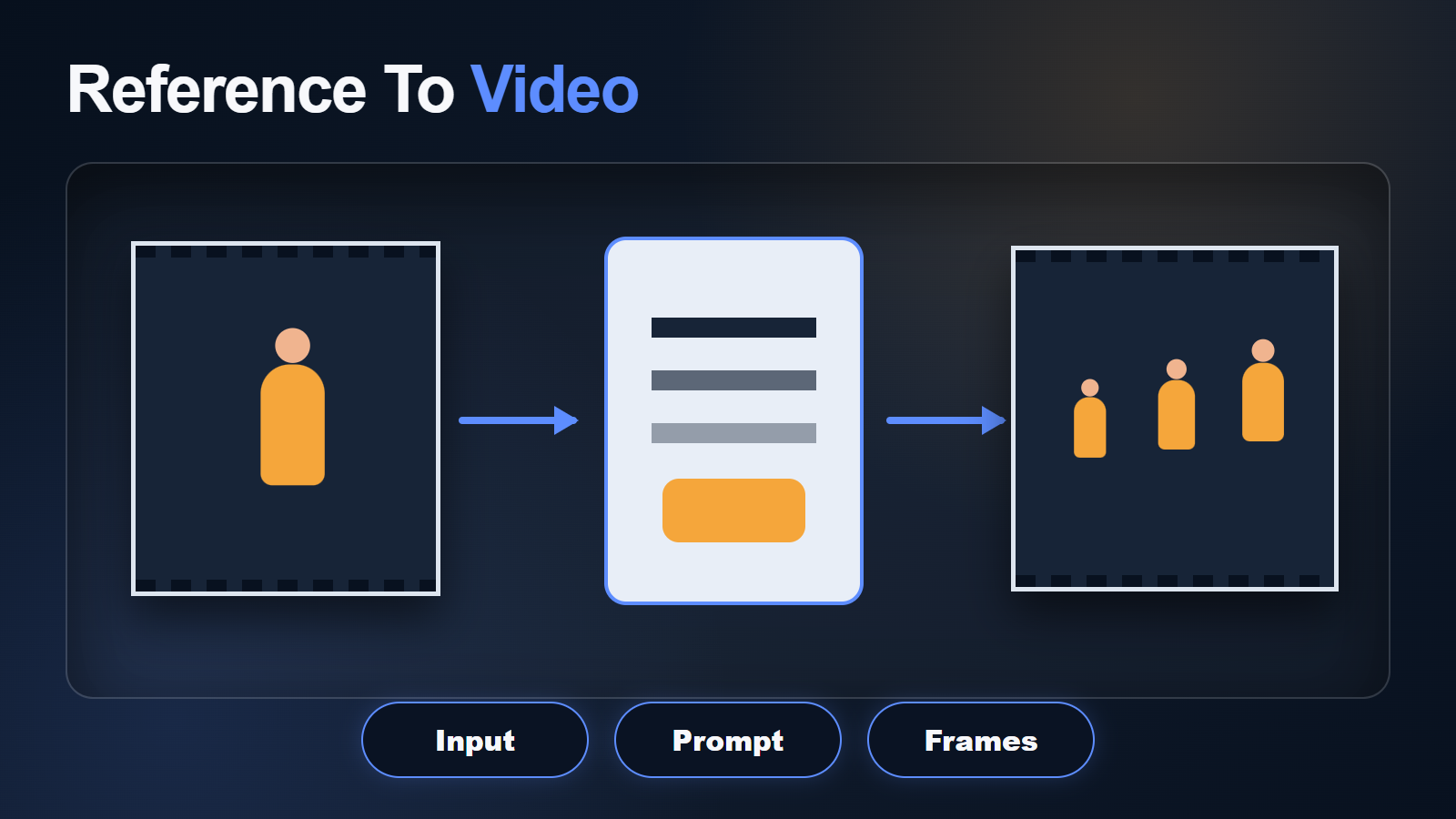
The official note allows up to four reference images. One image can define a single subject; several can show multiple subjects or complementary views. More references are not automatically better. Every image should have a clear role and avoid contradictory identity, wardrobe, or background cues.
- Use sharp front and three-quarter views for a person.
- Add a full-body or profile only when the shot needs it.
- Use separate clean references for important props or a second subject.
- Avoid crop differences that make the same person appear at conflicting ages or scales.
- Remove watermarks, unreadable text, and anatomy defects before inference.
The README recommends accurately describing visual content from the references in the prompt. If a toy camera is yellow and red with blue buttons, say so. Naming visible anchors helps align text and image conditioning and reduces the chance that the model treats the object as irrelevant background.
Phantom-Wan Prompt Template
References: [Reference 1 role and exact visual anchors]; [Reference 2 role and anchors].
The same [subject identity] wearing [fixed wardrobe] in [fixed scene].
Action: [one physically clear action].
Camera: [shot size, angle, one locked or slow move].
Lighting: [time, key direction, fill, palette].
Preserve face, hair, body, wardrobe, prop shapes, subject count, background landmarks, and light direction.
No subject merging, identity swap, costume change, extra limbs, morphing props, camera jumps, or texture flicker.
For multiple subjects, describe each in a separate sentence before describing their interaction. Use spatial language such as “woman on frame-left” and “dog on frame-right,” then preserve those positions. Complex contact between subjects is harder than parallel action, so validate them standing or sitting apart before asking for an embrace or handoff.
Practical Production Workflow
Preview-to-Final Steps
- Capture the repository commit, environment, weights, and licenses.
- Choose 1.3B and the official 832×480 horizontal baseline.
- Approve one to four role-labeled references.
- Write one subject action and one camera behavior.
- Render a short fixed-seed preview.
- Review first, middle, and final frames for every subject.
- Change one prompt, reference, seed, or setting variable.
- Promote the winning prompt/reference pair to 14B only when needed.
- Test 720p as a separate quality pass, not an automatic upgrade.
- Export the shortest stable clip for editing.
Seed and Prompt Tests
The official notes recommend changing the base seed and modifying the prompt when output is unsatisfactory. Use controlled tests: keep references and prompt fixed while comparing seeds, then keep the winning seed fixed while changing one prompt detail. Otherwise you cannot know what improved identity or motion.
Create a simple scorecard for face match, wardrobe, prop, motion, prompt following, scene stability, hands, camera, and flicker. A visually attractive seed may still fail the commercial requirement if it changes the product or merges two characters.
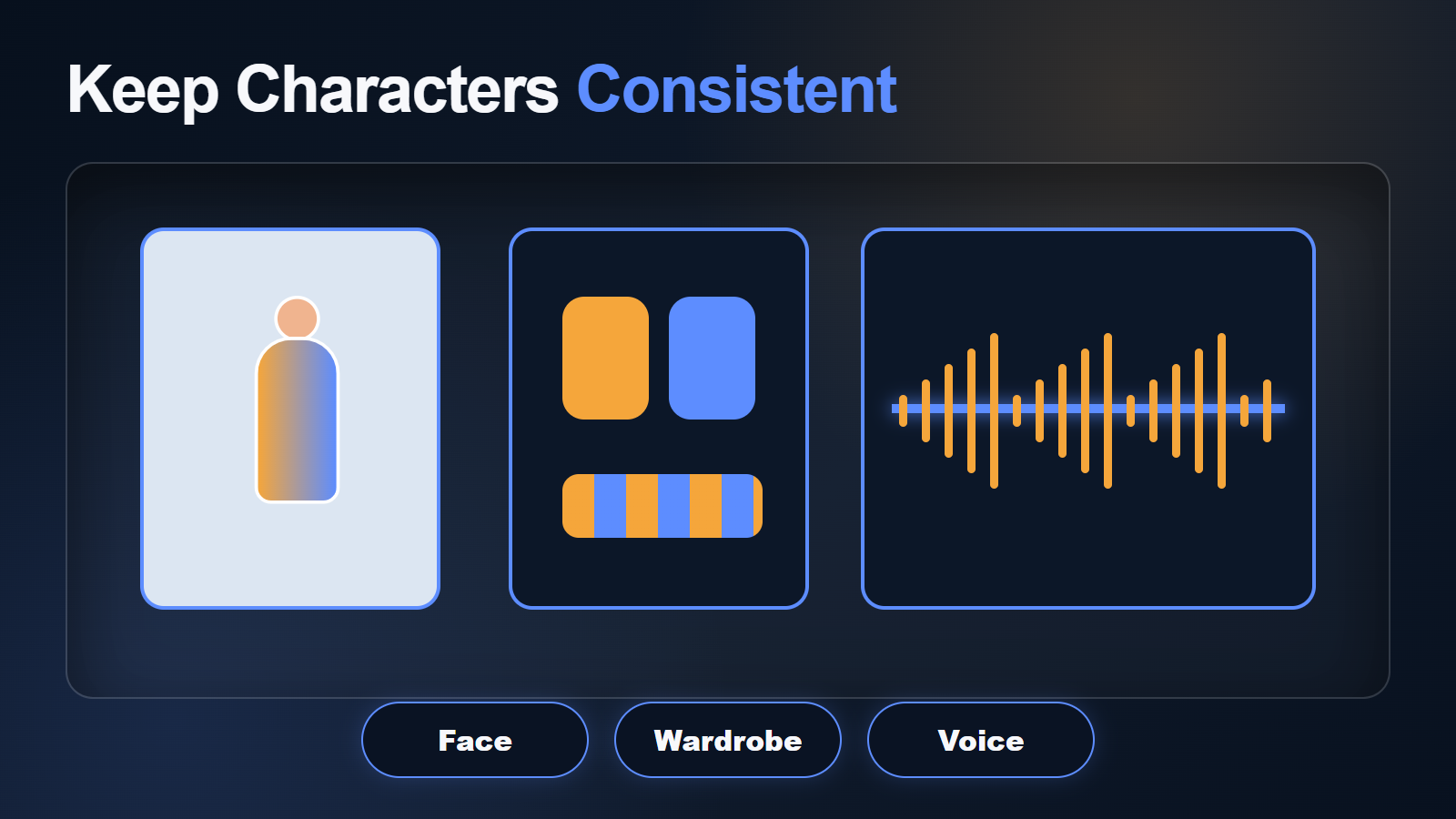
Character and Scene Consistency
Continuity Acceptance Table
| Layer | Pass criteria | Primary control |
|---|---|---|
| Face | Stable features, age, hairline | Clear compatible references and short motion |
| Body | Stable proportions and limb count | Full-body view and simple action |
| Wardrobe | Same colors, layers, accessories | Explicit prompt anchors |
| Multi-subject | No merging or identity swap | Role labels and spatial separation |
| Prop | Stable shape, color, hand contact | Clean prop reference and description |
| Scene | Landmarks and lighting remain fixed | Short camera move and scene description |
Phantom’s purpose is subject consistency, not full-scene determinism. Backgrounds can still bend, hands can still fail, and long interactions can still drift. Save the first bad frame, diagnose the affected layer, and shorten or split the shot instead of relying on post-processing to restore identity.
Speed, Quality, and Export Settings
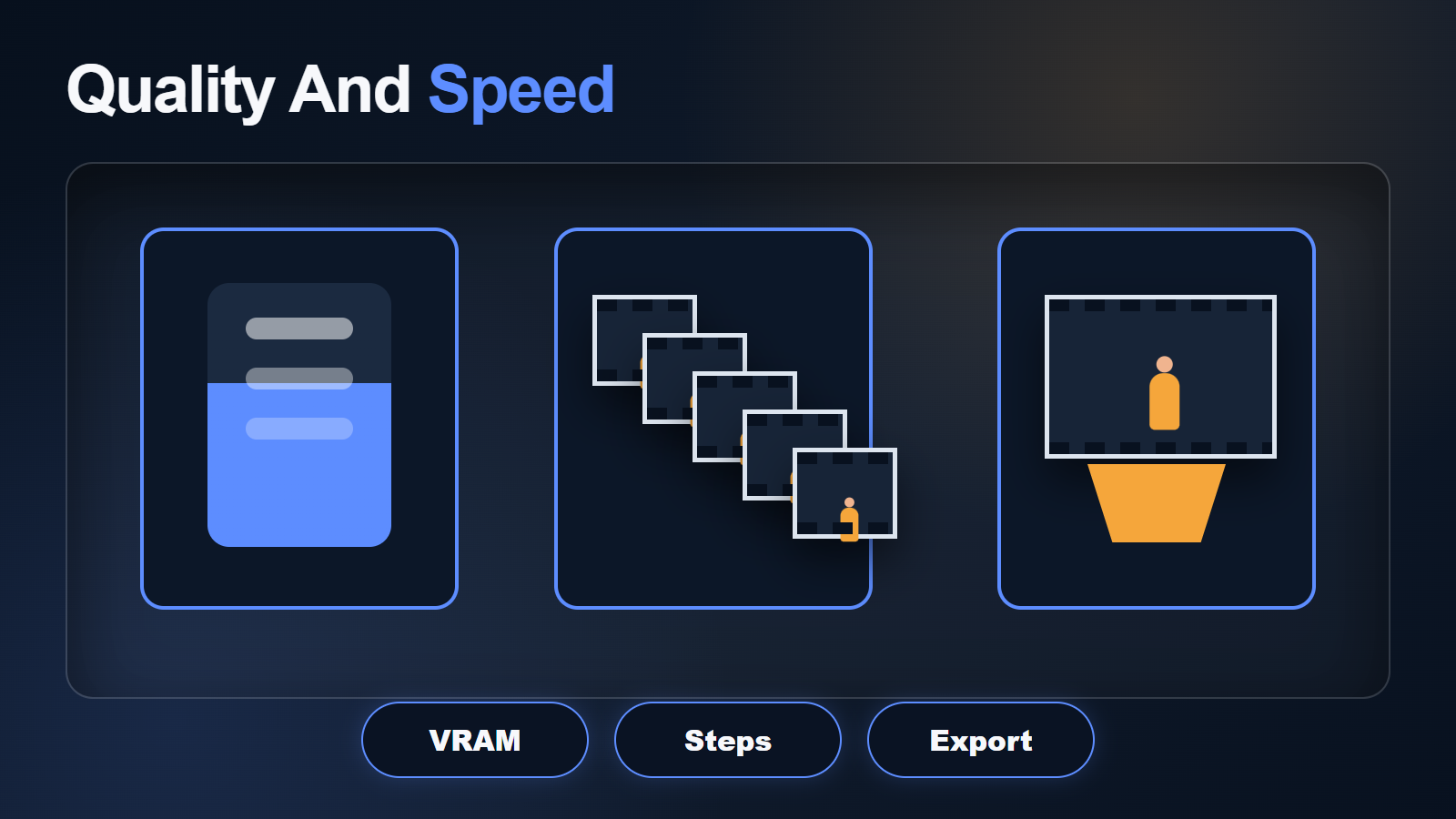
Phantom-Wan Settings Table
| Decision | Recommended baseline | Reason |
|---|---|---|
| First checkpoint | 1.3B | Lower-cost workflow validation |
| First size | 832×480 horizontal | Matches the official single-GPU examples |
| References | 1–2 initially; maximum 4 | Reduce condition conflict |
| 14B frame rate | 24 fps baseline | Model was trained on 24 fps data |
| 16 fps | Use only after comparison | README notes a possible quality decline |
| 720p | Separate final test | 14B was trained on 480p and may be less stable higher |
| Orientation | Horizontal | Official note says it tends to be more stable |
The 14B example uses 121 frames at 24 fps, which is about five seconds. Do not assume more frames improve a shot. Runtime and memory rise with model size, resolution, references, and frames. Save high-quality intermediates, then perform one delivery encode in the editor to avoid repeated compression.
Voice, Audio, and Lip Sync
Phantom-Wan does not document native voice, synchronized audio, or lip sync. The repository’s HuMo announcement is a separate model and cannot be treated as a Phantom-Wan capability. Produce authorized speech separately, preserve consent and provenance, and apply a documented lip-sync or audio-conditioned stage only after visual identity is stable.
Review voice identity, pronunciation, emotion, mouth timing, and body motion separately. Multi-subject dialogue also needs explicit speaker assignment; a visually consistent pair can still swap voices or lip motion in a downstream audio pass.
Limitations and Troubleshooting
Phantom-Wan Fix Table
| Problem | Likely cause | Fix |
|---|---|---|
| Out of memory | 14B, resolution, frames, or references too heavy | Return to 1.3B 480p and measure one variable at a time |
| Subject identity drifts | Weak or conflicting references | Use compatible views and shorter motion |
| Two subjects merge | Ambiguous roles or contact | Describe each separately and increase spatial separation |
| Prop changes color | Prompt omits visual anchors | Name shape, material, colors, and distinctive parts |
| 720p is less stable | 14B training emphasized 480p | Approve 480p first and compare higher resolution separately |
| Vertical shot wobbles | Orientation outside stable recommendation | Generate horizontal and crop only when composition allows |
| 16 fps loses quality | Model trained on 24 fps | Use 24 fps baseline and convert in post if necessary |
| Lip sync missing | Not a documented feature | Use clean audio and a separate supported stage |
Other limits include large downloads, no official universal VRAM figure, incomplete training-code releases, less stable high-resolution output, multi-subject interaction risk, and no native audio. Review rights, consent, reference provenance, and output safety before commercial distribution.
Edit AI videos here
Trim unstable frames, combine approved Phantom-Wan clips, add authorized dialogue, music, effects, captions, transitions, color matching, and final exports at https://ai.alphatechnologies.vn. Keep the references, prompt, seed, model, commit, settings, and audio provenance with each selected shot.
Phantom-Wan Final Recommendation
Start with fewer clean references, a detailed subject description, 1.3B, 832×480, 24 fps, and horizontal output. Promote only stable identity and motion to 14B or 720p. Keep audio separate. Explore more official-source subject-to-video workflows and production checklists on Aikolhub.
Phantom-Wan FAQ
Is Phantom-Wan open source?
The official repository and model card list Apache-2.0. Verify Wan2.1 dependencies, reference-image rights, and every other production asset separately.
How much VRAM does Phantom-Wan need?
The official README does not publish one minimum. Checkpoint, resolution, frames, precision, references, and parallelism determine peak memory; measure your exact run.
How many reference images can I use?
The official workflow supports one to four. Start with the fewest images that clearly define the subject and add views only when they contribute non-conflicting information.
Should I use 1.3B or 14B?
Use 1.3B to validate installation, references, prompt, seed, and motion. Compare 14B only after the lower-cost workflow passes.
Does Phantom-Wan generate audio?
No native audio is documented. HuMo is a separate team project. Create authorized audio separately and use a supported lip-sync or audio-conditioned stage.
Official sources: Phantom repository, official model card, Phantom technical report, Phantom-Data report, and Apache-2.0 license.