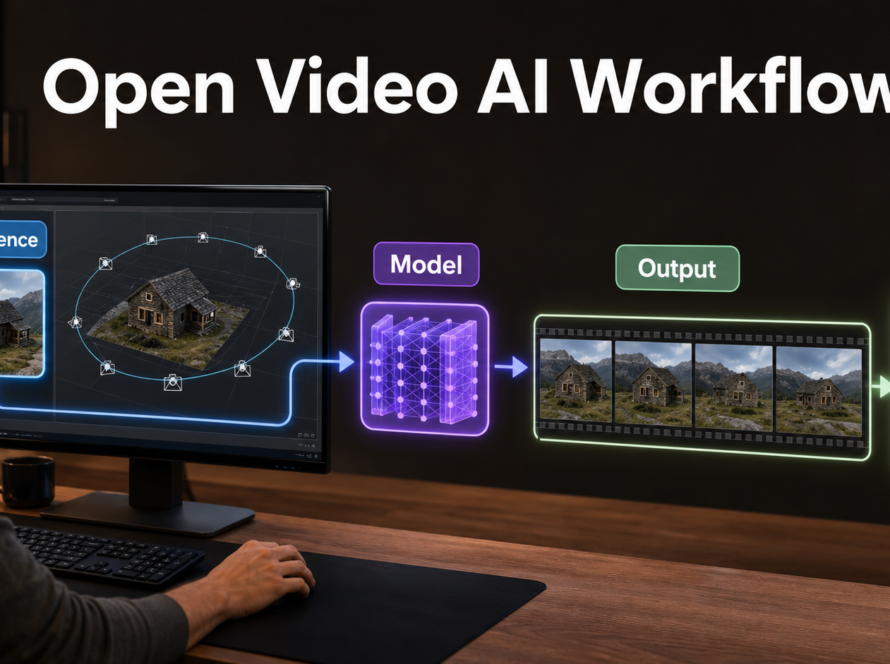
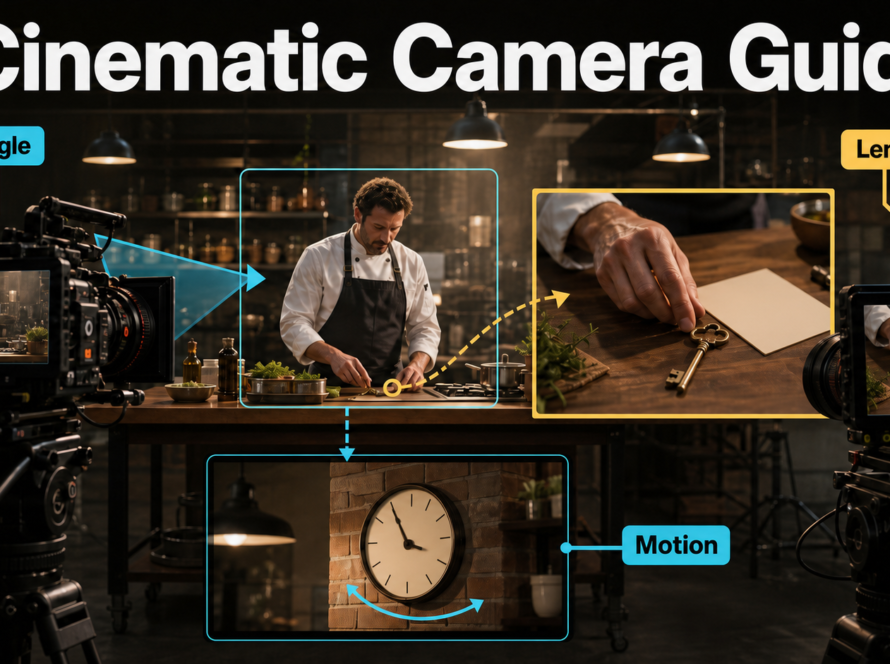
The best HunyuanVideo-1.5 production workflow is a two-pass process: create short 480p previews, approve identity and motion, then render only selected shots at 720p or through the official super-resolution path. Use I2V when the first frame must anchor a character or product, keep camera language physically coherent, and edit separate clips rather than demanding an entire sequence from one generation. Updated July 19, 2026, this guide reflects the current official repository, model cards, release notes, inference arguments, and Tencent Hunyuan Community License.
HunyuanVideo-1.5 is an 8.3-billion-parameter open-weight model family for text-to-video and image-to-video generation. It is not OSI-style open source: its custom license has territorial and use restrictions, including an express exclusion for the European Union, United Kingdom, and South Korea. Check the license for your location and use case before deploying it.
Table of Contents
What Changed in HunyuanVideo-1.5
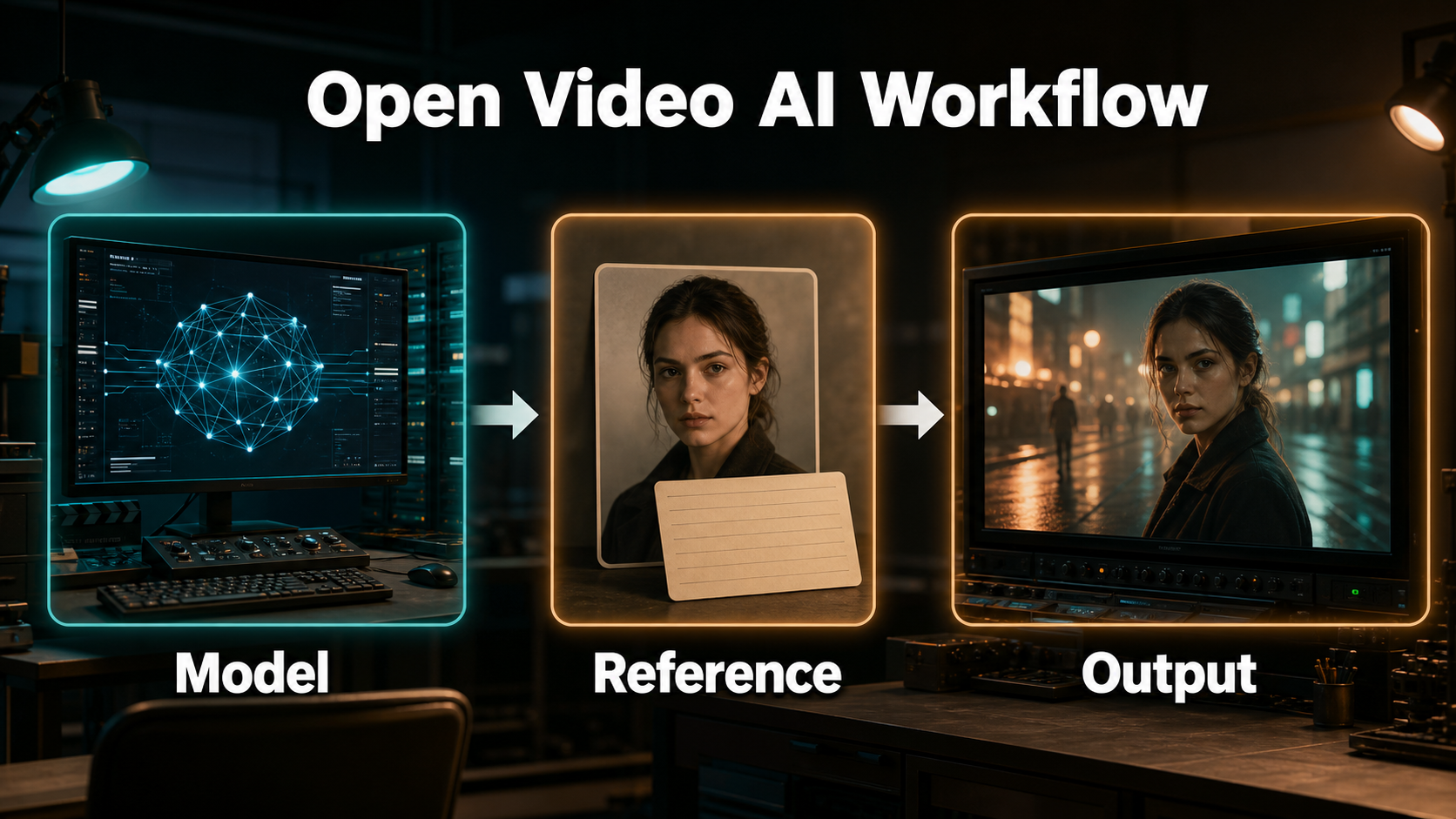
HunyuanVideo-1.5 reduces the model to 8.3B parameters while supporting 480p and 720p T2V and I2V. Its official pipeline also includes few-step video super-resolution, prompt rewriting, caching, CFG-distilled checkpoints, sparse attention for supported hardware, and a step-distilled 480p I2V checkpoint.
Verified Release Status
The official repository released inference code and weights on November 20, 2025. On December 5, it added a 480p I2V step-distilled model recommended at 8 or 12 steps and reported a 75% end-to-end time reduction on an RTX 4090, with generation within 75 seconds in its test. FP8 GEMM inference support followed on December 23. As checked July 19, 2026, the repository also lists Diffusers and ComfyUI support, 480p and 720p checkpoints, and 720p-to-1080p super-resolution weights.
Treat those speed numbers as the official team’s measured result, not a promise for every PC. GPU architecture, offloading, attention backend, frame count, storage, CPU RAM, and thermal limits all change real throughput.
Choose the Right Generation Path
| Goal | Starting path | Reason |
|---|---|---|
| Explore an idea | 480p T2V | Fastest way to test composition and motion |
| Preserve an opening design | 480p I2V step-distilled | Uses a first-frame anchor with 8 or 12 recommended steps |
| Master a chosen shot | 720p I2V or T2V | More native detail for final review |
| Deliver 1080p | 720p plus official SR | Uses the released 720-to-1080 super-resolution model |
Hardware, Installation, and Model Choices
The official minimum is an NVIDIA CUDA GPU with 14 GB of VRAM when model offloading is enabled. The supported operating system is Linux, with Python 3.10 or newer. More VRAM can improve speed by reducing CPU transfers, but 14 GB is a capacity baseline, not a performance guarantee.
Official System Baseline
- Clone the official HunyuanVideo-1.5 repository on Linux.
- Create an isolated Python 3.10+ environment and install
requirements.txt. - Install a documented attention backend appropriate for the GPU. Sparse attention requires additional dependencies and supported H-series hardware.
- Download only the checkpoints needed for the chosen path from the official model collection.
- Test one 480p, 16:9, 121-frame job before downloading every model variant.
Keep at least tens of gigabytes of free storage for checkpoints, caches, previews, pre-SR renders, and masters. CPU offloading also raises system-memory and transfer demands.
Speed and Quality Presets
| Preset | Resolution | Steps | Useful options |
|---|---|---|---|
| Fast I2V preview | 480p | 8 | Step-distilled checkpoint, offloading as needed |
| Balanced I2V preview | 480p | 12 | Step-distilled checkpoint, prompt rewrite if configured |
| Standard quality | 480p or 720p | 50 | Correct base or CFG-distilled checkpoint |
| Final master | 720p then SR | 50 plus SR steps | Save pre-SR video for comparison |
The official optimal table says CFG-distilled models still require 50 steps. Do not confuse CFG distillation with the separate 480p I2V step-distilled checkpoint. Caching can accelerate inference, but compare a cached render with an uncached control before adopting it for final masters.
Reference Image and Prompt Context
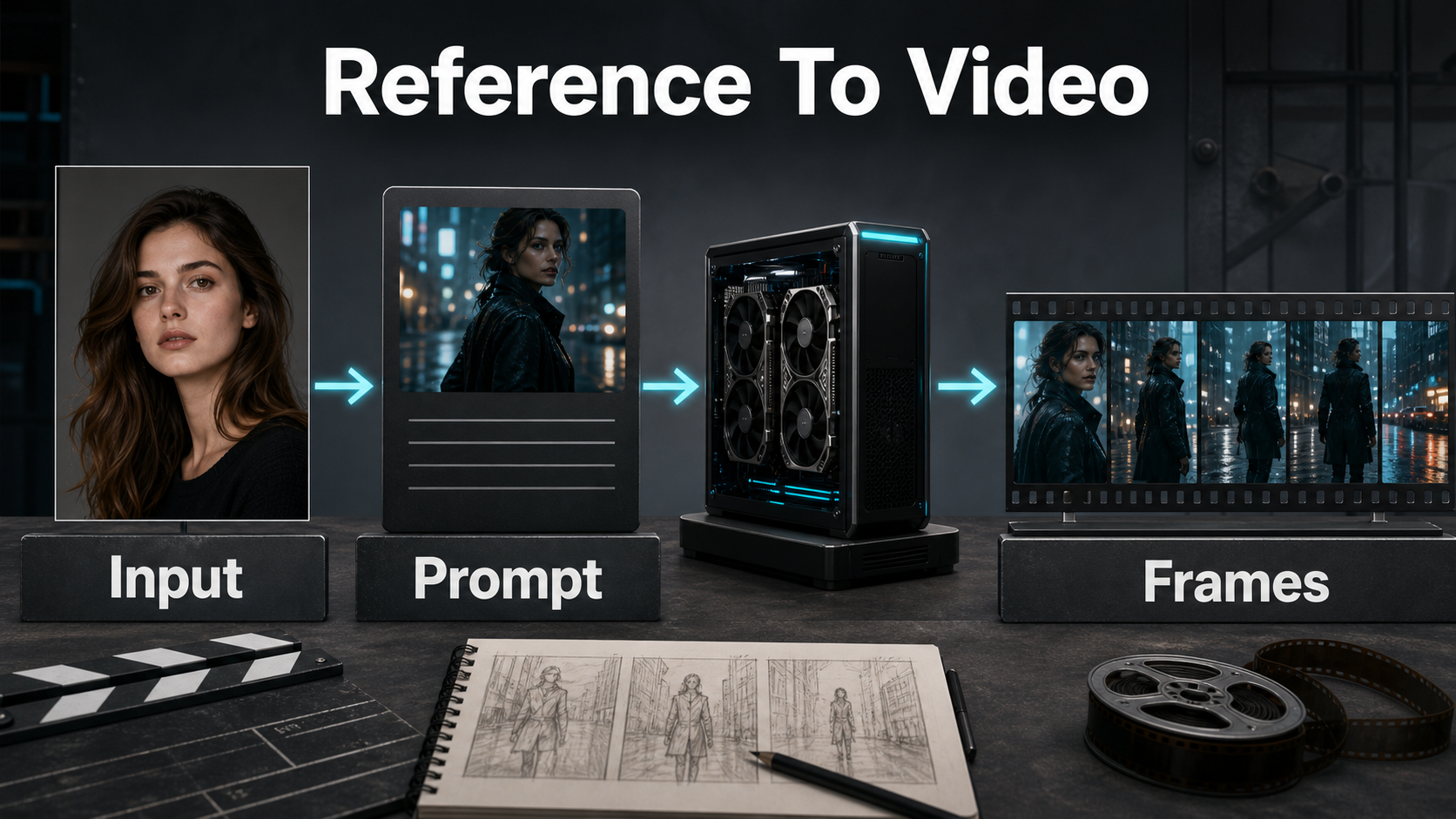
I2V uses --image_path as the first-frame condition. That is first-frame consistency, not persistent memory of a character across unrelated shots. The best input already contains the composition, wardrobe, prop placement, lighting direction, and environment geometry you want to preserve.
Build a Production Reference
- Use the final 16:9 crop or the exact delivery aspect ratio.
- Keep the subject large enough to inspect but leave space for intended motion.
- Show both hands when hands interact with a product or prop.
- Use final wardrobe colors, jewelry, hair, and set dressing.
- Avoid small lettering, repeated fine patterns, mirrors, and ambiguous background people.
- Match the desired key-light direction and time of day.
For a new camera angle, make a new approved reference. Asking one frontal frame to invent a flawless profile, unseen jacket back, and reverse angle of a room creates avoidable uncertainty.
Use a Cinematic Prompt Template
[shot size] of the same [subject], wearing [fixed wardrobe], holding [fixed prop].
Action: [one clear action] in [fixed environment].
Camera: [height and angle], [movement], [focal-length look].
Exposure: [aperture look], [shutter-angle look], [frame rate].
Lighting: [key direction], [fill level], [practical or rim light].
Preserve face, wardrobe, prop hand, set layout, and lighting direction.
Example: “Medium shot of the same product designer in a charcoal jacket and red scarf, holding a silver prototype in her right hand. She turns slightly toward camera in a concrete studio. Eye-level slow dolly-in, natural 50 mm perspective, f/4 depth-of-field look, 180-degree shutter motion at 24 fps, soft key from camera-left and warm practical behind. Preserve face, scarf knot, prototype shape, hand placement, table, and lamp.”
Focal length, aperture, and shutter angle are visual instructions here, not guaranteed physical metadata. Judge perspective compression, depth of field, motion blur, focus breathing, and edge distortion in the result.
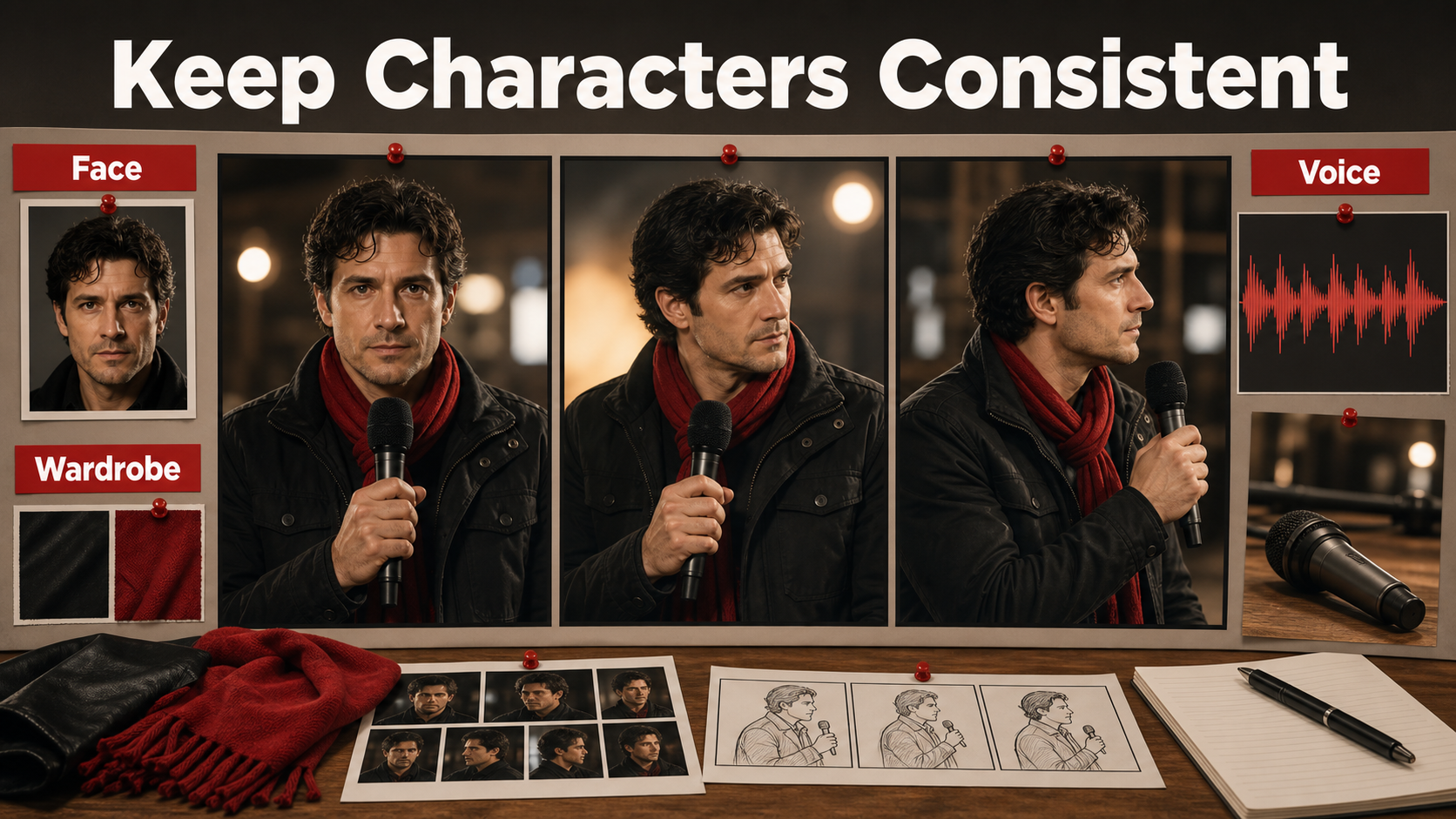
Character, Prop, and Scene Consistency
Consistency improves when each requirement has a defined control and a separate acceptance test. Repeating “consistent” in a prompt cannot replace a reference pack and shot-level quality control.
Separate the Consistency Problems
| Problem | What must remain stable | Primary control |
|---|---|---|
| Subject consistency | Face, hair, body proportions | Approved character sheet and shot reference |
| First-frame consistency | Opening composition | I2V image path |
| Wardrobe and prop continuity | Color, shape, hand, orientation | Visible reference details and continuity notes |
| Scene continuity | Set geometry, time, light direction | Scene bible and matching references |
| Voice identity | Speaker timbre and delivery | Separate approved audio workflow |
| Lip sync | Mouth timing to phonemes | Dedicated lip-sync stage |
Save the seed, prompt, checkpoint, resolution, inference settings, source image, and accepted first and last frames for every shot. When continuity fails, change one variable at a time.
Control Camera and Lens Behavior
- Dialogue or product demo: eye level, 50-85 mm look, locked camera or slow push, moderate depth of field.
- Environment reveal: 24-35 mm look, slow crane or dolly, deeper focus, restrained parallax.
- Fast action: wider framing, clear travel direction, controlled motion blur, simple background.
- Close detail: 70-100 mm look, stable camera, small movement, strong focus target.
Choose one dominant move. Combining handheld shake, orbit, zoom, rack focus, and a running subject in five seconds gives the model too many changing constraints. At 24 fps, a 180-degree shutter look is a practical cinematic baseline; a shorter shutter look makes motion crisper, while a longer one increases blur.
Voice, Lip Sync, and Audio Workflows
HunyuanVideo-1.5 T2V and I2V generate visual video. The official base inference interface does not accept a voice track as a performance input and does not synthesize dialogue, preserve a speaker identity, or guarantee lip sync.
What the Base Model Does Not Do
Keep four audio concepts separate. Voice identity is the recognizable speaker timbre. Speech synthesis creates spoken words. Lip sync aligns visible mouth shapes with a finished track. Audio-driven motion uses sound to drive facial expression, head movement, or body performance. None is supplied by the base HunyuanVideo-1.5 I2V first frame.
For a speaking character, generate a restrained frontal or three-quarter visual shot, create or record authorized speech separately, then use a dedicated lip-sync or audio-driven animation tool. Obtain consent for cloned voices, preserve provenance, and never imply that a real person endorsed synthetic footage.
Practical Production Workflow
Preview, Approve, and Master
- Write a shot list with one action and one camera move per clip.
- Build character, wardrobe, prop, environment, and lighting reference sheets.
- Choose T2V for exploration or I2V for a controlled first frame.
- Render an 8-step 480p I2V preview when that checkpoint fits the task.
- Review the opening, midpoint, and ending for identity, hands, props, geometry, focus, and motion.
- Try 12 steps or the standard model only after the concept passes.
- Render the approved shot at 720p with the appropriate official checkpoint.
- Run official super-resolution to 1080p and save the pre-SR version.
- Add dialogue, lip sync, music, effects, color, captions, and cuts in post.
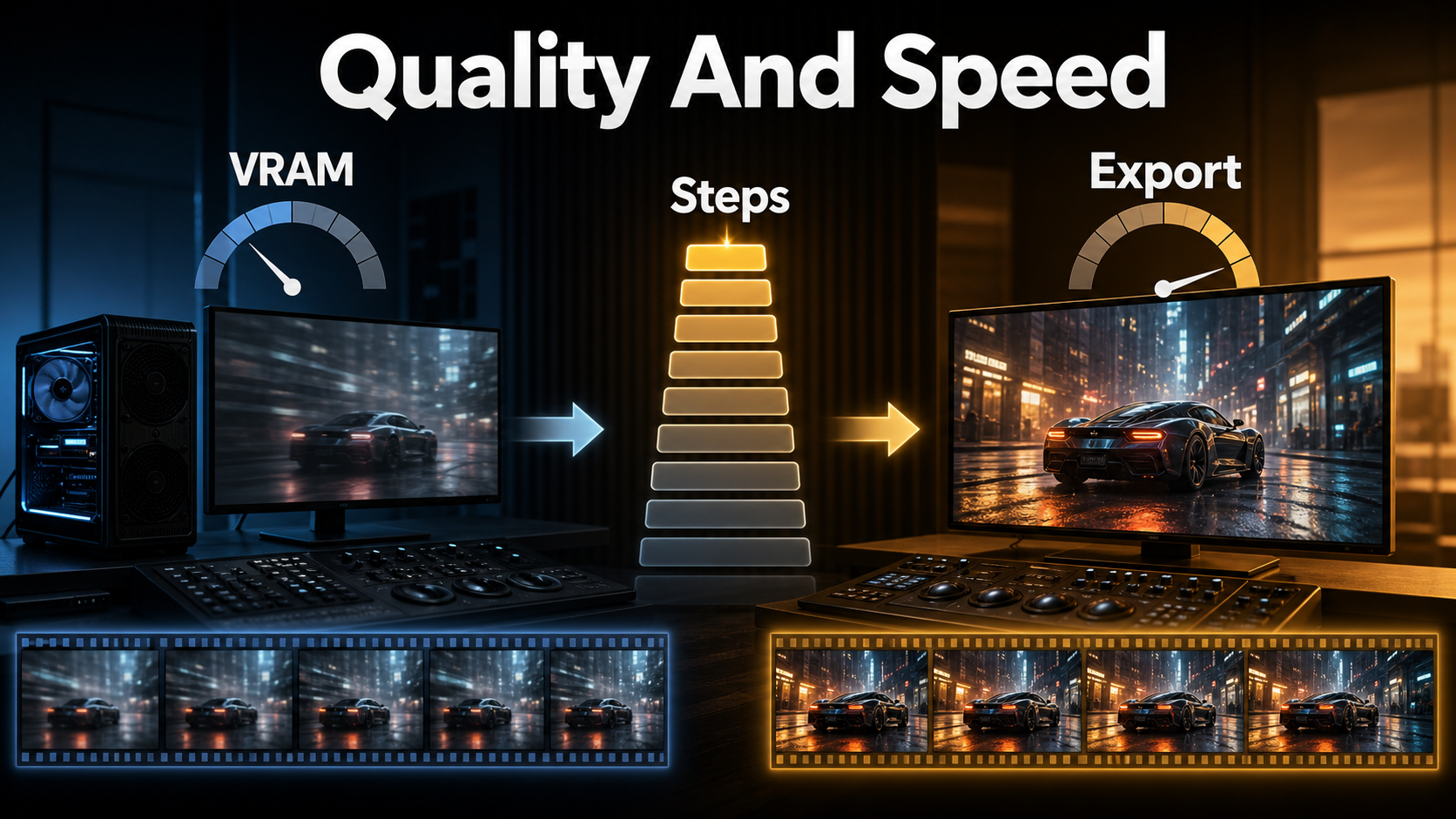
Export Settings Checklist
| Setting | Practical choice | Check |
|---|---|---|
| Frame rate | 24 fps when matching the official example | Keep the timeline and export consistent |
| Master size | 720p native or 1080p after official SR | Inspect hair, teeth, text, and edges at 100% |
| Intermediate | High-quality mezzanine codec if available | Avoid repeated lossy encodes |
| Web delivery | H.264 or platform-required codec | Watch banding, block noise, and crushed shadows |
| Audio | 48 kHz production master | Check sync after final transcode |
Do not assume super-resolution repairs structural errors. It may improve sharpness and texture, but a mutated hand, drifting face, or warped prop should be fixed by regenerating the source shot.
Limitations and Troubleshooting
HunyuanVideo-1.5 still struggles with long or compound actions, small text, anatomy under occlusion, reflective props, exact product geometry, and continuity across independent generations. Offloading makes the model fit smaller GPUs but can slow it and consume substantial CPU RAM.
Common Failures and Fixes
| Failure | Likely cause | Fix |
|---|---|---|
| Out of memory | Insufficient VRAM or fragmented allocation | Enable offloading; use the official allocator suggestion; close GPU apps |
| CPU memory spike | Overlapped group offloading | Set --overlap_group_offloading false |
| Face changes | Small subject, occlusion, or excessive motion | Tighter reference, shorter clip, simpler camera |
| Prompt misses details | Conflicting or vague context | Use factual nouns, one action, and explicit invariants |
| Fast render looks soft | Preview checkpoint or too few steps | Use 12-step preview, then standard 720p master |
| SR creates odd texture | Weak source detail | Compare pre-SR output and regenerate source if structural |
| Export stutters | Frame-rate mismatch | Conform source, timeline, and delivery rate before encoding |
Edit AI videos here
Turn approved HunyuanVideo-1.5 shots into a finished story at https://ai.alphatechnologies.vn. Use the editor to cut around unstable frames, add authorized voice and lip-sync results, mix sound, create captions, match color, and export platform versions.
Final Recommendation
Use HunyuanVideo-1.5 as a shot generator, not an automatic film studio. Start with 480p previews, anchor critical visuals with I2V, preserve every production decision in a reference pack, and reserve 720p plus super-resolution for shots that already pass continuity review. Explore more practical AI video guides on Aikolhub, and always check the current community license before commercial or hosted deployment.
Frequently Asked Questions
Is HunyuanVideo-1.5 open source?
Call it open-weight. The code and weights are public under the Tencent Hunyuan Community License, which contains territory and use restrictions and is not a standard OSI license.
How much VRAM does it need?
The official minimum is 14 GB of NVIDIA GPU memory with model offloading enabled. More GPU memory can reduce transfers and improve speed.
Which model is fastest for previews?
The official 480p I2V step-distilled model is the clearest preview choice when you have a reference frame. The repository recommends 8 or 12 inference steps.
Does I2V guarantee character consistency?
No. It anchors the first frame, but identity, clothes, hands, props, and background can still drift during motion or between separately generated clips.
Can it generate voice and lip sync?
Not in the base official T2V/I2V pipeline. Speech synthesis, voice identity, lip sync, and audio-driven motion require separate tools and separate quality checks.
Official sources: HunyuanVideo-1.5 repository and release notes; official model collection; Tencent Hunyuan Community License; official checkpoint guide; 480p I2V step-distilled model card.