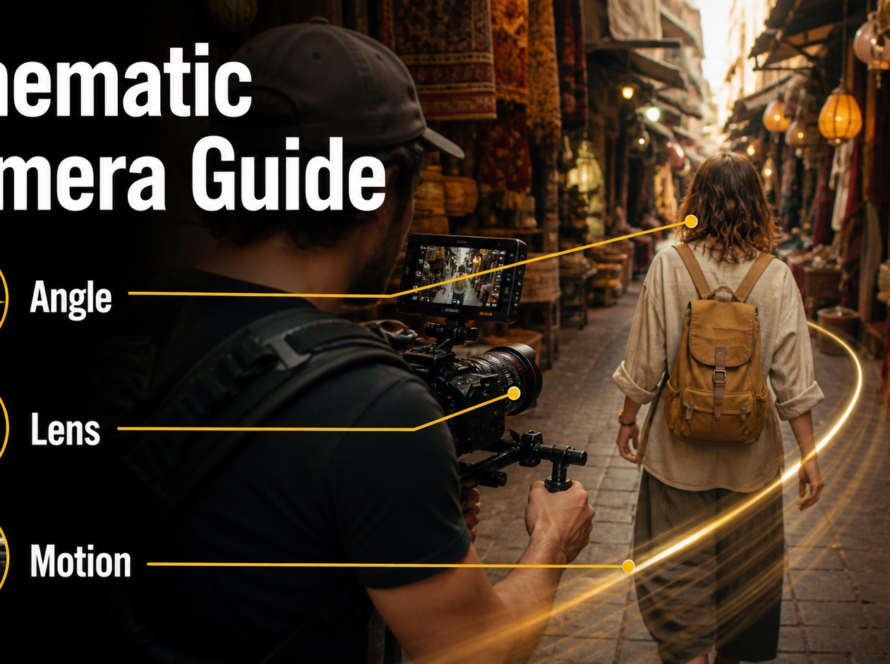
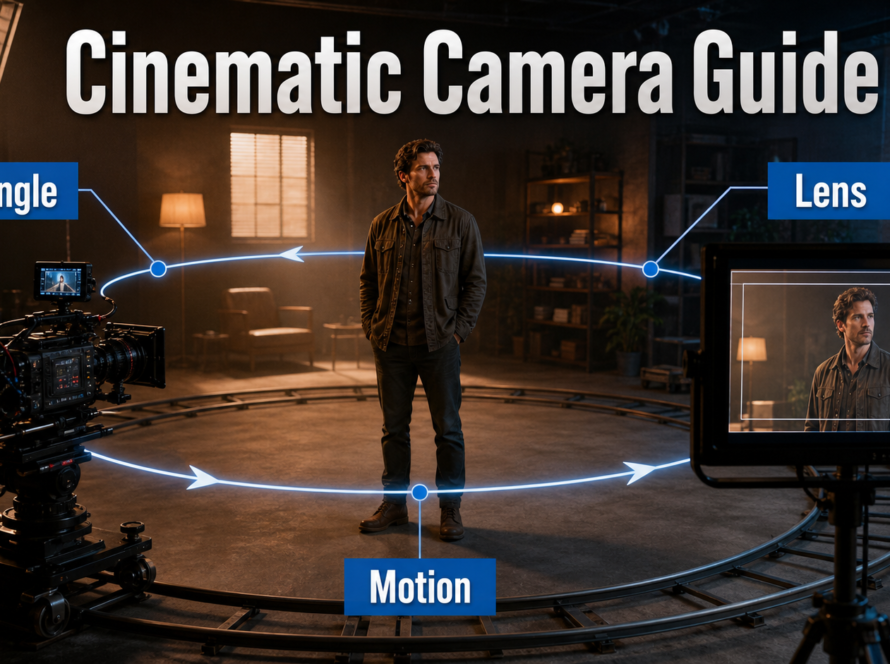
A strong medium shots AI video prompt defines the subject from roughly waist or chest to head, fixes the camera at eye level, chooses a natural-perspective lens, and asks for restrained motion. This framing keeps facial emotion, hand gestures, wardrobe, props, and enough environment visible for dialogue, product demonstrations, interviews, and narrative scenes. Updated July 19, 2026, this guide separates cinematography principles from model-specific camera-control claims.
The dependable formula is: shot size + subject continuity + action + environment + camera position + movement + lens behavior + exposure look + lighting + preservation instructions. A reference image, first-frame control, camera trajectory, or dedicated control model may be needed when exact geometry matters.
Table of Contents
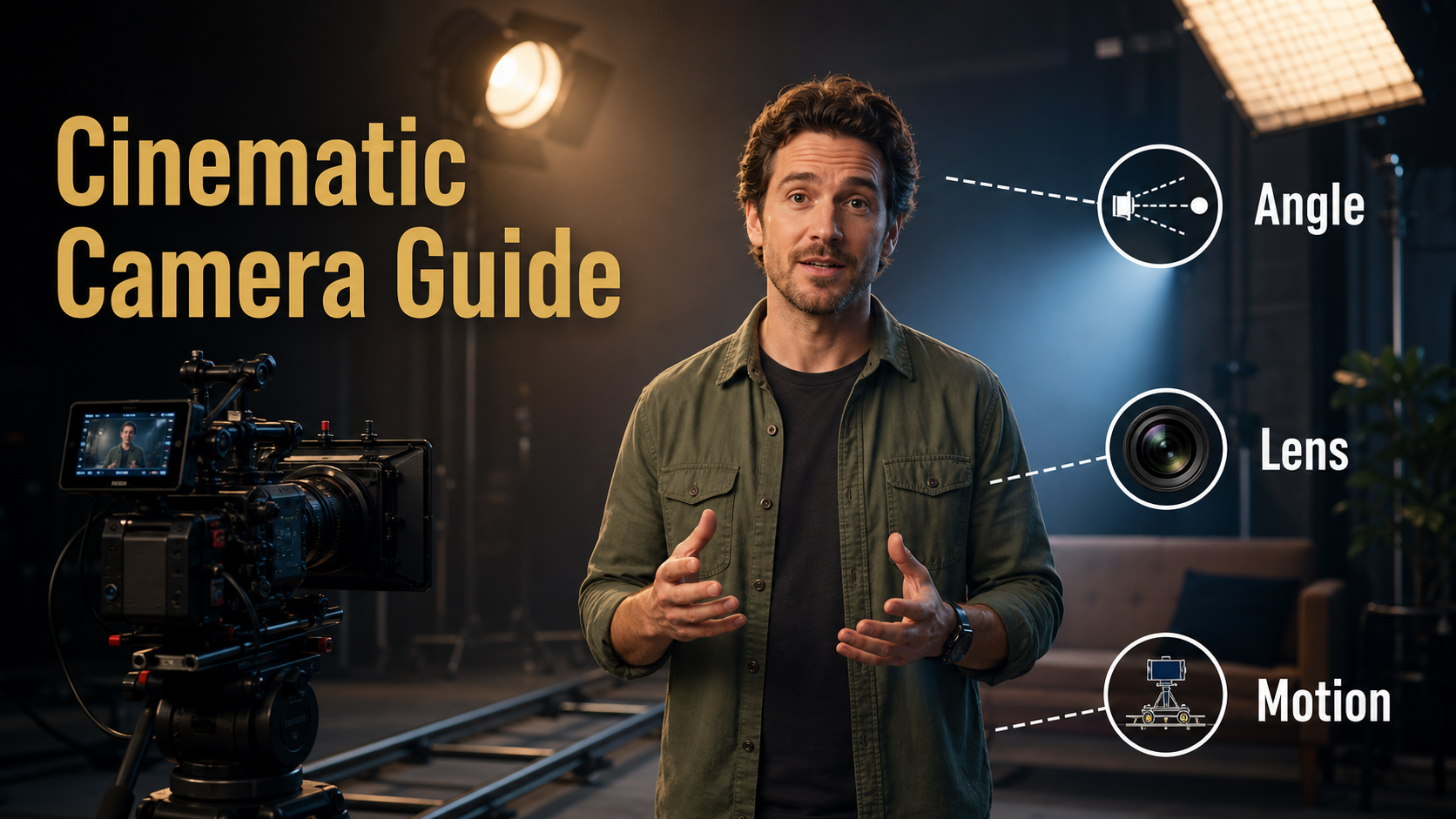
What a Medium Shot Means
A medium shot shows enough of a person to read expression and body language without losing the context around them. Exact cropping varies by production, but the frame commonly runs from the waist or mid-torso to the head. In AI video, describe the crop explicitly because the phrase “medium shot” alone can produce anything from a tight chest-up portrait to a loose three-quarter view.
Visual Meaning and Best Uses
The medium shot feels conversational and balanced. It is closer than an establishing or wide shot, yet less psychologically intense than a close-up. Use it when the audience needs to see the speaker’s face, gestures, wardrobe, held product, desk, or nearby set details at the same time.
- Presenters: readable delivery with room for natural hand gestures.
- Product demos: face, hands, and the product remain in one composition.
- Dialogue: emotion is visible while screen direction and environment remain clear.
- Character scenes: wardrobe and props contribute to identity.
Separate the Consistency Problems
Camera framing is only one production layer. Subject consistency protects face and body; first-frame consistency protects the opening composition; scene continuity protects set geometry, props, and light direction. Voice identity comes from an approved recording or speech system, speech synthesis creates spoken content, lip sync aligns mouth shapes, and audio-driven motion turns sound into facial or body performance. A camera prompt does not solve those audio tasks.
Camera Placement for Medium Shots
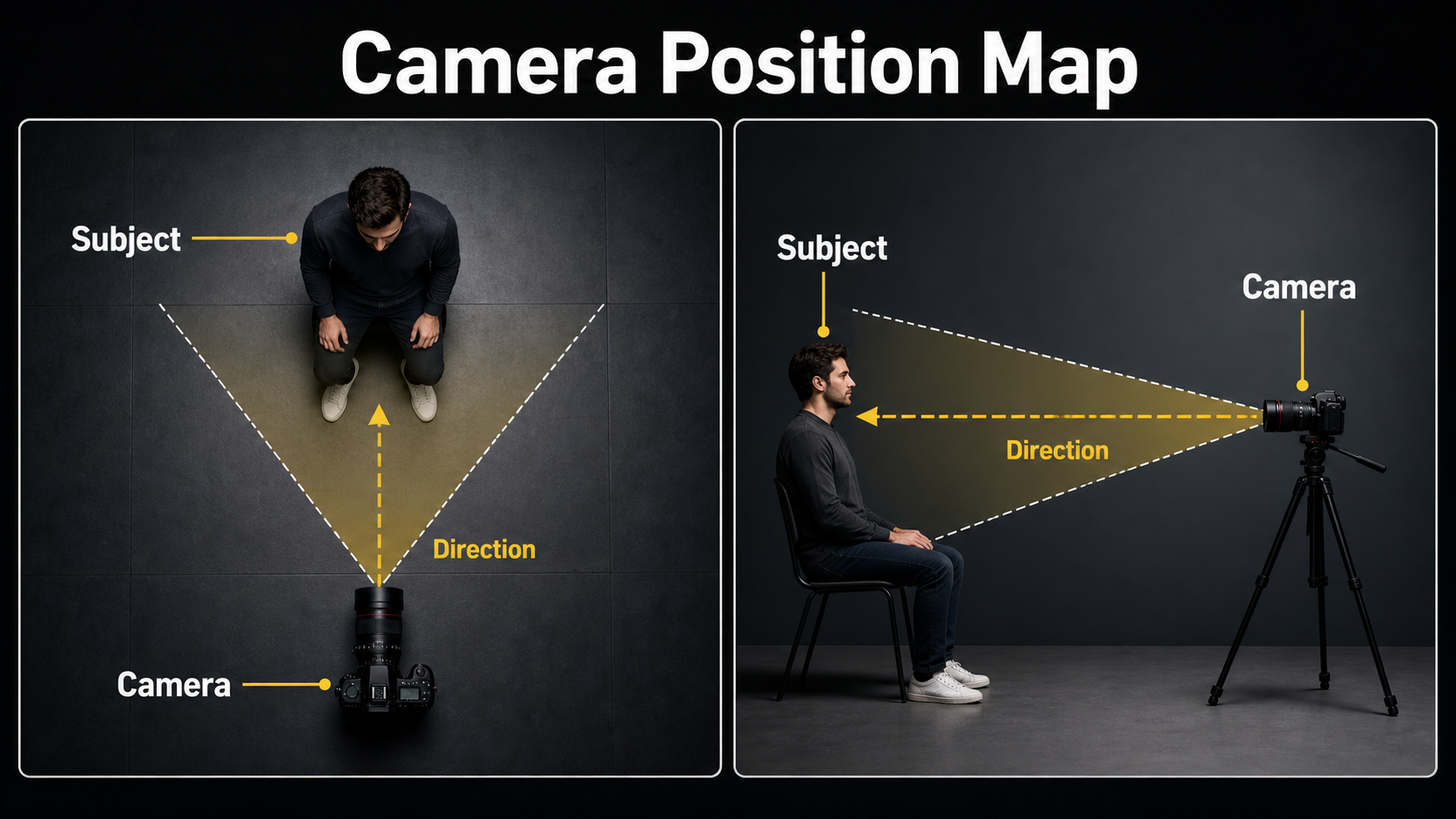
Start with the camera near eye level and far enough away to avoid exaggerated facial perspective. Set the frame before requesting motion. If the first frame already has the wrong crop or angle, animation usually amplifies the mistake.
Position, Height, and Screen Direction
For a direct presenter, place the camera on the subject’s eye line or slightly below it, with shoulders relaxed and headroom clearly defined. For dialogue, move the camera 10–30 degrees off-axis so the character has looking room. State whether the subject faces camera, looks just beside the lens, or looks screen-left or screen-right.
A high angle can make a character seem vulnerable; a low angle can add authority. Those meanings are useful, but stronger vertical angles also expose more unseen geometry and can destabilize faces, floors, and backgrounds. Test a mild angle before attempting an extreme one.
Movement That Preserves Framing
A locked camera is the safest choice for tutorials and dialogue. A slow push-in adds emphasis, a small lateral slide reveals depth, and a gentle handheld drift can add documentary energy. Avoid combining pan, orbit, zoom, and large character movement in one short generation. Specify one primary motion and its speed.
- Locked eye-level camera for maximum continuity.
- Slow 5–10 percent push-in for a subtle emotional build.
- Short lateral dolly with foreground separation for depth.
- Restrained handheld movement with stable horizon for realism.
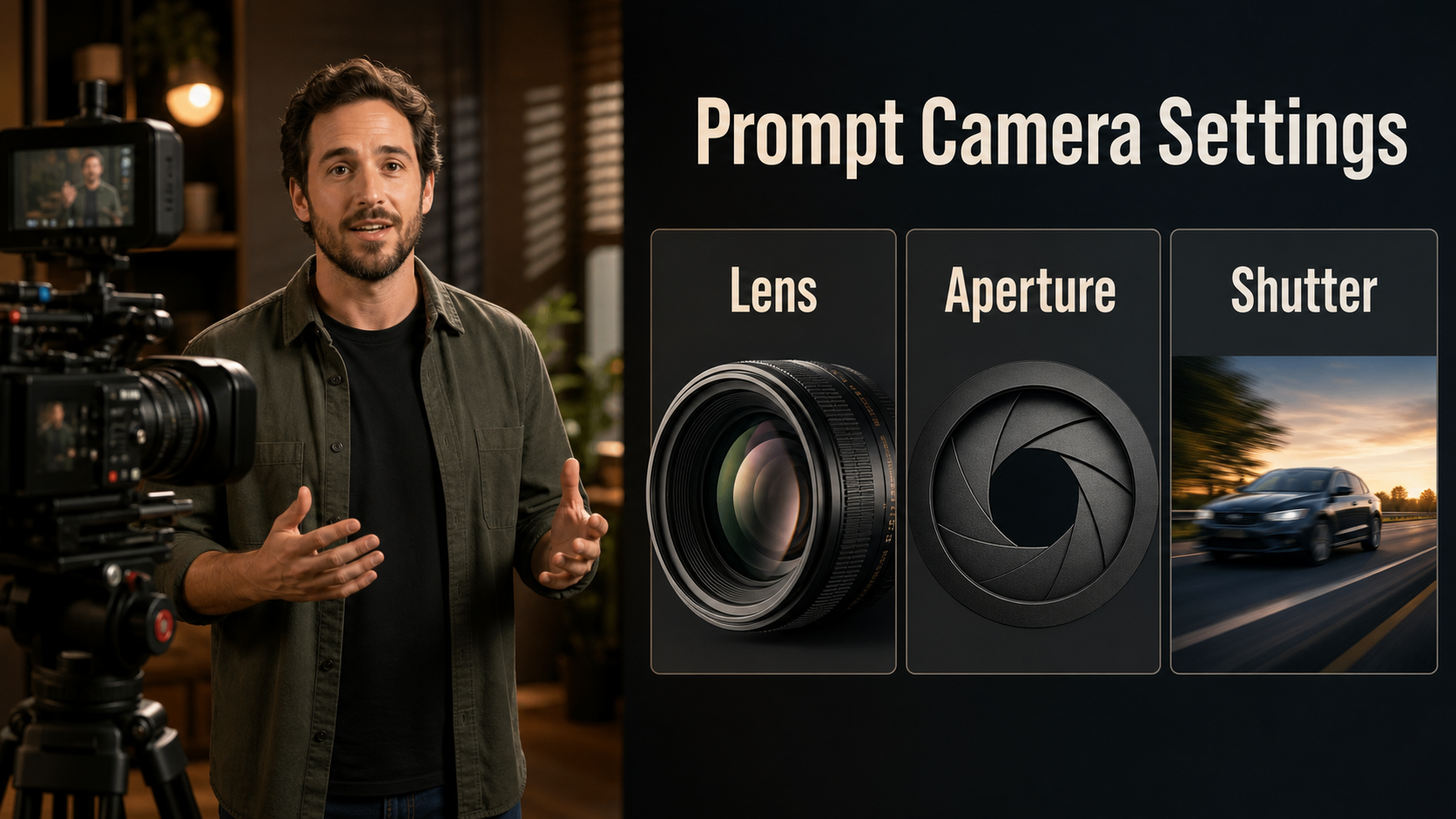
Lens, Aperture, Shutter, and Frame Rate
Camera words in a generative prompt describe a visual target, not guaranteed physical metadata. Judge the output by perspective, depth of field, distortion, motion blur, focus behavior, and highlight rendering.
Practical Starting Settings
| Choice | Starting point | Expected look |
|---|---|---|
| Focal length | 50 mm natural perspective | Balanced face and environment |
| Portrait alternative | 70–85 mm look | Flatter face, softer background |
| Aperture | f/2.8–f/4 look | Separation with both eyes and hands reasonably readable |
| Shutter angle | 180-degree look | Natural motion blur |
| Frame rate | 24 fps | Cinematic cadence |
| Movement | Locked or slow push-in | Lower risk of geometry drift |
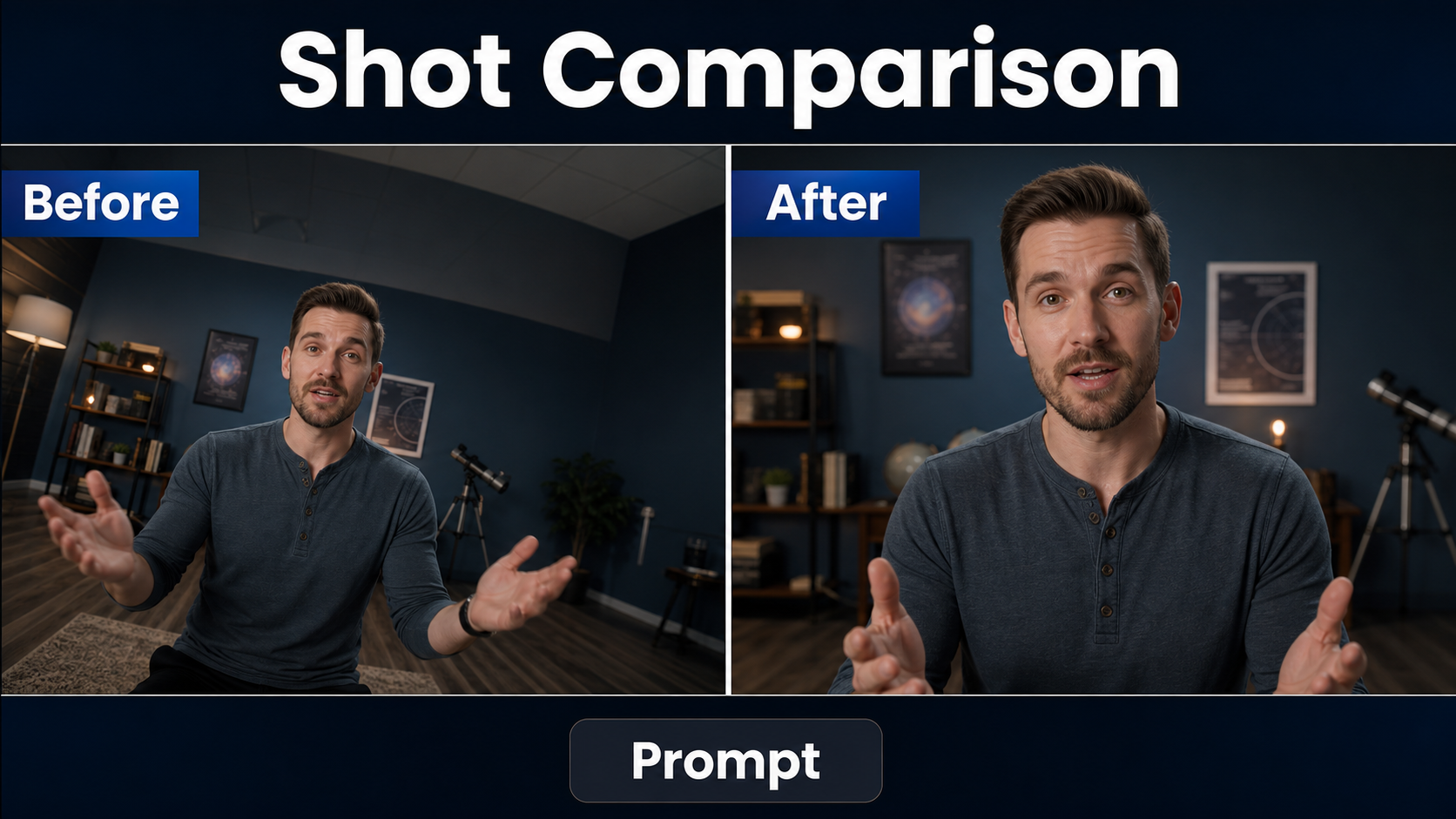
A 24–35 mm wide-angle look can be energetic, but it enlarges nearby hands and noses and bends edges. A long 100 mm-plus look compresses the environment and can feel detached. Choose focal behavior for narrative meaning, then keep it stable across related shots.
Lighting and Lens Behavior
Use a soft key about 30–45 degrees from the face, controlled fill, and one background practical or rim source. Repeat the light direction in every prompt and reference. If you request shallow focus, also request stable focus on both eyes; otherwise the model may simulate focus hunting or blur the mouth and hands.
Describe cinematic effects sparingly: subtle halation, gentle highlight bloom, mild film grain, or controlled anamorphic flare. Too many effects can obscure identity and create flickering artifacts. “Clean spherical lens behavior, minimal distortion, stable focus” is a strong neutral baseline.
Medium Shot AI Video Prompt Formula
Write the prompt in production order. Begin with the framing and subject, then action and environment, followed by camera, exposure behavior, lighting, and preservation constraints.
Reusable Prompt Template
Medium shot, framed from [waist/chest] to head, of the same [character identity].
[Action and expression] while wearing [fixed wardrobe] and holding [fixed prop].
Environment: [set, time, background layout].
Camera: [height and angle], [locked or one movement], [focal-length look].
Exposure look: [aperture], [shutter angle], [frame rate].
Lighting: [key direction], [fill], [rim or practical].
Preserve face, hair, wardrobe, prop hand, background geometry, and screen direction.
No reframing, lens change, focus hunting, extra fingers, text, or logos.
Three Practical Prompt Examples
Presenter: “Medium shot from waist to head of the same technology host in a navy overshirt. He explains one idea with restrained hand gestures in the same warm studio. Eye-level locked camera, natural 50 mm perspective, f/4 depth-of-field look, 180-degree shutter, 24 fps. Soft key camera-left, gentle fill, amber practical behind. Preserve face, shirt pockets, desk edge, lamp position, and stable focus.”
Product demonstration: “Chest-up medium shot of the same creator holding the same silver microphone with both hands. Three-quarter eye-level camera, 70 mm portrait perspective, slow 5 percent push-in, f/3.2 look, natural motion blur at 24 fps. Keep the microphone shape, hand placement, wardrobe, and shelf geometry unchanged.”
Narrative dialogue: “Medium shot of the same detective looking screen-right, raincoat collar fixed, notebook in left hand, dim office at night. Camera 15 degrees off-axis at eye level, locked 50 mm look, moderate depth, 180-degree shutter, soft window key from screen-left, practical desk lamp. Preserve eyeline, notebook hand, raincoat, and background door.”
Reference Image and Continuity Setup
A reference image carries composition and identity more efficiently than extra adjectives. Build it for the shot you need rather than recycling a close-up or full-body image and hoping the video model invents the missing crop.
Build a Shot-Specific Reference
- Use the intended waist-up or chest-up crop and final aspect ratio.
- Keep the face sharp, eyes visible, and hands clearly formed.
- Show the complete wardrobe features and final prop placement.
- Match the intended camera height, eyeline, background perspective, and light direction.
- Remove unrelated text, logos, reflective clutter, and extra people.
First-frame consistency means the opening render follows this reference. Subject consistency means the person remains recognizable during motion. Neither guarantees scene continuity across separately generated shots, so save approved frames, prompts, seeds, wardrobe notes, and set diagrams in a continuity bible.
Lock Character, Wardrobe, Props, and Environment
Use identical factual descriptors across shots: “navy overshirt with two square pockets” is safer than switching between “dark jacket,” “blue top,” and “casual shirt.” Name the prop and hand. Record wall color, furniture order, windows, practical lights, and time of day. For a new angle, create a compatible reference that reveals the correct unseen side of the costume and set.
Open Camera-Control Model Workflow
Prompt-only tools interpret camera language statistically. Research systems can accept explicit trajectories or camera parameters, but their checkpoints, resolutions, base models, and licenses differ. Verify each component before production.
What Current Official Projects Control
As verified July 19, 2026, the official CamI2V repository provides MIT-licensed research code and CamI2V/RealCam-I2V checkpoints, including 512×320 options, with examples for rotation, translation, and zoom-like motion. The published memory figures are research measurements, not universal requirements.
CameraCtrl is an Apache-2.0-licensed official implementation that combines prompts with prepared camera trajectory files; its main branch targets AnimateDiffV3, while the repository points to a separate SVD branch. UCPE, updated through May 14, 2026, uses an MIT license and adds research control over camera motion, intrinsics, lens distortion, pitch, and roll. Its README describes a 7.3B base model with a 35.5M-parameter camera representation and provides demo and training code.
These are open-source research projects, but dependent weights and datasets may carry separate terms. They do not automatically add exact camera control to every current video model.
Practical Generation Workflow
- Write the shot goal and choose one medium-shot crop.
- Create a shot-specific reference and continuity record.
- Lock the subject, wardrobe, prop, environment, eyeline, and lighting.
- Choose one camera movement or a locked camera.
- Use the prompt formula and render a short preview.
- If supported, test one explicit trajectory without changing the prompt.
- Review first, middle, and final frames for identity and geometry.
- Change one variable at a time; keep the accepted seed and reference.
- Render the final shot, then solve timing and transitions in editing.
Limitations and Common Failures
Medium shots expose faces, hands, clothes, props, and backgrounds simultaneously. That makes them useful but demanding. Long clips, broad gestures, occlusion, reflective objects, extreme depth of field, and combined camera motions increase drift.
Troubleshooting Table
| Failure | Likely cause | Practical fix |
|---|---|---|
| Shot becomes a close-up | Vague crop or push-in too strong | State waist-to-head framing and lock distance |
| Face looks stretched | Wide lens behavior or camera too close | Request 50–85 mm perspective and step back |
| Hands mutate | Fast gesture or hidden fingers | Use restrained motion and a clear reference pose |
| Wardrobe changes | Ambiguous descriptors | Repeat exact garment, color, seams, and accessories |
| Background bends | Large orbit or parallax demand | Use locked camera or a shorter lateral move |
| Focus pulses | Overly shallow aperture request | Use an f/2.8–f/4 look and request stable eye focus |
| Motion is not the trajectory | Prompt-only control or conflicting scene depth | Use a supported trajectory tool and simplify motion |
Edit AI videos here
Assemble approved medium shots, trim unstable frames, add captions, sound, transitions, color, and delivery formats at https://ai.alphatechnologies.vn. Editing lets you cut between controlled clips instead of forcing one generation to perform every camera and continuity change.
Final Recommendation
For a reliable medium shot, lock the crop, use a natural 50–85 mm perspective, keep camera motion simple, and build a reference that already contains the intended wardrobe, prop, environment, and light direction. Treat exact trajectories as a model capability to verify, not a promise hidden inside prompt wording. Explore more practical AI video guides on Aikolhub, and approve a short continuity test before rendering the complete scene.
Frequently Asked Questions
What is a medium shot in AI video?
It usually frames a person from the waist or chest to the head, balancing facial expression, gestures, wardrobe, props, and environmental context.
Which lens works best for a medium shot?
A 50 mm look is a neutral starting point. A 70–85 mm look gives flatter facial perspective and stronger background separation, while wider lenses feel more energetic but distort nearby features.
Can a text prompt control an exact camera path?
Not reliably. Prompts describe intent; exact paths generally require a system that accepts camera trajectories, poses, or intrinsic parameters.
How do I keep the character consistent?
Use a shot-specific reference, repeat exact identity and wardrobe descriptors, shorten clips, simplify movement, save approved seeds, and compare the first, middle, and last frames.
Does camera control fix lip sync or voice?
No. Voice identity, speech synthesis, lip sync, and audio-driven motion are separate systems and quality checks from camera placement or movement.
Official sources: CamI2V and RealCam-I2V repository; CameraCtrl repository; UCPE repository and update notes.