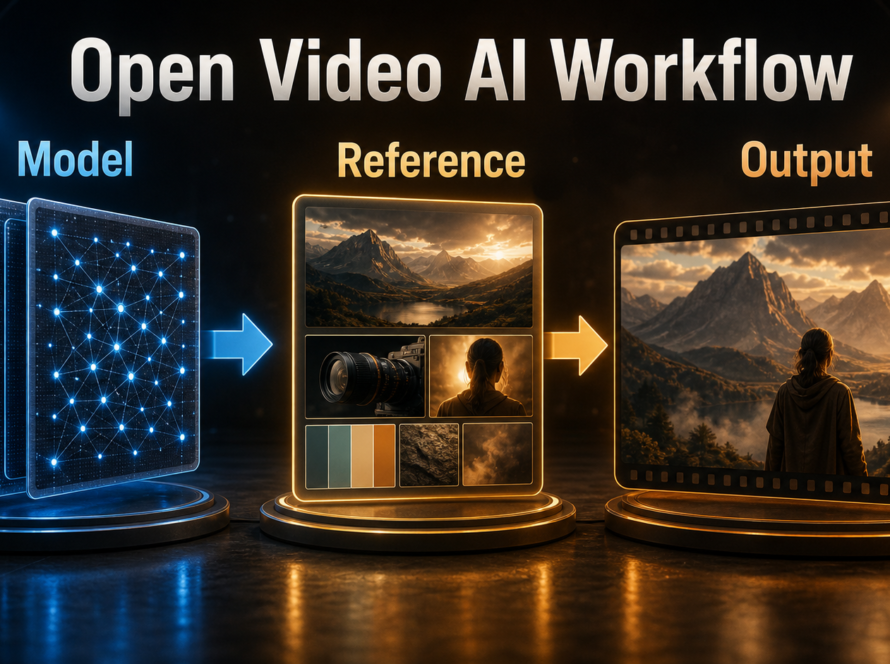
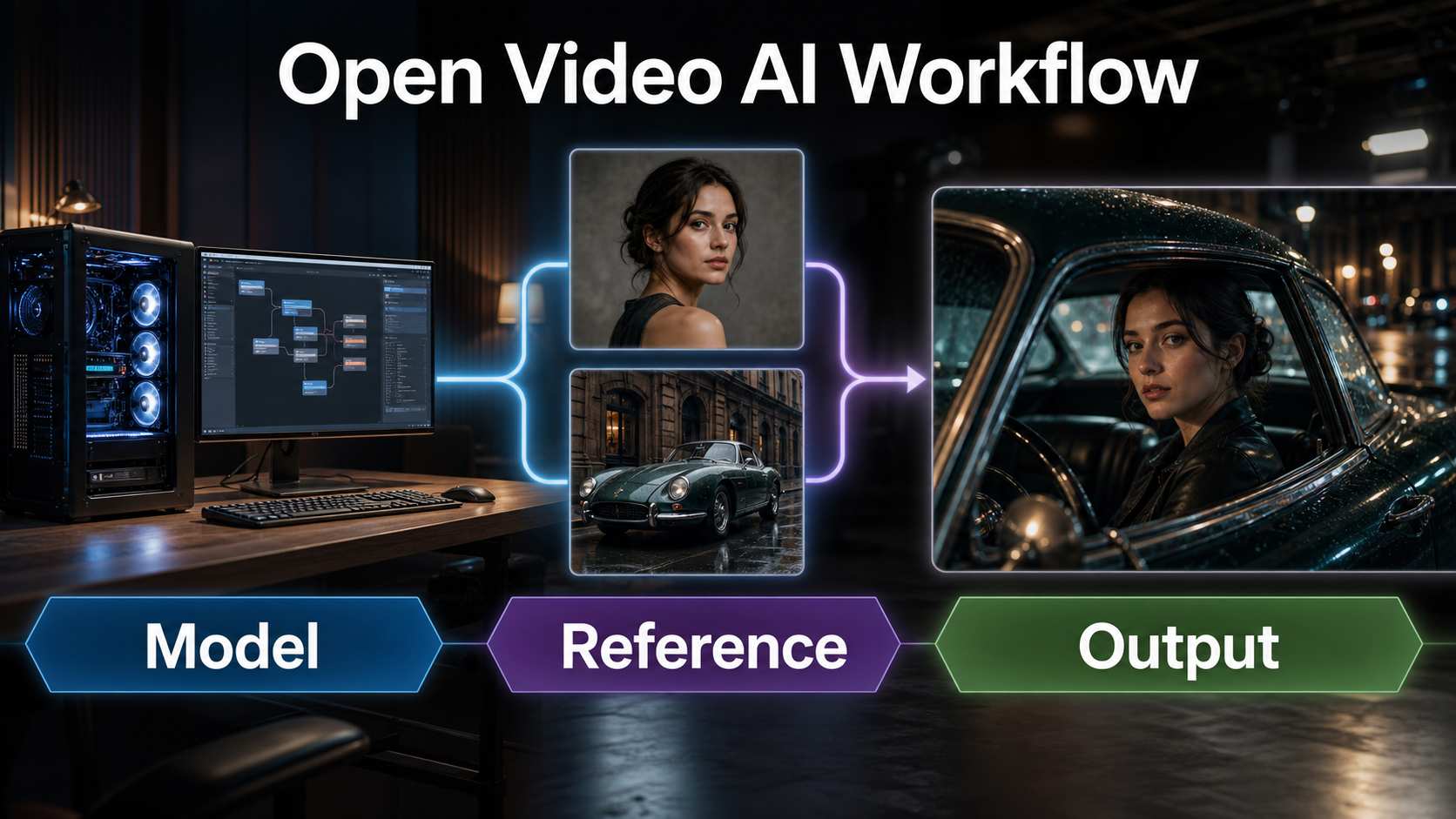
The safest SkyReels-V3 local setup is to start with the 14B Reference-to-Video model, use one or two clean reference images, enable offloading, and test a five-second 480p or 540p clip before attempting the recommended 720p output. SkyReels-V3 can also extend video and animate a portrait from audio, but these are different pipelines with different checkpoints and controls. Updated July 21, 2026, this guide reflects the official repository, model cards, inference code, technical report, and current Skywork Community License.
SkyReels-V3 is open-weight, not standard open-source software. Its weights and inference code were released January 29, 2026, but model use is governed by a custom community license and an additional terms file. Review both before commercial deployment, especially the requirement concerning security review for internet services.
Table of Contents
What Changed in SkyReels-V3
SkyReels-V3 unifies reference-guided generation, video extension, and audio-guided portrait animation in one repository. The production improvement is multimodal in-context control: creators can provide visual or audiovisual context instead of relying on text alone.
Three Model Paths, Not One
| Official path | Checkpoint | Primary input | Best starting use |
|---|---|---|---|
| Reference to Video | 14B, 720p | One to four images plus prompt | Characters, products, environments |
| Video Extension | 14B, 720p | Existing clip plus prompt | Continue motion or change shots |
| Talking Avatar | 19B, 720p | Portrait, audio, prompt | Audio-driven portrait performance |
Reference-to-video recommends a five-second result at 720p and 24 fps. Single-shot extension accepts five to 30 seconds, while shot-switching extension is limited to five seconds. Talking Avatar accepts one portrait and one MP3 or WAV track up to 200 seconds; the current command-line path handles one audio track.
License and Release Status
The official repository records the code and weight release on January 29, 2026. The model cards identify the license as the Skywork license. Repository terms say commercial use is supported, but require compliance with the linked Skywork Community License and request appropriate security review and records before internet-service deployment. Those restrictions make open-weight the accurate description.
Hardware, Installation, and Weights
The official quickstart recommends Python 3.12 or newer and CUDA 12.8 or newer. Its pinned requirements include PyTorch 2.8.0, torchvision 0.23.0, Diffusers 0.34.0, Transformers 4.53.2, FlashAttention, xDiT tooling, TorchAO, and FFmpeg-related packages. A modern NVIDIA CUDA environment is the practical baseline for the provided scripts.
Official Software Baseline
- Install current NVIDIA drivers compatible with CUDA 12.8 and verify the GPU with
nvidia-smi. - Create an isolated Python 3.12 environment.
- Clone the official SkyReels-V3 repository.
- Run
pip install -r requirements.txt. - Install FFmpeg and confirm it is on the system path.
- Let the script download the task model, or pass a local path with
--model_id.
Do not download every checkpoint first. The 14B reference model is the direct starting point for creators with character, product, or location references. Choose extension weights only when an input video exists, and choose the larger avatar weights only for an audio-driven portrait.
VRAM Planning Without False Promises
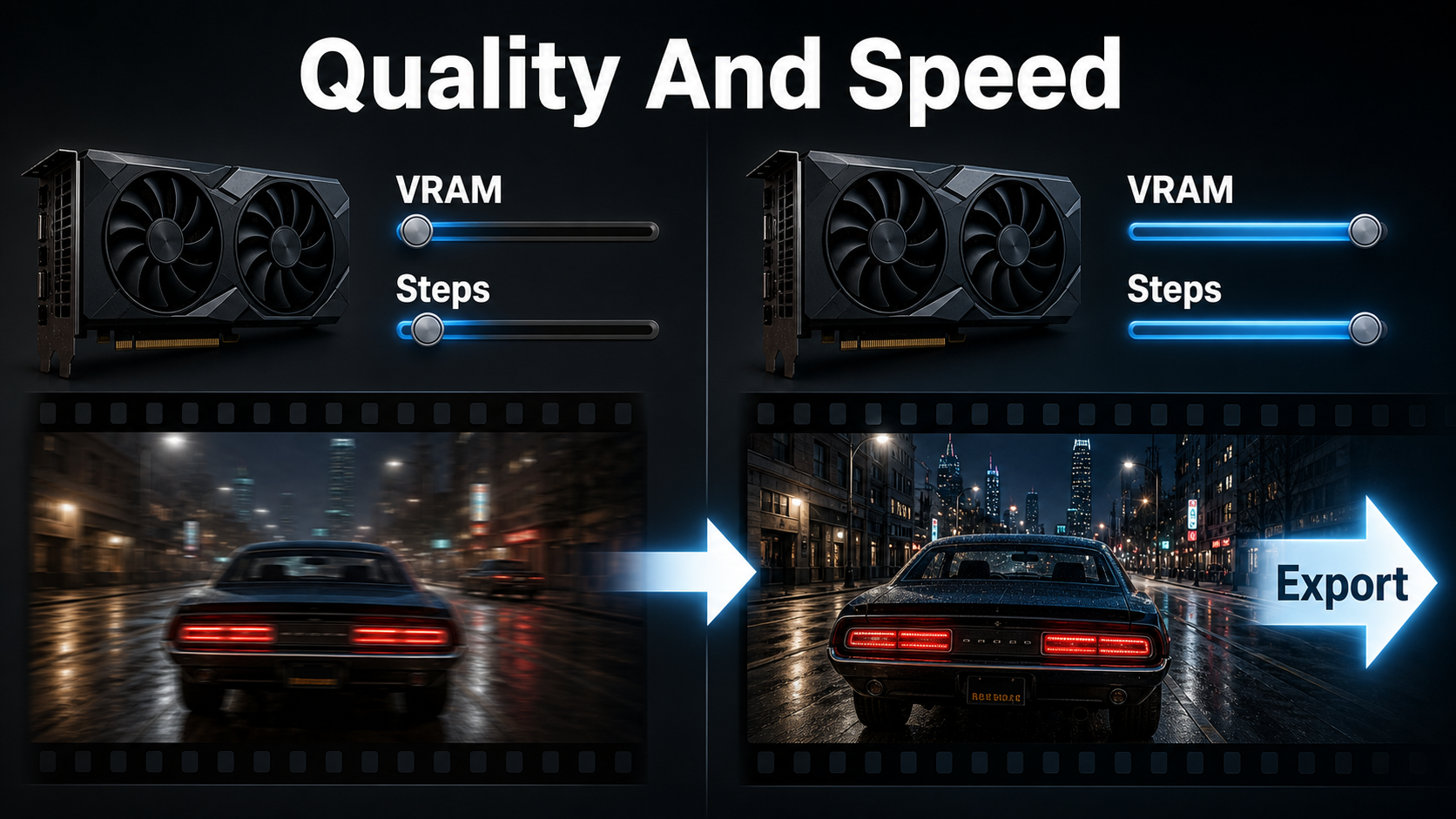
The repository does not publish one universal minimum VRAM number for all V3 tasks. It says GPUs under 24 GB should try --low_vram, which enables FP8 weight-only quantization and block offload, and reduce resolution from the 720p default to 540p or 480p. This is optimization guidance, not proof that every sub-24 GB GPU can finish every model.
| Situation | Start with | Tradeoff |
|---|---|---|
| Limited VRAM | --low_vram --resolution 480P |
More offload and lower detail |
| Moderate capacity | --offload --resolution 540P |
Useful motion preview |
| Quality review | 720P with offload if needed | Higher memory and runtime |
| Several GPUs | torchrun plus --use_usp |
Cannot combine with low-VRAM mode |
Reference Images and Prompt Context
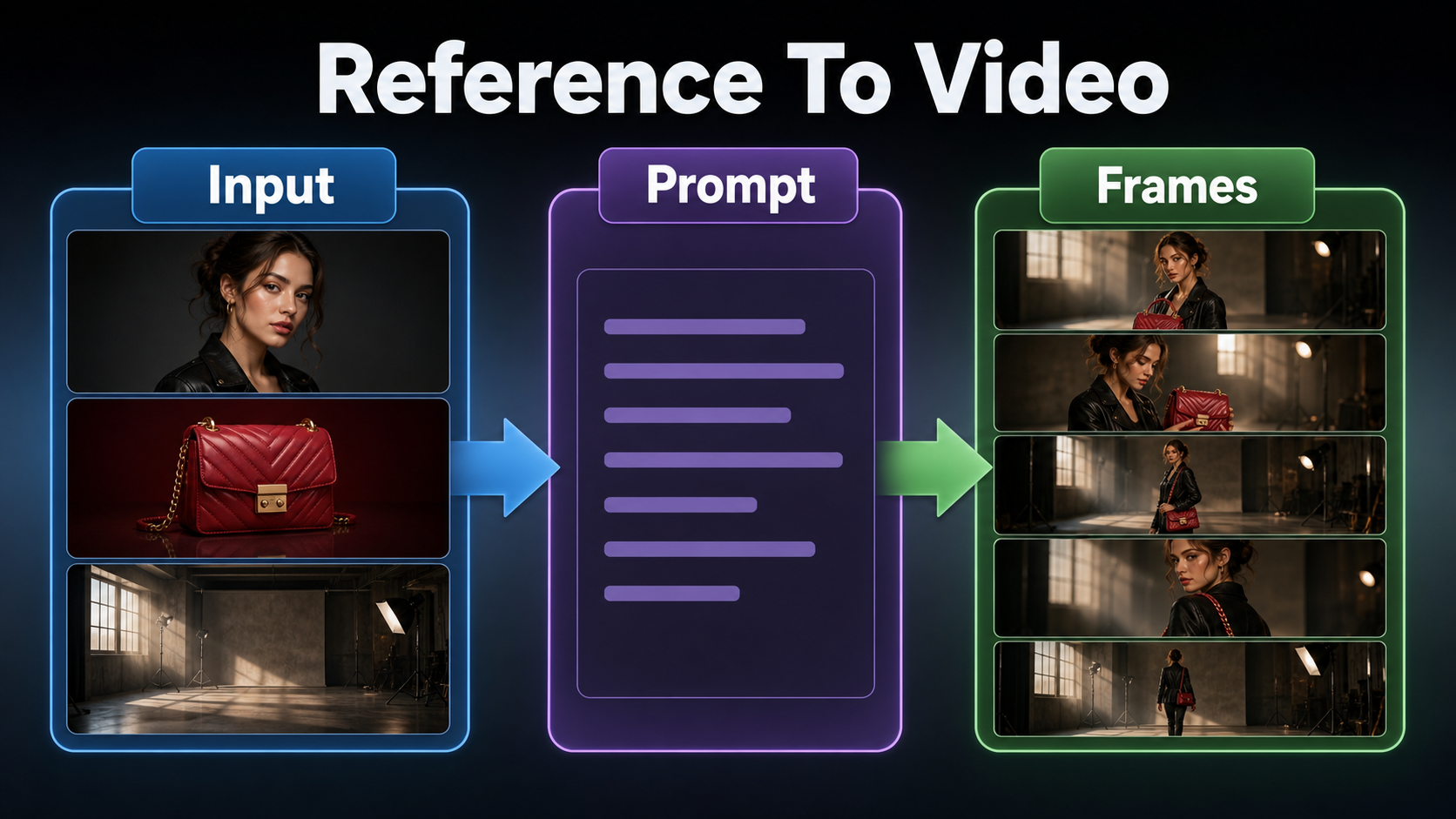
Reference-to-video accepts one to four character, object, or background images. This is stronger context than a single first frame, but it is not an unlimited identity database. Each image should have one clear job and should agree with the intended shot.
Build a Reference Pack
- Character: clear face, hair, body proportions, and final wardrobe.
- Prop: recognizable silhouette, color, texture, and preferred orientation.
- Environment: room geometry, time of day, light direction, and palette.
- Alternate view: only when it resolves an unseen side required by the shot.
Avoid contradictory costumes, mixed lighting, crowded collages, tiny subjects, watermarks, and text you expect the model to reproduce exactly. If a red bag must stay in the right hand, show that relationship in a reference or state it as an invariant.
Use a Shot-Level Prompt
[shot size] of the same [subject] wearing [fixed wardrobe].
Action: [one visible action] with [fixed prop] in [fixed environment].
Camera: [height and angle], [one movement], [focal-length look].
Exposure: [aperture look], [shutter-angle look], [frame rate].
Lighting: [key direction], [fill], [practical or rim light].
Preserve face, wardrobe, prop shape, set layout, and light direction.
Example: “Medium shot of the same presenter in a navy overshirt holding a red leather bag. She walks one step toward the window in the approved studio. Eye-level slow dolly-in, natural 50 mm perspective, f/4 depth-of-field look, 180-degree shutter motion at 24 fps, soft daylight from camera-left. Preserve face, jacket, bag shape, right-hand placement, and window layout.”
Lens and exposure phrases guide appearance; they do not prove physical camera metadata. Inspect perspective compression, depth of field, motion blur, rolling-shutter-like skew, focus breathing, flare, and edge distortion in generated frames.
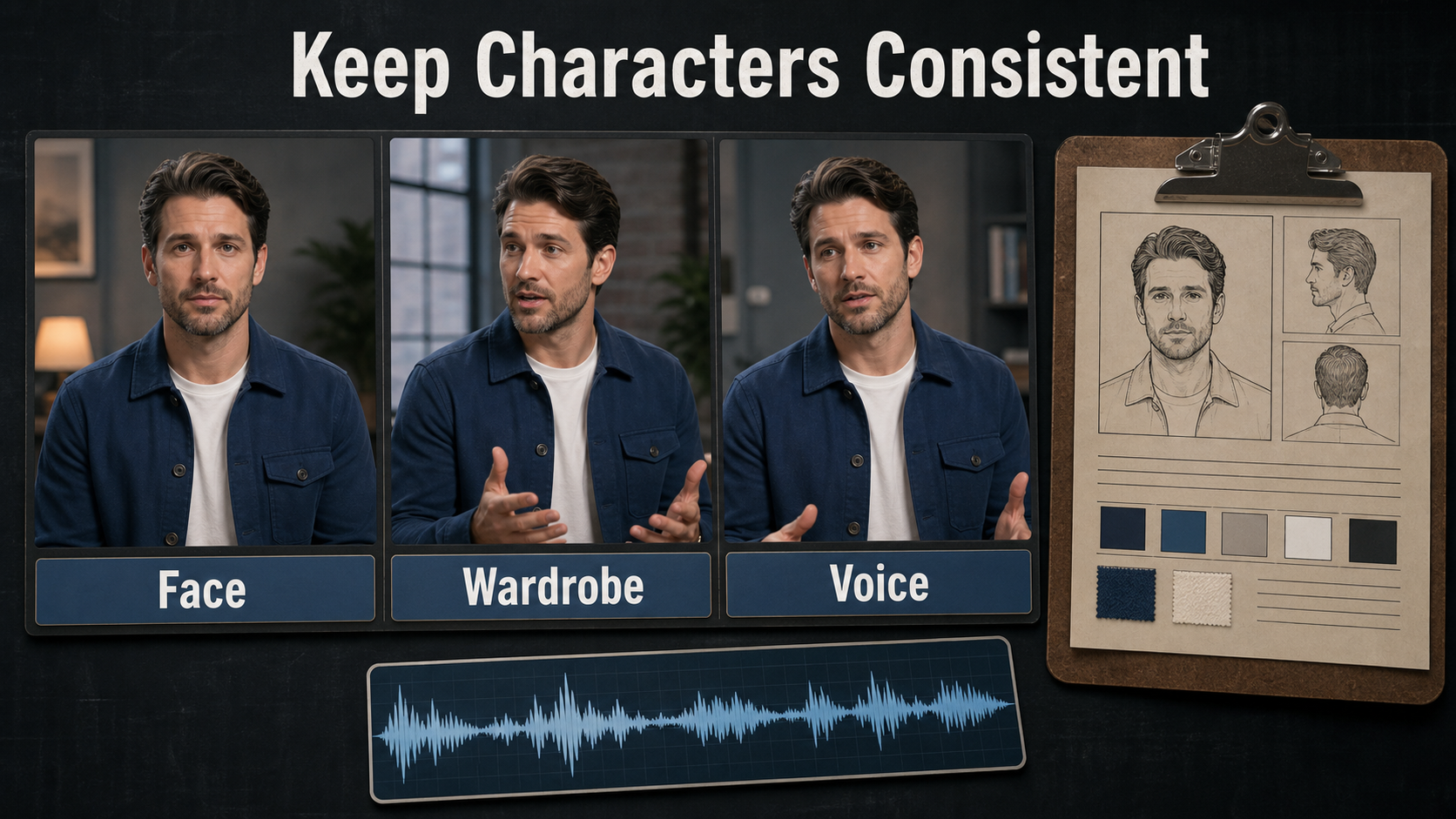
Character, Scene, and Camera Consistency
Consistency improves when every problem has a separate source of truth. A stable opening frame does not automatically preserve identity through motion, and subject fidelity does not guarantee matching room geometry across independent clips.
Separate Each Consistency Problem
| Problem | What stays stable | Primary control |
|---|---|---|
| Subject consistency | Face, hair, proportions | Character references and restrained motion |
| First-frame consistency | Opening composition | Approved starting image or clip |
| Wardrobe and prop continuity | Color, shape, hand, orientation | Visible reference plus invariant text |
| Scene continuity | Set geometry and lighting | Environment reference and scene bible |
| Voice identity | Speaker timbre | Authorized audio source |
| Lip sync | Mouth timing | Audio-conditioned avatar or separate sync stage |
Save references, prompt, seed, model ID, resolution, duration, flags, and accepted frames for every shot. When drift appears, shorten the action and change one variable at a time.
Specify Camera and Lens Behavior
- Presenter: eye level, 50-85 mm look, locked camera or slow push, moderate depth of field.
- Environment reveal: 24-35 mm look, slow dolly or crane, deeper focus, controlled parallax.
- Product detail: 70-100 mm look, stable support, precise focus target, restrained movement.
- Action: wider frame, one travel direction, readable silhouette, uncluttered background.
Do not combine orbit, handheld shake, zoom, rack focus, rapid subject movement, and changing light in one five-second test. At 24 fps, a 180-degree shutter look is a useful cinematic baseline; a shorter shutter look appears crisper, while a longer one increases blur.
Voice, Lip Sync, and Audio-Driven Motion
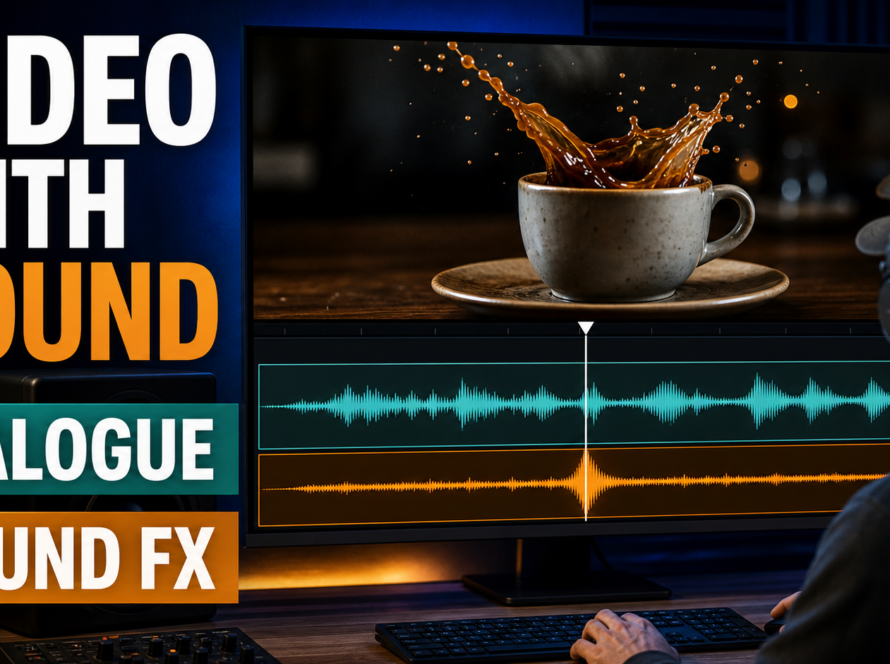
SkyReels-V3 Talking Avatar is audio-conditioned, but this should not be confused with speech generation. The user supplies the audio. The pipeline uses a portrait, audio track, and prompt to create visible performance and mouth motion.
What Talking Avatar Controls
Voice identity comes from the supplied recording. Speech synthesis is the separate process that creates spoken words and is not performed by the V3 generation command. Lip sync is mouth alignment to that track. Audio-driven motion includes expressions, head movement, and performance cues influenced by audio. Validate each independently.
Use audio you recorded or are authorized to use. Obtain explicit consent before cloning a real voice, retain provenance, and disclose synthetic media where appropriate. A visually accurate avatar does not imply the person approved the message.
Practical First-Run Workflow
Reference-to-Video Command
python3 generate_video.py --task_type reference_to_video --ref_imgs "character.png,product.png,studio.png" --prompt "Medium shot of the same presenter..." --duration 5 --resolution 480P --seed 42 --low_vramBegin with one or two references. Confirm the pipeline works, then add a prop or background reference. The default script automatically downloads the appropriate task model; use --model_id only when you intentionally manage a local checkpoint.
- Approve a five-second shot list with one action and one camera move.
- Crop reference images cleanly and document invariants.
- Run a 480p low-memory test.
- Inspect the first, middle, and last frames.
- Correct identity or geometry before raising resolution.
- Render the accepted prompt at 540p or 720p as resources allow.
- Add authorized voice, sound, captions, color, and cuts in post.
Review and Export Checklist
- Face, hairstyle, proportions, wardrobe seams, and accessories remain plausible.
- The prop keeps its shape, color, orientation, and correct hand.
- Doors, windows, furniture, horizon, and light direction do not jump.
- The camera move has one readable path without accidental zoom or shake.
- Motion blur suits the intended shutter look and frame rate.
- Audio remains synchronized after the final transcode.
- The delivery file is checked at full size for banding, artifacts, and small-text failure.
Limitations and Troubleshooting
SkyReels-V3 remains compute-heavy. Multi-reference context can still blend identities or props; small text and hands can deform; extreme camera moves may damage geometry; video extension can accumulate drift; and references cannot reveal unseen details reliably.
Common Failures and Fixes
| Failure | Likely cause | Practical fix |
|---|---|---|
| CUDA out of memory | Model, resolution, or other GPU apps exceed capacity | Use low-VRAM mode, 480p, close GPU apps, or add offload |
| Installation fails | Python, CUDA, compiler, or pinned packages conflict | Use clean Python 3.12 and official versions |
| References blend | Ambiguous roles or contradictory visuals | Use fewer references and name each subject or prop |
| Face drifts | Small face, occlusion, aggressive motion | Tighter portrait, shorter action, simpler camera |
| Background changes | Weak environment context | Add one clean location reference and repeat geometry |
| Avatar sync feels wrong | Poor audio or excessive head motion | Clean audio, use a frontal portrait, simplify performance |
| Export stutters | Frame-rate mismatch | Align source, timeline, and delivery rates |
Edit AI videos here
Turn approved SkyReels-V3 clips into a complete story at https://ai.alphatechnologies.vn. Trim unstable frames, assemble short generations, add authorized voice and lip-sync results, mix sound, create captions, match color, and export platform-ready versions.
Final Recommendation
Start with the 14B reference model, a short 480p test, and a small reference pack. Treat each output as a shot, preserve settings and continuity notes, and move to 720p only after identity, motion, camera, and scene checks pass. Explore more practical AI video workflows on Aikolhub, and review the current Skywork license before distributing or hosting a service.
Frequently Asked Questions
Is SkyReels-V3 open source?
Call it open-weight. The code and weights are public, but use is governed by the custom Skywork Community License and repository terms rather than a standard OSI license.
How much VRAM does SkyReels-V3 need?
The official V3 repository does not promise one minimum for every task. It recommends low-VRAM mode and 480p or 540p for GPUs under 24 GB.
Which weights should I download first?
Choose the 14B Reference-to-Video weights first when your goal is a controlled shot from character, prop, or environment images.
Can it keep several references consistent?
It accepts one to four references and targets subject and background consistency, but it can still blend or drift. Use the fewest clear, compatible images.
Does it create voices and lip sync?
The Talking Avatar path uses supplied audio to drive portrait motion and lip alignment. It does not synthesize the speech or establish consent for the voice.
Official sources: SkyReels-V3 repository and release notes; official 14B Reference-to-Video model card; official 14B Video Extension model card; official 19B audio-driven model card; SkyReels-V3 technical report; license terms.