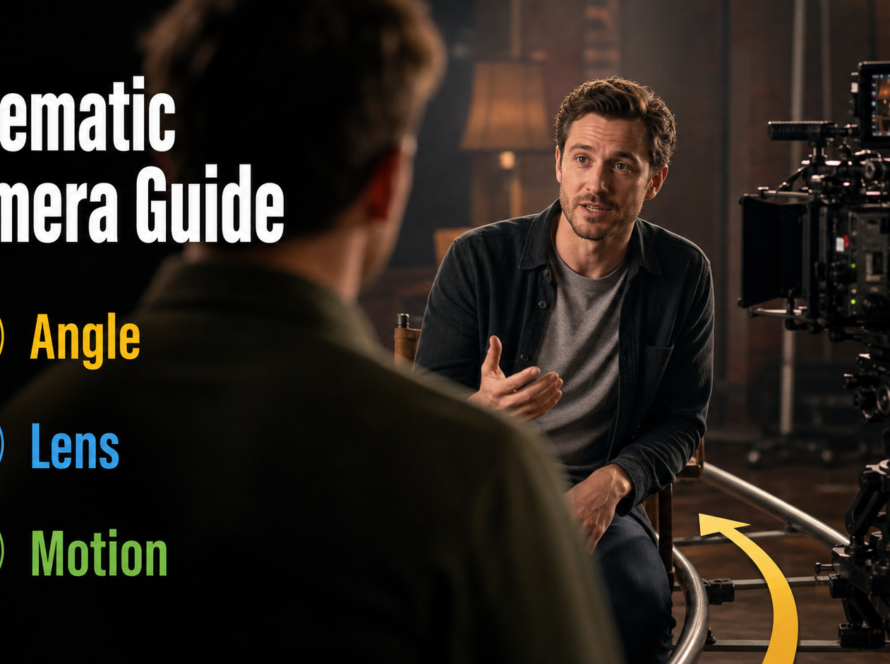
The most reliable SkyReels-V2 image-to-video workflow starts with the correct open-weight checkpoint, a reference image that already looks like the desired first frame, and a prompt that describes the full scene as well as motion. Generate a 97-frame preview, check identity and geometry throughout the clip, and use Diffusion Forcing extension only after the short shot is stable. Updated July 23, 2026, this guide reflects the official repository, model collection, technical report, inference examples, and Skywork Community License.
SkyReels-V2 can turn text or a first image into video, while its Diffusion Forcing checkpoints also support longer generation, video extension, and start/end-frame control. It does not provide voice cloning, speech synthesis, dedicated lip sync, or audio-driven motion in the V2 pipeline. Those are separate production stages. The newer SkyReels-V3 exists, but this article deliberately explains V2 controls without transferring V3 features backward.
Table of Contents
What SkyReels-V2 Currently Provides
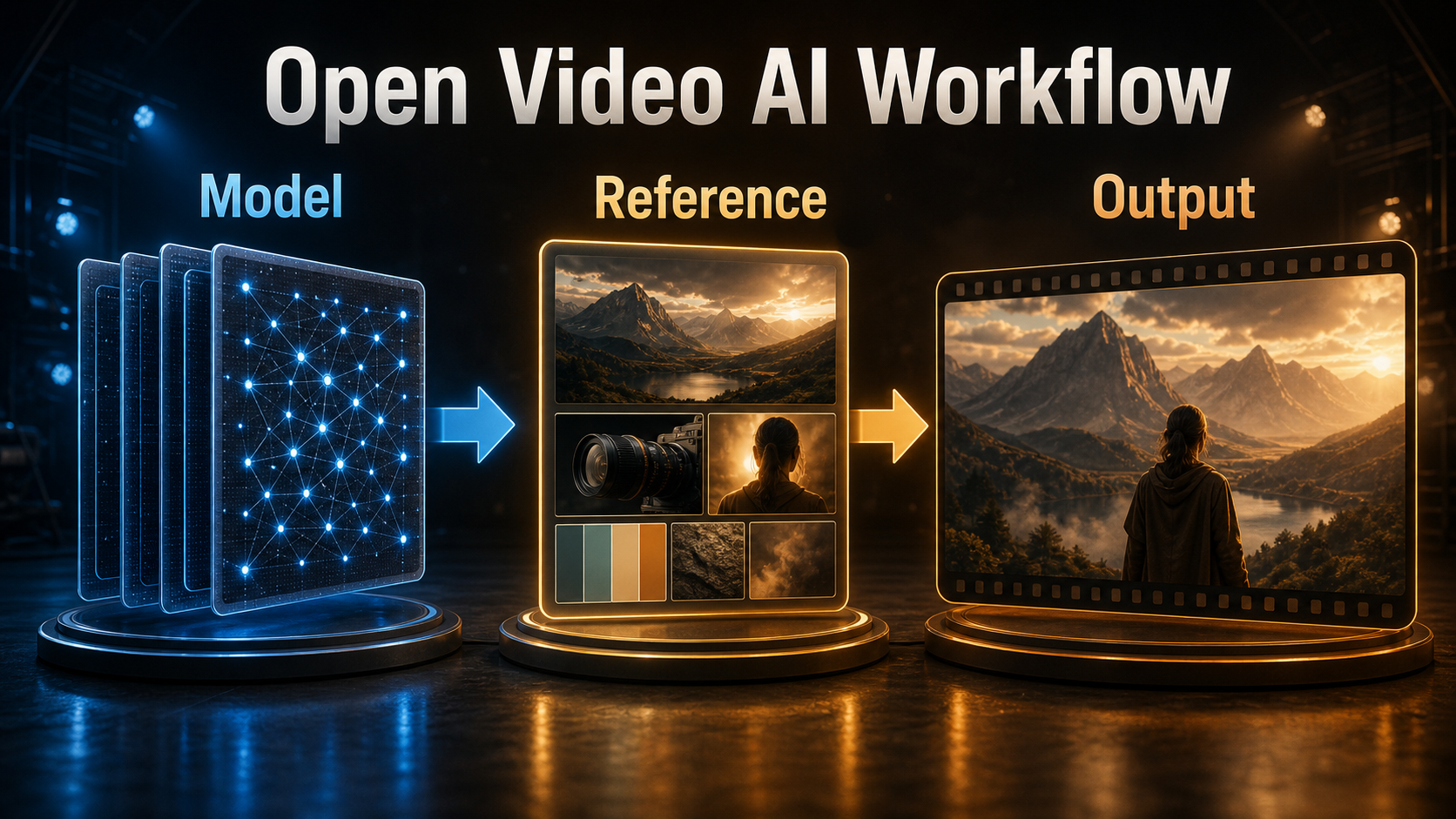
The official V2 release includes 14B text-to-video checkpoints at 540p and 720p; 1.3B and 14B image-to-video checkpoints at 540p, plus 14B I2V at 720p; and Diffusion Forcing checkpoints for autoregressive generation. The repository publishes single- and multi-GPU inference examples and Diffusers integrations. Its table still marks 5B models and Camera Director checkpoints as coming soon, so do not promise downloadable camera-control weights that are not there.
Open-Weight License and Update Status
Call SkyReels-V2 open-weight. Its weights are governed by the custom Skywork Community License, not an OSI-approved open-source license. The license permits commercial use subject to its terms and contains use restrictions, so teams should read it before deployment. The repository’s latest commit is dated January 29, 2026; this exact status was checked on July 23, 2026.
Choose the Right Checkpoint
| Goal | Starting checkpoint | Why |
|---|---|---|
| Animate one approved frame | I2V 1.3B 540P | Lower official VRAM baseline and faster iteration |
| Higher-fidelity reference shot | I2V 14B 540P or 720P | Larger model and available resolution choices |
| Create without an image | T2V 14B | Designed for text-only conditioning |
| Long generation or extension | DF 1.3B or 14B | Diffusion Forcing supports autoregressive continuation |
| Controlled first and last frame | DF checkpoint | Official script accepts image and end_image |
Hardware and Local Installation
The official quickstart uses Python 3.10.12: clone the repository, enter the directory, and install requirements.txt. Download a checkpoint from the official Skywork Hugging Face collection and pass its identifier to the generation script. Begin with the repository’s exact command before changing parameters; this distinguishes an installation problem from a prompt problem.
git clone https://github.com/SkyworkAI/SkyReels-V2
cd SkyReels-V2
pip install -r requirements.txt
Official VRAM and Resolution Baselines
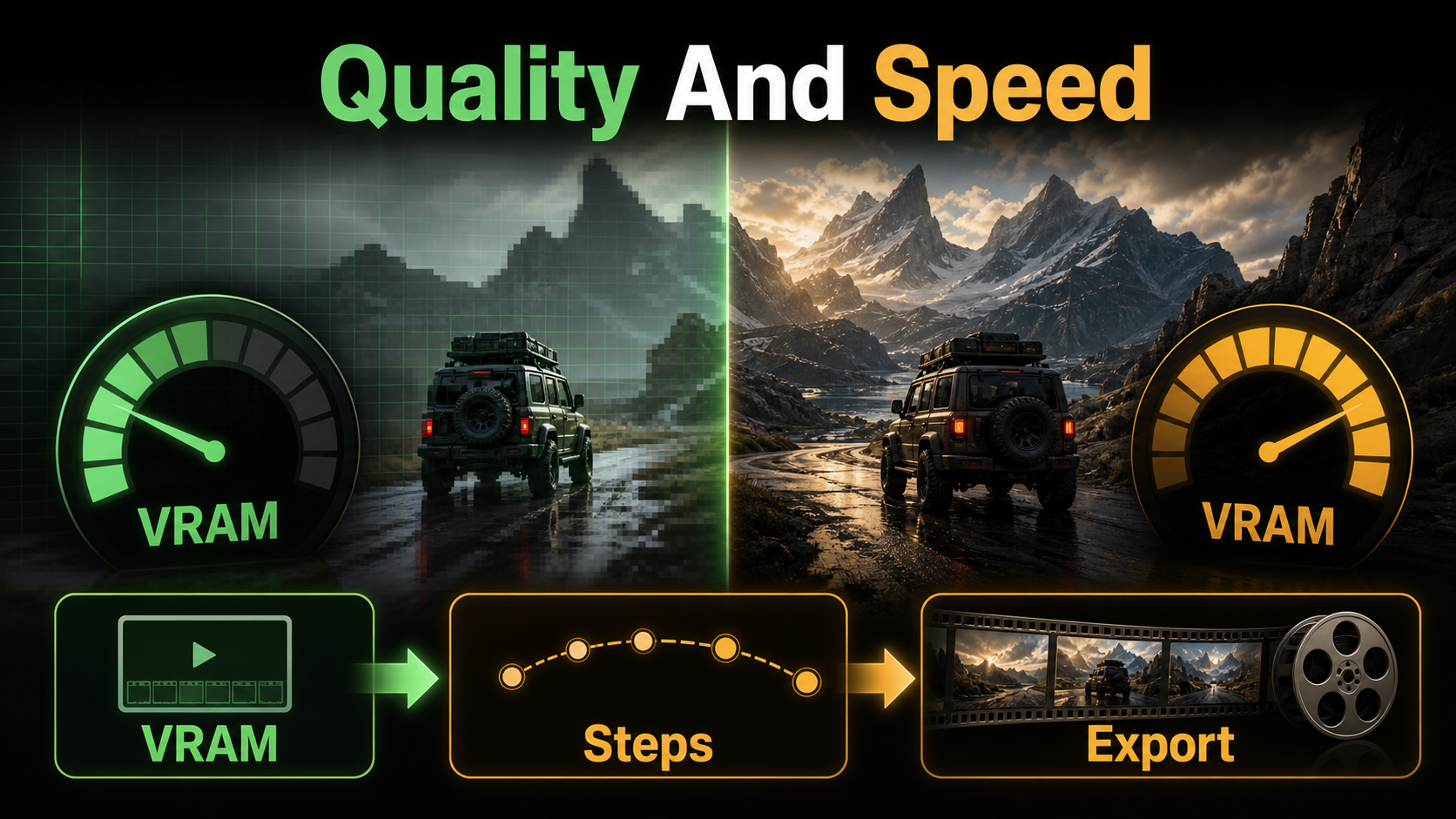
The repository reports about 14.7 GB peak VRAM for a 1.3B 540p generation and about 51.2 GB for 14B at the same resolution. Official recommended shapes include 544 × 960 × 97 frames for 540p and 720 × 1280 × 121 frames for 720p. Actual memory depends on the task, software versions, offloading, frame count, and hardware.
Use --offload when appropriate. For Diffusion Forcing, lowering base_num_frames from 97 to 77 or 57 can reduce peak memory while keeping the desired total length, although the repository warns that quality may fall. Do not label 14.7 GB as a universal requirement; it is an official measured baseline.
Build a Strong Reference Image
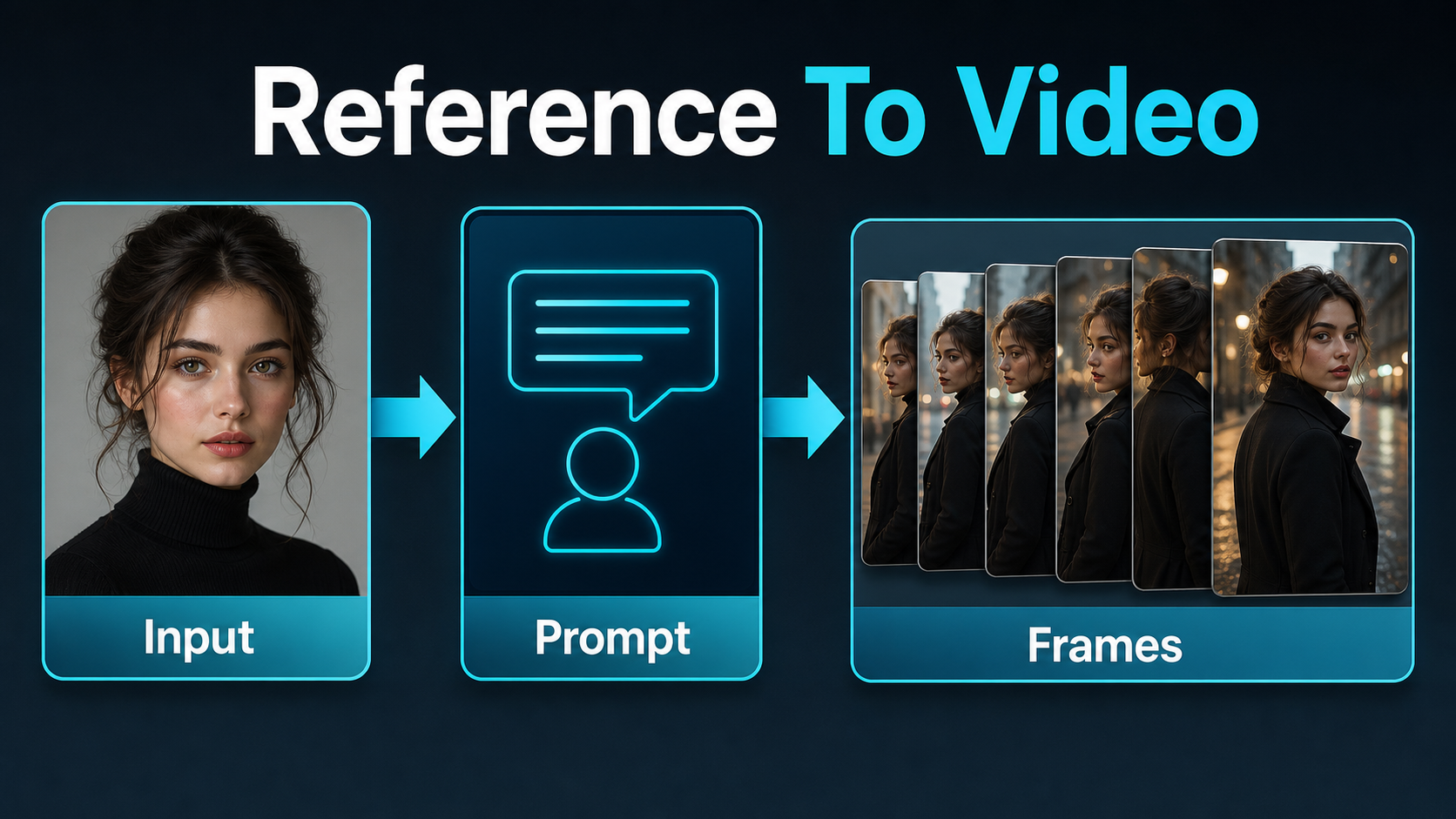
The input image should function as a production-ready first frame. Lock identity, wardrobe, prop position, environment, light direction, camera height, composition, and aspect ratio before animation. SkyReels-V2’s own note recommends a T2V-like prompt that also describes the first-frame content, rather than a motion-only instruction.
Reference Image Checklist
- Use a clean 16:9 composition matching the output orientation.
- Make the face large enough to inspect, with visible eyes and hairline.
- Show wardrobe closures, jewelry, hands, and important props clearly.
- Avoid mirrors, crowds, illegible signs, repeated fingers, and conflicting light sources.
- Stage the character with room to perform the requested movement.
- Match the intended focal-length perspective before generation.
- Save the accepted image, prompt, checkpoint, seed, and settings together.
First-Frame Consistency Is Not Subject Consistency
First-frame consistency asks whether frame one matches the input. Subject consistency asks whether the same face and body survive later motion, occlusion, camera movement, and extension. Scene continuity asks whether walls, furniture, weather, and lighting remain coherent. A strong opening can still drift five seconds later, so review the beginning, middle, and end separately.
Write a Prompt That Controls the Shot
Write in a stable order: shot and subject, appearance, action, environment, camera, lens look, exposure behavior, lighting, then continuity constraints. Describe one primary action and one camera move. Long lists of simultaneous gestures, changing props, weather events, zooms, and focus changes create conflicting targets.
Copyable SkyReels-V2 Prompt Template
[Shot size] of the same [subject], wearing [fixed wardrobe], holding [fixed prop].
The subject performs [one clear action] in [fixed environment].
Camera: [height and angle], [locked or one movement], [focal-length look].
Exposure: [aperture look], [180-degree shutter look], [24 fps cadence].
Lighting: [key direction], [fill], [rim or practical].
Preserve face, hair, wardrobe, prop, set geometry, and light direction.
No identity drift, extra limbs, prop mutation, focus pumping, or background warping.
Worked Cinematic Prompt
“Medium close-up of the same botanist in a navy field jacket, holding one red notebook in her left hand. She looks from the notebook toward camera-right and takes one slow step in a misty greenhouse. Eye-level camera makes a gentle 30-centimeter dolly-in with a natural 50 mm lens look. f/4 depth-of-field look, restrained 180-degree shutter blur, 24 fps cadence. Broad morning key from camera-left, soft fill, warm practical behind. Preserve her face, braid, jacket pockets, notebook color and hand, glasshouse geometry, plant positions, and light direction. No zoom, orbit, wardrobe change, extra finger, focus pumping, or moving text.”
Camera, Lens, Lighting, and Motion
Camera terms in a text prompt are visual instructions, not guaranteed physical metadata. Judge perspective, depth of field, blur, flare, focus breathing, distortion, and edge behavior in the result. Since the promised Camera Director checkpoints remain unreleased, V2 users should rely on first-frame composition, explicit language, start/end frames, and conservative motion rather than claiming precise trajectory control.
Practical Cinematic Settings
| Control | Practical start | Visible target |
|---|---|---|
| Focal-length look | 35 mm wide, 50 mm natural, 85 mm portrait | Intentional perspective and facial proportion |
| Aperture look | f/2.8 to f/4 | Readable subject with controlled background softness |
| Shutter angle | 180-degree look | Natural motion blur at 24 fps |
| Frame rate | 24 fps | Matches official export examples |
| Camera move | Locked, slow pan, or gentle dolly | One unambiguous trajectory |
| Effects | Restrained bloom and grain | Texture without unstable flare or aberration |
Use broad soft lighting with a clear direction. Avoid asking for extreme anamorphic flare, shallow focus, handheld shake, and rapid orbit in the same shot. Lens artifacts that vary frame to frame can look like continuity failures even when the character is recognizable.
Keep Character, Prop, and Scene Continuity
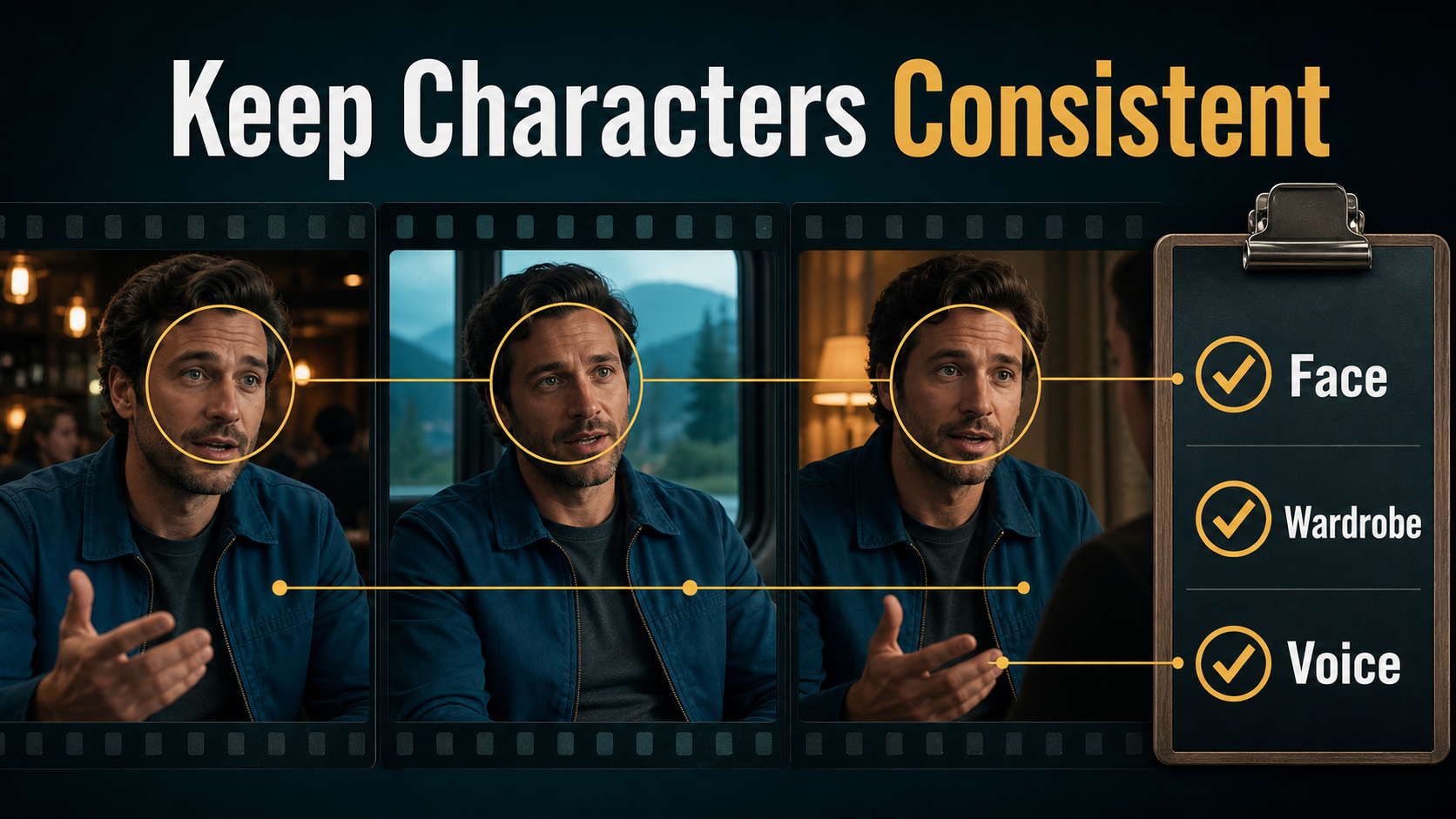
Create a character sheet and scene bible, but feed the model the shot-specific first frame it expects. Record exact hair, clothing, accessories, prop hand, room layout, time of day, and key-light direction. For a reverse angle, create a new reference that reveals the unseen side instead of expecting the frontal frame to define it.
Separate Seven Consistency Tests
| Test | What it means | Primary control |
|---|---|---|
| Subject consistency | Same face, body, hair | Reference plus short controlled motion |
| First-frame consistency | Opening matches the input | I2V start image |
| Scene continuity | Stable geometry, props, and light | Scene bible and matching references |
| Voice identity | Same speaker timbre | Approved recording or separate voice model |
| Speech synthesis | Text becomes speech | Separate TTS system |
| Lip sync | Mouth aligns to phonemes | Separate lip-sync stage |
| Audio-driven motion | Pose responds to sound | Separate audio-conditioned model |
SkyReels-V2 video generation does not merge those audio tasks. Add final voice first, then perform lip sync or audio-driven animation with a system that officially supports it. Replacing audio after lip sync can break timing even when voice identity sounds correct.
Practical Reference-to-Final-Shot Workflow
- Write a one-sentence shot objective and continuity notes.
- Select I2V for a first-frame anchor or DF for controlled continuation.
- Build and approve the reference at the target aspect ratio.
- Write a full scene prompt with one action and one camera move.
- Render the official 97-frame 540p baseline before extending.
- Inspect face, hands, wardrobe, prop, background, lighting, and motion.
- Change one variable—reference, prompt, seed, guidance, or motion—then rerun.
- Move to 14B or 720p only when the composition and behavior pass.
- Generate or record final dialogue separately; then handle lip sync if needed.
- Edit approved shots, audio, captions, color, and delivery formats.
Extend Only After the Base Shot Passes
For Diffusion Forcing, the repository maps 257 frames to about 10 seconds, 377 to 15 seconds, 737 to 30 seconds, and 1457 to 60 seconds. These values align with training settings rather than a simple duration formula. Asynchronous inference uses ar_step 5 and typically causal_block_size 5; the authors report that it can improve instruction following and visual consistency but is slower.
Use overlap_history 17 for the published long-video examples and treat addnoise_condition 20 as the official starting point. The repository advises not exceeding 50 because excessive conditioning noise can reduce consistency. “Infinite-length” describes the autoregressive architecture, not a guarantee of error-free continuity forever.
Quality-Control Checklist
- Opening frame matches the approved composition.
- Face, hair, wardrobe, and proportions survive every third of the clip.
- Prop color, shape, position, and hand remain stable.
- Background lines and light direction do not bend or reverse.
- Camera motion follows one readable direction.
- Focus, blur, flare, and grain behave consistently.
- Voice, speech, lip sync, and audio motion are reviewed as separate layers.
Limitations and Troubleshooting
SkyReels-V2 is compute-heavy, and long autoregressive video can accumulate visual errors. Large deformable motion, hands, fast turns, occlusion, text, reflections, and crowded scenes remain difficult. Start/end frames constrain endpoints but do not guarantee a physically plausible path between them.
Common Failures and Fixes
| Failure | Likely cause | Fix |
|---|---|---|
| Face drifts | Small face, long shot, or large turn | Tighter reference and shorter motion |
| First frame looks right but set bends | Weak scene constraints or camera move | Lock camera and simplify geometry |
| Wardrobe or prop mutates | Hidden detail or ambiguous action | Expose details and name the prop hand |
| Extension jumps | Weak overlap or accumulated error | Approve shorter segments and use overlap history |
| Out of memory | 14B, 720p, or long base context | Use 1.3B, 540p, offload, or lower base frames |
| Camera ignores complex request | Several competing moves | Choose one move and reinforce it in the first frame |
| Mouth does not match dialogue | V2 is not a lip-sync pipeline | Use final audio with a dedicated lip-sync stage |
Edit AI videos here
Assemble approved SkyReels-V2 shots, trim continuity errors, add final voice, captions, music, transitions, color, and platform exports at https://ai.alphatechnologies.vn. Editing turns separate generations into one coherent sequence and lets you hide short unstable moments without rerendering an entire story.
Final Recommendation
Use SkyReels-V2 as a controlled shot generator, not a one-prompt film machine. Start with I2V 1.3B at 540p for inexpensive decisions, move to a larger checkpoint only after the reference and prompt work, and extend only approved material. Keep subject, first frame, scene, voice, speech, lip sync, and audio motion in separate QA tracks. For more tested AI video workflows, explore Aikolhub and save every accepted setting with the shot it produced.
Frequently Asked Questions
Is SkyReels-V2 open source?
Its code and weights are publicly available, but the weights use the custom Skywork Community License with restrictions. “Open-weight” is the accurate term; read the license before commercial or hosted use.
Which V2 model should I use for a reference image?
Start with the I2V 1.3B 540P checkpoint for iteration. Use I2V 14B at 540p or 720p when hardware allows and the shot design has already passed.
Does SkyReels-V2 support start and end frames?
Yes. The official Diffusion Forcing script accepts --image for the start and --end_image for the end. Matching size and plausible staging improve the transition.
Can SkyReels-V2 keep a character consistent?
A reference image strongly anchors the opening, but it cannot guarantee identity through arbitrary length, occlusion, or camera motion. Use short shots, explicit continuity notes, and frame-by-frame review.
Does SkyReels-V2 generate voice or lip sync?
No dedicated voice synthesis, voice-cloning, lip-sync, or audio-driven-motion workflow is documented for the V2 generation checkpoints. Use separate officially supported tools for those stages.
Official sources: SkyReels-V2 repository and release notes; official SkyReels-V2 model collection; SkyReels-V2 technical report; Skywork licensing notice; Diffusers SkyReels-V2 documentation.