


The safest VACE local setup starts with the official repository, the 1.3B Wan2.1-based checkpoint for a first test, and the exact preprocessing pipeline for your task. VACE supports text-to-video, reference-to-video, video-to-video, and masked video editing, but it does not publish one universal VRAM minimum; memory needs depend on the selected 1.3B or 14B base, resolution, frame count, precision, and parallel strategy. This guide was verified on July 26, 2026 against the official repository, user guide, model links, and license information.
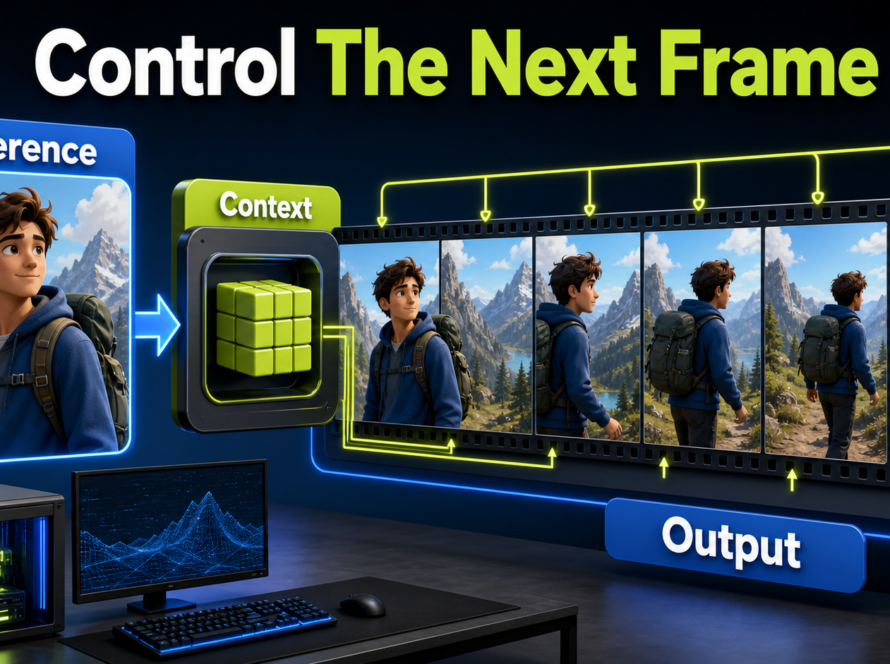
Use VACE when a job needs structured visual control: animate a reference, move or replace an object, expand a frame, edit a region, or compose several conditions. Treat it as a visual generation and editing system. Native voice generation, audio identity, and lip sync are not documented VACE capabilities and should remain separate production stages.
Table of Contents

VACE Status and Models
VACE is the official implementation of “VACE: All-in-One Video Creation and Editing,” accepted by ICCV 2025. The repository describes a unified approach for reference-to-video (R2V), video-to-video (V2V), masked video-to-video (MV2V), and composed tasks such as move, swap, expand, reference, and animate operations.
What Changed
The official news section records the code, preprocessing, and demos released on March 31, 2025; Wan2.1-VACE 1.3B and 14B weights released on May 14, 2025; ICCV acceptance on June 26, 2025; and a VACE-Benchmark data update on October 17, 2025. As of the July 26, 2026 check, that benchmark update is the newest dated repository news item.
This matters because old tutorials may point only to preview weights or the LTX 0.9 branch. Start from the current model table and user guide rather than assuming that a third-party workflow uses the same preprocessing, base model, or license.
Choose the Right Weights
| Official model | Target size in repository | Listed license | Practical use |
|---|---|---|---|
| Wan2.1-VACE-1.3B | About 81 × 480 × 832 | Apache-2.0 | First local validation and lower-cost iteration |
| Wan2.1-VACE-14B | About 81 × 720 × 1280 | Apache-2.0 | Higher-resolution tests with substantially more compute |
| VACE-Wan2.1-1.3B-Preview | About 81 × 480 × 832 | Apache-2.0 | Legacy preview comparison |
| VACE-LTX-Video-0.9 | About 97 × 512 × 768 | RAIL-M | LTX 0.9-specific workflow |
The repository says models inherit the original model license. Check the exact checkpoint card and every required dependency before commercial use. Do not describe the LTX branch as Apache-2.0 merely because the repository code displays that license.
Hardware and Installation
Use an isolated environment. The official codebase says it was tested with Python 3.10.13, CUDA 12.4, and PyTorch 2.5.1 or newer. Pinning those versions gives you a reproducible baseline before testing newer combinations.
Verified Environment
git clone https://github.com/ali-vilab/VACE.git
cd VACE
# Create and activate a Python 3.10 environment.
pip install torch==2.5.1 torchvision==0.20.1 --index-url https://download.pytorch.org/whl/cu124
pip install -r requirements.txt
pip install wan@git+https://github.com/Wan-Video/Wan2.1
# Install annotators only when the selected preprocessing task needs them.
pip install -r requirements/annotator.txt
Download the selected checkpoint into the repository’s models/ structure. If you need the preprocessing tools, download the official VACE-Annotators package as documented. Keep Wan and LTX experiments in separate environments because the repository warns that the LTX dependency path may conflict with Wan.
VRAM Planning Without Guessing
The official VACE README does not state one minimum VRAM number. Do not turn an unverified community anecdote into a requirement. Instead, record GPU model, free VRAM, system RAM, checkpoint, resolution, frame count, precision, offload settings, and whether multi-GPU parallelism is enabled. The official 14B example uses eight processes with FSDP and sequence parallelism, which clearly signals that its documented path is much heavier than the 1.3B single-GPU example.
- Begin with the 1.3B checkpoint and the repository’s intended 480p range.
- Close other GPU applications and confirm the driver sees the card.
- Use the shortest representative input and one sample.
- Change one memory variable at a time.
- Do not raise resolution and duration in the same test.
- Record peak allocated memory from the run, not only a desktop utilization graph.
Prepare Inputs and Prompt Context
VACE accepts text plus optional video, mask, and reference images. The task decides which inputs are required. Preprocessing converts source assets into the src_video, src_mask, and src_ref_images forms used by inference.
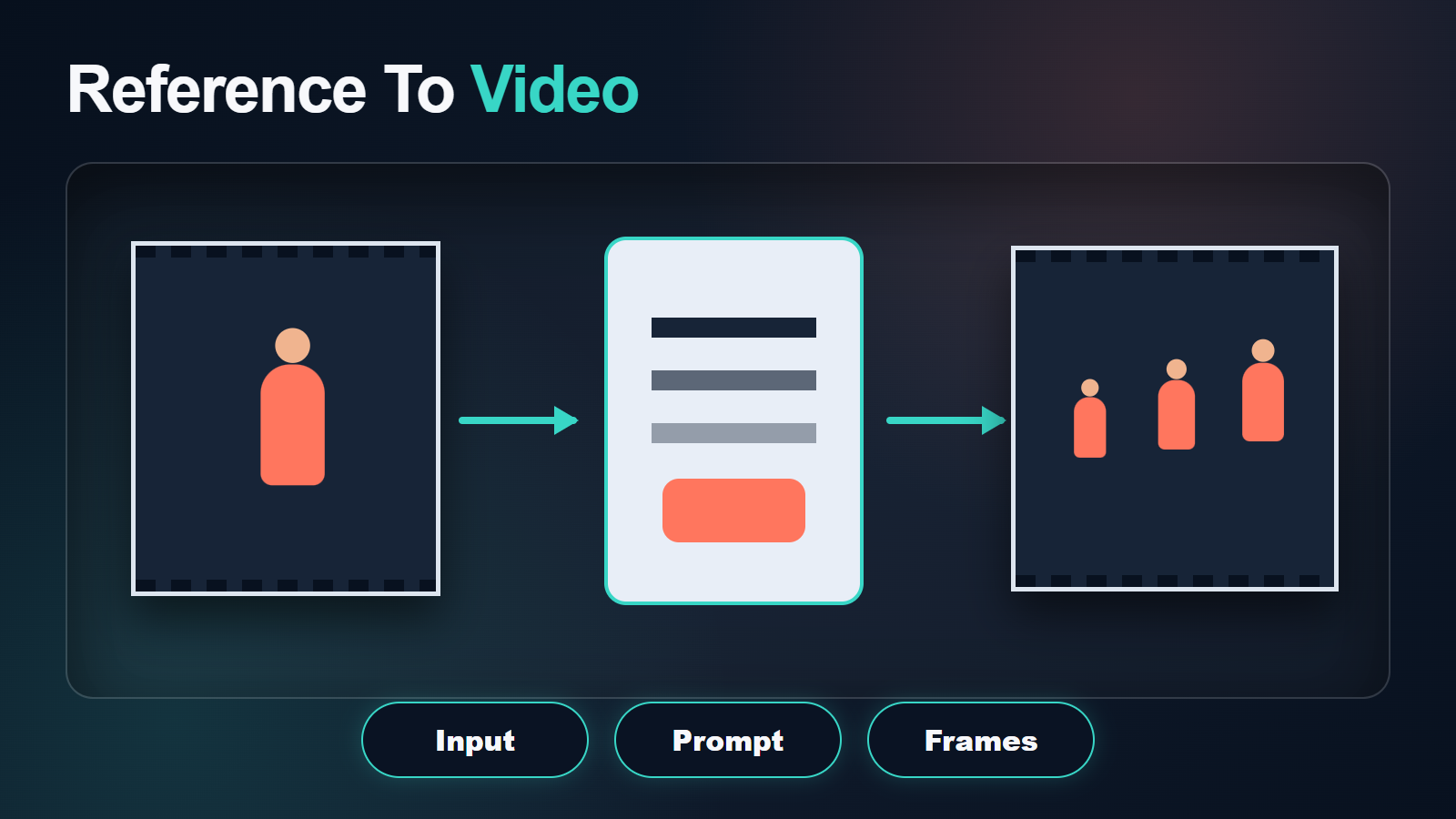
Task Input Map
| Task | Prepare | Primary review |
|---|---|---|
| Text-to-video | Prompt and settings | Motion, composition, subject quality |
| Reference-to-video | Reference images and prompt | Identity, wardrobe, scene match |
| Video-to-video | Source video and prompt | Motion preservation and edit strength |
| Masked video edit | Source video, mask, prompt | Mask edges, temporal blend, untouched regions |
| Composed task | Multiple prepared conditions | Condition conflicts and priority |
Match image and video aspect ratios where possible, stabilize source footage, and inspect masks frame by frame. A flickering mask creates flickering edits. Name reference roles explicitly: subject, wardrobe, prop, environment, and target composition.
VACE Prompt Template
Task: [R2V, V2V, MV2V, or composed edit].
Subject: the same [identity anchors] wearing [fixed wardrobe].
Scene: [fixed environment, time, lighting, and palette].
Action: [one visible action]. Camera: [shot size and one move].
Edit target: change only [masked or conditioned element].
Preserve: face, body, wardrobe, props, background geometry, motion direction, and unmasked pixels.
Avoid: identity drift, extra objects, mask-edge halos, texture flicker, bent lines, and unintended camera motion.
Prompt extension can help English Wan2.1 tasks, but the repository warns that automatic expansion in editing tasks may invent visual information that conflicts with the unknown source. Read an expanded prompt before inference and remove additions that change identity, objects, layout, or lighting.
First-Run Workflow
Preprocess, Then Infer
Use the end-to-end pipeline for a first test, or run preprocessing and inference separately when you need to inspect intermediate assets. The user guide documents task-specific scripts and configurations; copy a repository example before designing a composed workflow from scratch.
- Clone the repository and capture the commit used.
- Create the pinned environment and validate CUDA in PyTorch.
- Download one official checkpoint and verify its model card and license.
- Choose one benchmark example close to your task.
- Prepare source video, mask, and references at compatible dimensions.
- Run preprocessing and inspect every intermediate input.
- Render one short sample with the 1.3B model.
- Review first, middle, and last frames before increasing quality.
First-Run Checklist
- The checkpoint path matches the selected base.
- Frames, masks, and references open correctly.
- The prompt describes one action and one camera behavior.
- Input and target sizes match the documented range.
- Output and intermediate files are saved under a unique run name.
- Peak memory, runtime, seed, commit, and settings are recorded.
Character and Scene Consistency
Reference conditioning improves control, but it does not make every continuity problem equivalent. Face identity, body shape, wardrobe, prop geometry, scene layout, first-frame similarity, and temporal texture stability need separate reviews.
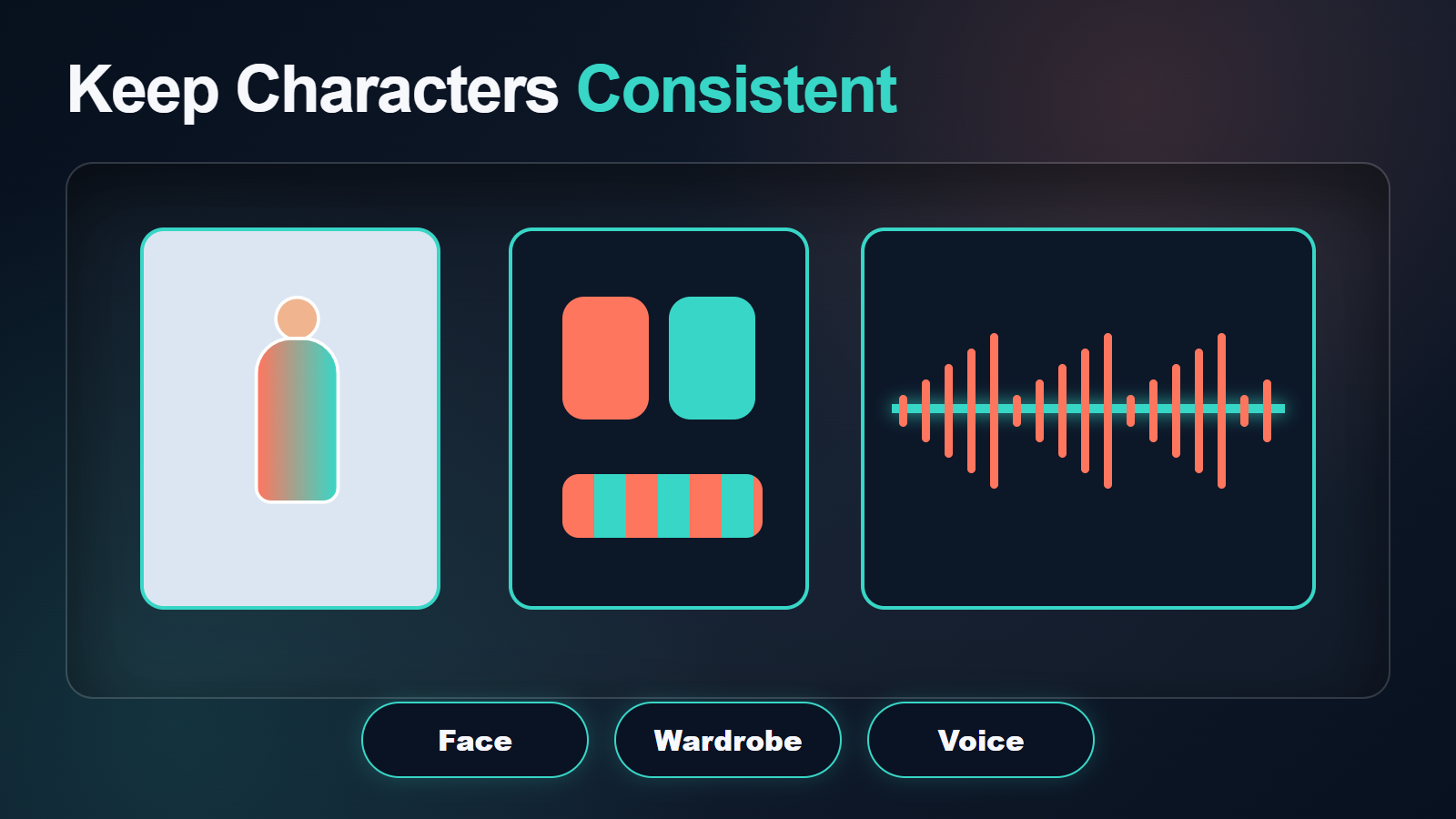
Build a Reference Pack
- Neutral front, three-quarter, profile, and full-body character views.
- Wardrobe front/back, materials, colors, and accessories.
- Clean prop views and hand-contact examples.
- Environment wide, reverse angle, and important surface details.
- A shot-specific first frame at the final aspect ratio.
- A continuity note naming details that must not change.
For masked editing, inspect untouched areas as aggressively as the edited region. For composed conditions, decide which input wins when a pose reference, source motion, and text prompt disagree. Shorter clips and smaller changes usually preserve identity better than a long, ambitious edit.
Quality, Speed, and Export Settings
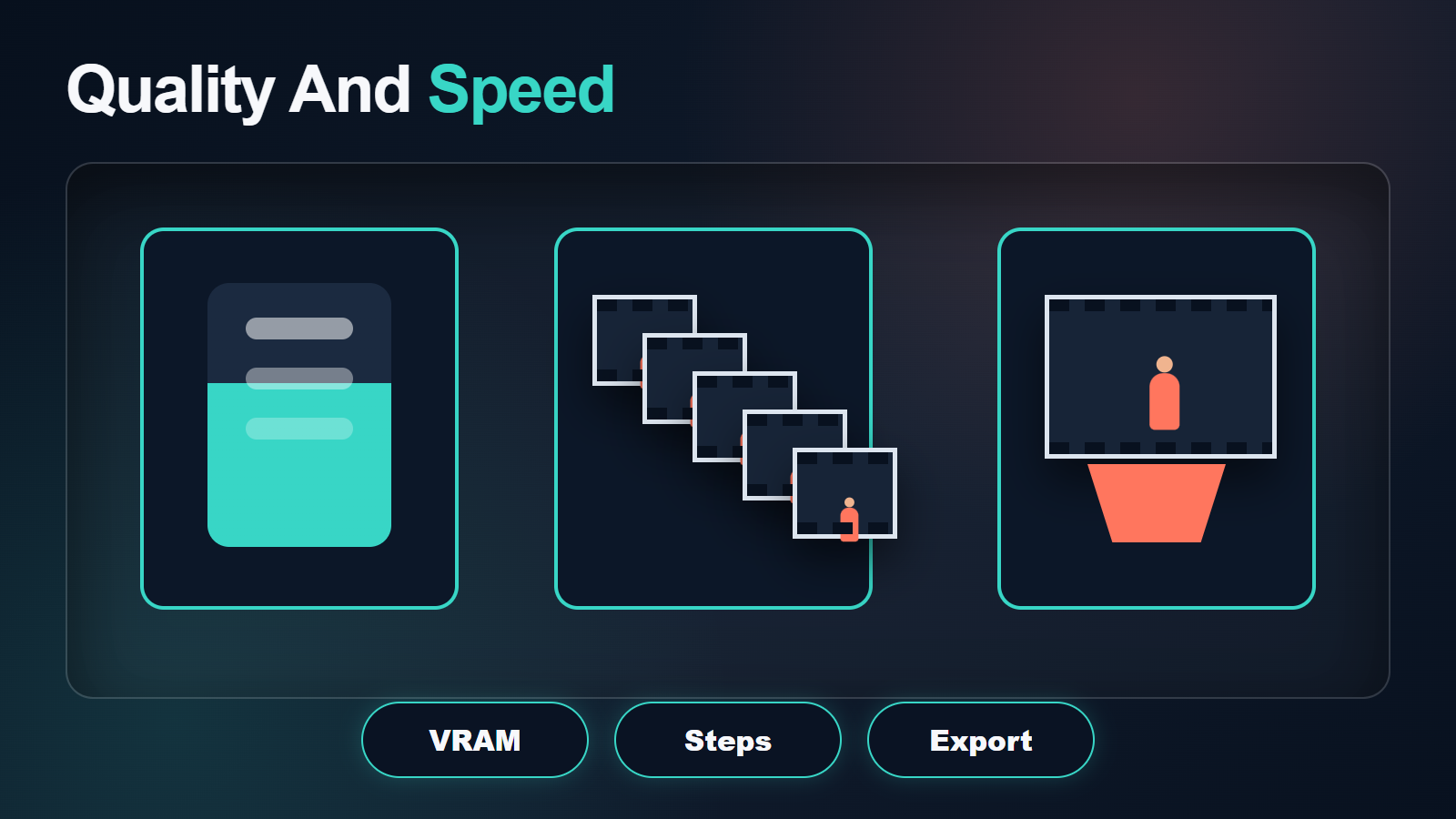
Practical Test Matrix
| Pass | Use | Goal |
|---|---|---|
| Environment check | Official example, default size | Prove installation and paths |
| Control check | Your references, short clip, 1.3B | Validate masks, identity, and prompt |
| Motion check | One action and one camera move | Find stable duration |
| Quality check | Selected seed and refined conditions | Approve first/middle/last frames |
| Final | Only approved shot settings | Export the shortest stable clip |
Resolution, frame count, sampling work, and model size increase cost. Avoid publishing a numeric “best setting” that was not measured on your machine. Save lossless or high-quality intermediate output, then encode delivery formats in the editor rather than repeatedly recompressing generated footage.
Voice, Audio, and Lip Sync
VACE’s documented tasks are visual. It does not claim native synchronized dialogue, voice identity, speech synthesis, or lip sync. Create authorized speech separately, keep voice consent and provenance, and use a documented audio-conditioned or lip-sync stage after the visual shot is stable. Review voice identity, pronunciation, mouth timing, and body motion as separate acceptance tests.
Limitations and Troubleshooting
VACE Fix Table
| Problem | Likely cause | Fix |
|---|---|---|
| CUDA out of memory | Model, size, or duration too large | Start with 1.3B, shorter inputs, lower target size, and one sample |
| Missing module | Mixed Wan/LTX environment | Rebuild isolated environments from the official requirements |
| Mask-edge flicker | Temporal mask inconsistency | Stabilize, feather carefully, and inspect every mask frame |
| Unwanted scene rewrite | Prompt extension added content | Review or disable expansion for editing jobs |
| Identity drift | Weak reference or excessive motion | Add role-specific views and shorten the shot |
| Wrong dimensions | Inputs outside intended range | Use documented target sizes and compatible aspect ratios |
| Unchanged region moves | Mask or condition conflict | Refine the mask and simplify the composed task |
Limitations include heavy compute for larger models, dependency conflicts, preprocessing work, imperfect long-range consistency, mask artifacts, and sensitivity to conflicting conditions. Always inspect source licenses, model cards, and outputs for commercial and safety requirements.
Edit AI videos here
Trim failed frames, assemble approved VACE clips, add authorized audio, captions, transitions, and delivery exports at https://ai.alphatechnologies.vn. Keep the source clip, mask, references, prompt, model, commit, seed, and settings attached to each selected shot.
VACE Final Recommendation
Prove the environment with an official example, then validate your own short 1.3B job before attempting the 14B path or composed edits. Inspect preprocessing artifacts before blaming inference, and treat memory as a measured property of your exact job. Aikolhub tracks more practical video-model workflows and official-source setup guidance for production teams.
VACE FAQ
Is VACE open source?
The repository code is Apache-2.0, and the listed Wan2.1 VACE checkpoints are Apache-2.0. The LTX 0.9 model is listed as RAIL-M. Verify each checkpoint and dependency separately.
How much VRAM does VACE need?
The official repository does not publish one universal minimum. Model size, resolution, frames, precision, offload, and parallelism determine peak memory, so measure your exact run.
Which VACE model should I try first?
Use Wan2.1-VACE-1.3B at the documented 480p range to validate installation, preprocessing, prompt control, and references before moving to the heavier 14B route.
Can VACE edit an existing video?
Yes. The official workflow documents V2V and masked V2V editing, plus composed tasks. Prepare the source, mask, references, and prompt for the selected configuration.
Does VACE generate audio?
Native synchronized audio is not documented. Create authorized speech and sound separately, then use a supported lip-sync or audio-conditioned tool when needed.
Official sources: VACE repository, VACE user guide, official VACE model collection, and repository license.

1 Comment