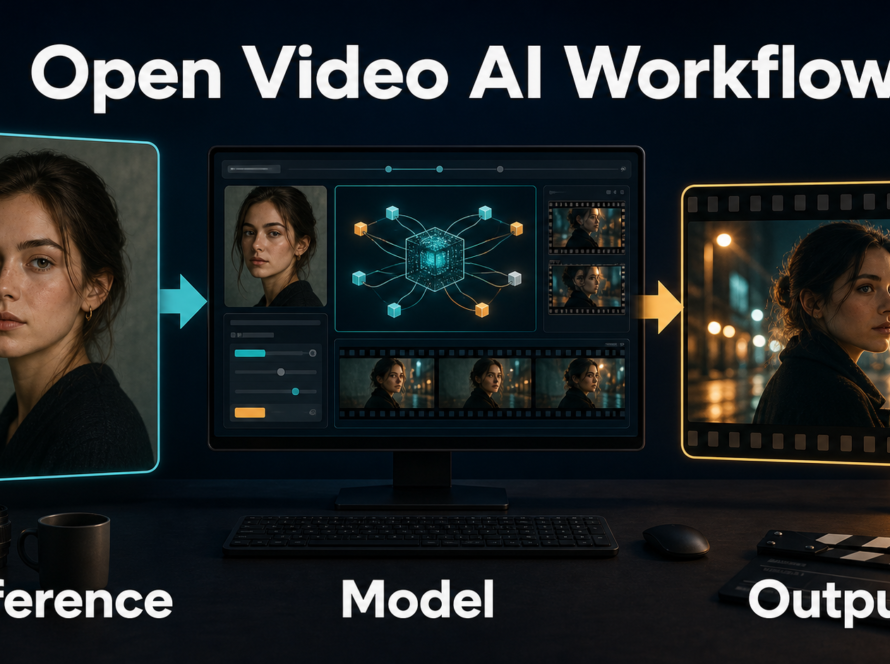
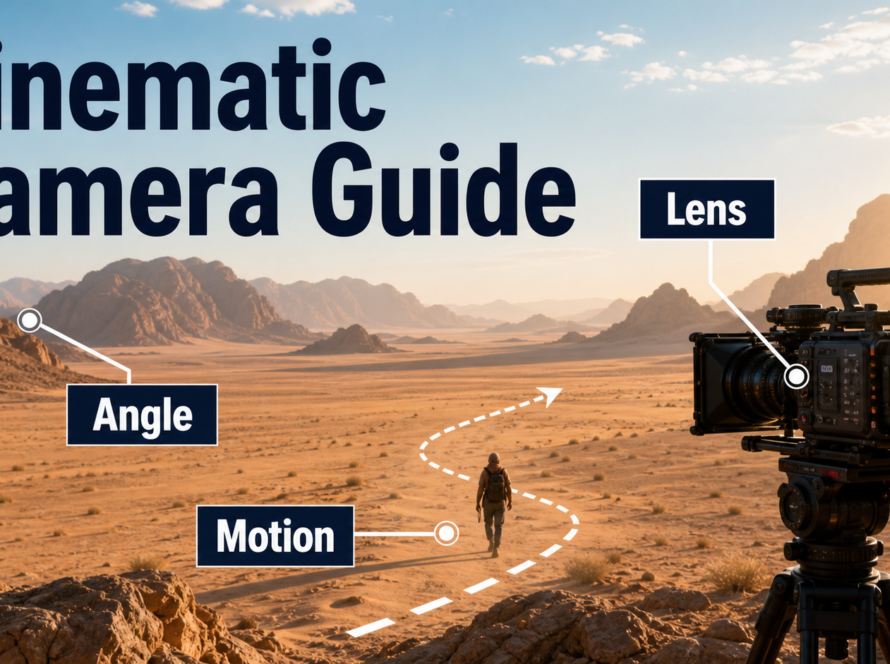
A strong FramePack result begins with a clean first-frame reference, one subject action, one camera behavior, and early review of the progressively generated frames. FramePack packs input context to a constant length so next-frame-section generation does not grow its working context with video duration, but that architecture does not eliminate identity drift, bad prompts, or weak references. This guide was verified on July 26, 2026 against the official repository, release notes, requirements, paper links, and licenses.
Use the official lllyasviel/FramePack repository. Its README explicitly says it is the only official FramePack website and warns that look-alike commercial domains are fake. Do not pay, sign in, or download packages from a site merely because its domain contains “FramePack.”
Table of Contents
FramePack Status and Design
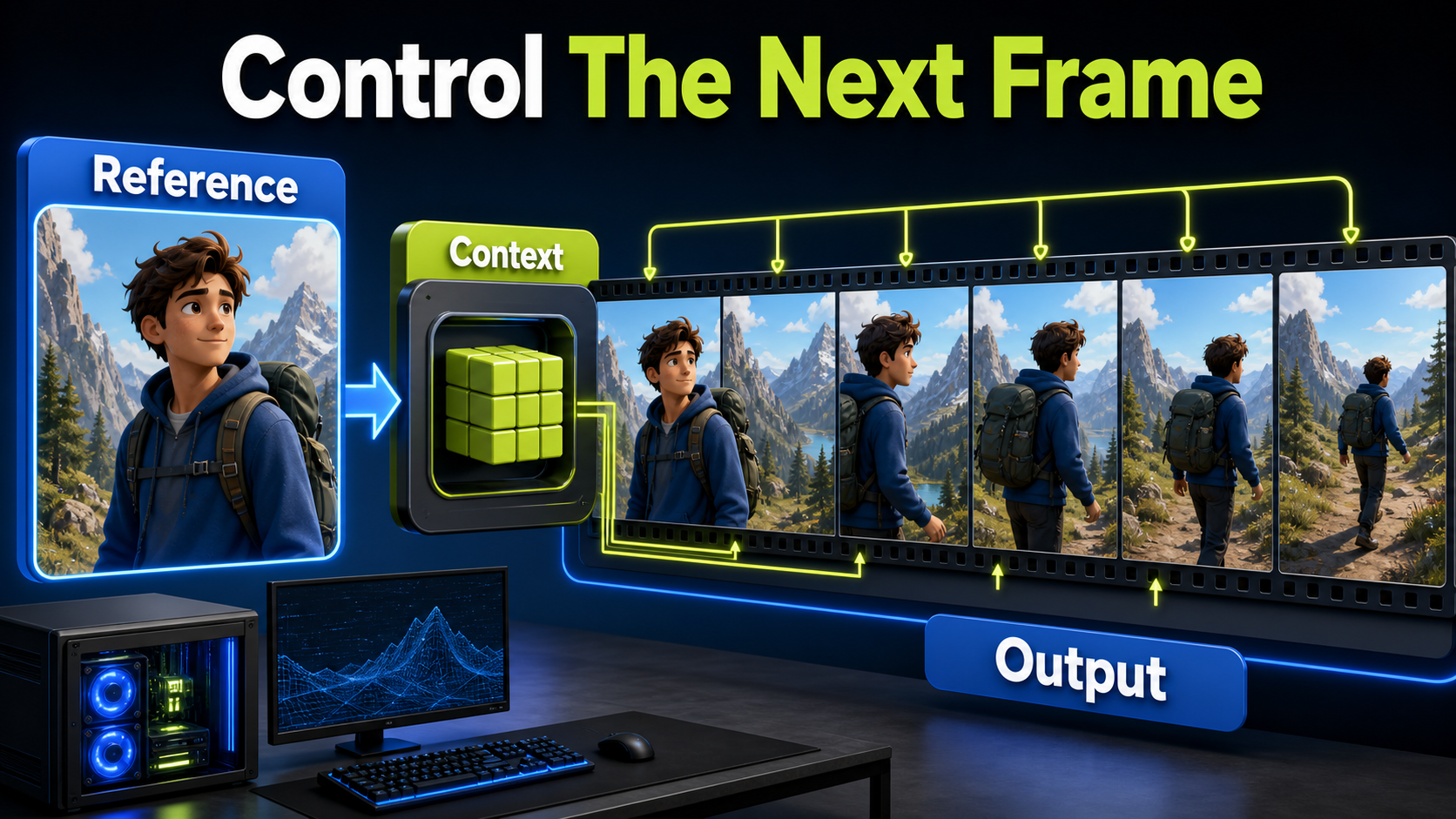
FramePack is the official implementation and desktop software for research on frame-context packing and drift prevention in next-frame-prediction video diffusion. It generates successive frame sections and compresses prior context to a constant length, which keeps the context workload invariant to total video length.
What Changed
The official news list records FramePack-F1 on May 3, 2025, FramePack-P1 previews on June 26, 2025, and text-to-video anti-drifting stress-test results on July 14, 2025. As of the July 26, 2026 check, July 14, 2025 remains the newest dated repository news item. The repository’s release page lists a Windows release from April 18, 2025.
Do not assume that every fork or tutorial includes F1 or P1 behavior. Capture the repository commit, launch file, model download, and settings used. A workflow named “FramePack” may bundle patches, optimizations, or models not maintained by the official author.
What Context Packing Does
Constant-length context makes long progressive generation practical without feeding every prior frame back at full size. It also provides visible frames before a full job finishes, so weak motion can be stopped early. It does not guarantee that a face, garment, prop, background, or camera path remains unchanged. The model still predicts new content, and small errors can compound.
Think of FramePack as an efficient temporal production method, not a magic continuity lock. A good reference and prompt define the starting state; checkpoints at regular intervals decide whether the evolving shot remains usable.
Hardware, Installation, and Licenses
Official Requirements
The official README lists Windows or Linux, an Nvidia RTX 30-, 40-, or 50-series GPU supporting fp16 and bf16, and at least 6 GB of GPU memory. It says GTX 10- and 20-series cards were not tested. The author reports generating a one-minute, 30 fps sequence with a 13B model at the 6 GB minimum, but this is a memory claim—not a promise of fast rendering or low system-RAM use on every machine.
The Windows one-click package uses CUDA 12.6 and PyTorch 2.6; the README says to run update.bat before run.bat. It also warns that automatic model downloads exceed 30 GB. For Linux, the documented baseline uses Python 3.10, a CUDA 12.6 PyTorch install, pip install -r requirements.txt, and python demo_gradio.py.
| Resource | Official baseline | Production note |
|---|---|---|
| GPU | RTX 30/40/50 series | Confirm bf16/fp16 support and free VRAM |
| VRAM | At least 6 GB | Speed and system RAM can still be limiting |
| OS | Windows or Linux | Use the matching official instructions |
| Storage | Over 30 GB model download | Leave room for caches and outputs |
| Linux Python | 3.10 | Use an isolated environment |
Separate Code and Model Licenses
The FramePack repository code is Apache-2.0. Generated-video models have their own licenses; the default workflow has used HunyuanVideo components, so verify the exact weight files and the Tencent Hunyuan license before commercial deployment. An Apache code license does not relicense model weights, text encoders, or downloaded dependencies.
Reference Image Workflow
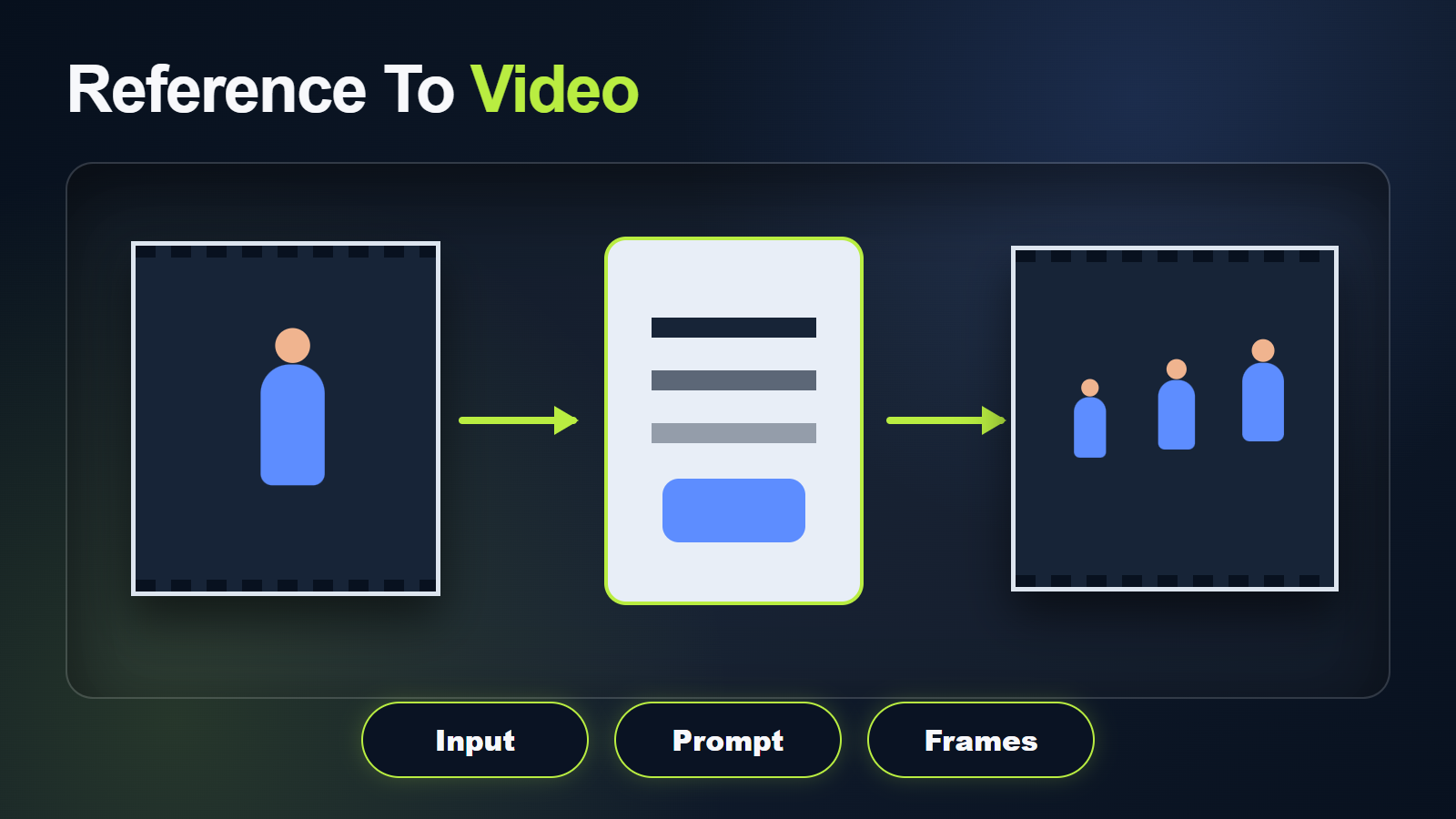
The first image is both a visual quality bar and a state definition. It should show the final aspect ratio, face, hair, body, wardrobe, props, set, lighting, lens perspective, and intended opening composition. Do not rely on a close portrait to define shoes, hands, or a room that will appear later.
Build a Production Reference
- Use a sharp image without distorted anatomy or unreadable props.
- Keep the subject away from frame edges when motion needs space.
- Show hands separately if they will manipulate an object.
- Use a background with stable, non-repeating geometry.
- Match lighting and color to the full sequence.
- Prepare additional character and environment views for continuity review, even when the interface accepts one start frame.
A reference can anchor the opening without guaranteeing the future. Large turns, occlusion, fast movement, and newly exposed environments increase prediction risk. Generate separate shots for major changes rather than forcing a single continuous take.
FramePack Prompt Template
The same [subject with identity anchors] in [fixed wardrobe and scene].
Action: [one continuous, physically plausible action].
Camera: [locked or one slow move], [shot size], [lens look].
Motion: [speed, direction, and what remains still].
Lighting: [key direction, fill, practical, time of day].
Preserve face, body, wardrobe, props, background geometry, screen direction, and light direction.
No identity drift, extra limbs, morphing objects, camera jumps, focus flicker, or texture crawling.
Put the subject and action before style. Use concrete verbs such as turns, lifts, walks, or places. Avoid combining walking, speaking, picking up a prop, orbiting camera, weather changes, and a scene transition in one generation. Split complex scenes into editable shots.
Progressive Generation Workflow
Review While Generating
Progressive output is FramePack’s practical advantage. Watch early frame sections and stop when the motion concept is wrong, the face drifts, hands fuse, or the environment bends. Continuing a failed run rarely restores continuity and consumes time that could test a clearer prompt or reference.
Define checkpoints by story beat rather than waiting for the final frame. For example: neutral start, hand reaches, object lifts, subject turns, camera settles. At each checkpoint, compare identity, pose, prop, background, focus, and screen direction to the approved state.
Practical Shot Workflow
- Install or update only through the official repository.
- Record the commit, launch file, models, and licenses.
- Approve one shot-specific start image and a continuity pack.
- Write one action and one camera behavior.
- Generate a short motion test and watch progressive frames.
- Stop at the first structural failure and diagnose it.
- Change only one prompt or setting variable.
- Save the first, middle, and last frames for comparison.
- Extend only an approved motion pattern.
- Export the shortest stable region for editing.
Character and Scene Consistency
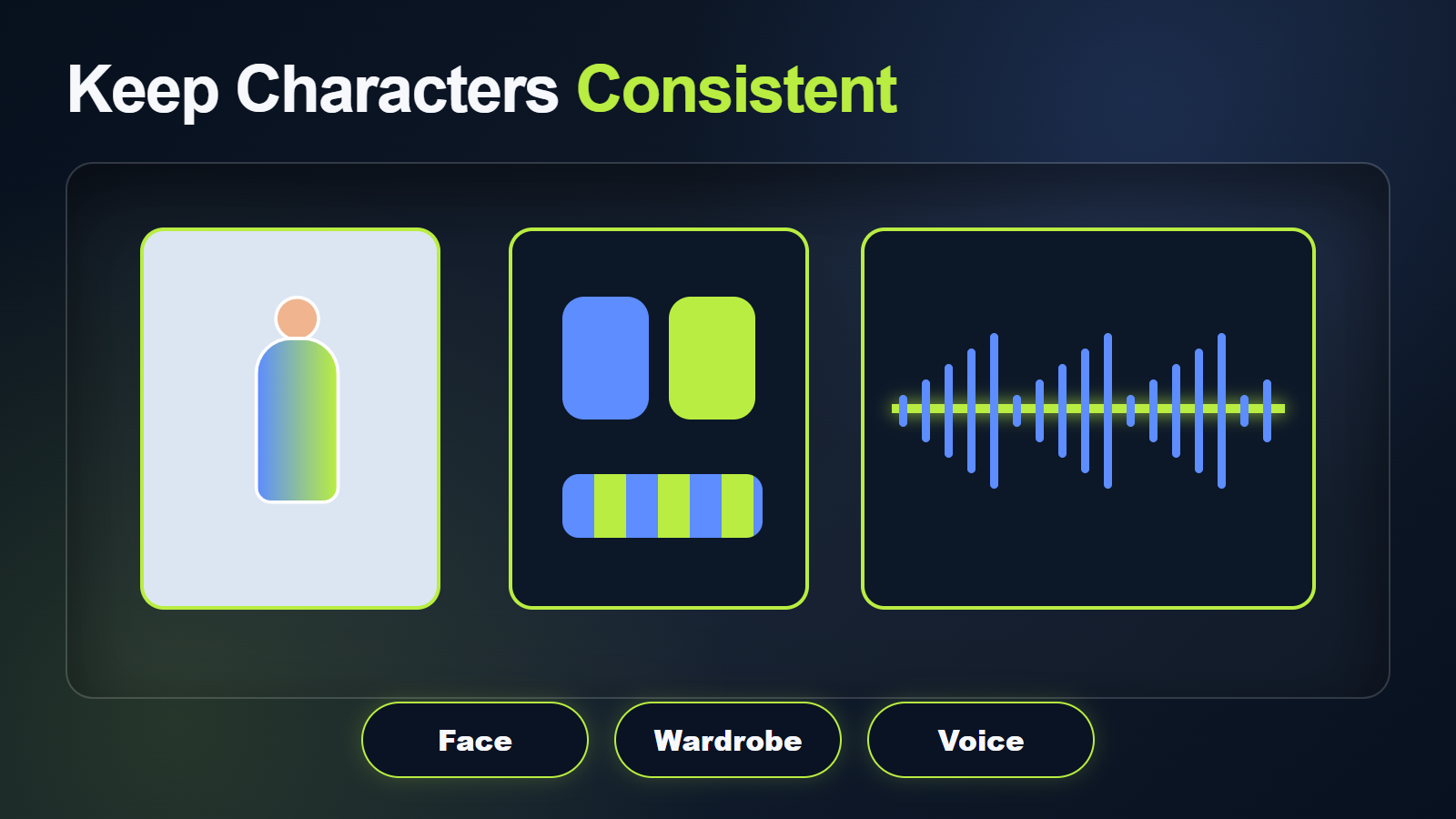
Continuity Checkpoints
| Layer | Check | Response to drift |
|---|---|---|
| Face | Eyes, nose, jaw, hairline | Shorten motion or strengthen the start image |
| Body | Proportions, limb count, gait | Simplify action and reduce occlusion |
| Wardrobe | Color, seams, accessories | Increase visibility and remove ambiguous layers |
| Prop | Shape, scale, hand contact | Use a larger clean prop and simpler interaction |
| Scene | Lines, objects, light direction | Reduce camera motion and repeating detail |
| Temporal texture | Flicker and crawling | Shorten the usable segment and reduce effects |
Voice identity is not visual continuity. Keep approved speech, consent, pronunciation, lip sync, and body timing as separate assets and checks. A stable silent face does not prove that an audio-driven pass will remain stable.
Settings, Quality, and Export
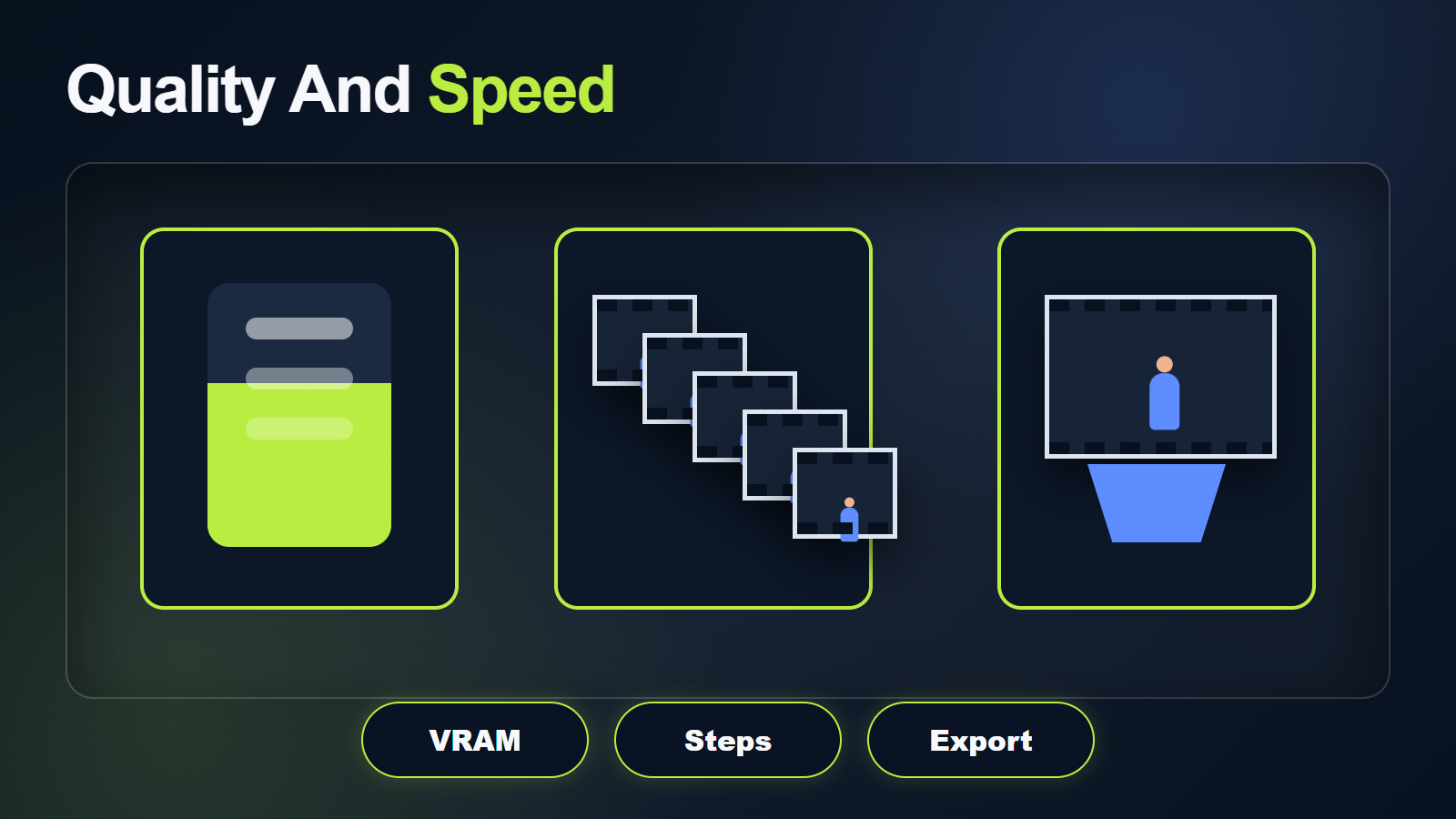
FramePack Settings Checklist
- Verify the official launch file: standard or F1 as intended.
- Keep the first test short enough to review quickly.
- Use one seed per controlled comparison.
- Record attention backend and any cache optimization.
- Monitor VRAM, system RAM, storage, and elapsed time.
- Do not raise duration and visual complexity together.
- Save image sequences or high-quality intermediate video before delivery encoding.
The README reports approximately 2.5 seconds per frame on a desktop RTX 4090 without optimization and 1.5 seconds per frame with TeaCache, while tested laptops were four to eight times slower. Treat those author measurements as reference points, not guarantees. Drivers, attention backend, thermal limits, model version, and memory pressure all affect speed.
Voice, Audio, and Lip Sync
FramePack’s official workflow generates visual frames; it does not document synchronized voice, music, effects, or lip sync. Create authorized speech separately, preserve consent and provenance, and use a documented lip-sync or audio-conditioned stage after the visual clip is stable. Review voice identity, pronunciation, mouth timing, and body motion independently.
Limitations and Troubleshooting
FramePack Fix Table
| Problem | Likely cause | Fix |
|---|---|---|
| Very slow generation | Expected hardware gap or memory pressure | Check official requirements, driver, backend, system RAM, and thermal state |
| Model download fails | Storage or network interruption | Leave ample disk space and resume through the official package |
| Face drifts late | Compounding prediction error | Use a stronger reference and split the shot earlier |
| Hands or props morph | Complex interaction | Separate action phases and improve prop visibility |
| Background crawls | Dense repeating texture | Simplify the set and reduce camera movement |
| Run opens wrong version | Update or fork mismatch | Record commit and launch file; run the official updater |
| Unexpected memory failure | System RAM or other processes | Close workloads, monitor both RAM and VRAM, shorten the run |
Other limitations include Nvidia-only official requirements, substantial downloads, slow low-end rendering, base-model license obligations, progressive drift, and no native audio. Never install from a look-alike website.
Edit AI videos here
Trim FramePack generations at the first unstable frame, combine approved shots, add authorized audio, captions, transitions, stabilization, and delivery exports at https://ai.alphatechnologies.vn. Store the start image, prompt, seed, commit, model, launch file, and settings with every select.
FramePack Final Recommendation
Start from the official repository, a strong shot-specific image, and a short generation. Use progressive feedback as an editing decision: stop weak runs, preserve good sections, and split complex action into multiple shots. Explore more official-source local video workflows and production checklists on Aikolhub.
FramePack FAQ
How much VRAM does FramePack need?
The official minimum is 6 GB on a supported RTX 30-, 40-, or 50-series Nvidia GPU. Rendering speed and system RAM can still be major limits.
Does FramePack support long video?
Its constant-length context makes progressive long generation practical, but visual errors can still compound. Review frequently and split at stable shot boundaries.
Which site is official?
The official source is github.com/lllyasviel/FramePack. The repository warns that many FramePack-branded domains are fake.
Is FramePack Apache licensed?
The repository code is Apache-2.0. Model weights and dependencies have separate licenses, so verify the exact downloaded model before commercial use.
Does FramePack generate sound?
Not in the documented official workflow. Add authorized speech, music, effects, and lip sync in separate production stages.
Official sources: FramePack repository, official releases, Apache-2.0 code license, and the FramePack paper.