Create believable handheld camera motion in AI video with practical lens, shutter, reference-image, prompt, continuity, and troubleshooting guidance.
Create smooth gimbal and Steadicam AI video shots with reference planning, practical lens settings, prompt templates, evaluation, and common fixes.
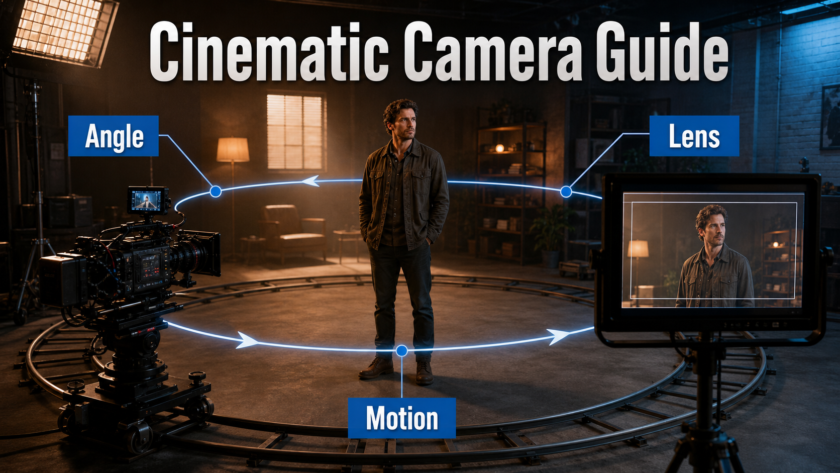
Plan convincing orbit and arc camera moves with reference images, practical lens settings, prompt templates, model controls, and continuity fixes.
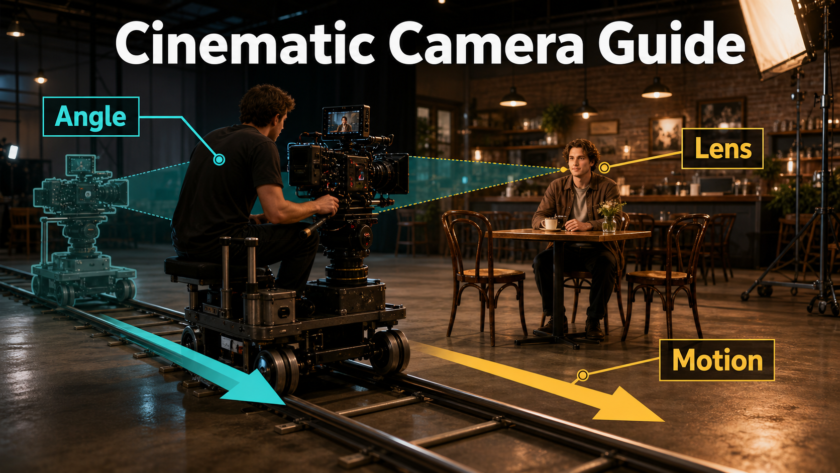
Plan convincing dolly-in and dolly-out AI video shots with camera placement, lens language, reference images, prompts, and fixes for perspective drift.
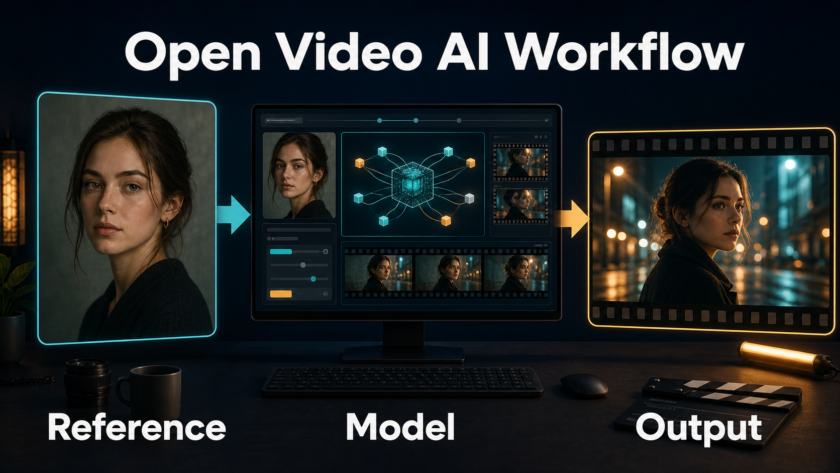
Use LTX Desktop reference images, chronological prompts, local settings, and continuity checks to turn one approved frame into a polished AI video.
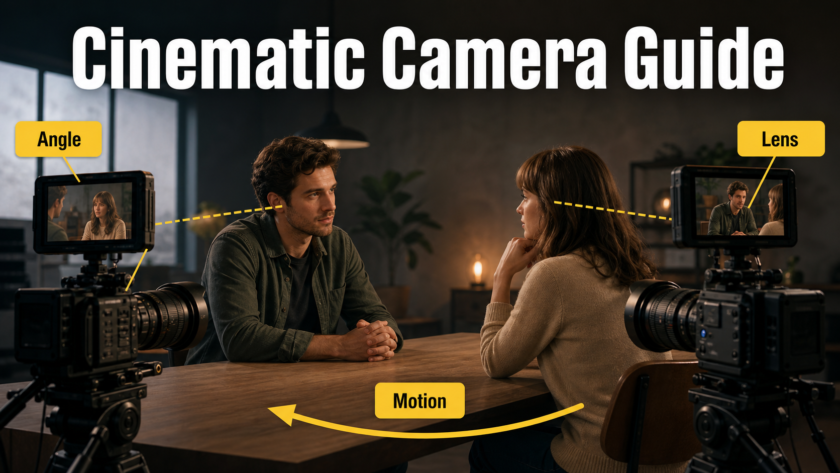
Build reliable shot-reverse-shot AI video coverage with reference images, matched eyelines, prompt pairs, camera settings, continuity checks, and fixes.
Learn a reliable two-shot composition workflow for AI video, from reference-image staging and camera prompts to lens choices, continuity checks, and fixes.
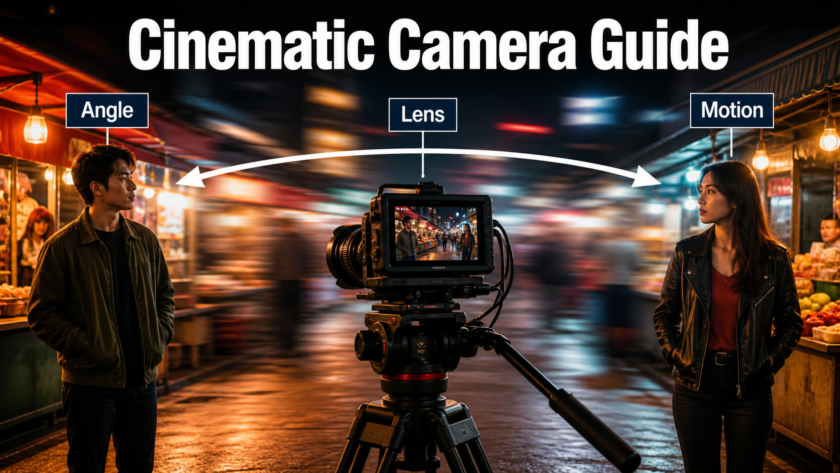
Compare MultiTalk and LongCat Video Avatar 1.5, prepare reference images and speaker audio, tune local settings, and fix identity or lip-sync drift.
Create stable over-the-shoulder AI video shots with precise blocking, eyelines, lens choices, reference images, prompts, and continuity fixes.
Build convincing point-of-view AI video shots with better reference images, camera placement, lens settings, prompt structure, and practical fixes.
Build stable worm’s-eye AI video shots with floor-level camera maps, reference images, prompt templates, lens choices, and practical fixes reliably.
Control FramePack video generation with stronger reference images, focused prompts, practical settings, continuity checks, and final-shot fixes.