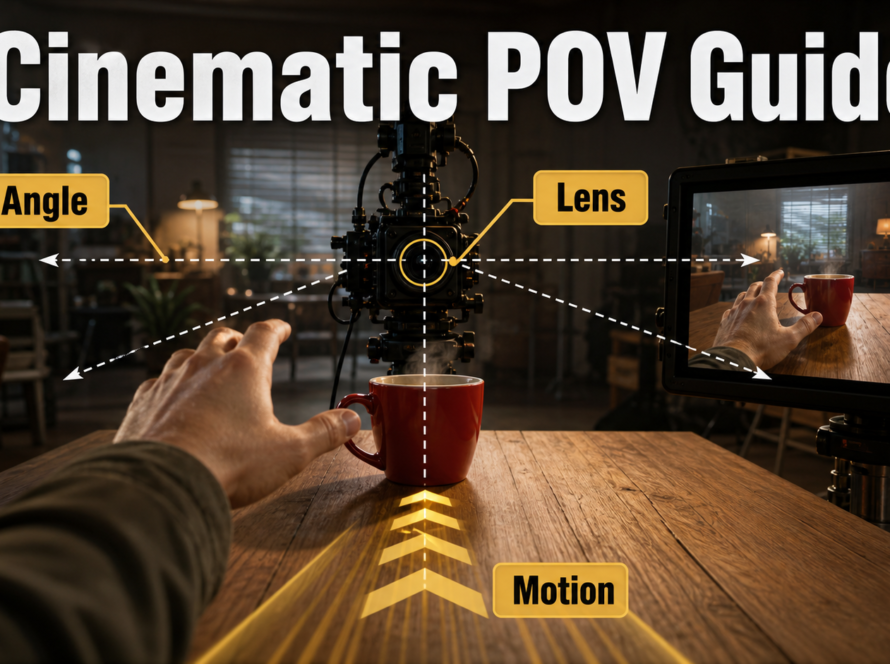
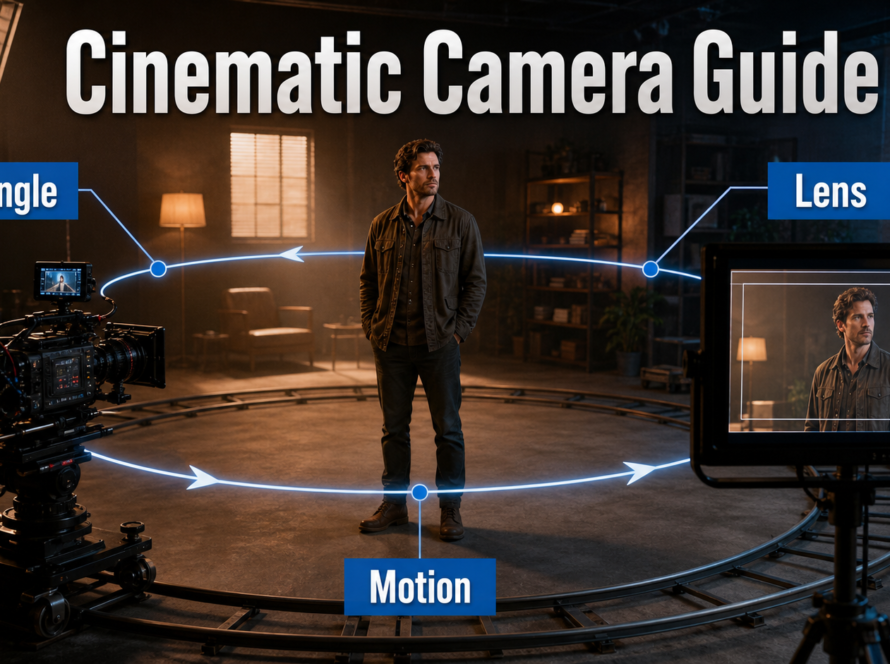
A convincing AI-video dolly move requires the camera to translate toward or away from the subject while perspective and parallax change coherently. Start from a reference image built for the move, state one straight direction and speed, keep the lens behavior stable, and review the background as carefully as the subject. A dolly-in is not a digital crop or zoom; a dolly-out is not simply making the person smaller.
Updated August 1, 2026, this workflow separates established cinematography from current model capabilities. Official CamI2V and RealCam-I2V resources demonstrate camera-controlled image-to-video trajectories, CameraCtrl conditions video diffusion on camera position and orientation, and UCPE adds research controls for intrinsics, distortion, pitch, and roll. None of those facts guarantees that every commercial prompt box will reproduce a precise physical camera path.
Table of Contents
What Dolly-In and Dolly-Out Mean
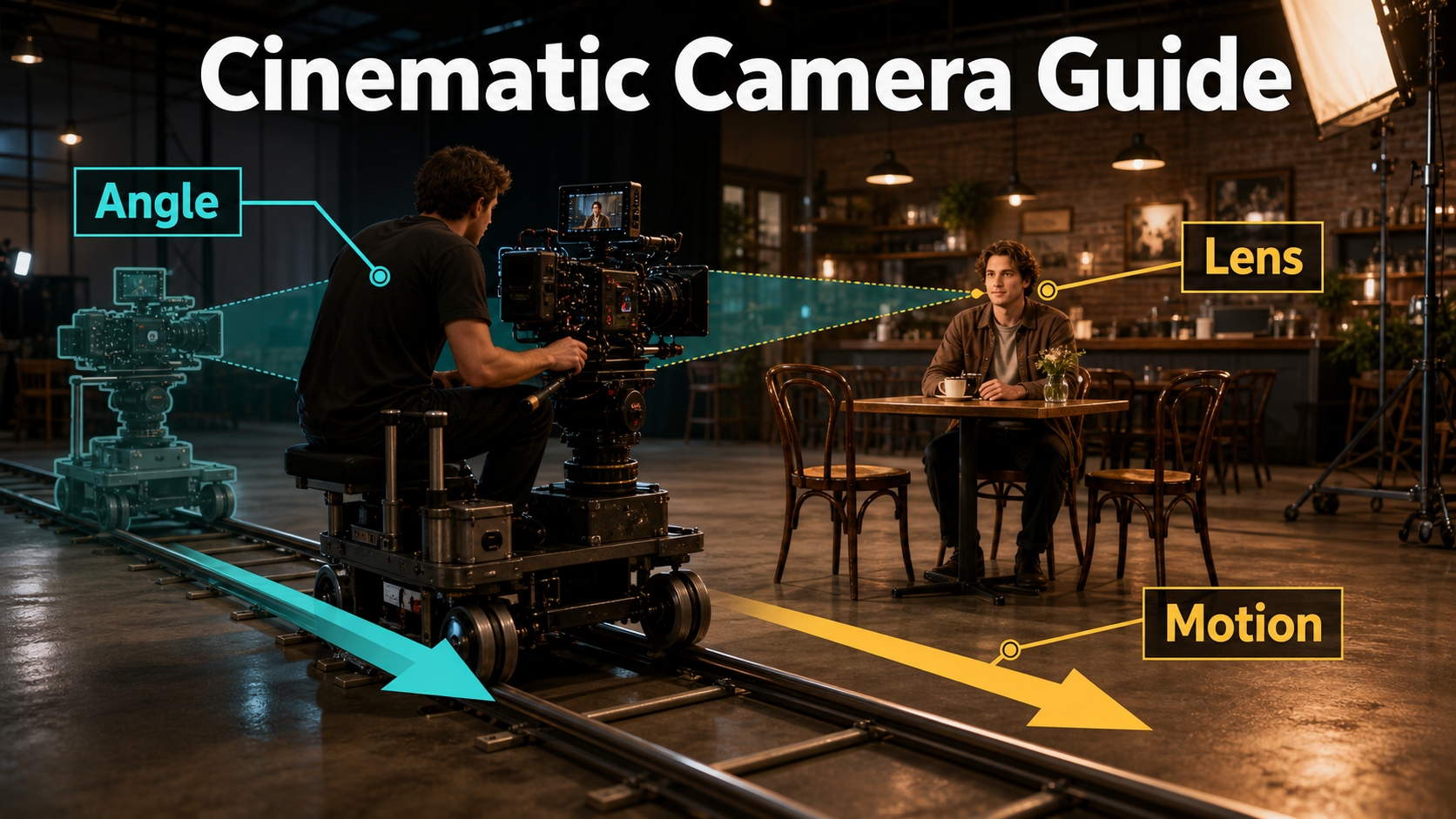
A dolly-in moves the entire camera closer to the subject. A dolly-out moves it farther away. The optical center travels through the scene, so near and far objects shift relative to one another. That changing parallax is the main visual evidence of a physical move.
Visual and Emotional Meaning
A slow dolly-in can increase attention, intimacy, discovery, or pressure without cutting. It often begins with context and finishes on a reaction or detail. A dolly-out can reveal isolation, consequence, geography, or an unexpected object around the subject. The emotional meaning still depends on performance, composition, light, sound, and story; “dolly-in” alone is not a mood.
Plan the final frame first. If the move should end on a medium close-up, decide the eye line, headroom, background separation, and focus at that endpoint. Then design the starting frame so the movement adds information instead of simply changing size.
Dolly Versus Zoom
A zoom changes focal length from a fixed camera position, narrowing or widening the field of view. It magnifies or reduces the frame without creating the same translation parallax. A dolly retains its chosen focal-length behavior while moving the camera, so the spatial relationship between foreground, subject, and background evolves. Combining a dolly and an opposing zoom creates the specialized dolly-zoom effect; do not request that when a simple push or pull is intended.
Camera Placement and Movement Plan
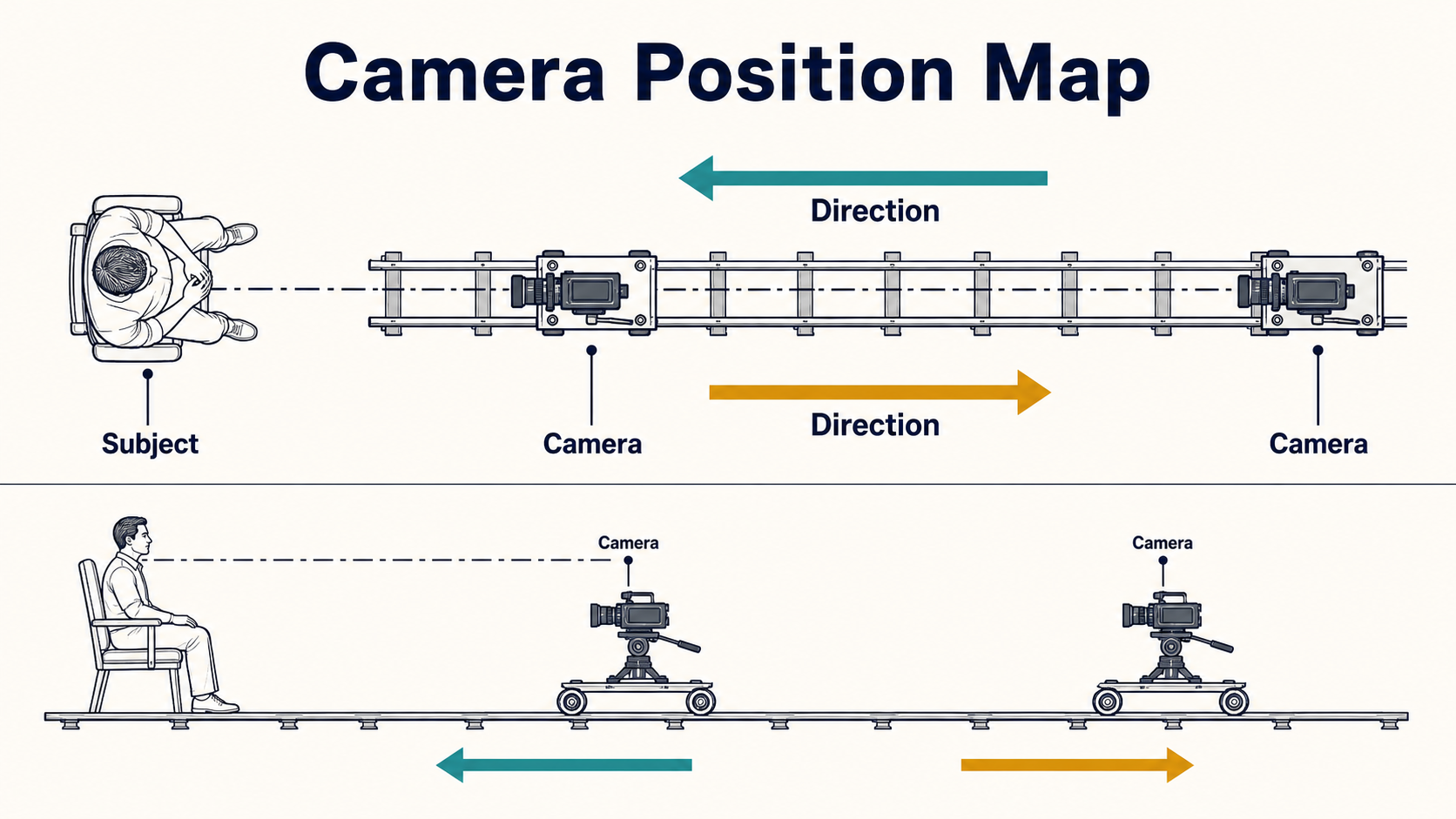
Draw the move before prompting it. A top view should show subject position, near and far camera marks, direction, obstacles, and the optical axis. A side view should show camera height, tilt, floor, foreground layers, and the intended focus distance.
Map the Track and Optical Axis
- Keep the simplest dolly directly on the viewing axis toward or away from the subject.
- Choose foreground and background objects that make parallax visible but do not block the face.
- Maintain a clear horizon and camera height unless tilt or elevation change is intentional.
- Leave safe framing around hands, hair, props, and set edges.
- Use one direction. Adding orbit, pan, tilt, roll, and crane motion to the same short clip increases ambiguity.
Choose Distance, Speed, and Ending Frame
Use a restrained move that can finish cleanly inside the clip. “Slow, steady dolly-in over the full shot” is more testable than “the camera dramatically rushes forward.” For dialogue, begin with even acceleration, settle into a constant speed, and ease gently into the endpoint. If the tool exposes a trajectory, visualize it before generation and confirm the camera orientations point at the intended target.
Speed should serve the event: a nearly imperceptible push for realization, a moderate move for emphasis, or a faster move for alarm. Fast travel increases motion blur, depth changes, occlusions, focus demands, and geometric invention, all of which make generative failure more likely.
Lens, Aperture, Shutter, and Frame Rate
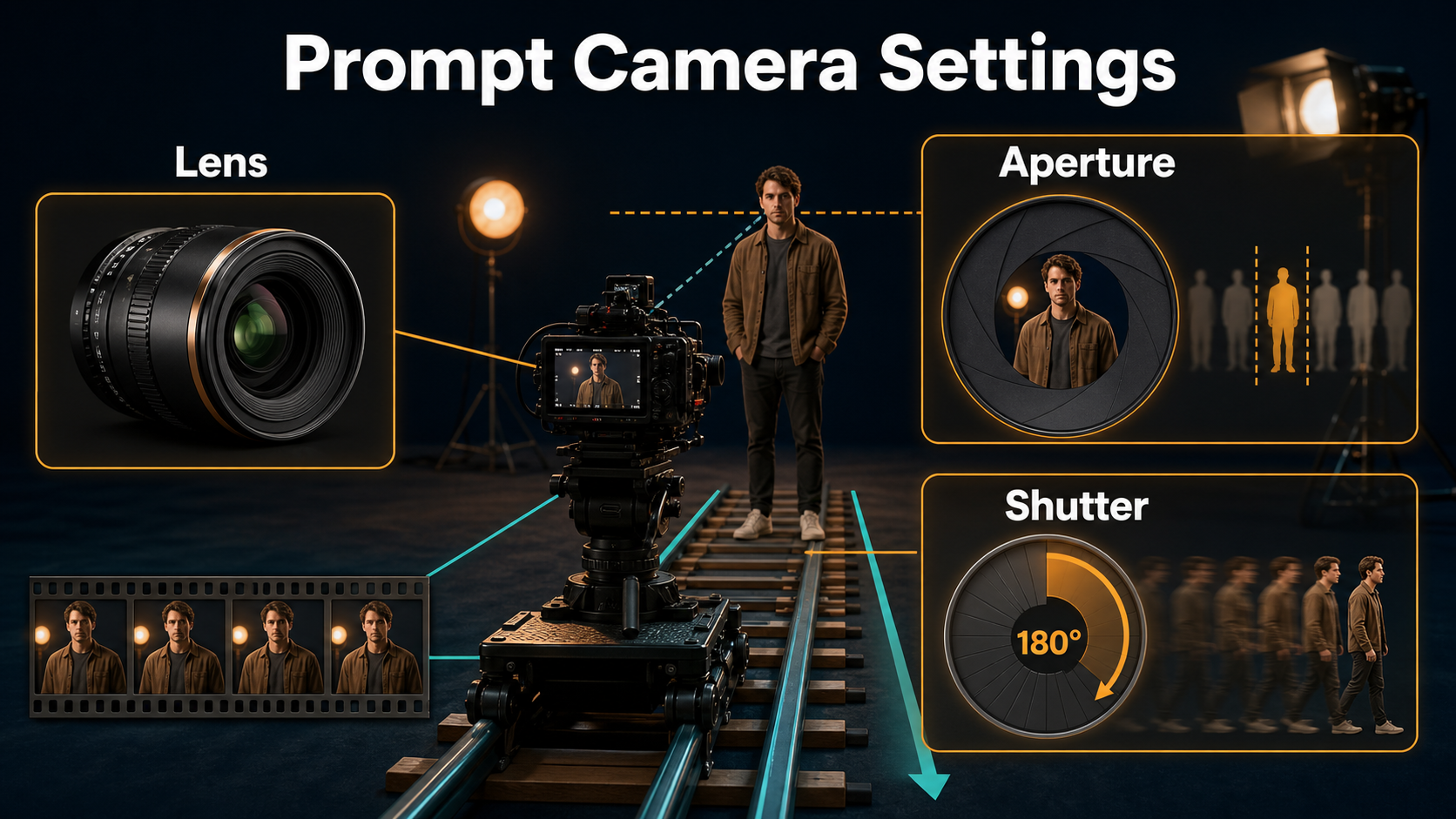
Camera position creates perspective; focal length sets field of view from that position. Keep those concepts separate in both the reference and prompt. In prompt-only tools, lens and aperture words describe a visual target rather than guaranteed physical metadata.
Choose the Lens and Focus Behavior
| Choice | Practical starting point | Visible result to inspect |
|---|---|---|
| Lens look | 35mm for environmental movement; 50mm for neutral dialogue; 85mm for compressed portrait space | Face shape, background scale, edge stretching |
| Aperture look | Moderate depth, roughly f/2.8-f/4 language | Eyes remain sharp while the camera distance changes |
| Focus | Continuous focus on the near eye or principal subject | No pulsing, breathing, or accidental background focus |
| Camera height | Eye level for a neutral push | Stable horizon and intentional power relationship |
A very shallow depth-of-field request can hide background errors, but it also makes focus instability obvious. If the subject approaches rapidly, ask for a controlled focus pull or choose deeper focus. Do not rely on the word “cinematic” to decide these variables.
Control Motion Rendering
For a familiar film cadence, use 24 fps language and a 180-degree shutter look. A shorter shutter, such as a 90-degree look, produces crisper and more staccato motion; a longer shutter produces heavier blur. These descriptions affect the desired rendering of motion, not camera trajectory. Keep frame rate and shutter consistent across shots that must intercut.
Reference Image and Prompt Workflow
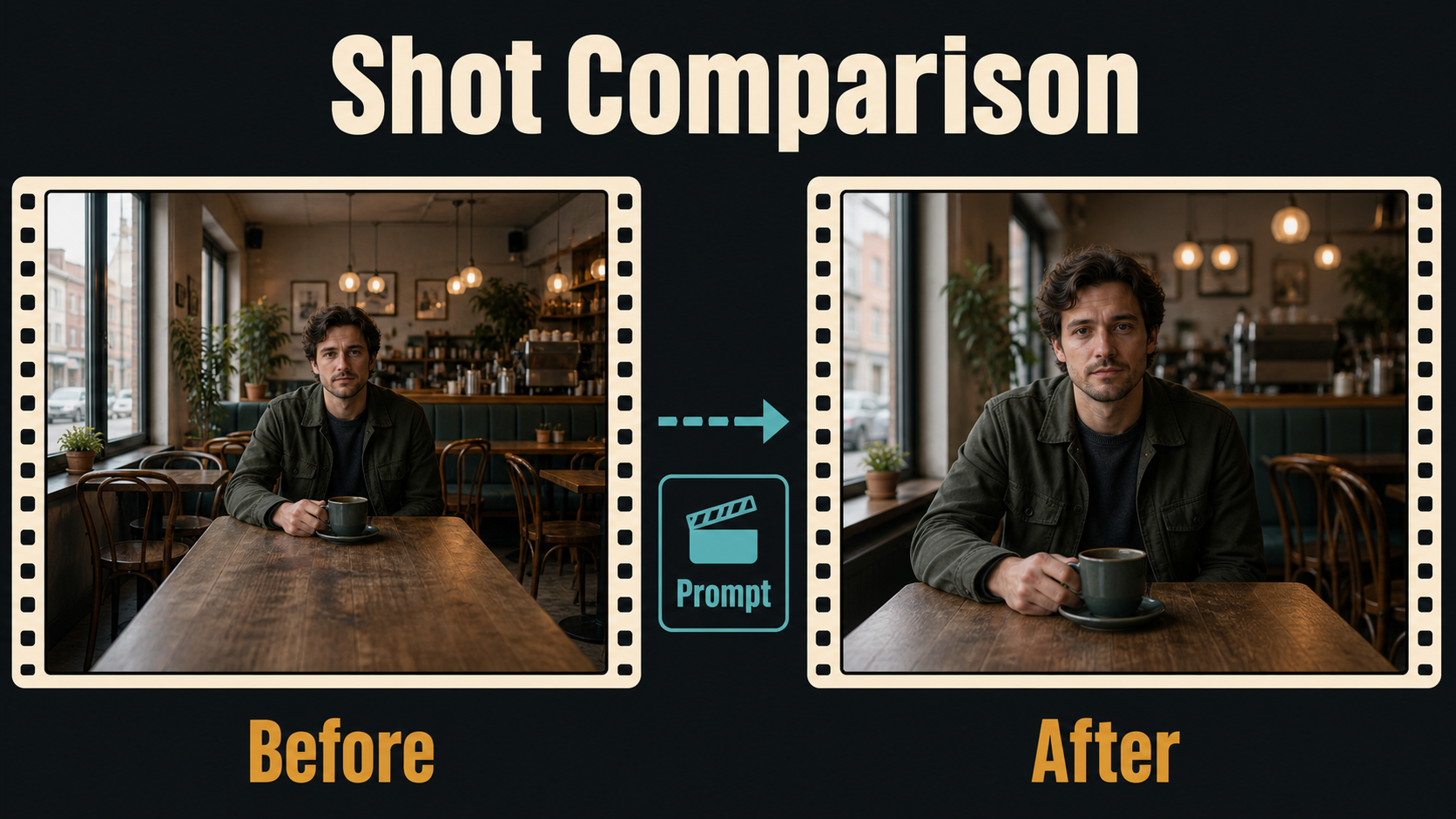
The reference is the starting geometry from which the model must infer unseen space. A strong dolly reference includes stable perspective cues: table edges, floor lines, doorframes, lights at different depths, and a subject with readable silhouette.
Build a Reference for Translation
- Use the intended starting frame, not a generic character portrait.
- Keep foreground objects simple, complete, and separated from the subject.
- Avoid mirrors, glass walls, dense text, repeating chair legs, and ambiguous reflections.
- Show enough background for the camera to reveal or compress during travel.
- Match wardrobe, props, time of day, and light direction to adjoining shots.
- Save an endpoint reference for comparison even when the model accepts only a first frame.
Dolly Prompt Templates
DOLLY-IN
[Starting shot size] of [subject] in [specific set].
The camera moves slowly and steadily straight forward on the optical axis, ending at [final shot size].
The subject [single action]; foreground and background show natural parallax.
Keep [lens look], camera height, horizon, light direction, wardrobe, and set geometry stable.
Continuous focus on [target]; [frame rate] and [shutter look].
DOLLY-OUT
Begin on [close framing and action].
The camera moves smoothly straight backward, revealing [specific environment or story detail].
No zoom, orbit, roll, pan, or crane movement.
Preserve subject identity, prop placement, architecture, exposure, and lens perspective.
End on [wide composition] with a gentle stop.Example: “Begin on a medium close-up of the same chef tasting soup at the steel counter. The camera dollies smoothly backward on a straight eye-level path, revealing the full kitchen and two hanging copper pans. No zoom or orbit. Natural 50mm perspective, moderate depth of field, continuous focus on the chef, warm window key from camera-right, 24 fps and a 180-degree shutter look.”
Model Workflow and Settings
Use the strongest control surface your pipeline actually provides. A trajectory file or camera path is more explicit than prompt wording, but depth estimation and 3D reconstruction can still fail on reflective, textureless, or occluded areas.
Verified Camera-Control Options
The official CamI2V repository publishes camera-controlled image-to-video code and checkpoints, including examples that combine zoom-like forward/backward translation with vertical or rotational movement. Its related RealCam-I2V implementation targets interactive, metric-scale paths and uses metric depth. CameraCtrl represents a per-frame trajectory as camera positions and orientations. UCPE is a camera-controlled text-to-video research implementation that adds intrinsics, lens distortion, pitch, and roll controls. Check each repository, checkpoint, base-model dependency, and license before use.
Repeatable Generation Process
- Write the narrative purpose and final frame.
- Draw the top and side camera map.
- Create the starting reference and a separate endpoint target.
- Choose one focal-length look, aperture behavior, frame rate, shutter look, and focus target.
- Enter a single-direction prompt or load a visualized trajectory.
- Render a short preview with a recorded seed and conservative movement.
- Compare first, middle, and last frames for perspective, parallax, subject identity, set geometry, horizon, focus, and blur.
- Change only distance, speed, reference, prompt clause, or trajectory scale; then rerun.
- Render the accepted move and cut it beside adjoining shots before final approval.
Limitations and Common Failures
Camera control cannot reveal perfectly correct geometry that is absent from one image. As a dolly moves, the system may invent hidden surfaces, stretch objects, slide the subject, change lens behavior, or simulate a crop instead of translation. Research checkpoints can also be resolution-limited and tied to older base models or complex environments.
Troubleshooting Table
| Failure | Diagnosis | Fix |
|---|---|---|
| Looks like a zoom | Little parallax or only subject scale changes | Add foreground depth cues; state straight camera translation and “no zoom” |
| Background bends | Path too long or geometry ambiguous | Shorten travel, simplify the set, strengthen straight lines |
| Subject slides | Model moves the person instead of the camera | State fixed blocking and anchor feet, chair, or hands to visible objects |
| Face changes near camera | Weak identity detail or aggressive endpoint | Use a sharper reference, slower move, and less extreme close framing |
| Focus pulses | Shallow depth and changing distance | Request continuous focus or a deeper aperture look |
| Path veers or rolls | Too many motion terms or trajectory orientation error | Remove orbit/pan/roll language and inspect every camera pose |
| Motion is jerky | Uneven speed or overly crisp shutter look | Use steady eased motion and a consistent 180-degree shutter look |
Edit AI videos here
Trim unstable acceleration, hide a weak endpoint, add sound perspective, match color, stabilize if appropriate, and cut the move against reaction shots at https://ai.alphatechnologies.vn. A shorter clean dolly often communicates more than a long generation with a visible geometry failure.
Final Recommendation
Design a dolly shot as real camera movement: choose a story purpose, map the path, build a depth-readable reference, hold lens behavior steady, and test a modest translation before increasing scale. Use trajectory controls when they are genuinely available, but verify the rendered perspective rather than trusting the label. Explore more camera-language and AI-video workflows on Aikolhub, then save both your starting frame and intended endpoint before the first render.
Frequently Asked Questions
What is the difference between a dolly-in and a zoom-in?
A dolly-in physically translates the camera and changes parallax. A zoom-in changes focal length from one position, changing field of view without the same spatial shift.
What lens works best for a dolly shot?
There is no universal best lens. A 35mm look emphasizes environment and travel, 50mm feels neutral, and 85mm compresses space; choose the perspective that supports the story.
Can a reference image show camera motion?
It cannot contain motion, but perspective lines, foreground layers, and depth-separated objects give the model evidence needed to render translation and parallax.
How do I stop the background from warping?
Shorten the move, simplify repeating geometry, use a sharper reference, reduce simultaneous subject motion, and choose a path the model can infer from visible depth.
Do camera-control models guarantee an exact path?
No. A trajectory provides stronger conditioning than text alone, but depth, occlusion, reconstruction, and generative uncertainty can still alter the apparent path.
Official sources: CamI2V repository, checkpoints, and paper; RealCam-I2V repository; CamI2V technical report; RealCam-I2V technical report; UCPE repository and release notes; CameraCtrl repository; MotionCtrl repository.