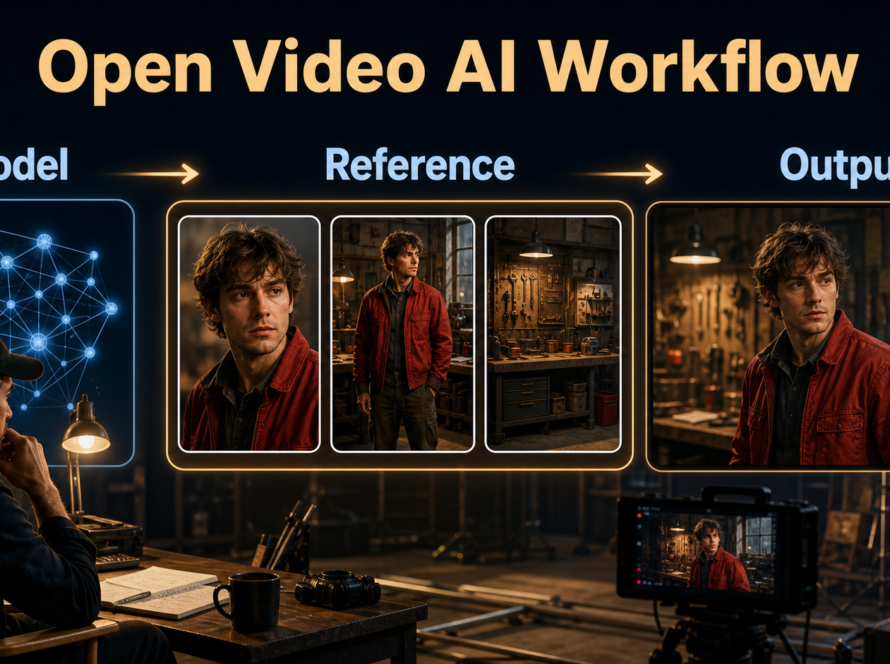
The best LTX Desktop prompting workflow is to begin with one shot-specific reference image, describe visible action in chronological order, render a short preview, and change only one control at a time. Lock the character, wardrobe, setting, camera, and audio before a final render; the desktop app simplifies operation, but it does not replace continuity planning. Updated August 1, 2026, this guide reflects the official LTX Desktop 1.1.0 release, current repository documentation, LTX-2.3 workflow, and published license notices.
LTX Desktop is a beta application for text-to-video, image-to-video, audio-to-video, retakes, extensions, image generation, and timeline editing. It can generate locally on supported NVIDIA systems and supported Apple Silicon Macs, while API mode covers unsupported hardware. The practical goal is not to maximize every setting: it is to create a repeatable path from an approved still to a shot that cuts cleanly with the rest of your project.
Table of Contents
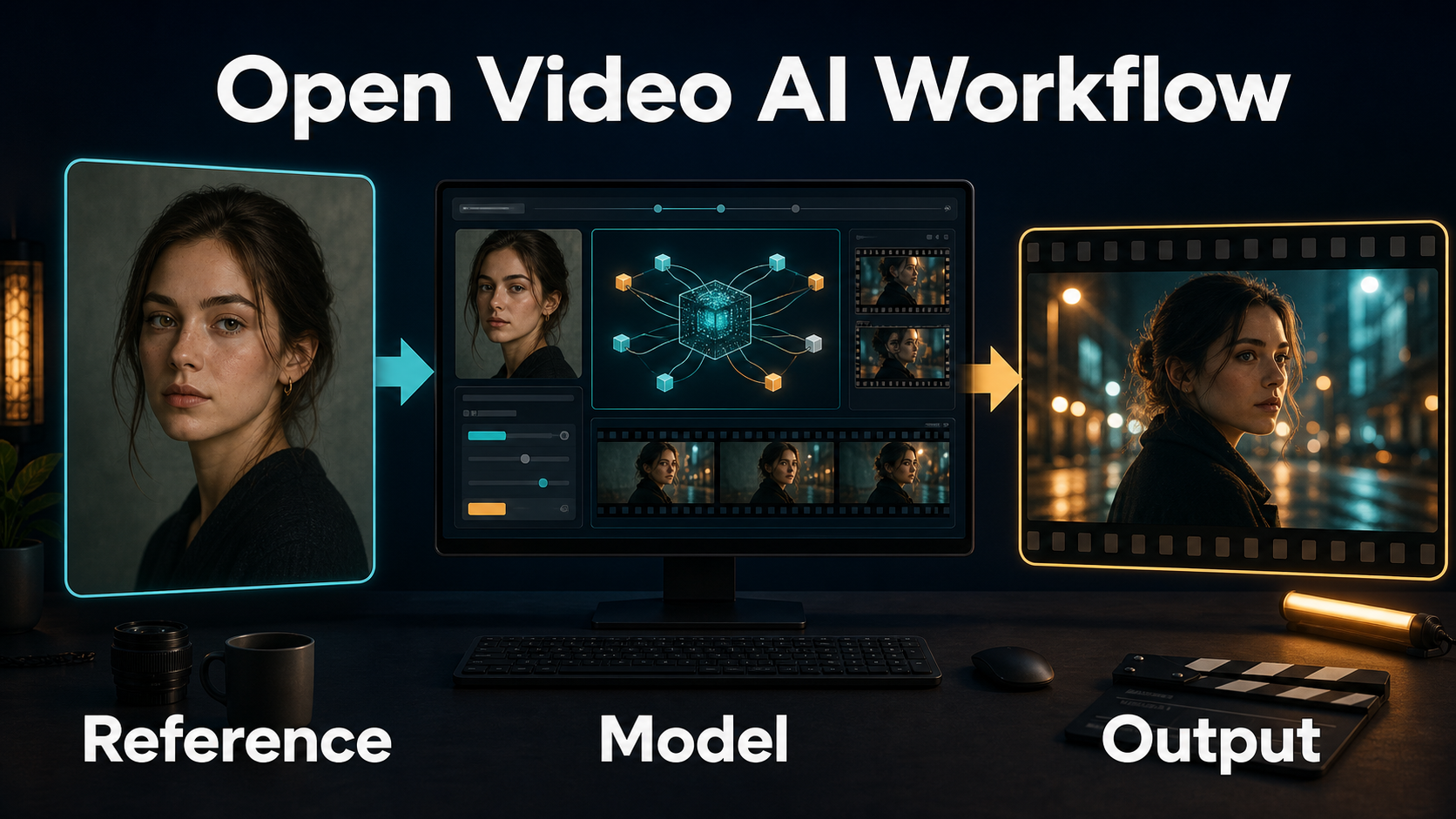
What Changed in LTX Desktop 1.1.0
LTX Desktop 1.1.0, released July 23, 2026, expands the application from a convenient local generator into a more complete shot-development environment. The release remains beta, so save prompts, seeds, references, and accepted exports outside any temporary project state.
Current Release and Creative Tools
The official 1.1.0 release notes add local generation on supported Apple Silicon, a built-in LoRA and IC-LoRA library for local workflows, prompt enhancement, forward or backward video extension, a base-model manager, image editing, and an experimental diffusion-stage cache for NVIDIA/CUDA systems. The cache is off by default; treat it as a speed experiment and compare output before adopting it for finals.
The application currently generates locally with the LTX-2.3 22B model according to the official repository. LoRAs made for other architectures do not become compatible merely because they use the same file extension. Confirm the base model, read each adapter card, start at a moderate strength, and make an unmodified baseline before judging the effect.
Local, API, and License Boundaries
Local mode downloads model files and performs generation on the machine. API mode requires an LTX API key and can impose its own supported sizes or durations. Cloud text encoding is documented as free and memory-saving, while the optional local text encoder enables a more self-contained workflow.
The desktop application code is Apache-2.0 under its LICENSE.txt. That does not automatically relicense downloaded weights, adapters, codecs, or services. Review NOTICES.md, the model terms displayed during first run, every Hugging Face card, and the API terms relevant to your production.
Hardware, Installation, and First Run
Choose the generation mode from verified hardware, privacy, storage, and deadline constraints. Do not promise a client local processing when prompt encoding, model downloads, or generation will use an online service.
Choose Local or API Mode
| Environment | Official baseline | Practical choice |
|---|---|---|
| Windows 10/11 or Linux | CUDA-capable NVIDIA GPU with at least 16GB VRAM for local mode | Use local for repeatable private tests; use API-only below the detected requirement |
| System memory | 16GB RAM minimum; 32GB recommended on Windows/Linux | Close memory-heavy tools before long generations |
| Windows storage | 160GB or more free for weights, environment, and outputs | Keep extra room for previews and accepted masters |
| Apple Silicon | 1.1.0 tested local generation on M4 Pro with 48GB; lower configurations are not guaranteed | Free roughly 15GB RAM before launch or use API mode |
| Intel Mac or unsupported GPU | API-only | Plan for connectivity, API availability, and service terms |
Install Without Losing Track of Assets
- Download the installer only from official GitHub Releases and verify the expected platform asset.
- Complete first-run setup and read the displayed model license before accepting it.
- Select a models directory with adequate free space. The default lives under the LTXDesktop application-data folder.
- Choose cloud or local text encoding deliberately. Record that choice in the project notes.
- Create separate folders for references, audio, prompts, previews, accepted shots, and exports.
- Generate a short neutral test before installing LoRAs or changing performance experiments.
Build the Reference Image and Prompt
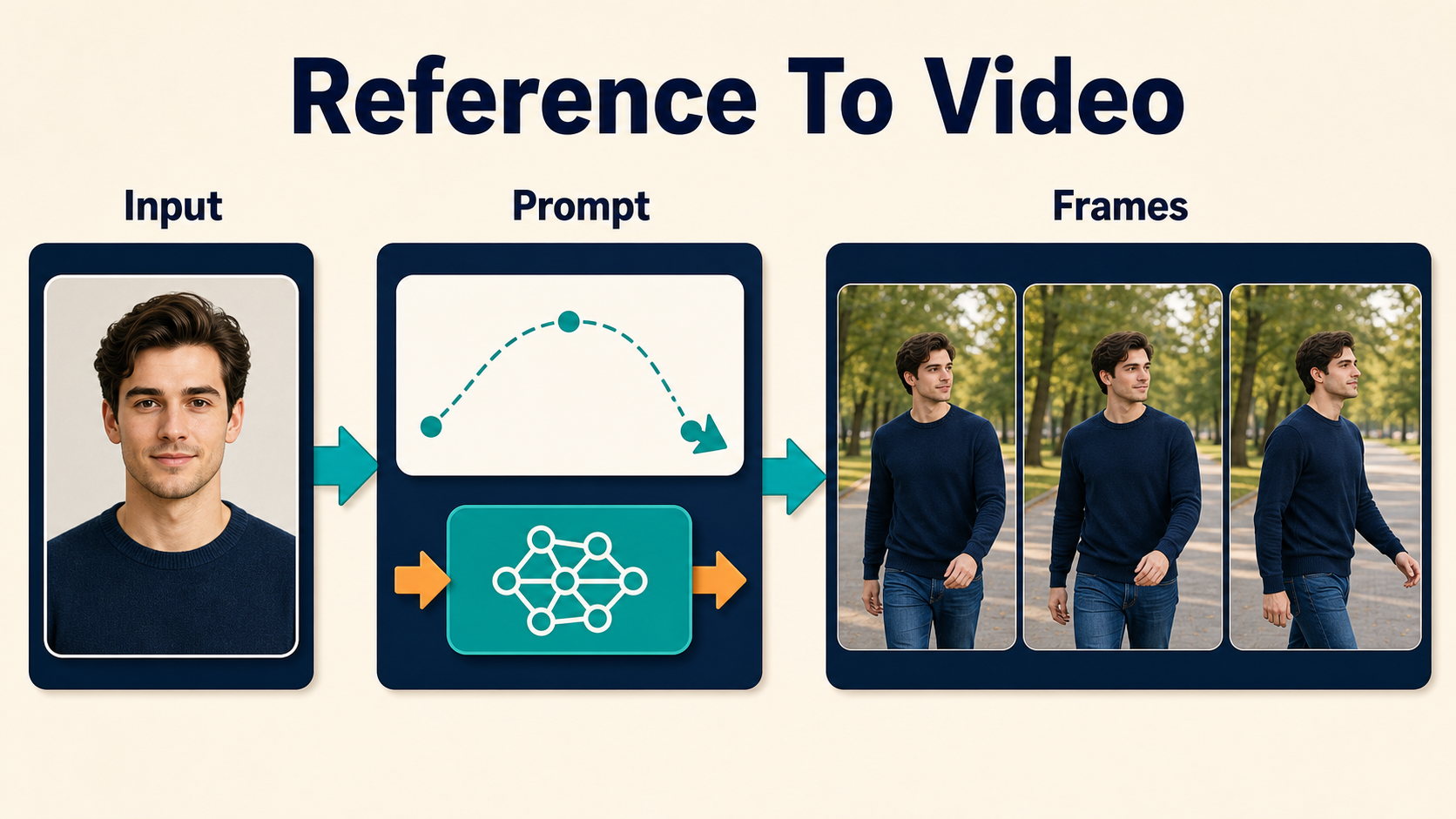
The reference supplies concrete appearance and composition; the prompt should explain what changes over time. Repeating every visible detail can introduce conflict, while a vague motion request forces the model to invent the shot.
Prepare a Shot-Specific Reference
- Use the final aspect ratio and an intentional shot size.
- Keep the face, hands, wardrobe edges, props, and background geometry readable.
- Match the intended camera height, horizon, lens perspective, and light direction.
- Remove text, watermarks, extra limbs, reflections, and objects that should not animate.
- Prepare a different approved reference for a major angle or set change.
Use a Chronological Prompt Template
The official LTX guidance favors literal, chronological descriptions. Start with the main action, add gestures and environmental motion, then state camera and audio behavior.
[Shot size] of the same [subject] in [fixed setting].
At first, [opening pose and action]. Then [second visible action].
Finally, [end pose or event]. [Background motion].
Camera: [height and angle], [movement], [lens perspective].
Lighting: [key direction and color]. Audio: [dialogue, ambience, effects].
Preserve [face, wardrobe, prop, set layout].
Example: “Medium shot of the same ceramic artist at the blue workbench. At first she steadies the bowl with her left hand. Then she rotates it slowly and brushes glaze around the rim. Finally she looks toward the kiln. Locked eye-level camera with a natural 50mm perspective; warm key from camera-left. Quiet wheel hum and soft room ambience. Preserve her green apron, silver ring, bowl shape, and shelf layout.”
Control Character, Scene, and Audio Consistency
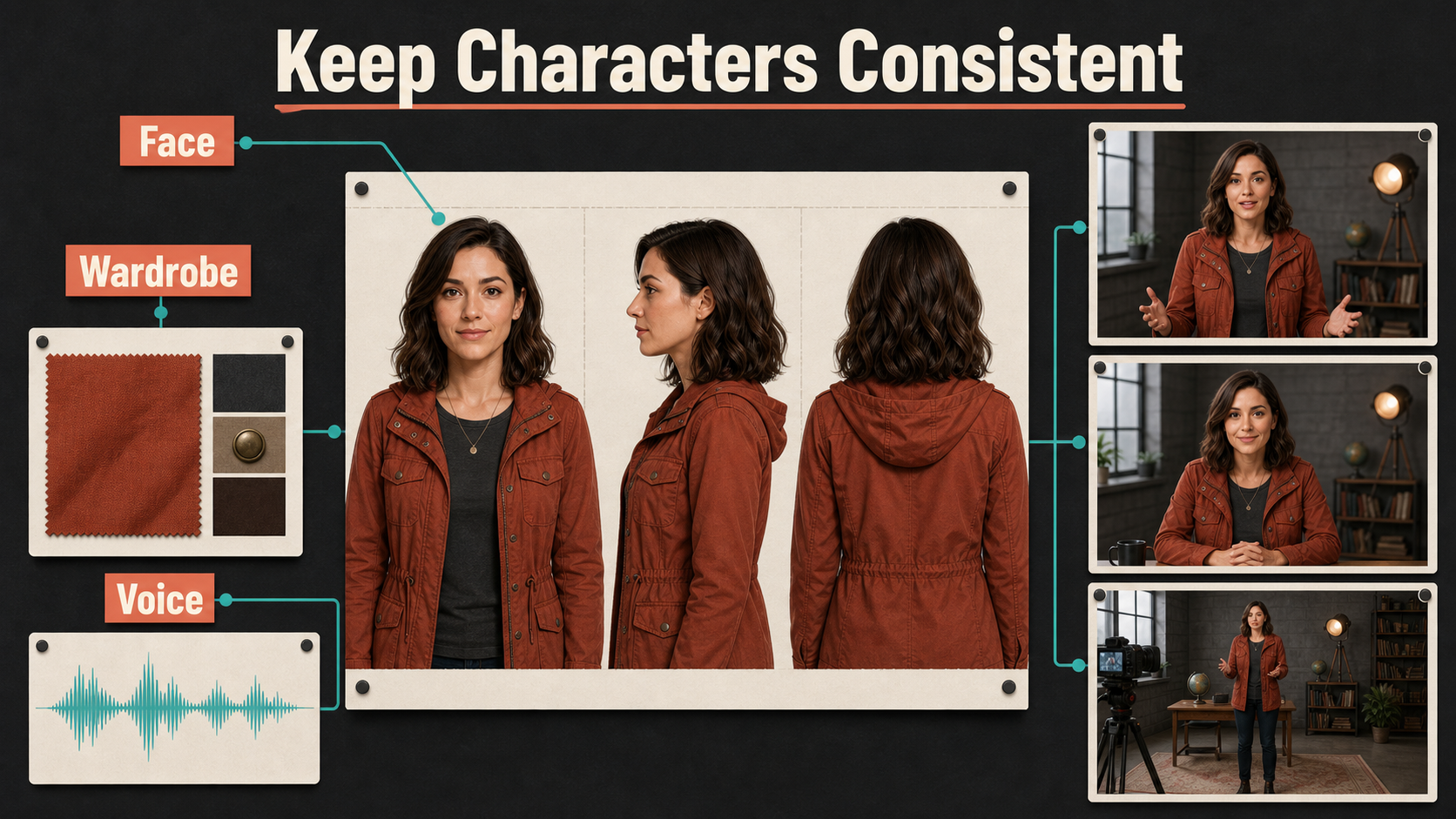
A reference image anchors the opening appearance, not an entire production. Independent generations have no dependable memory of an earlier accepted shot, so your continuity package must provide that memory.
Create a Continuity Bible
Save front, profile, and three-quarter character views; fixed wardrobe swatches; prop orientation; a simple floor plan; lighting direction; camera height; lens look; seed; prompt; model version; adapters; and an accepted frame from each shot. Use the same factual terms every time. “Rust utility jacket” should not become “burnt-orange coat” halfway through the scene.
Generate one shot objective at a time. If the character must cross a room, change clothes, pick up a detailed object, and transform the weather, split those events into edit-friendly clips. Video Extend can grow a good result forward or backward, but extension can accumulate identity, texture, and geometry drift; compare the seam and the final frames.
Treat Audio as a Separate Control
Audio-to-video support does not guarantee an unchanged speaker identity, perfect lip sync, or clean dialogue. Use consented, final audio; keep speech dry and intelligible; separate dialogue, music, and ambience when possible; and inspect mouth closures and facial motion. Do not use a voice you lack permission to synthesize or imitate. Preserve the source, consent record, and synthetic-media disclosure alongside the project.
Practical LTX Desktop Workflow
Use two passes: a fast diagnostic preview and a controlled final. More steps, larger frames, or more adapters are not automatically better when the reference or staging is wrong.
Settings Checklist
| Control | Preview approach | Final approach |
|---|---|---|
| Reference | One compressed copy of the approved frame | Clean full-quality source with final crop |
| Prompt | One action and restrained camera | Same structure, refined only from observed failures |
| Seed | Record every comparison | Keep the best seed while changing one variable |
| LoRA strength | Baseline with none, then one adapter | Use only adapters that improve the target visibly |
| Diffusion cache | Compare off versus on with identical inputs | Use only after checking for quality changes |
| Export | Short review file | Highest practical master, then delivery transcodes |
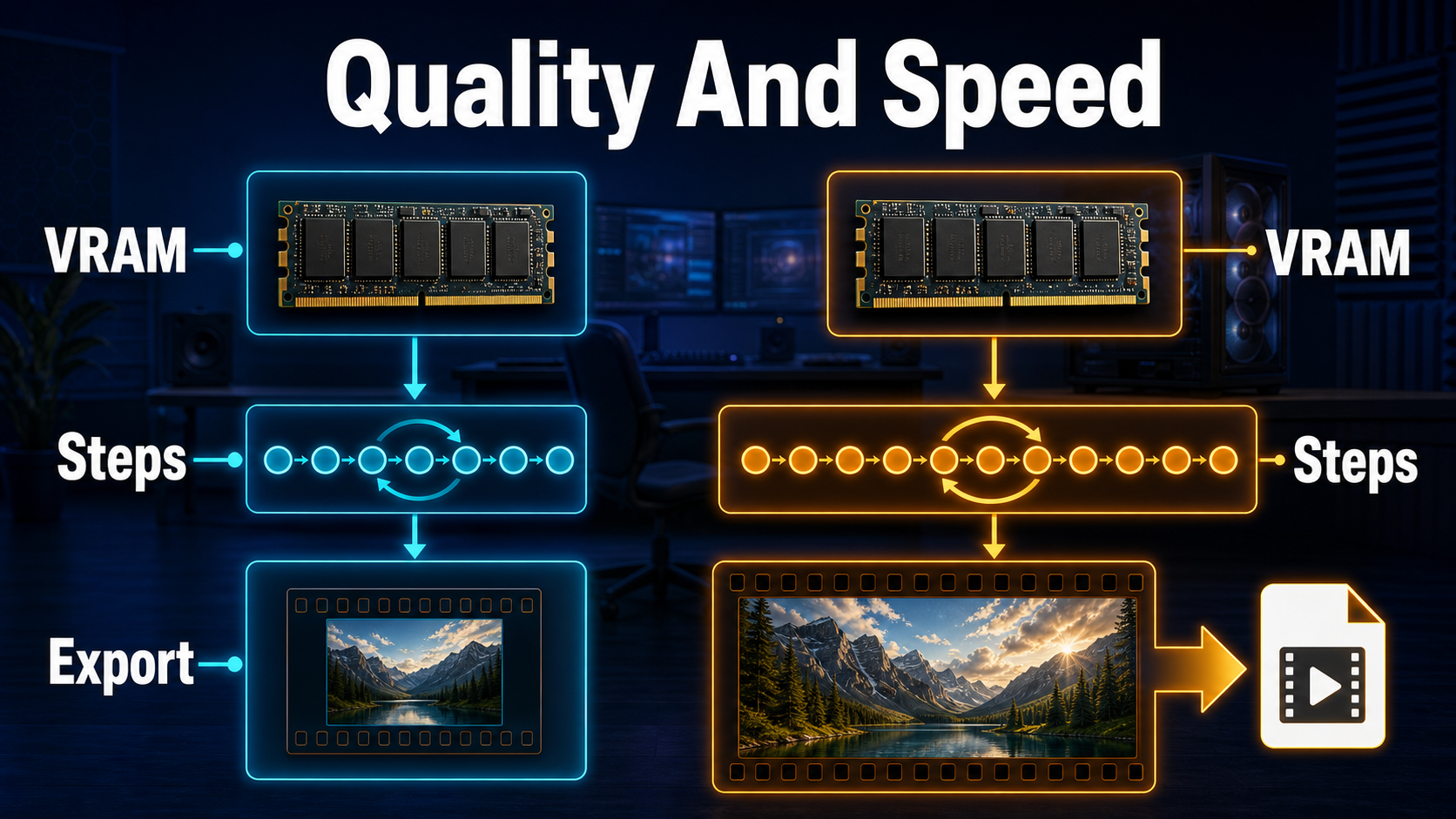
Repeatable Shot Process
- Name the shot and define one visible objective.
- Import the approved shot-specific reference and, when needed, approved audio.
- Write a chronological prompt that complements rather than contradicts the image.
- Render a short preview with a recorded seed and baseline settings.
- Review the first, middle, and last frames for face, hands, clothing, props, set geometry, camera, and audio timing.
- Change one item: reference, prompt clause, seed, adapter strength, duration, or performance option.
- Repeat until the preview passes, then render the final using recorded settings.
- Save the prompt, version, source files, output, and an accepted still in the continuity folder.
Limitations and Troubleshooting
LTX Desktop is beta software around a generative model, so interfaces, models, and hardware behavior can change. Long clips, fast hands, occlusion, reflective props, text, crowded backgrounds, multiple simultaneous actions, and aggressive camera motion remain common sources of failure.
Common Failures and Fixes
| Failure | Likely cause | Fix |
|---|---|---|
| Only API mode appears | Unsupported hardware or failed memory detection | Compare against the official requirements; free memory, fully quit, and relaunch |
| Model download fails | Insufficient disk or interrupted connection | Verify the models path and free space; resume through the model manager |
| Face or clothing drifts | Long clip, weak reference, or conflicting prompt | Shorten the shot, strengthen the source frame, remove contradictory adjectives |
| Motion feels static | Prompt describes a still image | Use timed verbs and a clear beginning, middle, and end |
| LoRA has no effect | Wrong base architecture, file location, or trigger | Verify its card and LTX-2/LTX-2.3 compatibility; reopen the generation view |
| Extension seam is visible | Action, light, or geometry diverges | Extend a shorter stable section and hide the best join in the edit |
Edit AI videos here
After generation, assemble selected takes, remove unstable frames, cover extension seams, balance audio, add captions, and create platform versions at https://ai.alphatechnologies.vn. Editing is where controlled LTX clips become a coherent story rather than a folder of experiments.
Final Recommendation
Use LTX Desktop as a shot laboratory: one approved reference, one chronological action, one recorded seed, and one controlled change at a time. Test local versus API mode honestly, keep licenses and consent records with the project, and preserve every accepted setting. Explore more practical AI-video guides on Aikolhub, then build the shortest version of your next shot before committing to the full render.
Frequently Asked Questions
Is LTX Desktop free and open source?
The official application repository is Apache-2.0. Downloaded model weights, LoRAs, third-party components, and cloud services can have separate terms, so review each applicable license.
How much VRAM does local generation need?
The official Windows and Linux baseline lists an NVIDIA CUDA GPU with at least 16GB VRAM. More memory can improve headroom; unsupported systems use API-only mode.
Can LTX Desktop run locally on a Mac?
Version 1.1.0 added local Apple Silicon generation, tested officially on an M4 Pro with 48GB. Lower configurations are not guaranteed, and Intel Macs remain API-only.
Does a reference image guarantee consistency?
No. It anchors appearance and composition, but duration, occlusion, motion, prompt conflicts, and independent generations can still cause drift.
Should I use Prompt Enhance?
Use it as an optional comparison. Save the original and enhanced prompts, render both with otherwise identical inputs, and keep the version that produces clearer visible action without changing your intent.
Official sources: LTX Desktop repository and requirements; LTX Desktop 1.1.0 release; application license; third-party notices; official LTX-Video repository and prompting guide; official LTX-2.3 model page.