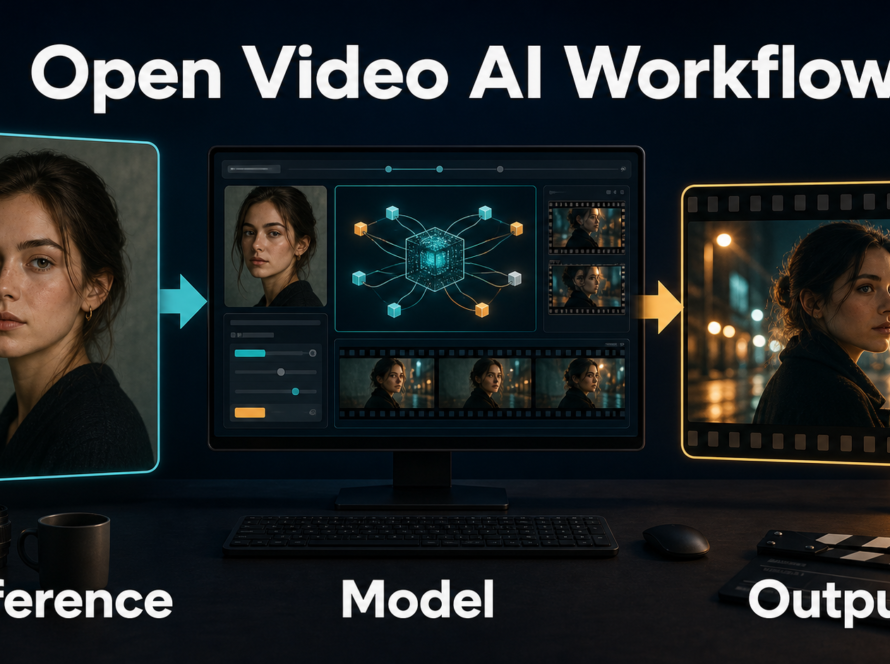
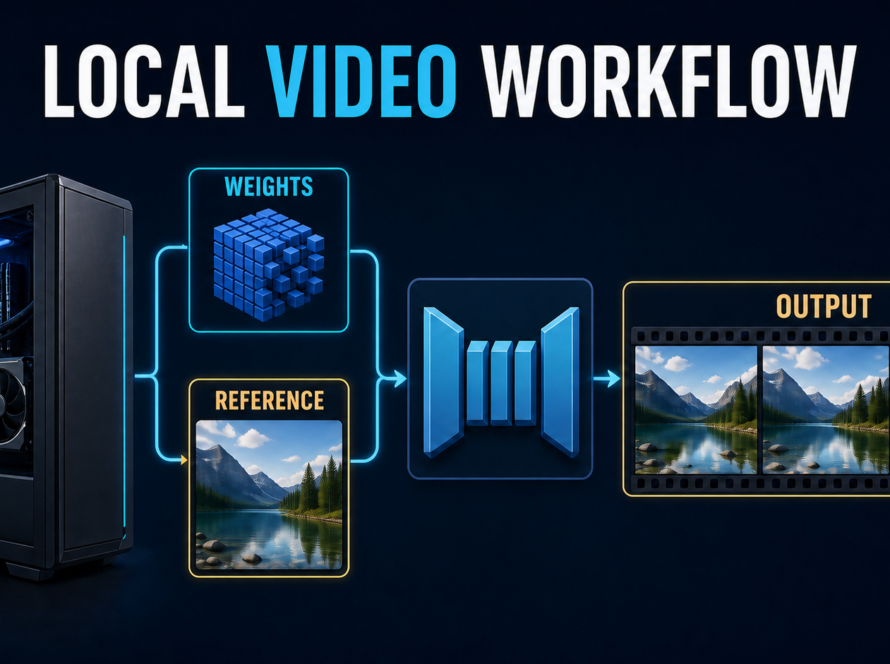
HunyuanVideo-Avatar turns a reference image and speech audio into an animated human video, so the best control strategy is to test identity, speaker assignment, emotion, and scene continuity separately. Start with a clean portrait and consented audio, prove one short single-person shot, and only then attempt dialogue or longer coverage. This guide was verified against official project materials on September 22, 2026.
The model is specialized for audio-driven human animation. It is not a general text-to-video system where prose alone defines the performance. Your portrait establishes the subject, the audio drives speech and emotion, and project configuration determines which person speaks in multi-character scenes.
Table of Contents

What changed and what is supported
Tencent released inference code and model weights on May 28, 2025. The official repository then announced a Wan2GP-based single-GPU route with TeaCache on June 6, 2025. The core project supports single-person and multi-character audio-driven animation, emotion-aware performance, and several aspect-oriented example configurations.
The distinction matters: the official implementation documents Linux, NVIDIA CUDA, and a 24 GB minimum for a 704 × 768, 129-frame example, while recommending substantially more memory for quality and speed. The separate Wan2GP route claims operation from 10 GB VRAM, but that is an optimization path rather than evidence that the main configuration suddenly needs only 10 GB.
Hardware, installation, and license
Use Linux and an NVIDIA CUDA GPU for the documented route. The repository recommends Python 3.10.9 and CUDA 12.4 or 11.8, then installs its pinned requirements and downloads the official checkpoint tree. Check storage before downloading and confirm every expected weight folder before debugging inference.
Choose the official or low-VRAM route
Choose the main repository when you can satisfy its memory guidance and want to reproduce official examples. Choose Wan2GP when reduced memory is the deciding constraint, and record that change because offloading, caching, and quantization can alter speed or behavior.
The weights are open-weight under the Tencent Hunyuan Community License, not unconditionally open-source. The license excludes use in the European Union, United Kingdom, and South Korea, adds a condition for products above 100 million monthly active users, and restricts using outputs to improve other AI models. Review the current license for your territory and use before production.

Reference image and audio context
Control begins before inference. A reference with a readable face, plausible body crop, uncluttered overlaps, and reproducible lighting gives the model fewer contradictions. Audio should be clean, final, and assigned to the correct person before high-resolution generation.
Prepare a reference that can animate
- Use a sharp face with visible eyes and mouth; avoid motion blur and heavy filters.
- Leave room around the head and hands instead of cropping at joints.
- For two people, separate silhouettes and make wardrobe colors distinct.
- Keep the desired set, camera height, and framing in the source rather than rebuilding everything.
- Use only portraits you own or have permission to animate.
Prepare audio as performance control
Trim silence, reduce steady noise, and avoid clipped peaks. Use one clean speaker per track during diagnosis. HunyuanVideo-Avatar uses audio to drive animation; it does not require voice cloning, and a generated performance does not prove who recorded the voice. Preserve consent and provenance for every voice and face.
Two-speaker newsroom case study
Build a 12-second newsroom exchange with Anchor A in a navy jacket and Anchor B in a red jacket. Use one wide two-shot reference with both faces unobstructed. Prepare two short consented audio segments: A delivers the setup with calm emphasis, then B gives the response with a brighter cadence.
Build three controlled shots
- Baseline: generate Anchor A alone for four seconds. Approve identity and lip timing before adding another person.
- Dialogue: use the two-person reference and official multi-character configuration. Assign the correct audio and character mask or positional control to each speaker.
- Continuity variant: retain the same reference, audio, seed where supported, resolution, and duration; change only which anchor speaks first. This reveals speaker leakage without confusing it with a new set or camera.
Use this prompt-context template
Scene: locked medium two-shot in a modern newsroom. Identity: Anchor A, navy jacket; Anchor B, red jacket. Action: A delivers the setup; B listens, then answers. Camera: eye level, fixed position, no zoom or cut. Continuity: preserve faces, wardrobe, desk, and background. Performance: restrained gestures; emotion follows assigned audio. Avoid: speaker swap, face morphing, wandering gaze, background motion.Prompt language supplies scene constraints, but audio and reference inputs remain the primary evidence. Do not stack style adjectives while diagnosing. Change one variable and save the output with its seed, config, portrait, and audio filename.

Multi-shot continuity scorecard
Score each item 0 for fail, 1 for usable, or 2 for clean. Review the first, middle, and last frame, then watch at normal speed with audio. Require at least 10 of 12 points and no zero in identity or active-speaker assignment.
| Check | 2 points | 1 point | 0 points |
|---|---|---|---|
| Face identity | Stable in all sampled frames | Minor recoverable drift | Person changes or merges |
| Active speaker | Only assigned person speaks | Brief listener mouth motion | Speaker swaps or both talk |
| Wardrobe | Color and shape remain fixed | Small texture flicker | Clothing changes |
| Scene geometry | Desk and background stay locked | Minor shimmer | Set warps or moves |
| Emotion | Matches audio without exaggeration | Mostly appropriate | Flat or contradictory |
| Lip timing | Readable consonant and pause alignment | Small offset | Persistent mismatch |
Settings and production checklist
Copy a known official example first; optimize only after it completes. Exact safe values depend on route and hardware, so treat repository configuration as the source of truth instead of inventing a universal step count.
| Control | Diagnostic choice | Production decision |
|---|---|---|
| Duration | One short sentence | Render scenes as approved shots |
| Resolution | Lowest official example preserving the face | Increase only after identity passes |
| Characters | One person first | Add the second after baseline approval |
| Audio | Clean mono speech, one speaker | Lock final edit and speaker mapping |
| Camera | Static medium framing | Add restrained motion after continuity passes |
| Seed/config | Keep fixed during comparison | Archive beside final output |
Before launch, confirm weights, paths, free VRAM, portrait permission, voice consent, speaker mapping, and output directory. Record render time and peak memory rather than repeating an unsupported hardware promise.

Failure fingerprint and fixes
| Visible symptom | Likely control failure | One-variable fix |
|---|---|---|
| Face softens during motion | Weak or tiny reference face | Use a sharper, larger face crop and shorten the shot |
| Listener mouths the words | Ambiguous speaker assignment | Verify masks or positions and test each track alone |
| Correct face, wrong emotion | Audio conflicts with desired tone | Replace only audio with clearer prosody |
| Desk or background drifts | Too much motion or weak geometry | Use a locked reference and forbid camera motion |
| Lips lag throughout | Audio timing problem | Remove leading silence and confirm preprocessing |
| Out-of-memory error | Resolution or frames exceed capacity | Reduce resolution or length, or use the low-VRAM route |
Never change portrait, audio, duration, resolution, and prompt together. A single-variable retry identifies the control that mattered; a total rebuild only produces another unexplained result.
Limitations, safety, and consent
Audio-driven animation can drift during large motion, confuse speakers when faces overlap, exaggerate emotion, or create convincing but false performances. It does not guarantee broadcast-ready lip sync, factual speech, or legal permission. Obtain explicit consent for identifiable faces and voices, label synthetic performances where appropriate, retain source and approval records, and never use the workflow for impersonation or deception.
For broader identity planning, use Aikolhub’s consistent AI character workflow. Compare audio continuity with the Wan2.2 S2V consistency workflow. For hardware context, see the HunyuanVideo-Avatar local setup guide and HunyuanVideo-1.5 production guide.
Edit AI videos here
Generation is only the first pass. Assemble approved takes, trim pauses, normalize audio, add captions, and compare continuity in the browser at https://ai.alphatechnologies.vn. Explore more practical workflows in Aikolhub’s AI Video category.
Final recommendation
Begin with one clean portrait, one short consented voice clip, and a static single-person frame. Once that passes, add a second speaker using explicit assignment and the 12-point scorecard. This staged approach makes HunyuanVideo-Avatar controllable because each failure has a traceable source. Continue exploring Aikolhub for tested AI video workflows, but always recheck the official repository and license before deployment.
HunyuanVideo-Avatar FAQ
Is HunyuanVideo-Avatar a text-to-video model?
It is primarily an audio-driven human-animation model. A reference image and audio are central inputs; text context helps constrain the scene.
How much VRAM is required?
The main repository documents a 24 GB minimum for one 704 × 768, 129-frame example and recommends more. A separate Wan2GP route advertises support from 10 GB VRAM.
Can it animate two people?
Yes. The official project supports multi-character dialogue, but speaker mapping and separated reference subjects require careful validation.
Does it clone a voice?
No voice clone is required. The model animates from supplied audio; the origin and permission status of that audio remain your responsibility.
Is it open source?
Call it open-weight. The Tencent Hunyuan Community License includes geographic, scale, use, and distribution restrictions that require review.
How do I improve lip sync?
Use clean, tightly trimmed speech, test one speaker alone, verify assignment, and shorten the shot before changing several generation settings.