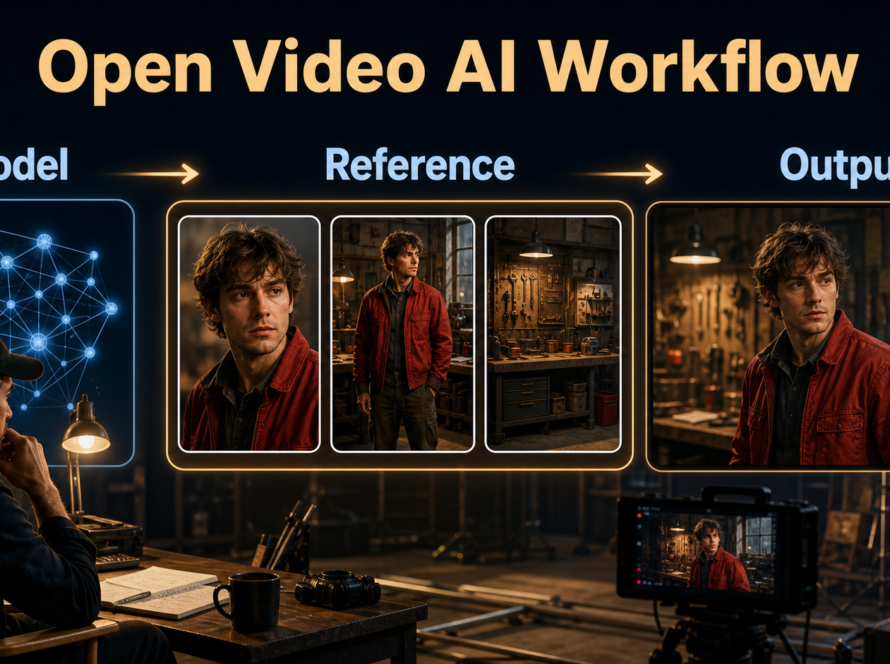
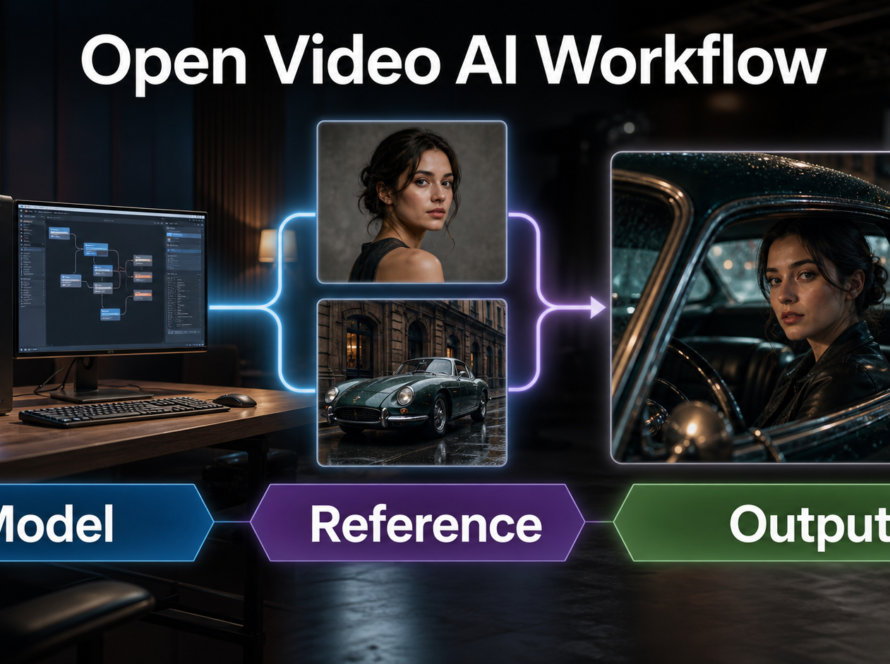
A reliable over-the-shoulder shot places a soft foreground shoulder at one edge, keeps the speaking character’s eyes clear, preserves the conversation’s screen direction, and limits camera motion. In an AI video prompt, specify who owns the foreground, which person is in focus, the camera side, shot size, lens behavior, depth of field, lighting, and continuity locks. Updated July 28, 2026, this guide separates established cinematography practice from features documented in current official camera-control repositories.
The over-the-shoulder shot, often shortened to OTS, is more than a close-up with an obstruction. It gives the audience a physical position inside a conversation. The listener’s shoulder establishes distance and relationship while the speaker’s expression carries the story. Because an AI generator must maintain two bodies, an eyeline, foreground blur, background geometry, and identity at once, this familiar shot needs unusually explicit planning.
Table of Contents
Visual Meaning of Over-the-Shoulder Shots
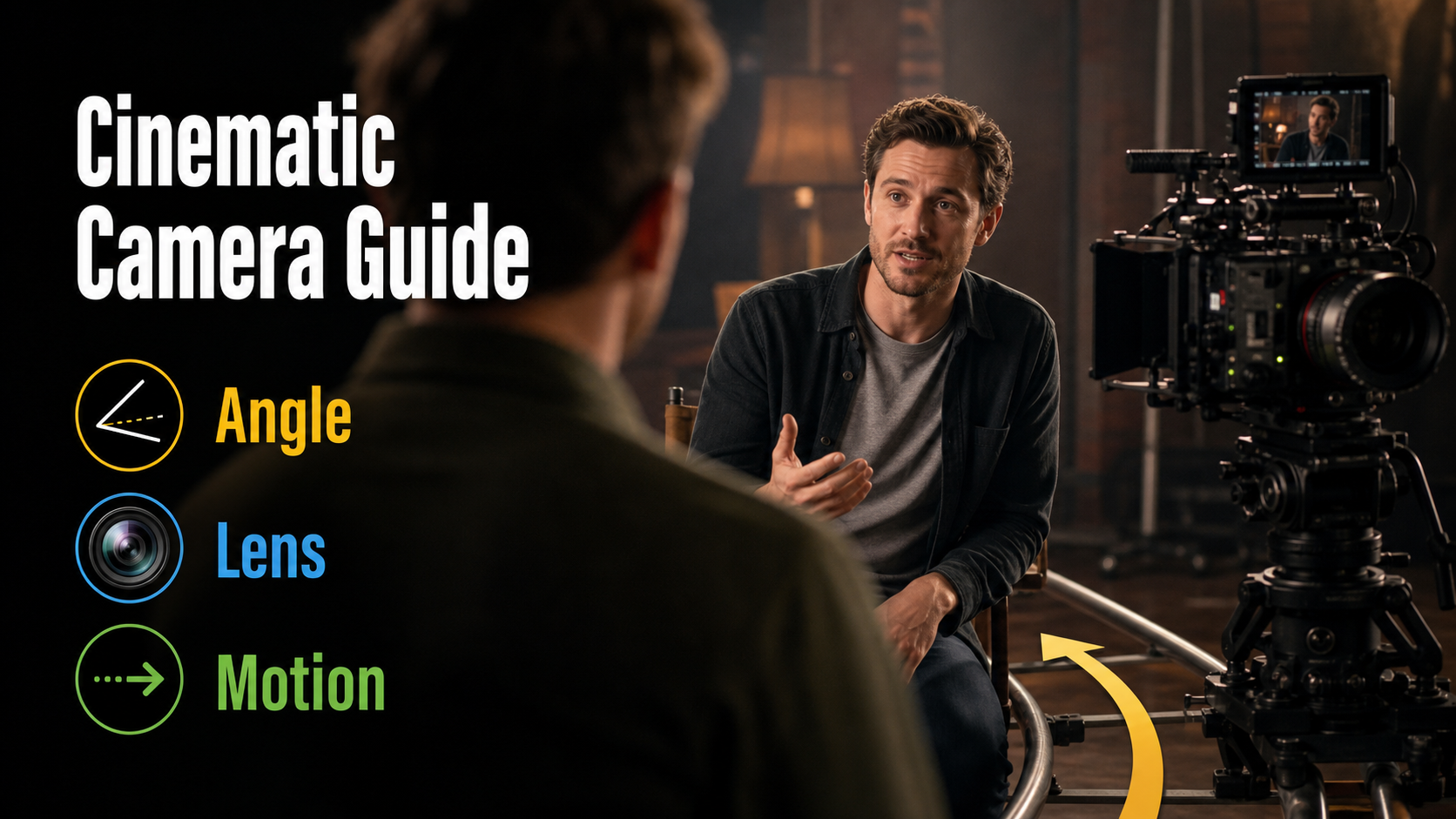
An OTS frame connects two people without giving them equal visual weight. Part of the listener appears near the lens, usually as a shoulder and partial head, while the other character remains the focused subject. The frame says, “we are witnessing this exchange from inside their shared space.”
When the Shot Works
Use it for dialogue, interviews, negotiations, tutorials with a participant, or any beat where reaction and relationship matter. A matching reverse OTS can build a conventional conversation. A wider foreground shoulder can create pressure or dominance; a lighter edge can feel open and neutral. These are storytelling choices, not model features.
Clean Versus Dirty Framing
A dirty single includes part of the other person; a clean single excludes them. An OTS is intentionally dirty, but the foreground must earn its space. Keep enough shoulder to identify the relationship without hiding the speaker’s hands, mouth, or important props. If generation repeatedly mutates the listener, switch to a clean single and reintroduce the shoulder in a separate controlled shot or edit.
Camera Placement and Screen Direction
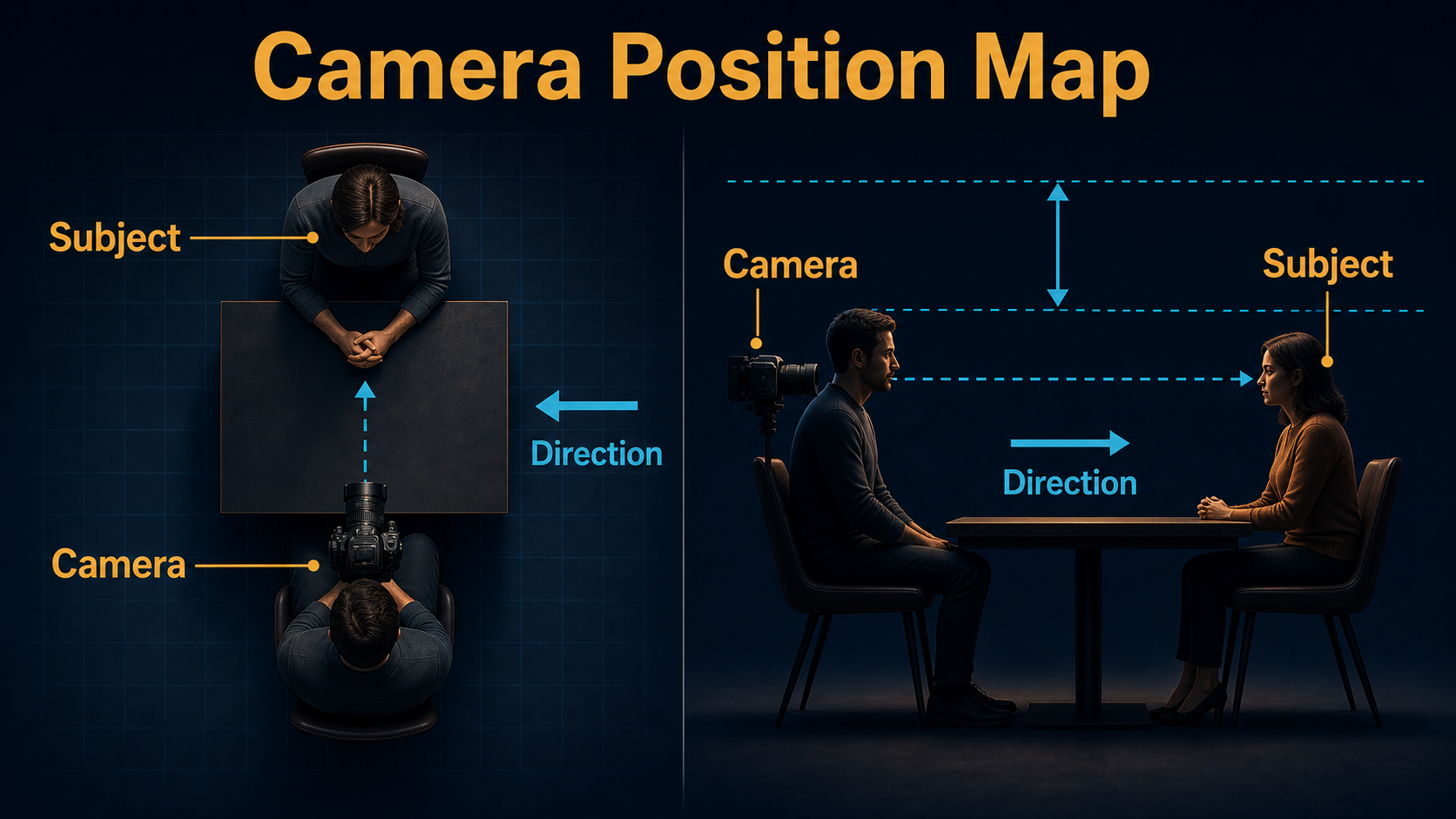
Plan the human geometry before writing style adjectives. Draw the two actors, the line between them, and the camera position. Keep paired dialogue cameras on the same side of that line unless crossing it is an intentional transition. This preserves left-right orientation across cuts.
Block the Two People First
- Place the speaker and listener at believable conversational distance.
- Choose which shoulder enters the foreground and how much frame width it occupies.
- Set the camera just outside the listener’s head, near eye height.
- Leave looking room in front of the focused speaker’s face.
- Lock furniture, props, windows, and light direction before generating reverses.
A common mistake is asking for “over the shoulder” without naming the shoulder owner. Write “camera behind the left shoulder of the listener” and “speaker centered right, looking screen-left.” The explicit roles reduce accidental face swaps and reversed staging.
Protect the Eyeline
The focused actor should look toward the foreground person’s implied eyes, not directly into the lens unless the story breaks the fourth wall. For matching reverses, keep eye height and camera-to-axis angle comparable. Save approved frames and use them as visual continuity references rather than trusting text alone.
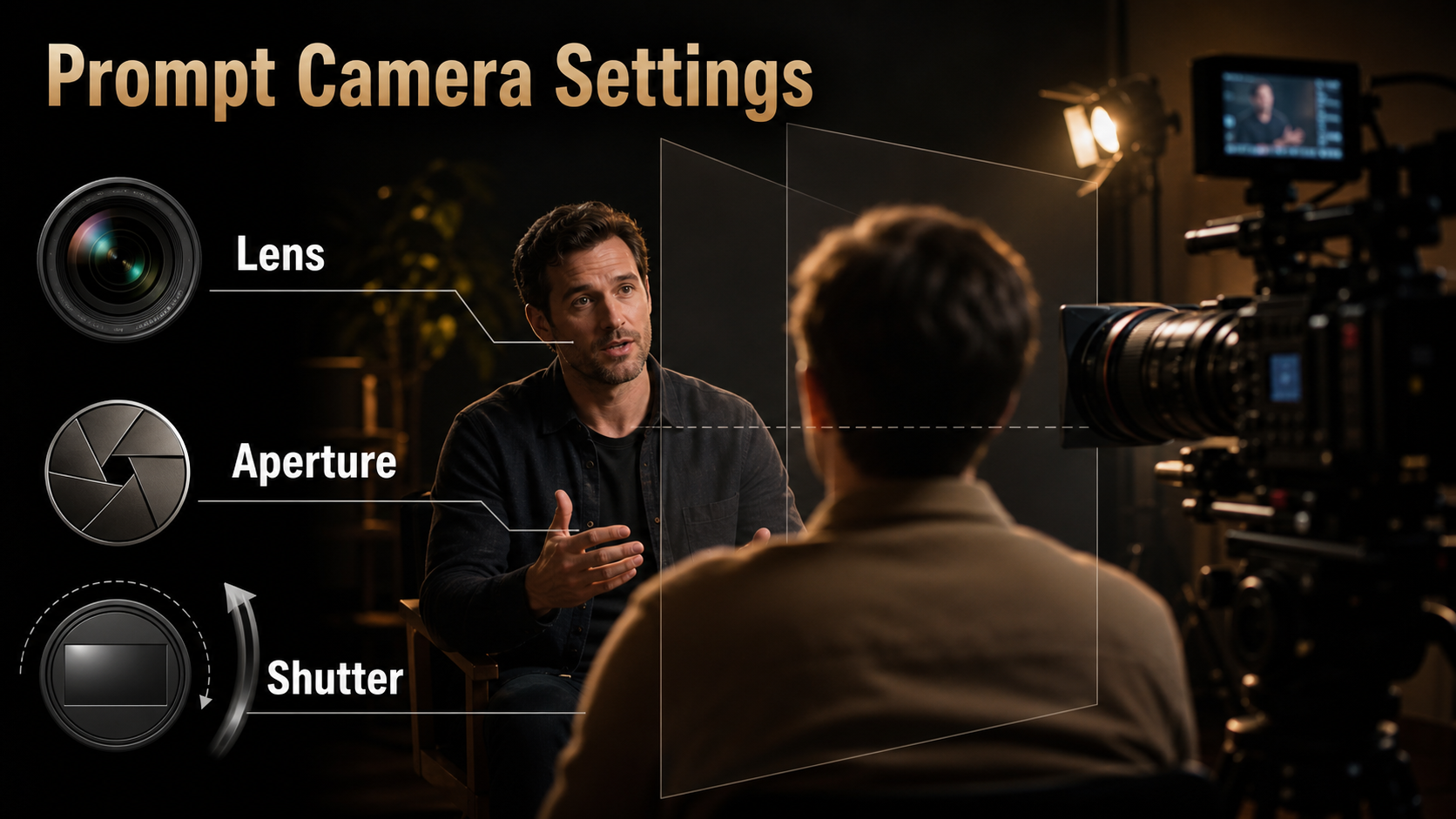
Lens, Aperture, Shutter, and Lighting
Camera language helps define the appearance, but most generative systems do not guarantee that prompt numbers behave like a calibrated physical camera. Describe the intended visible result and inspect it.
Practical Starting Settings
| Choice | Starting point | Visible purpose |
|---|---|---|
| Shot size | Medium close-up | Shows expression with some gesture room |
| Focal length look | 50-85 mm | Natural faces and controlled foreground scale |
| Aperture look | f/2.8-f/4 | Soft shoulder while both eyes stay readable |
| Shutter look | 180-degree at 24 fps | Familiar motion blur for dialogue |
| Movement | Locked or very slow push-in | Reduces identity and geometry drift |
| Lighting | Soft key plus gentle edge | Separates speaker from foreground silhouette |
Describe Visible Lens Behavior
Add phrases such as “natural portrait perspective,” “soft foreground shoulder,” “sharp eyes,” “gentle background falloff,” and “no wide-angle facial distortion.” Keep focus stable on the speaker. Avoid demanding an extreme rack focus, fast orbit, and animated dialogue in one short generation; each adds another changing relationship for the model to solve.
Build the Reference Image
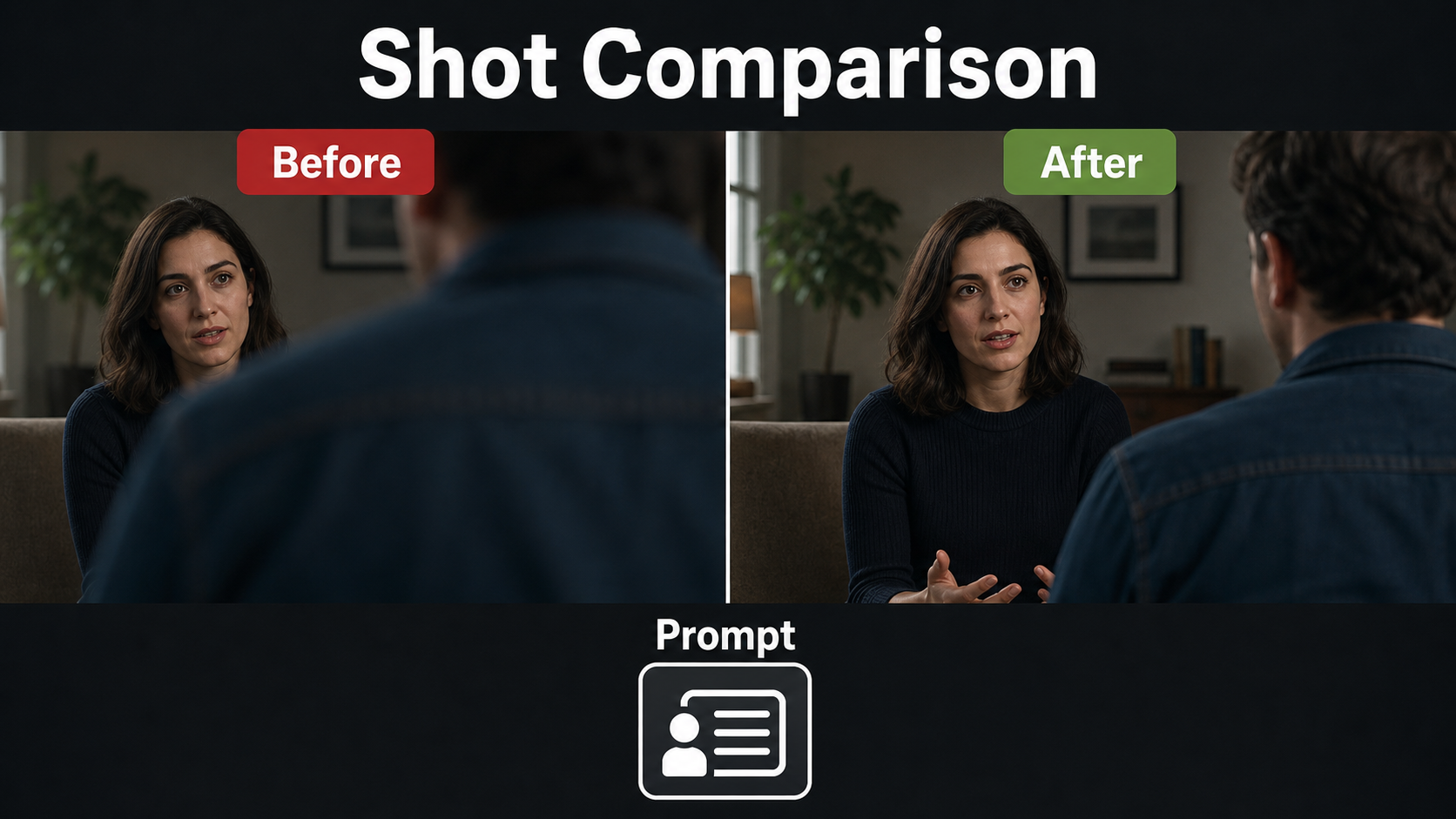
The first frame should already solve composition. Image-to-video models are better at extending a coherent frame than correcting an ambiguous one. Create the OTS reference with final wardrobe, approximate expressions, correct shoulder ownership, matching light direction, and a simple background.
Reference Image Checklist
- The foreground shoulder covers roughly 10-25% of the frame, not the speaker’s face.
- The foreground head has a recognizable silhouette without distracting detail.
- The speaker’s eyes, mouth, hairline, hands, and key wardrobe details are visible.
- The eyeline points toward the implied listener.
- Both people have distinct, fixed wardrobe descriptions.
- Props remain in named hands and fixed positions.
- Background lines do not intersect the face.
- Lighting separates the two depth planes.
Separate Consistency Problems
| Problem | What must stay stable | Main control |
|---|---|---|
| Subject consistency | Face, hair, proportions | Character references |
| First-frame consistency | Crop and initial positions | Shot reference |
| Scene continuity | Set, props, light direction | Scene bible |
| Voice identity | Speaker timbre | Approved audio source |
| Lip sync | Mouth timing | Clean final speech |
| Audio-driven motion | Gesture and expression rhythm | Audio or pose control |
Do not call a broken eyeline a face-consistency error or a drifting voice a lip-sync error. Diagnose the layer that changed, then adjust only the relevant input.
Over-the-Shoulder AI Video Prompt Formula
Write composition first, then identities, action, camera behavior, exposure look, lighting, and continuity locks. Put negative constraints last.
Copyable Prompt Template
Over-the-shoulder [shot size] from behind the [left/right] shoulder of [listener].
Foreground: [listener identity and wardrobe], softly out of focus, occupying [small/moderate] frame edge.
Focus: [speaker identity], looking [screen direction] toward the listener, performing [one action].
Camera: eye level, [locked/slow push-in], natural [focal-length] portrait perspective.
Exposure look: [depth of field], 180-degree shutter motion, [frame rate] cadence.
Lighting: [key direction], [fill], [edge or practical].
Preserve both faces, wardrobe, prop hands, eyeline, set layout, and screen direction.
No face swap, shoulder growth, camera-axis crossing, background warping, or focus hunting.
Worked Prompt Example
“Over-the-shoulder medium close-up from behind the left shoulder of the male listener in a charcoal jacket. His shoulder is a soft narrow foreground shape on frame-left. Focus on the same female architect in a rust blouse, seated frame-right and looking screen-left toward him, calmly pointing to one blueprint. Eye-level locked camera, natural 65 mm portrait perspective, moderate shallow focus with both her eyes sharp, 180-degree shutter look at 24 fps. Soft window key from camera-right, low fill, warm practical behind. Preserve faces, rust blouse, charcoal jacket, blueprint position, eyeline, furniture, and light direction. No face swap, extra hands, camera-axis crossing, focus hunting, or set changes.”
Model Workflow and Camera Control
As checked July 28, 2026, official research repositories document different kinds of camera conditioning. None removes the need for a well-composed reference, and none should be described as a universal OTS button.
What Official Projects Control
- CamI2V and RealCam-I2V provide camera-controlled image-to-video research code and checkpoints; the repository shows combined rotations, translations, and zoom-like movement.
- CameraCtrl conditions video generation on camera poses, supporting trajectory-oriented control rather than dialogue semantics.
- MotionCtrl separates camera motion and object motion control in its official research implementation.
- UCPE extends camera conditioning to extrinsics plus intrinsics, distortion, pitch, and roll in its documented controlled-video workflow.
These projects are useful evidence for camera control, but repository checkpoints, base-model dependencies, resolutions, licenses, and integration requirements differ. Verify every component before production. Lens millimeters, f-stops, shutter angle, and light quality in a natural-language prompt remain visual intentions unless the chosen implementation explicitly maps them to supported parameters.
Practical Generation Workflow
- Write a two-person scene bible with exact face, hair, wardrobe, prop, set, and voice facts.
- Draw the axis and plan the primary OTS and reverse OTS.
- Create each approved first frame separately.
- Render a short locked-camera test with one spoken or silent action.
- Check frame start, middle, and end for shoulder size, eyes, mouth, hands, background, and screen direction.
- Add only a slow push-in or simple camera trajectory after the static composition passes.
- Generate the reverse using its own matching reference and unchanged scene bible.
- Edit the two shots together and inspect the cut for eyeline and action continuity.
Voice, Lip Sync, and Scene Continuity
For talking OTS shots, lock final dialogue before animation. Voice identity comes from an approved recording or consented synthesis voice; lip sync is the visual alignment of mouth shapes; audio-driven motion covers nods and gestures. They are separate responsibilities. Use clean speech without music during generation, keep the focused mouth visible, and add soundtrack layers later. The out-of-focus listener should make minimal movements so the model does not redirect attention or mutate the silhouette.
Common Failures and Fixes
Troubleshooting Table
| Failure | Likely cause | Practical fix |
|---|---|---|
| Shoulder swallows the frame | Ambiguous foreground size | Use a narrower reference silhouette and state frame percentage |
| Faces swap | Roles not named clearly | Repeat identity and wardrobe for foreground and focus separately |
| Speaker looks at camera | Missing eyeline target | State screen direction and listener position |
| Axis flips | Unplanned reverse angle | Map both cameras on one side of the line |
| Focus pulses | Competing faces or rack-focus language | Lock focus on speaker and keep shoulder soft |
| Background bends | Large camera movement | Use locked framing or a very slow push-in |
| Lip timing drifts | Noisy audio or long take | Clean speech, shorten phrases, use a clearer face |
| Wardrobe changes | Hidden or vague details | Use shot-specific references and exact repeated descriptors |
Quality-Control Checklist
- Foreground ownership and shoulder side are correct.
- The shoulder remains a stable, soft shape.
- The focused face stays recognizable throughout.
- Eyes point toward the implied partner.
- Paired shots preserve screen direction and light direction.
- Wardrobe, props, furniture, and background geometry do not mutate.
- Camera movement is motivated and smooth.
- Focus, distortion, blur, and depth behavior match the intended lens look.
- Voice, lip sync, and gesture timing are checked independently.
Edit AI videos here
Assemble approved OTS and reverse angles, trim unstable frames, match audio, add captions, sound, transitions, and delivery formats at https://ai.alphatechnologies.vn. Editing is where independent generations become one continuous conversation.
Final Recommendation
Build an over-the-shoulder AI video shot from geometry outward: block the actors, protect the axis and eyeline, make a strong reference, lock identities and the scene, then add restrained motion. Treat lens and exposure terms as instructions for visible behavior unless your implementation provides explicit controls. Explore more practical AI video workflows on Aikolhub, and test the shortest version of the dialogue before spending compute on a full scene.
Frequently Asked Questions
What is an over-the-shoulder shot?
It frames a focused subject past the partial head or shoulder of another person, placing the viewer inside their interaction.
Which lens look works best?
A natural 50-85 mm portrait look is a practical start because it controls facial distortion and foreground shoulder size. Judge the rendered result rather than assuming exact metadata.
How much shoulder should be visible?
Use enough to establish relationship, often about 10-25% of the frame, but never let it hide the focused eyes, mouth, or essential action.
How do I stop face swaps?
Name the foreground listener and focused speaker separately, give each fixed wardrobe, and start from a shot-specific reference with unambiguous positions.
Should the camera move?
Start locked. After identity and geometry are stable, try one restrained move such as a slow push-in.
Do camera-control models guarantee cinematic settings?
No. They may control camera poses, trajectories, intrinsics, or related parameters, but prompt terms such as lens, aperture, shutter, and lighting must still be evaluated visually.
Official sources: CamI2V and RealCam-I2V repository; CameraCtrl repository; MotionCtrl repository; UCPE repository.