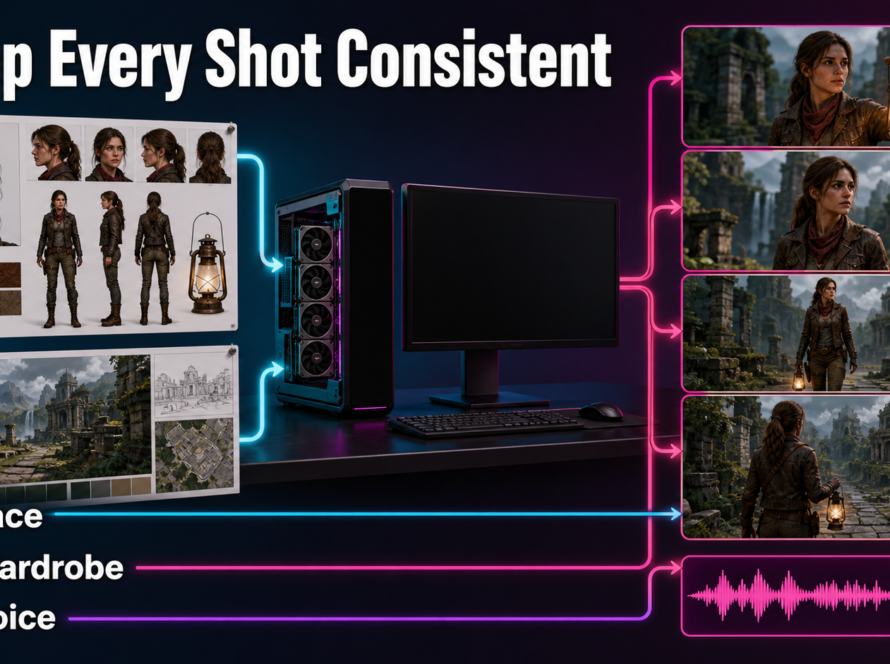
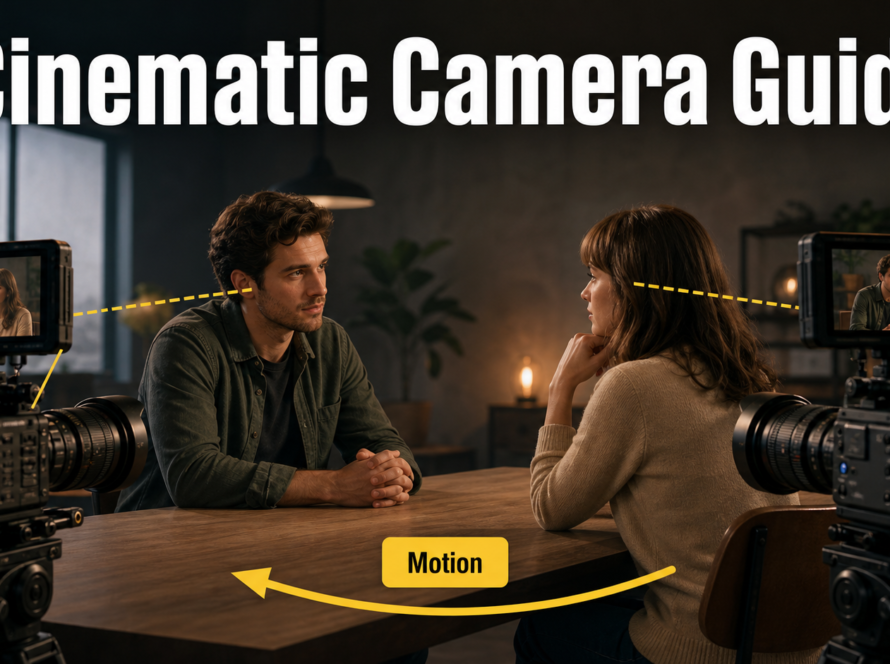
MultiTalk is the practical choice for Wan2.1-based multi-person conversations, while LongCat-Video-Avatar 1.5 is the newer option for distilled single- or multi-speaker avatar generation and video continuation. In both cases, the reliable workflow is to lock the reference image, assign clean audio to each visible speaker, describe only observable action, preview a short clip, and validate identity and lip sync before rendering a longer sequence.
This guide was verified against official repositories, model cards, technical reports, and licenses on July 28, 2026. It separates documented features from production advice so you can build a repeatable local workflow without treating a research demo as a guaranteed result.
Table of Contents
Current model status
Both projects have public code and weights under permissive licenses, but they are different pipelines rather than interchangeable checkpoints. MultiTalk builds an audio-conditioned conversation system around Wan2.1-I2V-14B-480P. LongCat-Video-Avatar 1.5 is built on the LongCat-Video family and introduces a newer audio encoder and distilled inference path.
MultiTalk status
The official MultiTalk repository describes single- and multi-person generation from a reference image, prompt, and one or more audio streams. Its model card lists Apache-2.0 for the weights. The documented pipeline supports conversation, singing, prompted interaction, cartoons, arbitrary aspect ratios, and clips up to 15 seconds. The current repository still says its direct code path supports 480p; 720p requires multiple GPUs.
MultiTalk was trained around 81-frame clips at 25 fps. The maintainers say 201 frames are possible but warn that prompt following may weaken as clips grow. Low-VRAM mode enables 480p generation on a single RTX 4090, while INT8, TeaCache, APG, multi-GPU inference, and accelerated LoRAs offer other speed or memory trade-offs.
LongCat Video Avatar 1.5 status
LongCat-Video-Avatar 1.5 was released on May 21, 2026. The official repository and model card identify an MIT license. Version 1.5 replaces Wav2Vec2 with Whisper-large-v3, requires distilled sampling, supports INT8 loading, and documents audio-text-to-video, audio-image-to-video, multi-audio generation, and video continuation at 480p or 720p.
The technical report says the distilled model uses eight forward evaluations instead of the base model’s much heavier 50-step process. Its own evaluation still finds trade-offs: the base path retains richer motion and lip-sync detail, while the accelerated path improves speed and often stability. Treat those results as project-reported benchmarks, not guarantees for every face, language, or GPU.
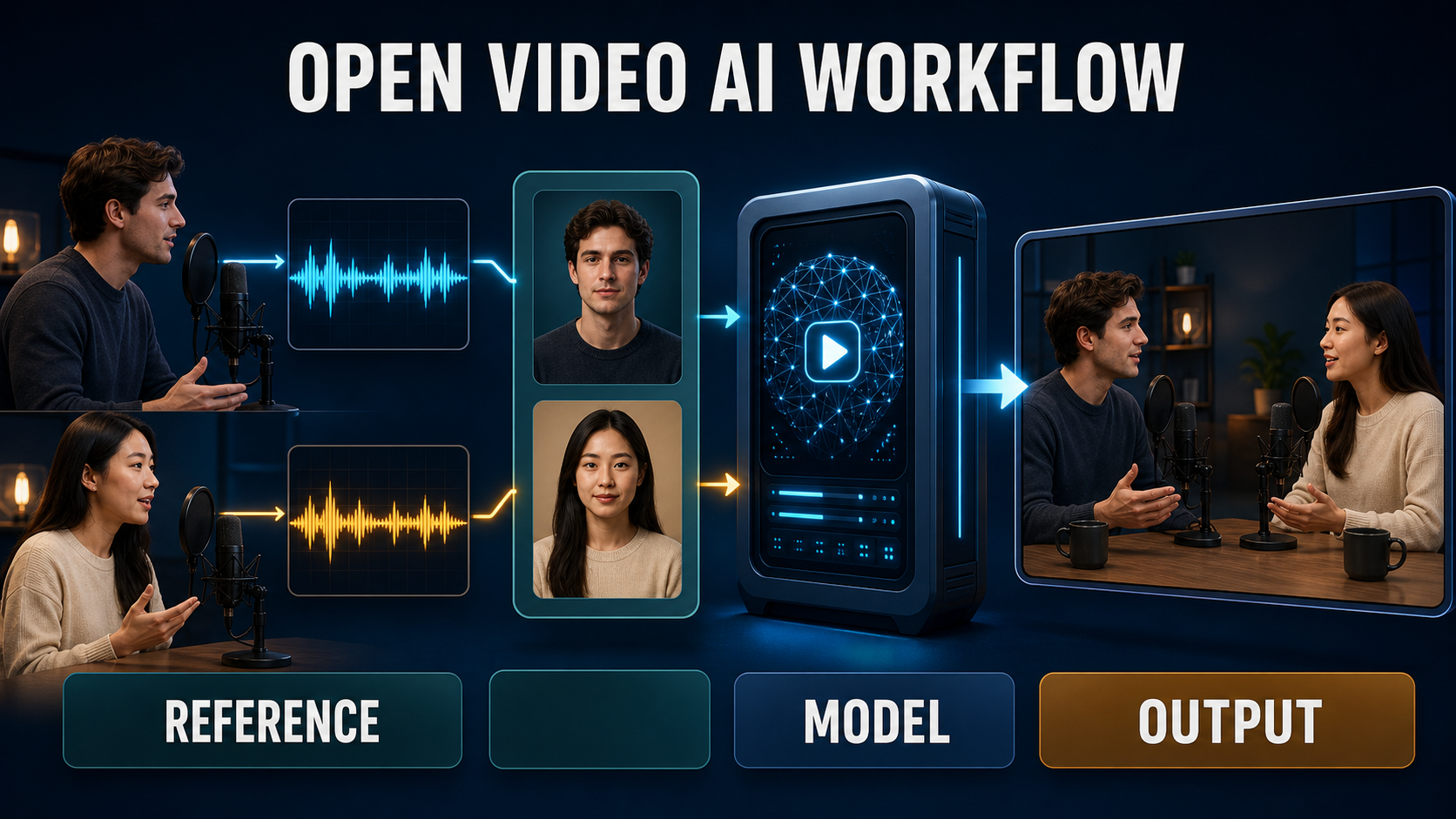
Choose the right model
| Decision | MultiTalk | LongCat Video Avatar 1.5 |
|---|---|---|
| Best starting use | Two-person Wan-based conversation from a composed reference image | Single- or multi-person avatar clips, including continuation |
| Audio encoder | Chinese Wav2Vec2 checkpoint in the official setup | Whisper-large-v3 in version 1.5 |
| Fast path | Lower steps, TeaCache, INT8, or supported acceleration LoRA | Required distilled mode; optional INT8 DiT |
| License | Apache-2.0 model license | MIT code and weights |
| Practical caution | Long segments can lose prompt adherence or accumulate color error | Official examples commonly use two GPUs; no universal VRAM minimum is stated |
Choose by the shot you need, not by a leaderboard. If the core requirement is binding separate audio tracks to two visible people inside a Wan workflow, start with MultiTalk. If you need LongCat’s continuation controls, newer audio encoder, or eight-NFE distilled path, use Avatar 1.5. Run the same ten-second acceptance test on both before committing a production schedule.
Hardware and installation
Use a clean Python 3.10 environment, a supported NVIDIA CUDA stack, FFmpeg, enough fast storage for multiple large checkpoints, and a GPU plan that leaves headroom for the VAE, text encoder, audio encoder, and video latents. Do not quote a single VRAM number as universal: resolution, frame count, precision, attention backend, offloading, and number of speakers all change the peak.
Install MultiTalk
- Clone the official repository and create its documented Python 3.10 environment.
- Install the pinned PyTorch, xformers, FlashAttention, requirements, librosa, and FFmpeg packages.
- Download Wan2.1-I2V-14B-480P, the audio encoder, and MeiGen-MultiTalk weights from the linked official model cards.
- Link or copy the MultiTalk checkpoint index and model file into the Wan checkpoint directory exactly as documented.
- Run an unchanged official single-person example before adapting a two-person JSON.
Install LongCat Video Avatar
- Clone the LongCat-Video repository and create its Python 3.10 environment.
- Install the documented CUDA-compatible PyTorch build, FlashAttention, base requirements, avatar requirements, librosa, and FFmpeg.
- Download LongCat-Video-Avatar-1.5 into a separate checkpoint directory.
- Start from the official two-GPU command with
--use_distill --model_type avatar-v1.5; add--use_int8only for the documented 1.5 path. - Reduce resolution or segment length before inventing unsupported flags if the example does not fit.
Prepare reference images and audio
The reference frame determines more than identity. It also fixes the initial camera, lighting, wardrobe, visible body area, spacing between people, and potential occlusions. Audio determines timing, but a model cannot rescue clipped speech, background music, incorrect speaker assignment, or overlapping dialogue that was not planned.
Reference image checklist
- Use a sharp image at the target aspect ratio with both faces large enough to resolve.
- Give each person a distinct silhouette, wardrobe color, and position.
- Keep hands visible only if their pose matters; cropped or tangled hands invite instability.
- Match the desired final framing. A close portrait is a poor reference for a full-body performance.
- Remove logos, illegible background text, and reflections that might be regenerated inconsistently.
Audio and consent checklist
- Use clean, dry audio with one track per speaker when the workflow supports it.
- Trim silence intentionally and keep sample-rate handling consistent across files.
- Confirm the two streams align with the left and right people in the input JSON.
- Obtain explicit permission for every cloned or recognizable voice and face.
- Keep source provenance, consent records, and an AI-generation disclosure with the project files.
Prompt templates
Prompt visible facts in a stable order: character, wardrobe, action, emotion, scene, camera, and lighting. Do not ask the text prompt to replace the identity already established by the image or the timing established by audio.
Single-speaker template
A waist-up presenter with [identity traits] wears [fixed wardrobe]. The presenter speaks calmly to camera, uses small natural hand gestures, and pauses between phrases. [Scene details]. Locked medium shot, eye-level camera, soft key light, stable background, realistic mouth motion, no camera cut.Two-speaker template
Two hosts sit across a small table. The person on the left wears [wardrobe A] and speaks first; the person on the right wears [wardrobe B], listens, then replies. Natural eye contact and restrained gestures. Static two-shot, eye-level camera, 50 mm lens look, consistent warm studio lighting, no identity swap, no cutaway.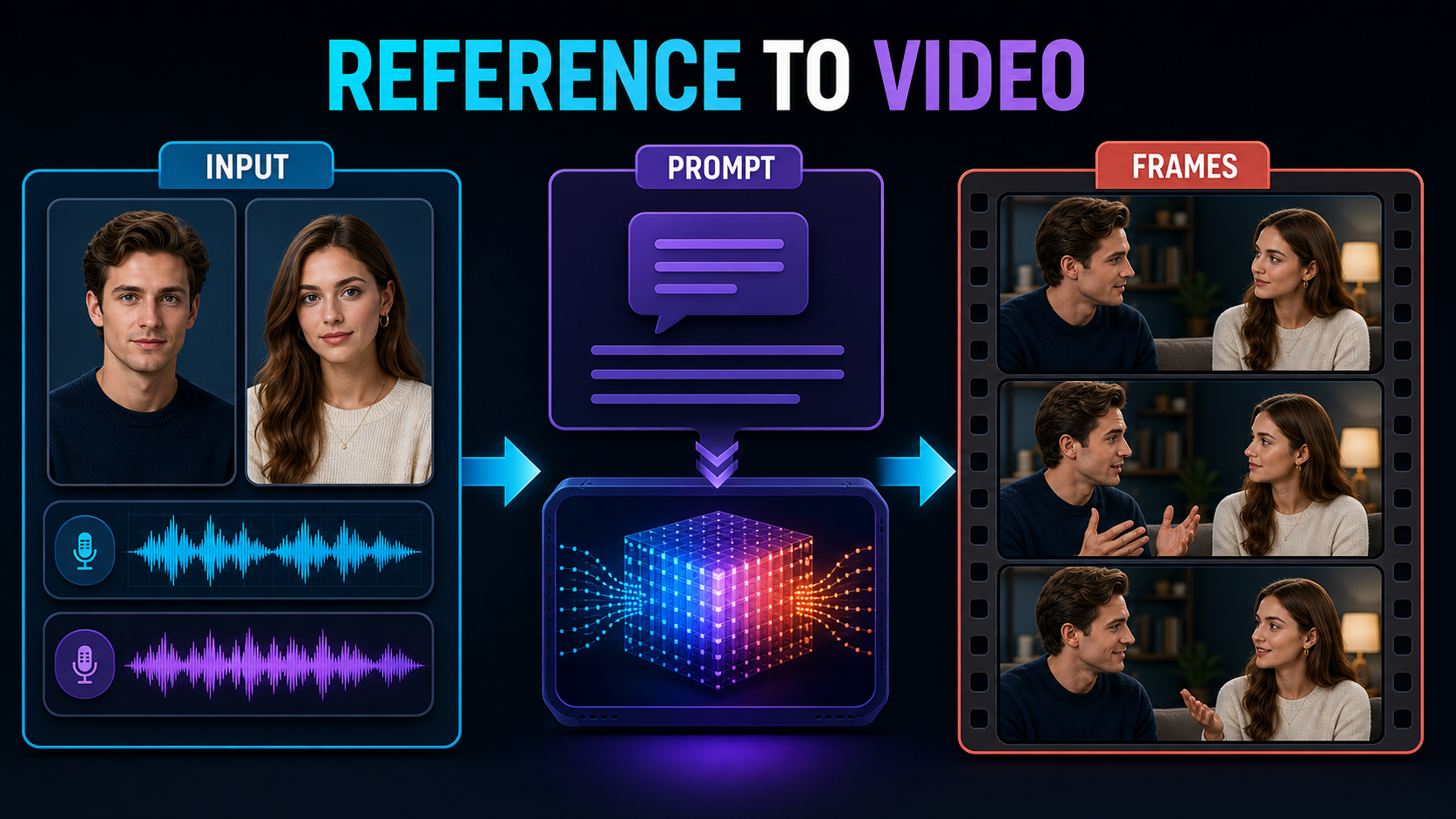
Practical reference-to-video workflow
- Freeze the brief. Record the target aspect ratio, speaker order, wardrobe, background, clip duration, and delivery codec.
- Make an identity board. Save the approved reference, face crops, wardrobe colors, and a written scene description.
- Clean and map audio. Name each file by speaker, normalize levels conservatively, and check that words begin where expected.
- Run the official example. Confirm the installation and checkpoint paths before changing resolution or JSON structure.
- Generate a short preview. Use one 81-frame MultiTalk clip or one short distilled LongCat segment. Do not begin with the longest sequence.
- Review four layers. Score face identity, body and scene stability, speaker-to-audio binding, and lip synchronization separately.
- Change one variable. Adjust the reference crop, prompt, audio CFG, step count, or continuation control individually so the result remains diagnosable.
- Render and edit. Generate the approved sections, then assemble, trim, caption, mix, and disclose the final video in a conventional editor.
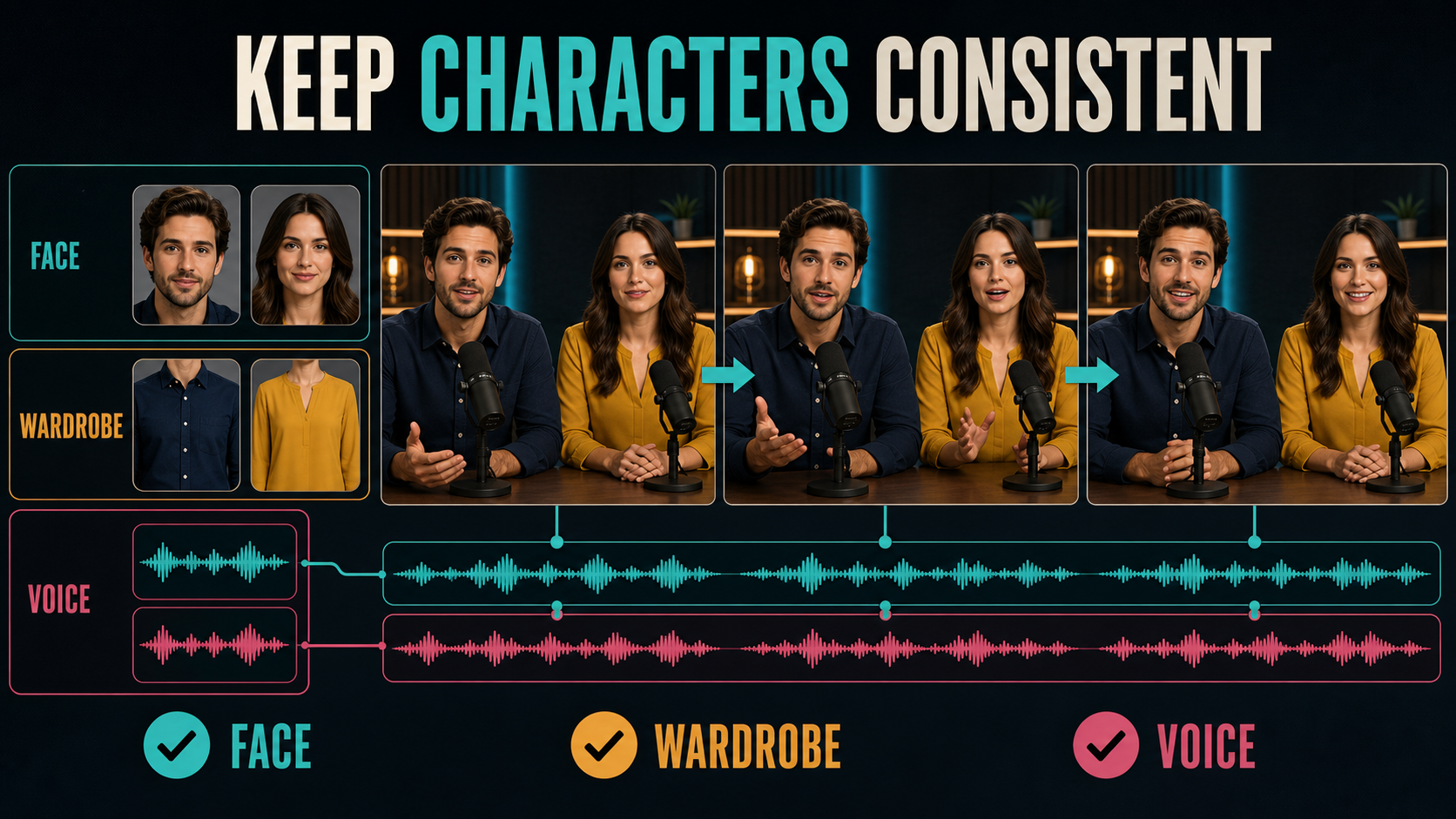
Character, scene, and voice consistency
Identity consistency, scene continuity, voice identity, and lip sync are separate problems. A stable face can still speak the wrong track. Accurate lips can coexist with a drifting shirt, flickering lamp, or repeated hand motion. Use a shot-level acceptance sheet instead of one vague quality score.
Review each layer separately
- Face: compare eyes, jaw, hairline, and age cues at the beginning, midpoint, and end.
- Wardrobe and props: check color, neckline, buttons, jewelry, microphones, and hands.
- Scene: watch background edges, light direction, color temperature, and camera position.
- Voice: verify speaker assignment and consent independently of visual identity.
- Lip sync: inspect plosives and phrase starts at normal speed and 0.5× playback.
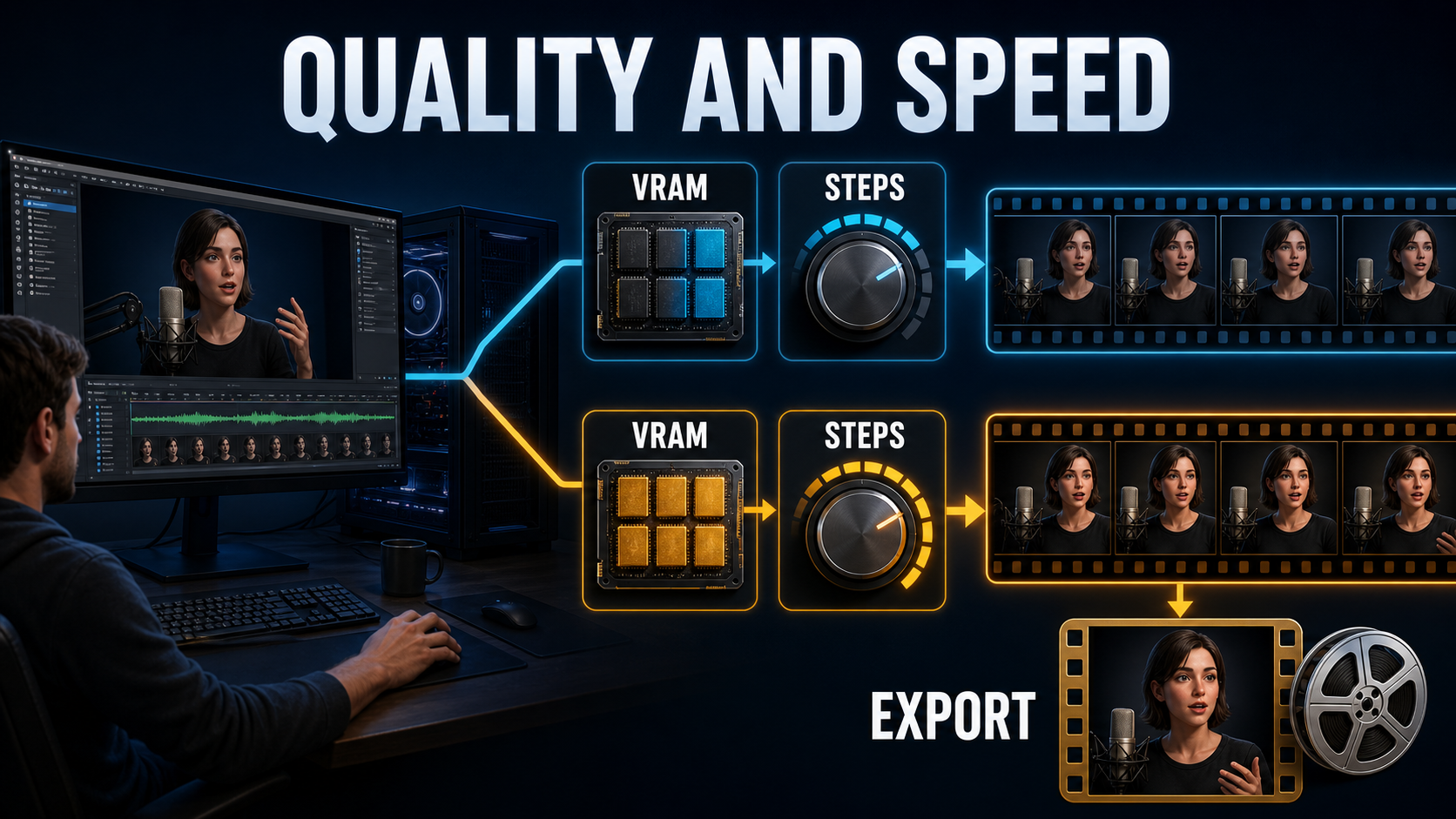
Settings checklist
| Control | Verified starting point | Change when |
|---|---|---|
| MultiTalk frames | 81 frames at 25 fps | Extend only after the short clip follows the prompt |
| MultiTalk audio CFG | 3-5; use 3 as the documented long-video stabilizing value | Raise cautiously when lip alignment is weak |
| MultiTalk steps | 40 in the official example | Try 10 for previews, accepting lower motion and visual quality |
| TeaCache threshold | 0.2-0.5 documented range | Increase for speed only after a visual comparison |
| LongCat model type | avatar-v1.5 with --use_distill |
Keep these paired; INT8 is optional for 1.5 |
| LongCat audio CFG | 3-5 | Raise carefully for weak audio-lip binding |
| Reference index | 10 default; 0-24 favors consistency | Try 30 when repeated action dominates |
| Mask frame range | 3 default | Increase slightly for repetition, watching for artifacts |
Limitations and troubleshooting
Neither system guarantees perfect anatomy, speaker binding, long-horizon identity, or audio-visual harmony. The LongCat technical report explicitly says physical plausibility and fine-grained synchronization remain open problems. It also notes that fixed references can encourage repeated motion and constrained camera transitions.
Common fixes
| Problem | Likely cause | Practical fix |
|---|---|---|
| Speakers swap | Ambiguous layout or stream mapping | Separate people spatially, use distinct wardrobe, and verify audio keys |
| Lips lag audio | Noisy audio or weak guidance | Clean the track, shorten the test, then tune audio CFG within the official range |
| Face changes | Small face, long clip, or aggressive motion | Use a sharper crop, reduce movement, and split the sequence |
| Color drifts | Segment accumulation | Use the documented MultiTalk long-video CFG value, shorten segments, and color-match in post |
| Action repeats | Reference lock or continuation settings | For LongCat, test reference index 30 or a slightly larger mask range |
| Out of memory | Resolution, frames, precision, or concurrent modules | Start at 480p, shorten frames, use the official INT8 path, or add GPU context parallelism |
Edit AI videos here
Generation produces source shots, not a finished program. Assemble the approved takes, repair pacing, add captions, mix dialogue, normalize loudness, add disclosure, and export your campaign version at https://ai.alphatechnologies.vn. Keep the clean generated masters so later edits do not require another expensive render.
Final recommendation
Start with MultiTalk when your priority is explicit multi-stream conversation inside a Wan2.1 workflow. Start with LongCat-Video-Avatar 1.5 when you need its newer Whisper-based audio conditioning, distilled eight-NFE path, or continuation controls. For either model, a short acceptance clip with strict face, scene, voice, and lip-sync checks is more valuable than immediately chasing maximum resolution.
Explore more practical AI video workflows on Aikolhub, and save this checklist with your production brief so every rerender has a clear reason.
Frequently asked questions
What is the main difference between MultiTalk and LongCat Video Avatar 1.5?
MultiTalk is a Wan2.1-based audio-driven conversation framework focused on binding one or more audio streams to people in a reference image. LongCat 1.5 is a separate avatar model with Whisper-large-v3 audio features, distilled inference, INT8 support, and continuation workflows.
How much VRAM do I need?
There is no universal official minimum for every mode. MultiTalk documents low-VRAM 480p operation on a single RTX 4090. LongCat’s official avatar examples commonly use two GPUs; test the official example at 480p and measure peak memory before planning production.
Can both models animate two speakers?
Yes. MultiTalk is designed for single- and multi-person conversations. LongCat Video Avatar 1.5 documents multi-audio image-to-video and continuation commands, with separate audio modes for parallel or sequential speech.
Do the models generate the voice audio?
The core avatar workflows are driven by supplied audio. MultiTalk documents optional TTS integration, but you should treat voice creation, consent, audio cleanup, and speaker mapping as upstream production tasks.
Can I use the outputs commercially?
The MultiTalk model card states Apache-2.0 and LongCat states MIT, but a permissive model license does not clear rights to a person’s face, voice, music, trademarks, or training inputs. Review the exact license files and obtain all necessary permissions.