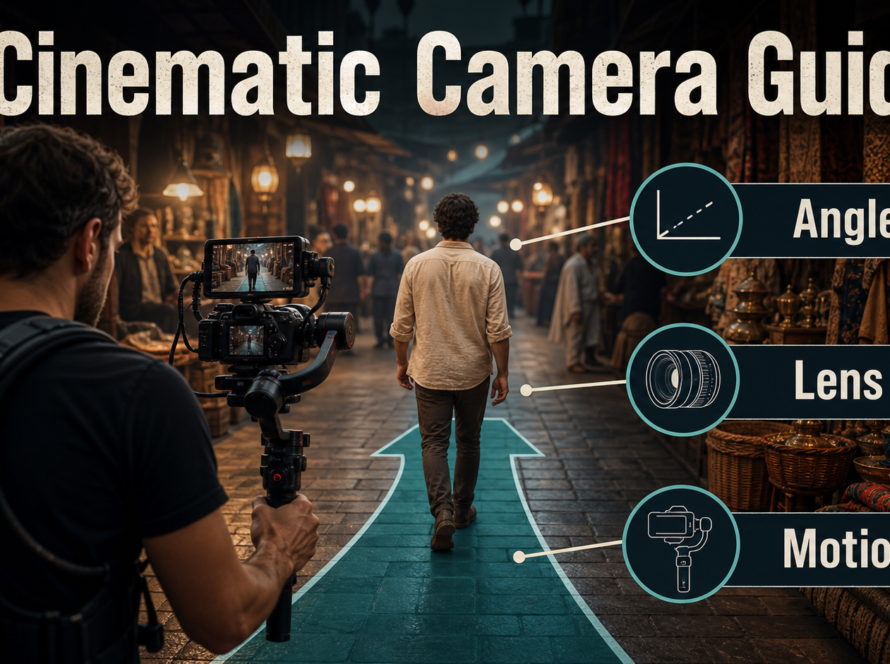
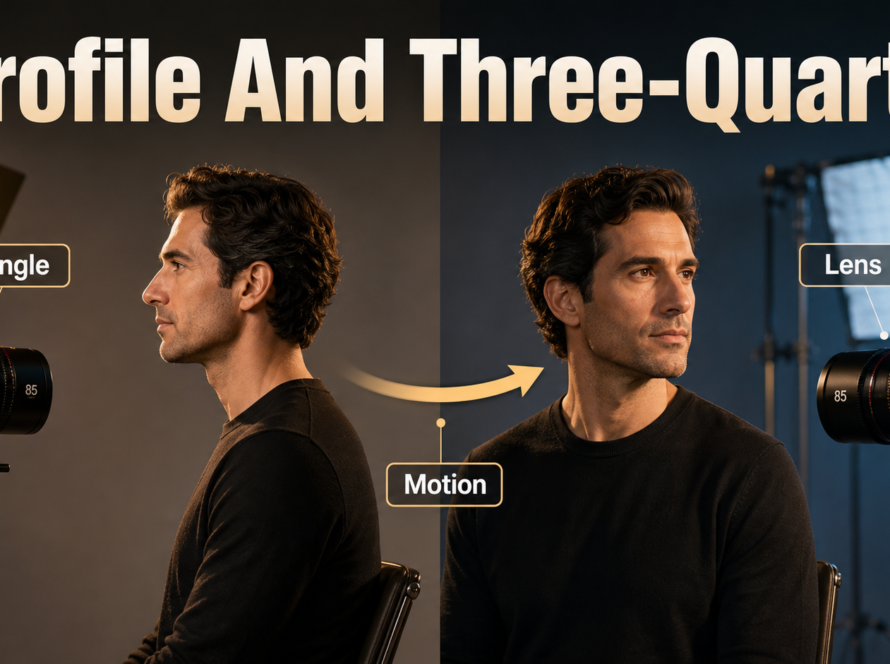
Ovi 1.1 can create a short video and its synchronized audio in one generation, but reliable character continuity still comes from disciplined inputs rather than a single magic setting. The practical method is to lock a strong first-frame reference, repeat a compact character and scene bible, write speech and sound in Ovi’s current prompt format, keep technical settings fixed across variants, and review visual identity, scene continuity, voice quality, lip timing, and audio-driven motion as separate checks.
Updated July 30, 2026: the official repository identifies Ovi 1.1 as the November 10, 2025 update, with native 960 × 960 training and temporally consistent 10-second generation. The code repository is Apache-2.0 licensed, and official checkpoints are available, so Ovi is appropriately described as open-source code with released weights. Always inspect the specific checkpoint terms before commercial deployment.
Table of Contents
What changed in Ovi 1.1
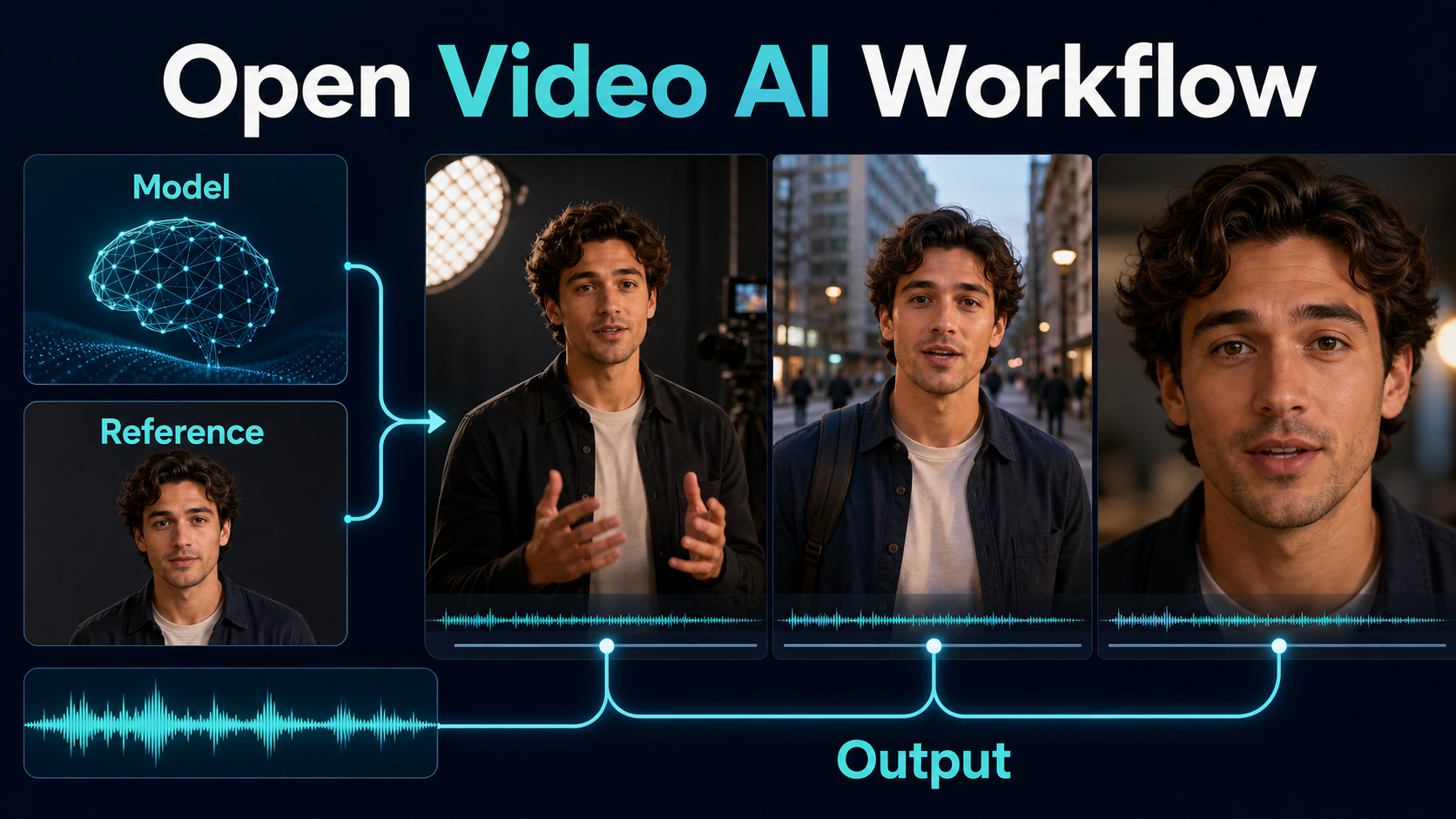
Ovi uses separate video and audio backbones with cross-modal fusion so the two streams are generated together. According to the official repository, version 1.1 extends generation to 10 seconds, uses training data with twice as many videos as the earlier release, and is trained natively at 960 × 960. It supports text-to-audio-video and image-to-audio-video conditioning, 24 fps output, and multiple aspect ratios, including 16:9.
The prompt syntax also changed: audio description belongs after Audio:, while spoken words stay between <S> and <E>. Do not copy the older <AUDCAP> convention into a 1.1 workflow. Exact syntax matters because dialogue, ambient sound, and visible action compete for a short temporal window.
What Ovi controls—and what it does not
A text prompt can describe appearance, action, camera, speech, and sound; an image can anchor the first frame. That is first-frame consistency, not a persistent character identity system. Ovi’s public roadmap still lists reference-voice conditioning as a future item, so a description such as “warm low register, calm pace” is only a generation cue, not verified voice cloning. Likewise, synchronized audio generation does not guarantee perfect phoneme-level lip sync. Keep these capabilities separate when judging a result.
Hardware and installation
Start with the official repository rather than a copied notebook. Its documented environment installs PyTorch 2.6.0, project requirements, and Flash Attention. The supplied weight downloader can fetch the 720 × 720 five-second, 960 × 960 five-second, and 960 × 960 ten-second variants selectively.
Choose a memory path
The official benchmark reports roughly 80 GB peak VRAM for the straightforward single-GPU path. CPU offload without Flash Attention is listed near 32 GB, while FP8 or qint8 with offload is documented for approximately 24 GB. These are repository measurements, not universal guarantees: driver, attention implementation, image-generation add-ons, dimensions, and allocator fragmentation change the result. FP8 reduces memory but may reduce quality and does not necessarily make inference faster because the documented path still uses BF16 matrix multiplication.
| Goal | Official starting point | Trade-off |
|---|---|---|
| Highest-fidelity baseline | BF16, 50 steps, no offload | About 80 GB peak VRAM |
| Workstation run | CPU offload | Lower VRAM; slower generation |
| 24 GB experiment | FP8 or qint8 plus offload | Possible quality loss; test carefully |
| Fast iteration | 30–40 steps | Faster, but motion and detail may weaken |
Install and select weights
- Clone
https://github.com/character-ai/Ovi.gitand create an isolated environment. - Install the pinned PyTorch version and repository requirements.
- Install Flash Attention only if it matches your CUDA and GPU environment.
- Run
python3 download_weights.py --models 960x960_10sfor the 1.1 ten-second checkpoint. - Copy the inference YAML, point it at your checkpoint and output folders, then make one low-risk test before a batch.
Reference image and prompt context
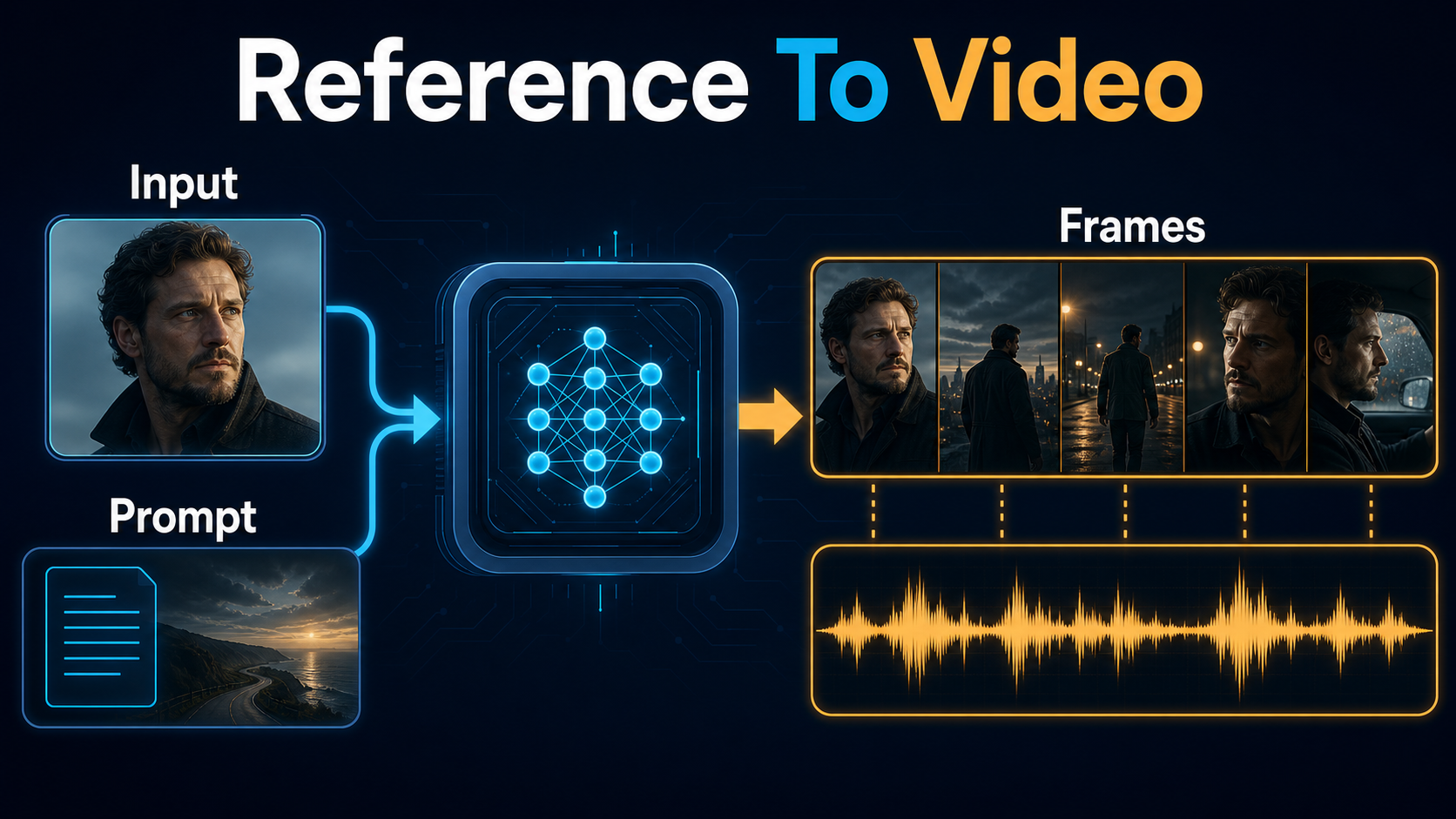
A useful reference image communicates identity and production facts simultaneously. Use a sharp, evenly lit portrait or medium shot in the intended wardrobe. Keep hands visible only when they matter; malformed fingers in the reference can propagate. Match the reference aspect ratio and framing to the desired opening whenever possible.
Build a reference pack
Ovi takes a starting image, not a multi-view identity database. Build a wider reference pack for your own planning, then choose the single image that best represents each shot. Record a short identity block: approximate age, face shape, hair, distinctive features, wardrobe colors, prop position, and emotional baseline. Also record a scene block with location, time, key light direction, palette, weather, and background landmarks. Reuse the same wording rather than inventing synonyms from shot to shot.
Use the current prompt format
Put visible information first, camera and action second, speech third, and the audio description last. For example:
Medium close-up of Mara, a woman in her early thirties with a short black bob and a small scar above her right eyebrow. She wears the same forest-green field jacket and holds a silver handheld microphone in her right hand. Night market, warm key light from camera left, blue rain reflections behind her. Eye-level camera, 50 mm lens look, shallow depth of field. She looks into camera, raises the microphone once, and says: <S>The storm has passed, but the city is still listening.<E>
Audio: calm low female speech, light rain, distant market crowd, no music.
Lens and lighting terms are creative cues, not physical camera metadata. Keep movement achievable within ten seconds. One clear gesture usually produces better continuity than a chain of unrelated actions.
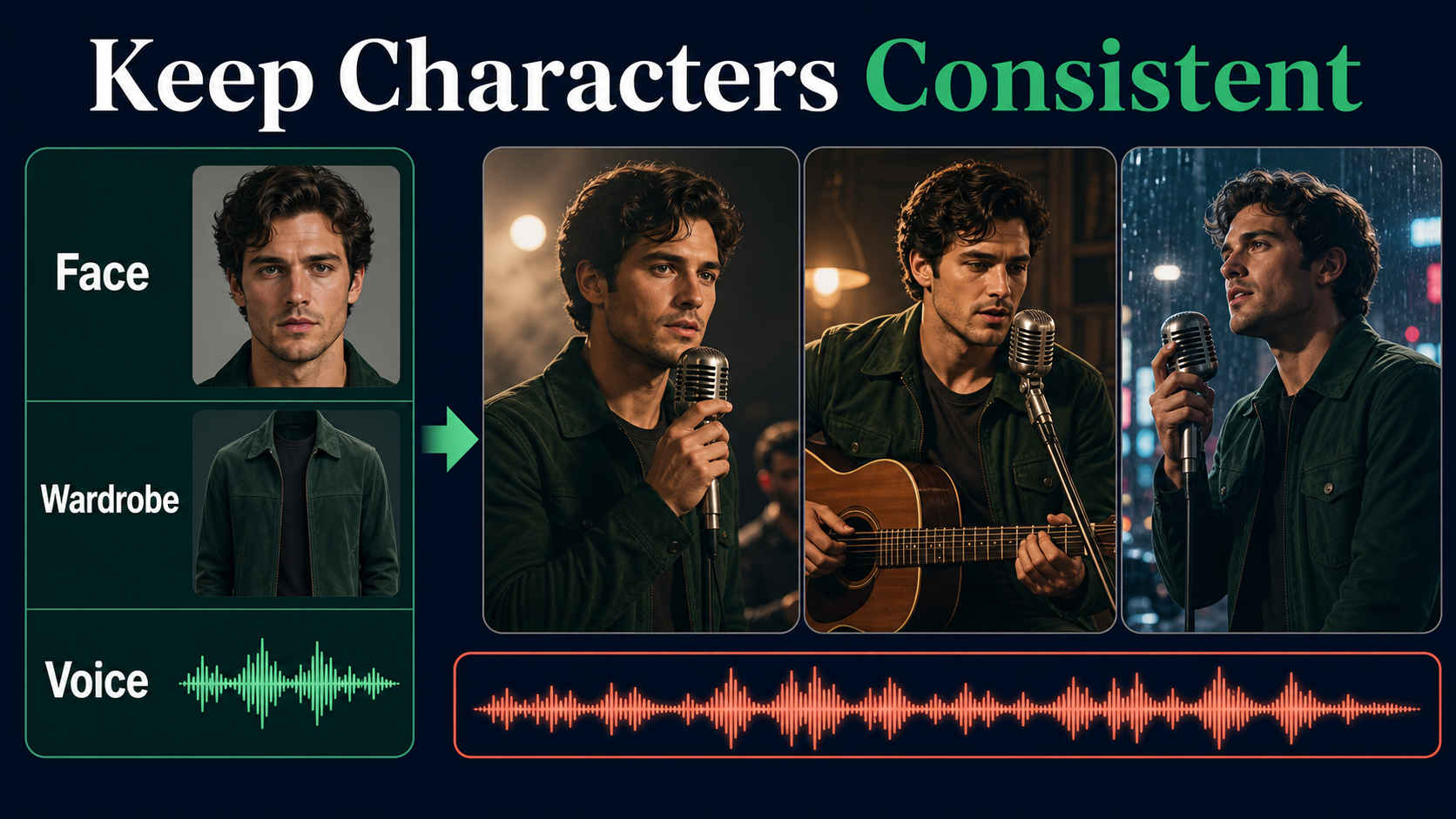
Character and scene consistency
Consistency improves when every shot preserves invariants and changes only one or two variables. If you change wardrobe, location, time of day, camera height, expression, and action simultaneously, you cannot identify which instruction caused drift.
Separate the continuity problems
- Subject consistency: the face, body proportions, hair, and defining marks remain recognizable.
- First-frame consistency: the opening follows the supplied image closely.
- Scene continuity: geography, lighting direction, palette, weather, and props remain coherent.
- Wardrobe and prop continuity: colors, materials, fasteners, hand placement, and wear stay stable.
- Voice identity: the vocal character sounds like the same speaker; Ovi 1.1 does not officially expose reference-voice conditioning.
- Lip sync: mouth shapes and timing plausibly follow generated speech.
- Audio-driven motion: performance movement reacts naturally to rhythm or sound.
Write a shot-invariant block
Place invariant facts near the beginning of every prompt: “same Mara, same short black bob, same eyebrow scar, same green jacket, same silver microphone.” Then add the shot-specific line. Save the seed when comparing prompt changes, but do not mistake a seed for an identity lock. A contact sheet of the first, middle, and last frame catches gradual face or clothing drift faster than watching at normal speed.
Voice, audio, and lip-sync consistency
Ovi’s advantage is joint generation: dialogue, effects, ambience, and picture can influence one another. However, “joint” does not mean every dimension of audio identity is controllable. Use stable descriptive cues—register, pace, energy, accent only when appropriate, distance from microphone, and acoustic space. Never claim that a generated voice is a consented clone unless a separate, authorized system supplied and documented that identity.
Design speech for a short shot
Write one concise utterance that fits comfortably inside the shot. Read it aloud before rendering. Leave time for a visual lead-in and tail; packing ten seconds with uninterrupted speech increases rushed delivery and mouth errors. Avoid complicated names, tongue twisters, overlapping speakers, and off-camera interruptions during the baseline pass. Add room tone and one principal sound source before attempting dense sound design.
Practical Ovi 1.1 workflow
- Define the invariant bible. Write identity, wardrobe, prop, environment, lighting, and voice-description lines.
- Prepare the opening frame. Crop a clean 16:9 reference with the final composition and adequate edge space for motion.
- Run a five-second proof. Validate face, gesture, speech intelligibility, and sound before paying the ten-second compute cost.
- Lock the baseline. Preserve checkpoint, YAML, dimensions, steps, guidance, negative prompts, and seed.
- Change one variable. Adjust dialogue, action, or camera movement—not all three.
- Render the hero take. Move to 10 seconds only after the short proof passes.
- Review in layers. Watch muted for visual continuity, listen without picture for audio quality, then inspect both for synchronization.
- Export and edit. Keep the original generated audio-video file, plus notes for every accepted seed and prompt.
Prompt template
[Shot size] of [character invariant block]. [Same wardrobe and prop block]. [Environment, landmark, weather, palette, and light direction]. [One action]. [Camera position], [movement], [focal-length look], [depth of field], [frame-rate or shutter character]. Dialogue: <S>[short spoken line]<E>
Audio: [voice qualities], [room tone], [one principal effect], [music state].
Settings and review checklist
| Control | Baseline | When to change it |
|---|---|---|
| Sample steps | 50 | Try 30–40 for previews; restore 50 for final comparison |
| Solver | UniPC | Keep fixed while diagnosing prompts |
| Audio guidance | 3.0 | Adjust cautiously if audio ignores description |
| Video guidance | 4.0 | Adjust cautiously if visual prompt adherence is weak |
| Negative video prompt | Jitter, bad hands, blur, distortion | Add only observed recurring defects |
| Negative audio prompt | Robotic, muffled, echo, distorted | Do not suppress desired room acoustics |
Limitations
Ten seconds is enough for one focused beat, not a complete multi-scene narrative. Identity can still drift under large pose changes, occlusion, extreme camera motion, hard cuts, or a radically different lighting setup. Fine text, complex hands, reflections, and fast object interactions remain risky. The official project does not claim a reference-voice feature in the released workflow, and its public roadmap lists that capability as pending. Quantization and offload make the model more accessible but introduce quality or speed trade-offs. Finally, generated speech must be used with consent and clear provenance; do not imitate a real person deceptively.
Troubleshooting
Fix identity and scene drift
- Face changes mid-shot: use a closer, cleaner reference; reduce head turns, occlusion, and camera travel; repeat the defining face cues.
- Wardrobe mutates: name exact color, material, closure, and sleeve state; remove competing costume adjectives.
- Background geography moves: specify one stable landmark and one light direction; simplify crowd motion.
- Motion jitters: ask for one smooth action, reduce action verbs, and retain the repository’s negative prompt.
- Prompt changes produce confusing results: return to the saved baseline and modify only one clause.
Fix audio and mouth problems
- Speech is rushed: shorten the line and leave silent lead-in and tail.
- Voice character varies: reuse the same register, pace, energy, and acoustic-space description; remember this is not a voice lock.
- Mouth timing is weak: reduce camera motion, keep the face visible, shorten difficult words, and generate several seeds.
- Ambience overwhelms speech: request a single quiet ambience and explicitly place dialogue in the foreground.
- Sound is distorted: simplify the audio description before increasing guidance; excessive competing events can be the real cause.
Edit AI videos here
Generation is the first pass. Trim pauses, join approved takes, normalize dialogue, add captions, and compare continuity in an editor at https://ai.alphatechnologies.vn. Preserve the original synchronized track until the final mix so picture and sound do not drift accidentally.
Frequently asked questions
Is Ovi 1.1 open source?
The official GitHub code is released under Apache License 2.0 and official weights are downloadable. Review the exact checkpoint and any dependency terms for your intended commercial use.
Can Ovi 1.1 clone a reference voice?
Not through the officially documented 1.1 workflow. Reference-voice conditioning remains on the repository roadmap, so voice descriptions should not be described as cloning.
Does Ovi 1.1 support image-to-video?
Yes. The official repository supports text-plus-image conditioning for image-to-audio-video generation, as well as text-only generation.
How much VRAM does Ovi need?
The official table reports about 80 GB for a straightforward baseline, around 32 GB with certain CPU-offload configurations, and approximately 24 GB with FP8 or qint8 plus offload. Actual usage varies.
What is the best way to keep a character consistent?
Use a strong first image, repeat a concise invariant identity block, preserve wardrobe and scene facts, keep settings fixed, change one variable per test, and inspect first, middle, and last frames.
Does joint audio-video generation guarantee lip sync?
No. It improves the opportunity for synchronization, but every result still needs a separate lip-timing review, especially with fast speech, profile views, or occlusion.
Final recommendation
Treat Ovi 1.1 as a joint audio-video shot generator, not an automatic continuity department. Build a compact bible, anchor the first frame, keep prompts and settings controlled, and approve visual identity, scene continuity, voice character, speech quality, and lip timing independently. For more practical model workflows and production comparisons, continue exploring Aikolhub.