A useful handheld camera motion AI video prompt describes a human operator following action, not random frame shake. Ask for a motivated path, small irregular corrections, a stable subject, and restrained horizon drift; then specify lens behavior, shutter character, frame rate, lighting, and the continuity details that must survive the move.
Handheld footage feels present because the camera responds to footsteps, breathing, obstacles, and changes in attention. The goal is controlled imperfection. Large oscillations, constant vibration, rolling horizons, or heavy synthetic blur usually read as a broken stabilizer rather than documentary realism.
Table of Contents
Visual meaning
Handheld movement puts the viewer in the physical space of the operator. It can make a conversation intimate, a chase urgent, or an observation feel immediate. The motion should support the scene’s point of view. A calm interview may use barely visible breathing and small reframing; a pursuit may use stronger footfall, lateral correction, and temporary occlusion.
Handheld versus shaky
Believable handheld motion has low-frequency drift plus brief corrections. It does not move equally in every direction on every frame. The camera has mass, the operator anticipates movement, and the lens remains aimed at something. Keep the subject inside a chosen screen zone and let the frame settle between corrections. Reserve violent shake for a specific impact or loss of balance.
Separate camera and continuity
Camera motion is only one control track. Subject consistency protects face and body; wardrobe and prop continuity protect shapes and colors; first-frame consistency measures respect for the reference; scene continuity protects geography and lighting. Voice identity, speech synthesis, lip sync, and audio-driven body motion are separate audio problems. A camera trajectory cannot guarantee any of them.
Camera placement
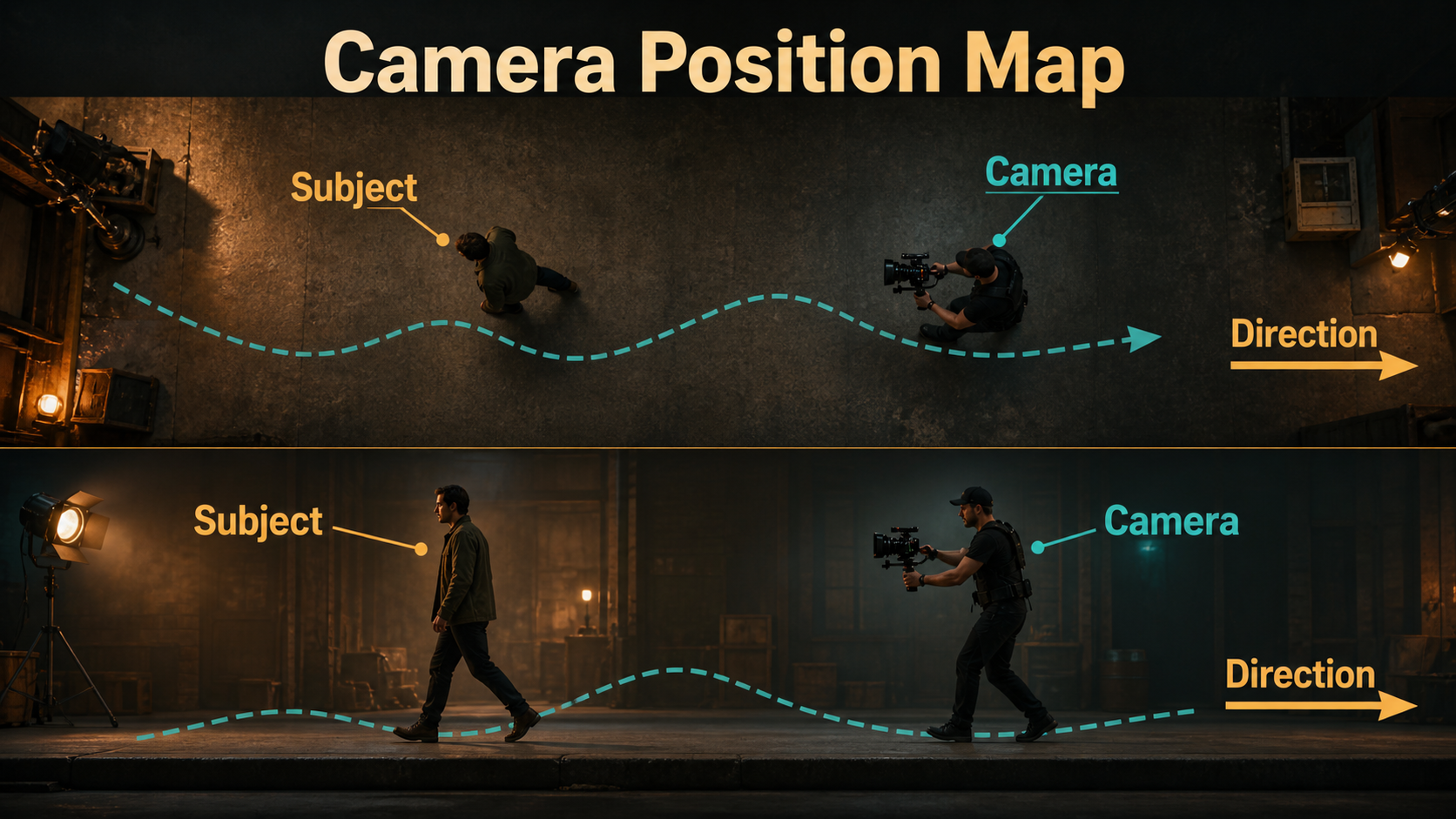
Place the virtual operator before describing shake. Define height, distance, side, viewing direction, and the subject’s path. A shoulder-height camera one meter behind a character produces different parallax and emotional distance from a waist-height camera moving beside them.
Design the operator path
Choose one base path: follow behind, lead backward, track beside, push through a crowd, or hold position while reframing. Leave physical room in the reference image for that path. A tight wall, cropped feet, or foreground object can make the requested move geometrically impossible. If the subject turns a corner, split the action into two shots instead of asking one clip to invent unseen space.
Choose a correction rhythm
Layer subtle imperfections over the base path: gentle vertical footfall, small yaw corrections, rare roll, and a brief settle after a stop. Describe amplitude with plain language such as subtle, restrained, or documentary. Avoid stacking handheld, whip pan, crash zoom, dutch angle, and fast character action in one first test.
Lens, aperture, and capture choices
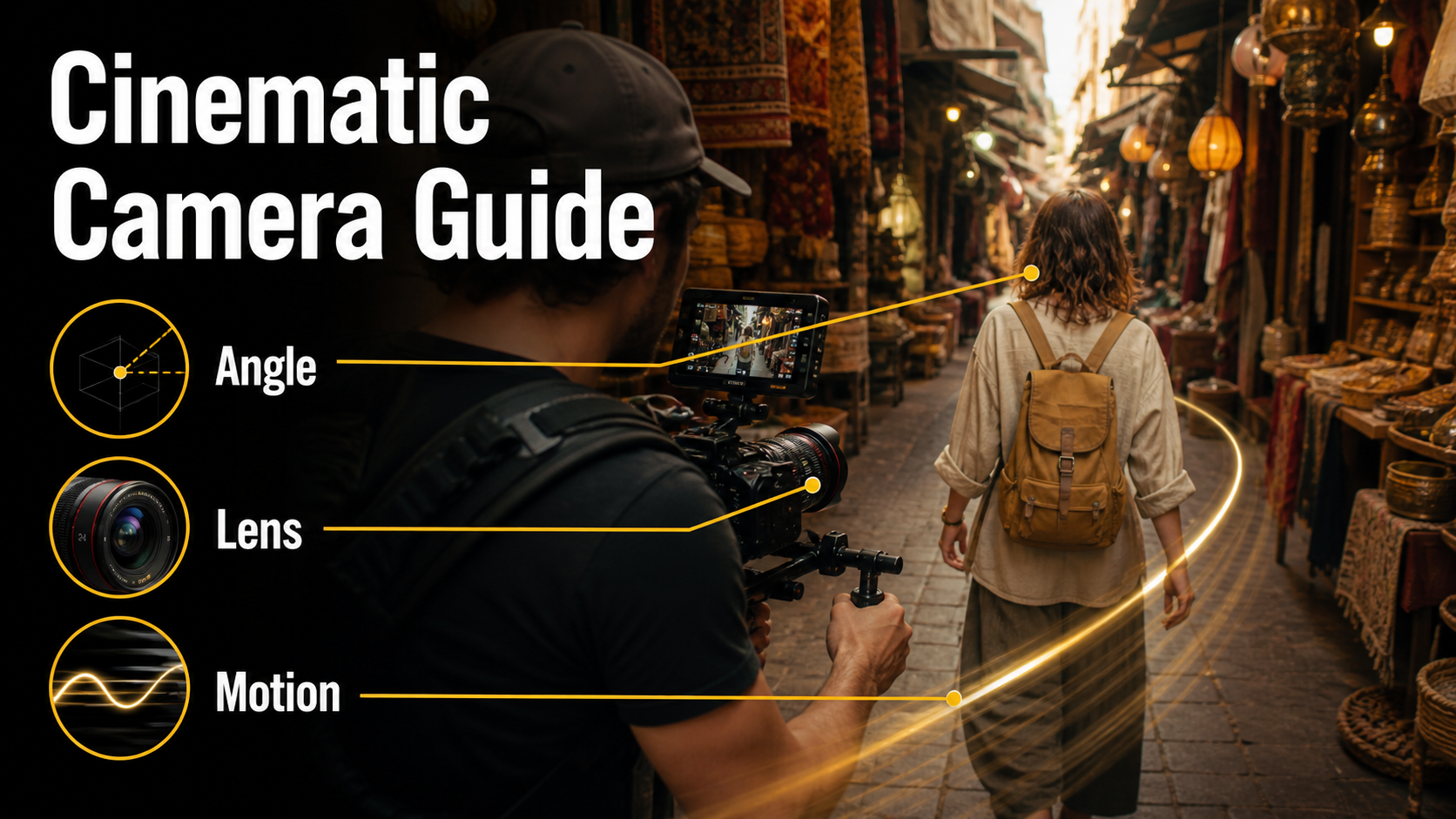
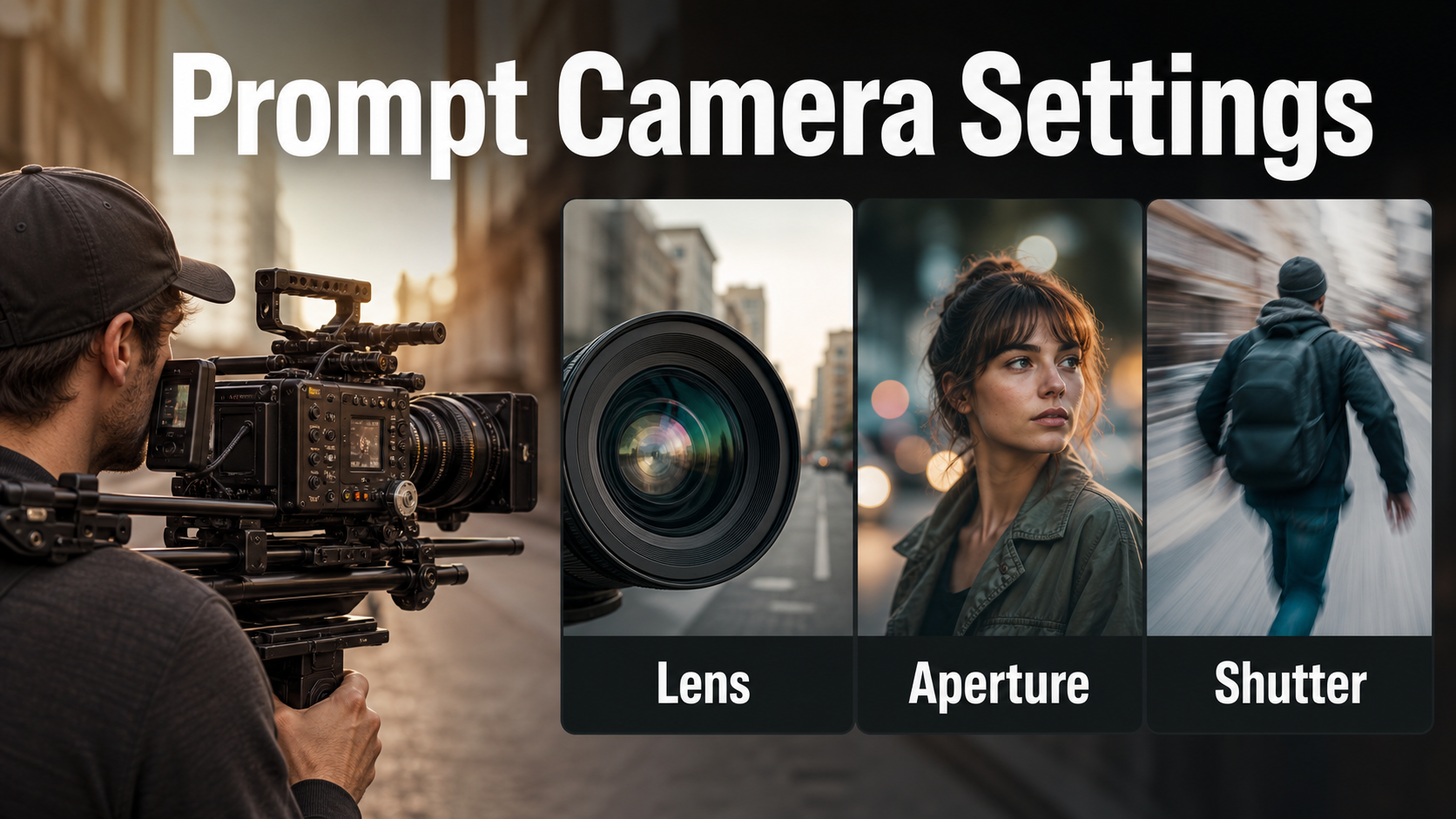
Lens and exposure language change how motion feels. Wider lenses reveal more background travel and usually tolerate operator drift; longer lenses magnify apparent shake and make focus harder. Aperture controls depth of field, while shutter angle controls motion-blur character. Frame rate controls temporal sampling. These are related but not interchangeable.
Practical settings table
| Choice | Natural baseline | Creative effect | Risk |
|---|---|---|---|
| Focal length | 28-40mm equivalent | 50-85mm for compressed urgency | Long lenses exaggerate shake |
| Aperture | f/4 to f/5.6 look | f/2 for isolation | Shallow focus may pulse |
| Shutter | 180-degree look | 90-degree for crisp tension | Short shutter can stutter |
| Frame rate | 24 fps cinematic cadence | 30 fps observational clarity | Do not confuse fps with shutter |
| Lighting | Soft motivated key | Practical lamps and contrast | Moving highlights may flicker |
These are prompt intentions, not guaranteed metadata. Many generators imitate a visual result rather than simulate an optical system. Review frames instead of assuming a typed number was obeyed.
Handheld prompt formula
Write the stable shot first, then add operator behavior. A dependable order is subject action, camera placement, base path, imperfection pattern, lens and capture look, lighting, and continuity locks.
Formula: [subject performs observable action]. [camera height and distance] [base movement]. Restrained handheld footfall with small human corrections and brief settling; keep [subject and horizon anchors] stable. [lens], [aperture look], [shutter look], [frame rate], [lighting].
Copyable prompt templates
Documentary follow: “The chef walks from the stove to the service counter carrying one steel pan. Shoulder-height camera follows two steps behind. Restrained handheld footfall, small lateral corrections, brief settle when she stops. 35mm lens, f/4 depth, 180-degree shutter look, 24 fps. Preserve her face, white jacket, pan shape, warm window light, and level horizon.”
Intimate dialogue: “The man listens, then looks toward the unseen speaker. Chest-height medium close-up from his left. Nearly static handheld breathing with one gentle reframing; no continuous shake. 50mm lens, soft f/2.8 depth, natural motion blur. Keep facial proportions, eyeline, jacket, and lamp position unchanged.”
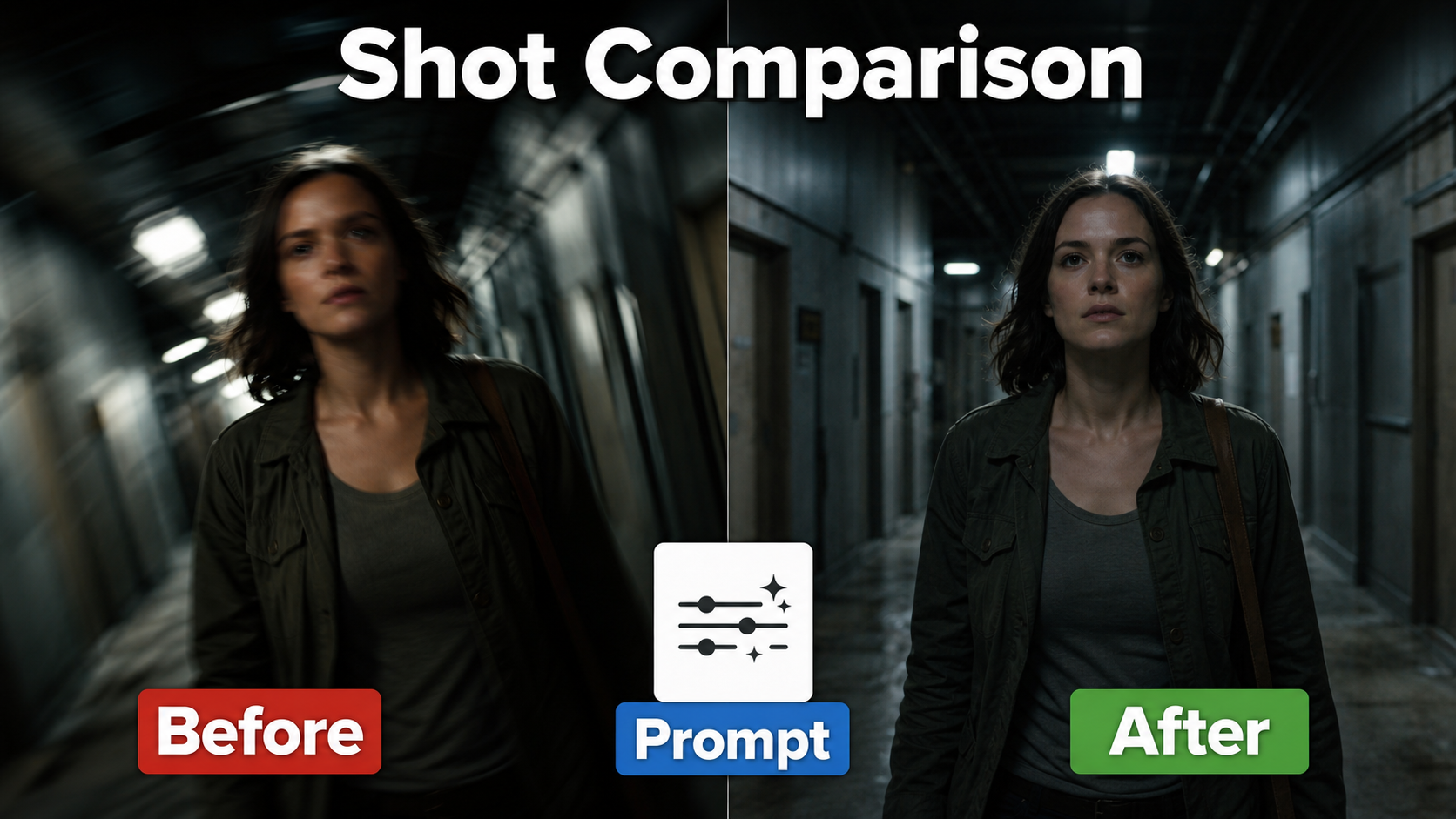
Urgent search: “The woman moves quickly down the corridor and checks each doorway. Camera leads backward at eye level, maintaining medium framing. Energetic but readable handheld motion with footfall and two small yaw corrections. 28mm lens, 90-degree shutter look, 24 fps, hard fluorescent practicals. No rolling horizon, face drift, duplicate doors, or wardrobe change.”
Reference image setup
A reference frame should establish identity and geometry before motion begins. Use a sharp subject, visible landmarks, coherent hands and props, a clear horizon, and enough space along the travel direction. Remove watermarks, accidental text, mirrors, and repeated background patterns that could warp.
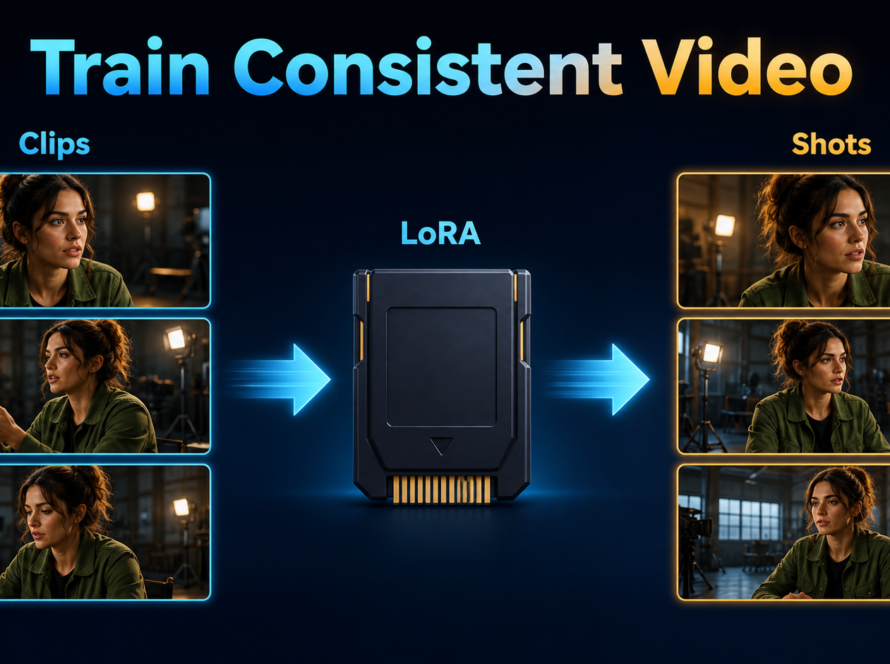
Build a continuity pack
- Character sheet: neutral face, profile, wardrobe colors, hair length, and distinctive features.
- Prop sheet: shape, material, hand placement, and screen side.
- Scene bible: floor plan, horizon height, practical lights, time of day, and palette.
- Shot card: start frame, end intention, lens, camera height, movement, and edit handles.
- Audio card: approved voice, consent record, dialogue, ambience, and lip-sync method.
Reuse the same approved references across adjacent shots. A seed can aid reproducibility where exposed, but changing the image, prompt, duration, or resolution can still change identity and geometry.
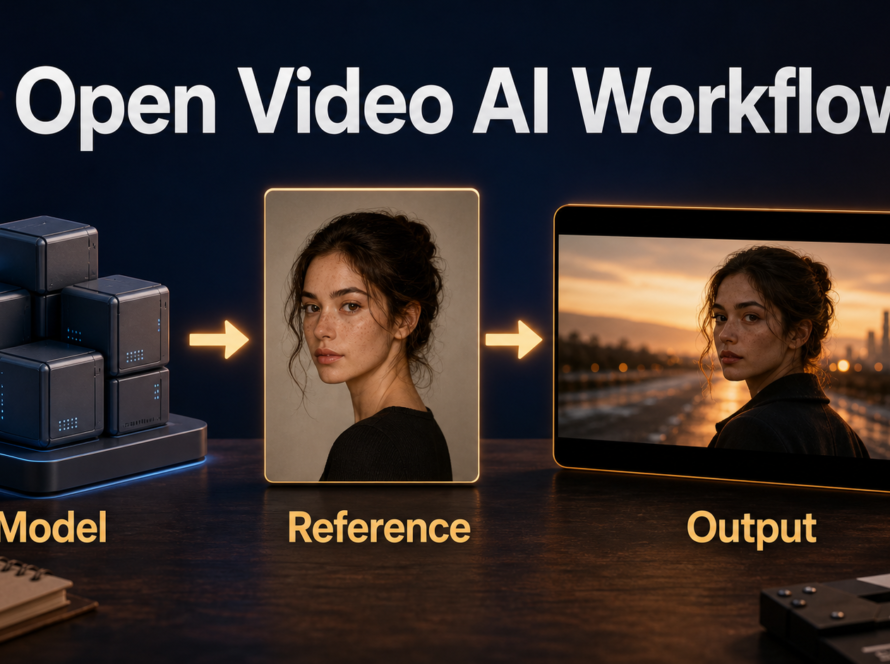
Open camera-control workflow
Use text prompting when approximate operator feel is enough. Use a camera-control research pipeline when the trajectory itself matters. Neither path converts the word “handheld” into a standardized physical preset, so build or sample a restrained path and judge the rendered result.
What official repositories support
As verified August 7, 2026, the official CamI2V repository provides camera-controlled image-to-video research code, MIT licensing, 512×320 CamI2V and RealCam-I2V checkpoints, plus examples that combine rotation, translation, and zoom. Its published memory table reports 11.67 GiB for its measured 256×256 CamI2V configuration on an RTX 3090; that is a specific benchmark, not a universal requirement.
UCPE’s official MIT-licensed repository describes camera-controlled text-to-video with intrinsics, distortion, pitch, and roll. Its update log lists full training, evaluation, and visualization code on February 4, 2026, a Plücker-encoding bug fix on March 19, and raw panoramic videos on April 12. CameraCtrl’s official repository conditions video generation on camera pose sequences. These systems control geometry; creators still design the handheld character and preserve subjects through references and review.
Production pass order
- Lock the first frame, subject action, and edit purpose.
- Create a smooth base camera path that keeps framing readable.
- Add low-amplitude handheld offsets; preview at short duration.
- Check face, hands, props, horizon, parallax, and background edges frame by frame.
- Change only one variable: amplitude, frequency, base path, or subject speed.
- Approve motion before increasing resolution or duration.
- Generate adjacent coverage with the same continuity pack.
- Edit, stabilize selectively, add authorized audio, and export.
Limitations
- Prompted handheld style may become random shake because natural operator motion is difficult to describe precisely.
- Strong parallax can expose missing scene geometry or invent objects beyond the reference.
- Long lenses, shallow focus, crowds, occlusions, mirrors, and fast turns increase temporal errors.
- Camera-control research checkpoints may use modest resolutions and older base architectures compared with current general video models.
- Optical terms are visual instructions, not proof that a generator simulated a real lens or shutter.
- Camera movement cannot preserve voice identity, generate speech, or guarantee lip synchronization.
Common failures and fixes
Most bad handheld clips fail because too many motions compete. Simplify the operator path, protect a few strong anchors, and shorten the shot before increasing prompt detail.
Troubleshooting checklist
| Failure | Likely cause | Fix |
|---|---|---|
| Constant vibration | “Shaky” interpreted literally | Ask for low-frequency footfall, rare corrections, and settling |
| Rolling horizon | Too much roll freedom | Lock horizon; allow only slight temporary roll |
| Face changes | Motion and occlusion too strong | Shorten shot, reduce amplitude, strengthen reference |
| Background melts | Parallax exceeds scene evidence | Reduce travel or provide wider scene context |
| Motion feels robotic | Perfect path without corrections | Add one restrained footfall rhythm and brief reframe |
| Blur smears details | Long-shutter look plus fast movement | Slow motion or request a crisper shutter look |
Edit AI videos here
Generation is only the camera negative. Trim unstable first and last frames, combine short takes, stabilize only distracting spikes, add licensed sound and captions, and color-match coverage at https://ai.alphatechnologies.vn. Preserve the original render so excessive stabilization can be reversed.
Frequently asked questions
What is the best handheld camera prompt?
Describe a stable base path, restrained footfall, small human corrections, brief settling, and explicit subject and horizon anchors. Avoid requesting generic “camera shake.”
Which lens works best?
A 28-40mm equivalent is a forgiving starting range because it shows environment and tolerates drift. Longer lenses can work, but magnify apparent shake and focus errors.
Do camera-control models create handheld motion?
They can follow camera trajectories or parameters, but handheld character must be designed in that path. There is no universal handheld preset shared by CamI2V, UCPE, and CameraCtrl.
How do I protect character consistency?
Use a clean reference, restrained motion, short clips, repeated wardrobe and face anchors, and frame-by-frame review. Treat character identity separately from camera control.
Does handheld control affect voice or lip sync?
No. Voice identity, speech synthesis, lip sync, and audio-driven motion need separate authorized audio workflows and checks.
Final recommendation
Start with a readable follow, lead, or side-track, then add only enough imperfection to reveal a human operator. Keep the horizon and subject dependable, preview short clips, and change one motion variable at a time. Explore Aikolhub for more practical AI production guides, then finish the strongest takes in your editor.