


Wan2.2 A14B works best when the reference image is the shot’s visual contract and the prompt is a precise motion brief. Use I2V-A14B when composition and character appearance must begin from a supplied frame; use T2V-A14B when the model should invent the whole shot. The official repository supports 480p and 720p generation, but its published single-GPU A14B baseline calls for at least 80 GB of VRAM, so plan hardware and previews before final renders.
This Wan2.2 A14B prompting guide was verified against official project materials on July 16, 2026. It separates confirmed capabilities from production advice and gives you a repeatable path from reference image to usable final shot.
Table of Contents
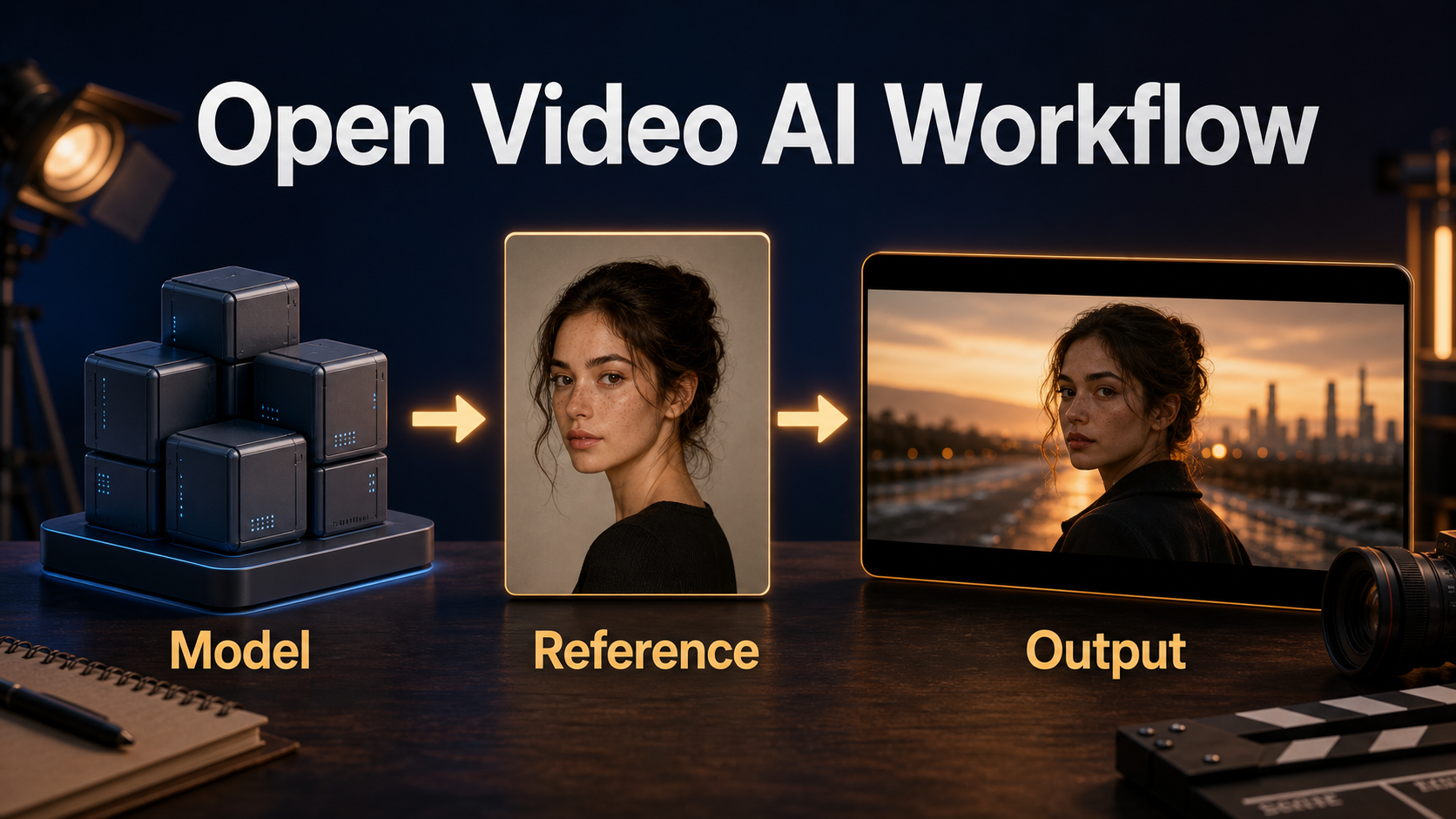
What changed
Wan2.2 introduced a Mixture-of-Experts video diffusion design. The official project says specialized experts handle different portions of the denoising timeline, increasing capacity without applying every parameter at every step. For creators, the practical point is that A14B is a large, demanding family designed for quality rather than laptop-friendly speed.
The official release includes separate T2V-A14B and I2V-A14B checkpoints. Both support 480p and 720p. A smaller TI2V-5B model combines text-to-video and image-to-video and supports 720p at 24 fps, but it is a different checkpoint and should not be described as A14B. The repository and official Hugging Face model cards use Apache License 2.0. Review the license and downstream asset rights before commercial delivery.
Later additions include S2V-14B for speech-driven video and Animate-14B for character animation or replacement. Those are separate models. I2V-A14B does not automatically provide voice identity, lip synchronization, or dialogue merely because it starts from a face image.
Hardware and installation
The official repository requires PyTorch 2.4 or newer. Its documented A14B single-GPU command says at least 80 GB VRAM and uses model offloading plus dtype conversion. Multi-GPU inference is available through FSDP and DeepSpeed Ulysses. Consumer-GPU quantizations and custom workflows exist in the community, but they are not the official baseline and can change quality or compatibility.
Choose a checkpoint
- I2V-A14B: use it for a reference-led shot whose initial composition, subject, wardrobe, and palette matter.
- T2V-A14B: use it when the entire scene can be generated from text.
- TI2V-5B: consider this official smaller alternative when A14B hardware is impractical.
- S2V-14B or Animate-14B: choose only for their specific speech-driven or character-animation workflows.
Official setup
git clone https://github.com/Wan-Video/Wan2.2.git; cd Wan2.2; pip install -r requirements.txt; huggingface-cli download Wan-AI/Wan2.2-I2V-A14B --local-dir ./Wan2.2-I2V-A14BFor official I2V inference, set --task i2v-A14B, point --image to the reference, and choose a supported size such as 1280*720. In I2V, size describes output area while the reference controls aspect ratio. Keep --offload_model True and --convert_model_dtype for the documented memory-saving baseline. Add --t5_cpu if memory pressure requires it.
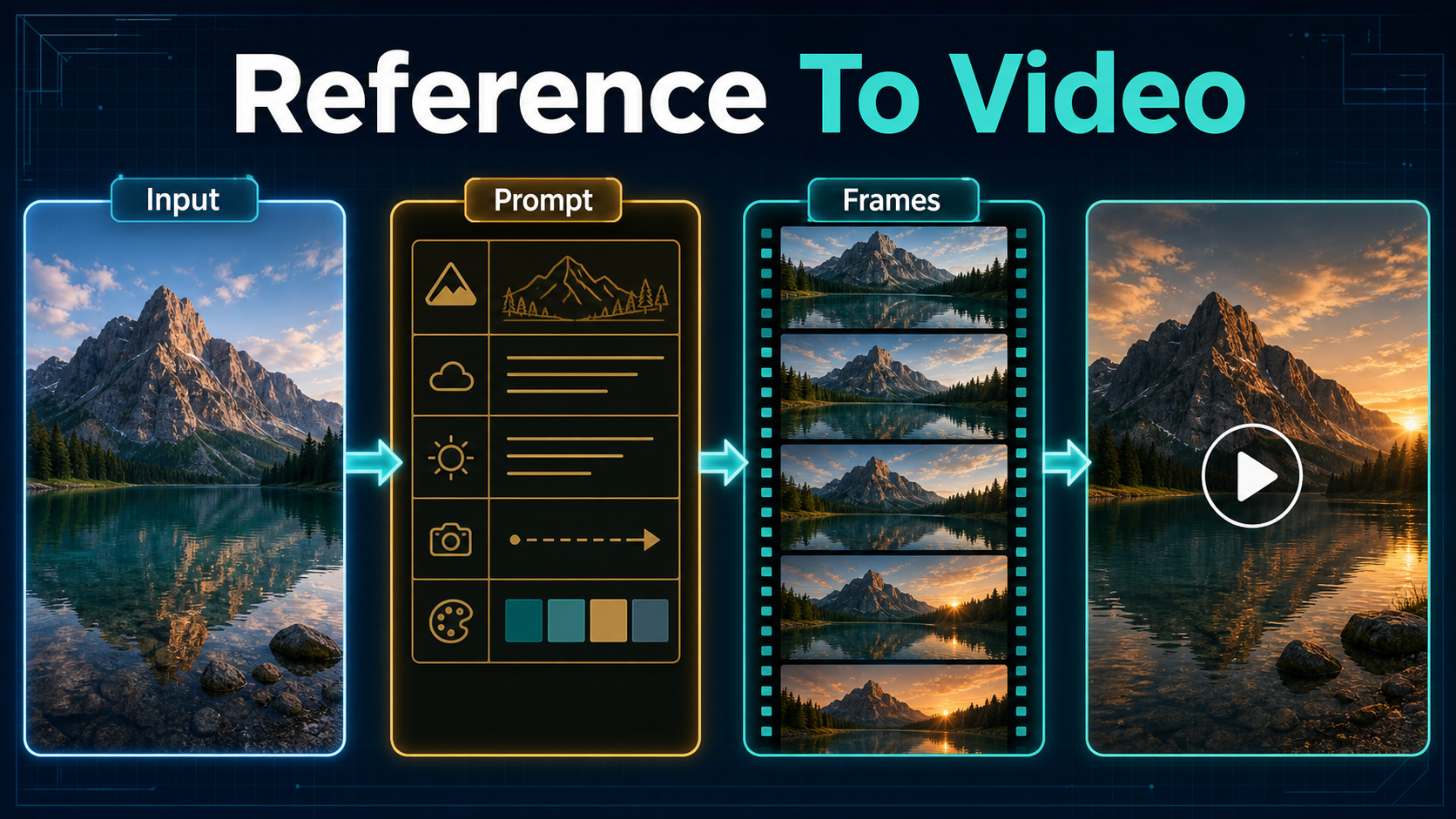
Reference image and prompt context
A strong reference reduces ambiguity before denoising begins. It should make the subject, camera height, framing, lighting direction, and background depth obvious. Do not ask one image to communicate mutually exclusive ideas such as a tight portrait and a wide full-body action shot.
Prepare the reference
- Use one clear subject with visible facial landmarks and uncluttered edges.
- Match the image aspect ratio to the delivery frame when possible.
- Leave movement room in the direction the subject should travel.
- Avoid cropped hands, accidental text, watermarks, and reflections the model may animate.
- Lock wardrobe colors, key props, time of day, and lighting direction in a short scene bible.
Write a motion brief
Write what changes after the first frame. A reliable order is subject action, camera movement, environment response, lighting behavior, and continuity constraints. Avoid repeating static details already obvious in the reference unless they are anchors. Prefer observable motion over emotion: “takes two slow steps and looks left†is easier to test than “feels hopeful.â€
Formula: [subject plus precise action]. [camera position plus movement]. [environment motion]. [lighting continuity]. [details that must remain stable].
Practical workflow
Start with a short preview rather than a hero render. Generate several motion directions from the same first frame, review temporal stability, then spend compute only on the strongest version.
- Define the shot: record duration, aspect ratio, camera move, subject action, and edit purpose.
- Prepare the reference: crop to the intended frame and inspect hands, eyes, props, and background edges.
- Write one brief: describe one primary action and one camera move.
- Preview: use the least expensive supported workflow that still exposes motion errors.
- Review every frame: reject face drift, limb duplication, texture boiling, lighting jumps, and warping.
- Refine one variable: change camera motion, action speed, or environment—not all together.
- Render the selection: move to 720p only after composition and motion pass review.
- Finish in an editor: trim unstable frames, add sound, color-match clips, and export.
Prompt templates
Product: “The ceramic bottle rotates slowly one quarter turn while condensation catches the side light. Locked medium close-up. A soft curtain moves behind it. Keep the label shape, bottle proportions, and warm key light unchanged.â€
Character: “The woman takes two measured steps toward the window, then turns toward camera. Slow lateral dolly right at eye level. Her jacket hem moves gently. Preserve her face, black jacket, hair length, and sunset direction.â€
Landscape: “Cloud shadows travel across the valley while foreground grass bends in a light gust. Slow forward push from tripod height. Keep the mountain silhouette and golden-hour color stable; no new buildings or people.â€
Settings checklist
| Decision | Preview | Final |
|---|---|---|
| Checkpoint | I2V-A14B for first-frame control | Keep the approved checkpoint |
| Resolution | 480p when suitable | 720p after motion approval |
| Memory | Offload and dtype conversion | Retain tested safeguards |
| Prompt | One action and camera move | Add only proven anchors |
| Review | Motion and anatomy | Continuity, detail, and edit handles |
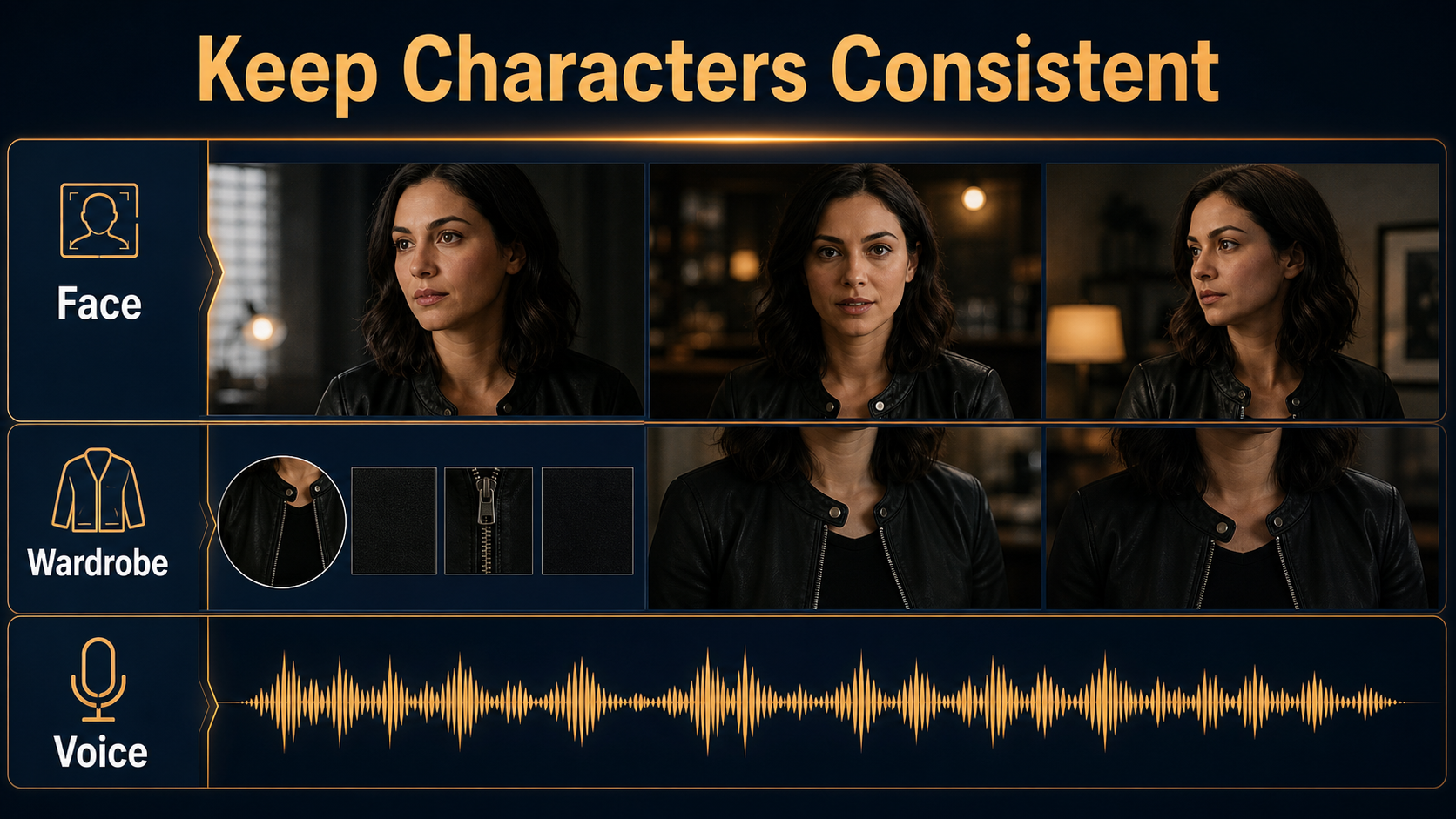
Character, scene, and audio consistency
First-frame consistency is not full-sequence continuity. A clean reference anchors the opening appearance, yet long or complex motion can alter faces, hands, clothing, or props. Build short shots and cut between them. Reuse the same character sheet, wardrobe description, palette, and lighting diagram. Record approved seeds and settings where exposed, but do not assume a seed guarantees identity after inputs change.
Treat audio separately unless you deliberately use S2V-14B or another synchronized-audio pipeline. Record or generate narration only with permission, keep provenance notes, and never clone a person’s voice without consent. Align speech, ambience, and effects after the visual shot passes review.
Limitations
- The official A14B baseline is computationally expensive and not a typical consumer-GPU workflow.
- A reference controls the starting frame more reliably than every later frame.
- Hands, occlusion, reflections, fast motion, and crowds can create temporal artifacts.
- Prompt extension can add detail but may introduce unrequested content; compare extended and unextended versions.
- 720p support does not guarantee delivery sharpness after cropping, stabilization, or compression.
- Model licensing does not automatically clear copyright, trademark, privacy, likeness, or input rights.
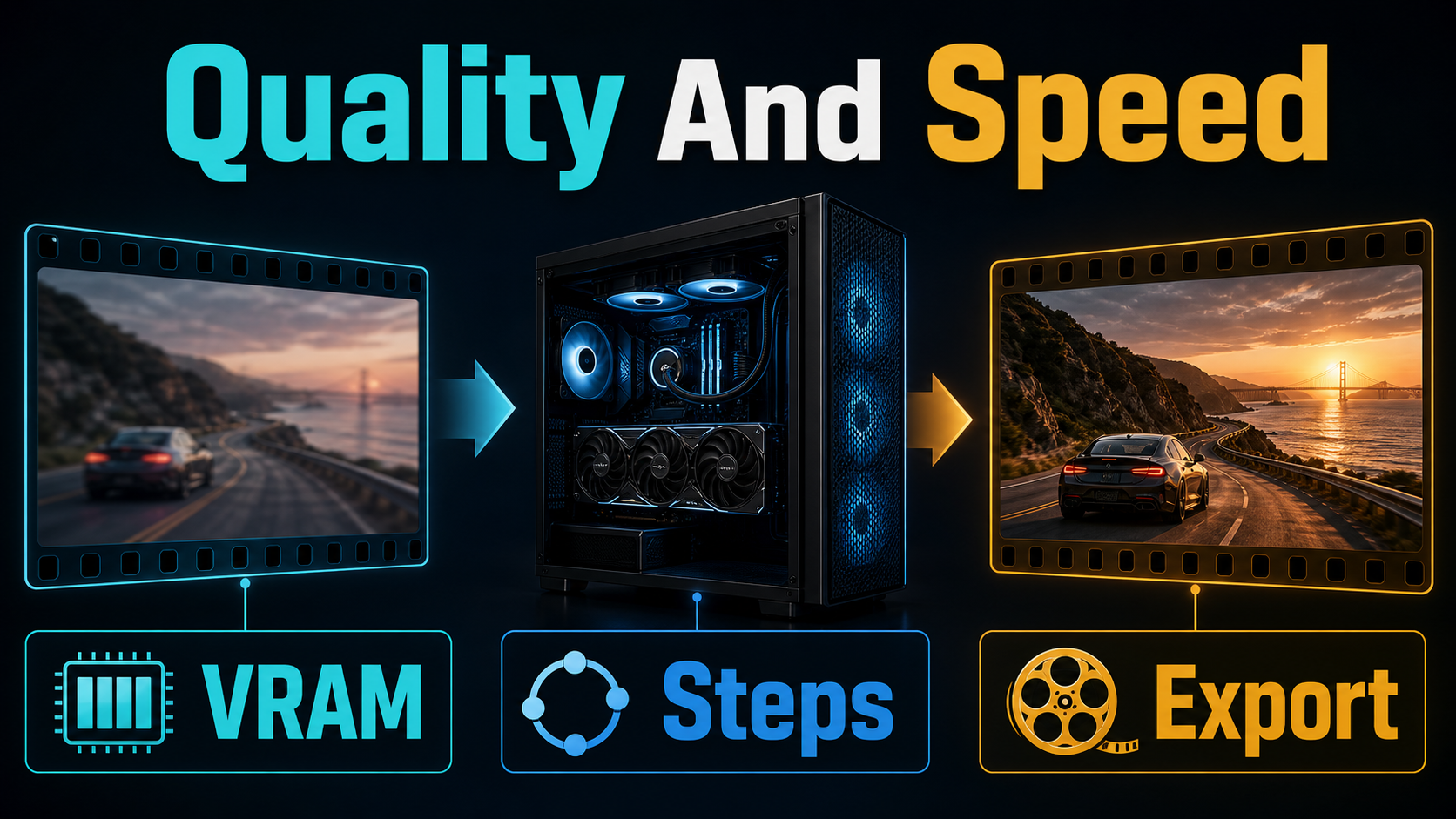
Troubleshooting
Out of memory: confirm offloading and dtype conversion, try T5 on CPU, close other GPU processes, or use the official TI2V-5B alternative. Do not describe unofficial quantization as identical to the official checkpoint.
Identity changes: shorten the shot, reduce pose change, use a cleaner reference, and restate only crucial face and wardrobe anchors. Split complex action into separate clips.
The frame barely moves: replace vague language with visible actions, direction, speed, and one restrained camera instruction. Ensure the reference leaves room for movement.
The background melts: simplify camera motion, reduce competing movement, and preserve fixed architecture or horizon lines explicitly.
The prompt is ignored: remove contradictions and decorative adjectives. Test without prompt extension, then compare with the official local or DashScope extension path if available.
Edit AI videos here
Generation produces source shots; editing turns them into a story. Trim unstable openings and endings, join the strongest takes, add licensed sound, captions, and consistent color at https://ai.alphatechnologies.vn. Keep original frames and prompt notes so revisions remain traceable.
Frequently asked questions
Is Wan2.2 A14B open source?
The official code repository and model cards list Apache License 2.0. “Open-weight†is still a clear description of downloadable checkpoints; review all asset rights for your use.
Which model should I use for a reference image?
Use Wan2.2-I2V-A14B when a supplied first frame should guide composition and appearance. T2V-A14B is for text-only generation.
How much VRAM does A14B need?
The official documented single-GPU A14B command says at least 80 GB VRAM. Lower-memory community methods are not the official baseline.
Does I2V-A14B generate synchronized speech?
No. Speech-driven generation belongs to the separate S2V-14B workflow. Ordinary I2V footage needs audio added separately.
Should I render at 720p immediately?
Usually no. Approve composition and motion in a cheaper preview, then render the selected shot at 720p.
How do I reduce character drift?
Use a clean reference, one controlled action, short shots, repeated anchors, and frame review. Edit multiple stable clips instead of forcing one long take.
Final recommendation
Choose I2V-A14B for reference-led work, keep prompts focused on motion, and budget for official hardware reality. Preview, inspect, and revise one variable at a time before the 720p final. Explore Aikolhub for more practical AI production guides, then finish approved clips in your editor.
Official sources: Wan2.2 repository, I2V-A14B model card, T2V-A14B model card, and Apache-2.0 license.


1 Comment