The most reliable LTX-2.3 prompting workflow starts with a reference image that already solves identity and composition, then uses a structured shot prompt to describe only the motion, camera, lighting, timing, and sound that should change. Generate a short draft, inspect continuity frame by frame, and upscale or extend only an approved take. Updated August 9, 2026, this guide treats LTX-2.3 as an open-weight model under its own community license, not as unrestricted open-source software.
LTX-2.3 generates synchronized video and audio in one foundation model and supports text-to-video, image-to-video, and audio-led workflows. That does not make every kind of consistency automatic: a first-frame anchor, recurring character identity, scene continuity, voice identity, speech synthesis, lip sync, and audio-driven body motion remain separate production problems.
Table of Contents
What Changed in LTX-2.3
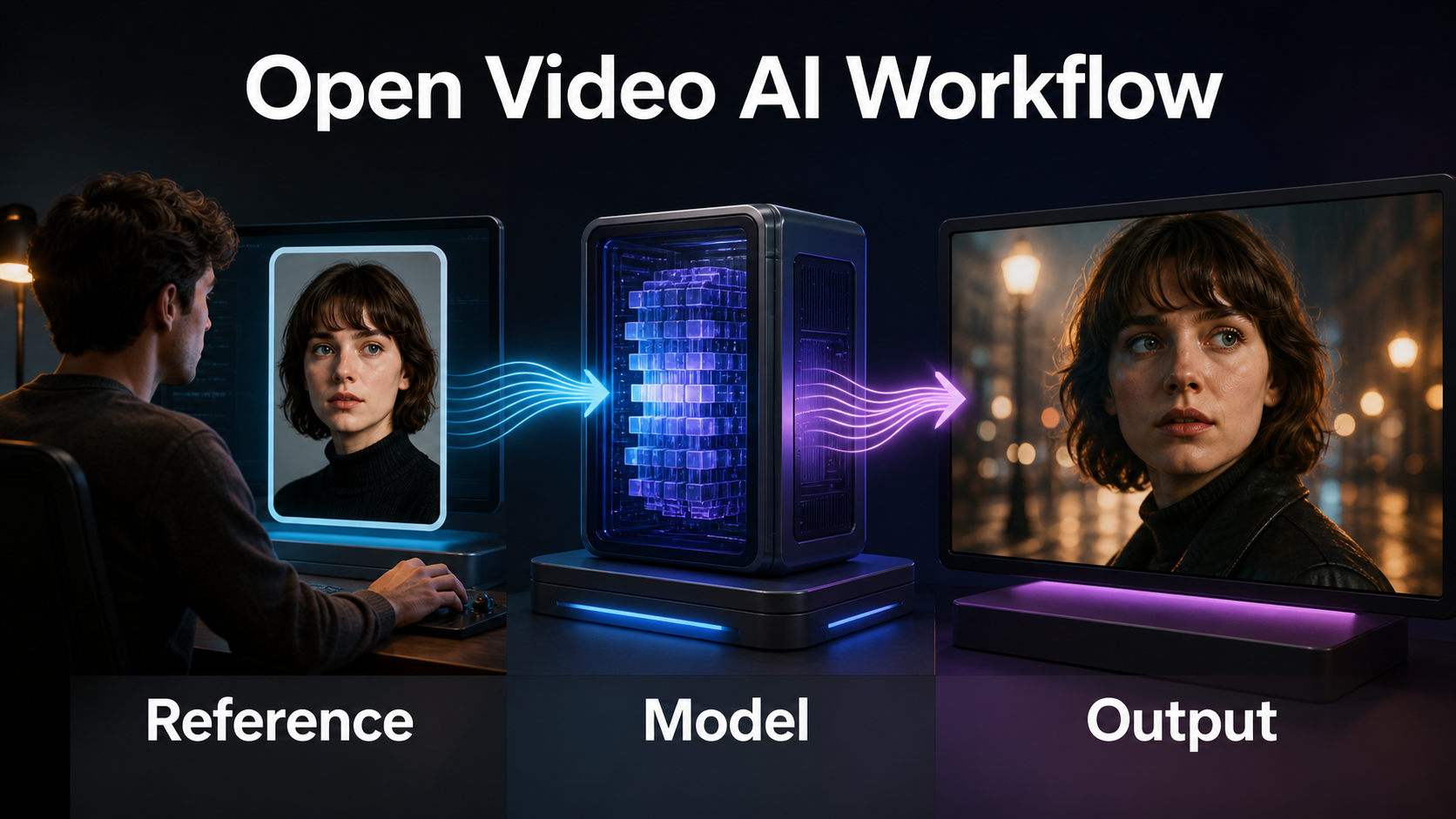
Lightricks describes LTX-2.3 as a DiT-based joint audio-video model with a rebuilt latent space, a larger text connector, cleaner audio, stronger prompt adherence, native portrait generation, and improved image-to-video. Official materials list local weights as well as managed Fast and Pro flows. The model card exposes a standard checkpoint plus quantized and distilled options, while official ComfyUI workflows cover common generation paths.
The practical prompting consequence is simple: detailed relationships and timing are more useful than a pile of style adjectives. Describe who does what, where objects are, when motion begins, how the camera moves, and what sound belongs to the action. Treat marketing resolution and duration claims for hosted flows separately from what a particular local checkpoint, GPU, workflow, and memory strategy can produce.
Open-Weight and License Reality
The model weights are downloadable, but the Hugging Face card identifies the LTX-2 Community License Agreement. The public code repository uses Apache-2.0. Those are different legal layers. Lightricks states that local use is free for organizations below a stated annual-revenue threshold, with separate terms for larger commercial deployment. Read the current model license before production; do not infer weight permissions from the code license.
Hardware and Installation
LTX-2.3 is a large model, so hardware requirements depend on checkpoint precision, text encoder, resolution, duration, attention implementation, and whether components are offloaded. Do not promise one universal VRAM number. Start from the official repository or model-card instructions, confirm free disk space, install a compatible PyTorch/CUDA stack, and validate a small official example before customizing nodes.
Choose a Local Path
- Diffusers: best for Python-controlled pipelines, repeatable parameters, and integration.
- ComfyUI: best for visible node graphs, official reference workflows, staged upscaling, and rapid iteration.
- Full-precision checkpoint: maximum fidelity when memory allows.
- FP8 or other official quantized checkpoint: lower memory pressure with a possible quality or compatibility tradeoff.
- Distilled workflow: fewer denoising steps and faster drafts; compare against the full workflow on your own material.
Record the exact checkpoint revision, workflow JSON, node versions, seed, dimensions, frame count, frame rate, step schedule, and upscaler. A reproducible shot log is more valuable than remembering that one render looked good.
Reference Image and Prompt Context
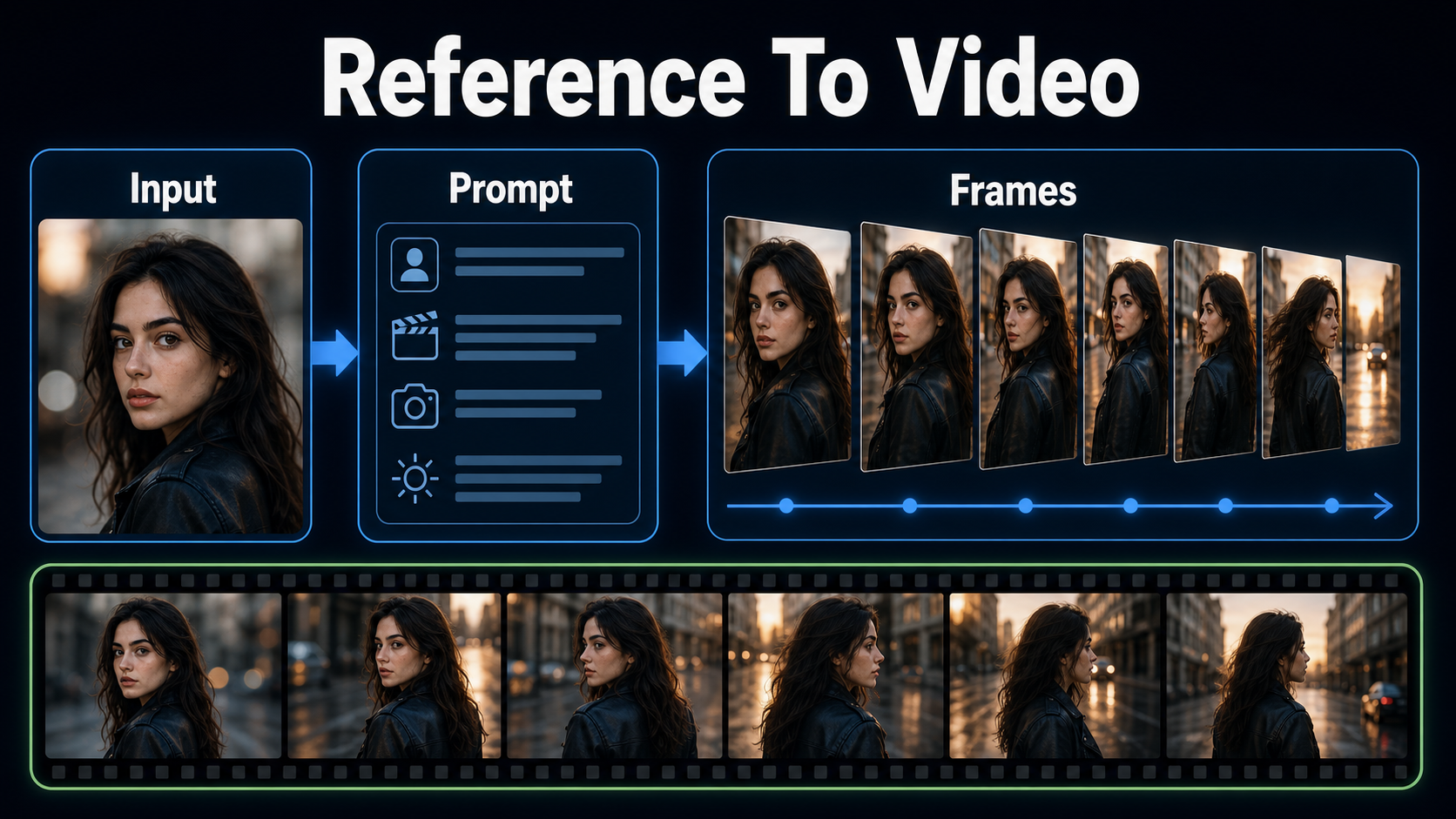
A reference image should solve the first frame, not merely resemble the subject. Use the delivery aspect ratio, readable facial features, an intentional pose, clear prop placement, coherent depth, and one dominant light direction. Remove motion blur and visual contradictions. If the reference has hidden hands, cropped props, or impossible geometry, animation may invent unstable replacements.
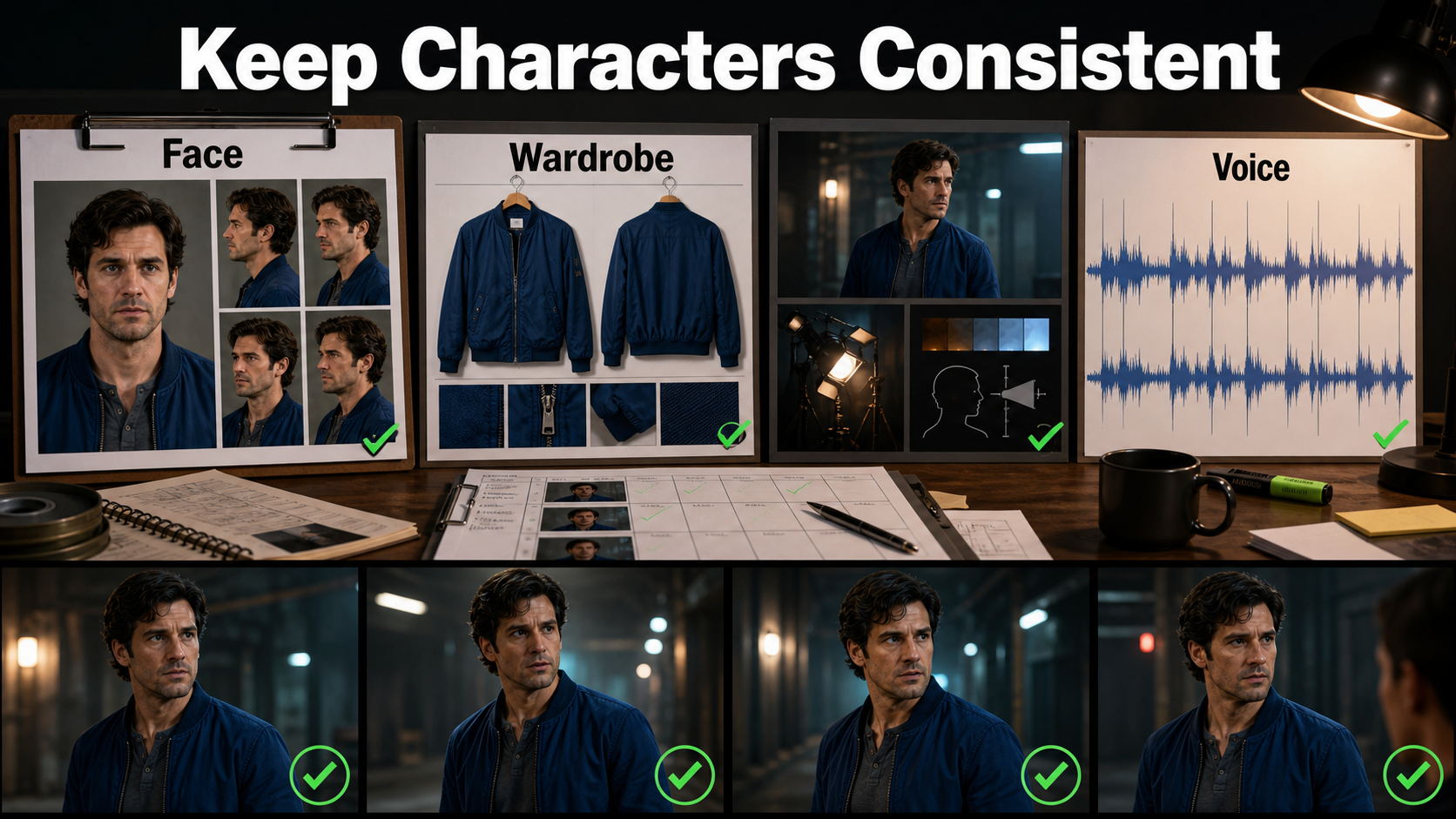
Build the Reference Pack
- A neutral face sheet with front, three-quarter, and profile views.
- A wardrobe card naming garment color, material, closure, footwear, and accessories.
- A prop card showing scale, orientation, condition, and which hand holds it.
- An environment bible with floor plan, landmarks, weather, time, and light direction.
- A voice record containing the approved speaker, pronunciation, pacing, and consent.
Not every interface accepts all of these images simultaneously. Use the strongest shot-specific frame as the model input and keep the rest as human review references. If a workflow supports additional conditioning, add one control at a time and test whether it improves the intended attribute.
Use a Shot Prompt Template
[shot size] of [subject with fixed identity and wardrobe] in [specific environment]. The subject [one action with timing]. Camera [height, angle, and one movement], [focal-length look], [aperture/depth behavior], [24 fps and moderate natural motion blur]. [Key light direction, color, and contrast]. Preserve [face, garment, prop, background geometry]. Audio: [voice/action/ambience and timing]. No [unwanted motion or continuity change].
Example: “Medium shot of Mara, short black bob, charcoal turtleneck and silver ring, at a rain-dark bus stop. She looks screen-right, waits one second, then lifts the red ticket to chest height. Locked eye-level camera, 50 mm natural perspective, f/2.8 look, 24 fps, moderate motion blur. Warm lamp camera-left, cool street ambience. Preserve face, ring, ticket shape, wet pavement, and lamp positions. Audio: one quiet breath, distant bus, no speech. No zoom, no costume change.”
Camera, Lens, and Motion Language
Prompted camera terms describe appearance unless the pipeline exposes geometric controls. Choose camera position before movement. Use one main move—locked, slow dolly, lateral track, pan, tilt, or restrained orbit—and keep subject action simple. Combining orbit, zoom, handheld shake, fast performance, and moving lights often creates geometry drift.
Practical Starting Settings
| Decision | Safe starting point | Reason |
|---|---|---|
| Shot length | 3–6 seconds | Easier continuity review |
| Frame rate | 24 fps | Familiar cinematic cadence |
| Shutter look | 180-degree equivalent | Moderate natural blur |
| Portrait lens | 50–85 mm look | Controlled facial perspective |
| Environment lens | 28–35 mm look | Context without extreme distortion |
| Aperture look | f/2.8–f/4 | Separation with usable detail |
| Movement | Locked or slow push | Lower geometry risk |
These values are creative targets, not guaranteed metadata. Evaluate perspective, distortion, focus falloff, bokeh, highlight roll-off, motion blur, and cadence in the generated frames.
Character, Scene, and Audio Consistency
Subject consistency protects identity and body proportions. First-frame consistency protects the opening composition. Scene continuity protects geography, props, weather, and lighting across shots. Voice identity protects the recognizable speaker. Speech synthesis creates words; lip sync aligns mouth shapes; audio-driven motion maps sound into facial or body performance. Test each separately.
Separate the Consistency Tests
- Render a nearly static identity test and compare face landmarks and body proportions.
- Render the wardrobe and prop with one small action; inspect color, material, handedness, and shape.
- Test camera motion on an empty or simple scene to expose geometry problems.
- Approve speech or generated audio without visible dialogue first.
- Check lip sync only after voice timing is locked.
- Compare first, middle, and last frames against the continuity pack.
Native synchronized audio can improve action-sound timing, but it does not guarantee a reusable cloned voice. For an identifiable speaker, obtain permission, preserve provenance, and use an approved voice pipeline when stable identity matters.
Practical Reference-to-Final Workflow
Work from cheap decisions to expensive decisions. A beautiful high-resolution render is still unusable when screen direction flips or the coat changes color.
Draft, Review, and Final Pass
- Define the shot: write one sentence for story purpose and one for the visible action.
- Prepare references: lock face, wardrobe, prop, environment, and aspect ratio.
- Structure the prompt: subject and action first, camera second, lighting third, preservation and audio last.
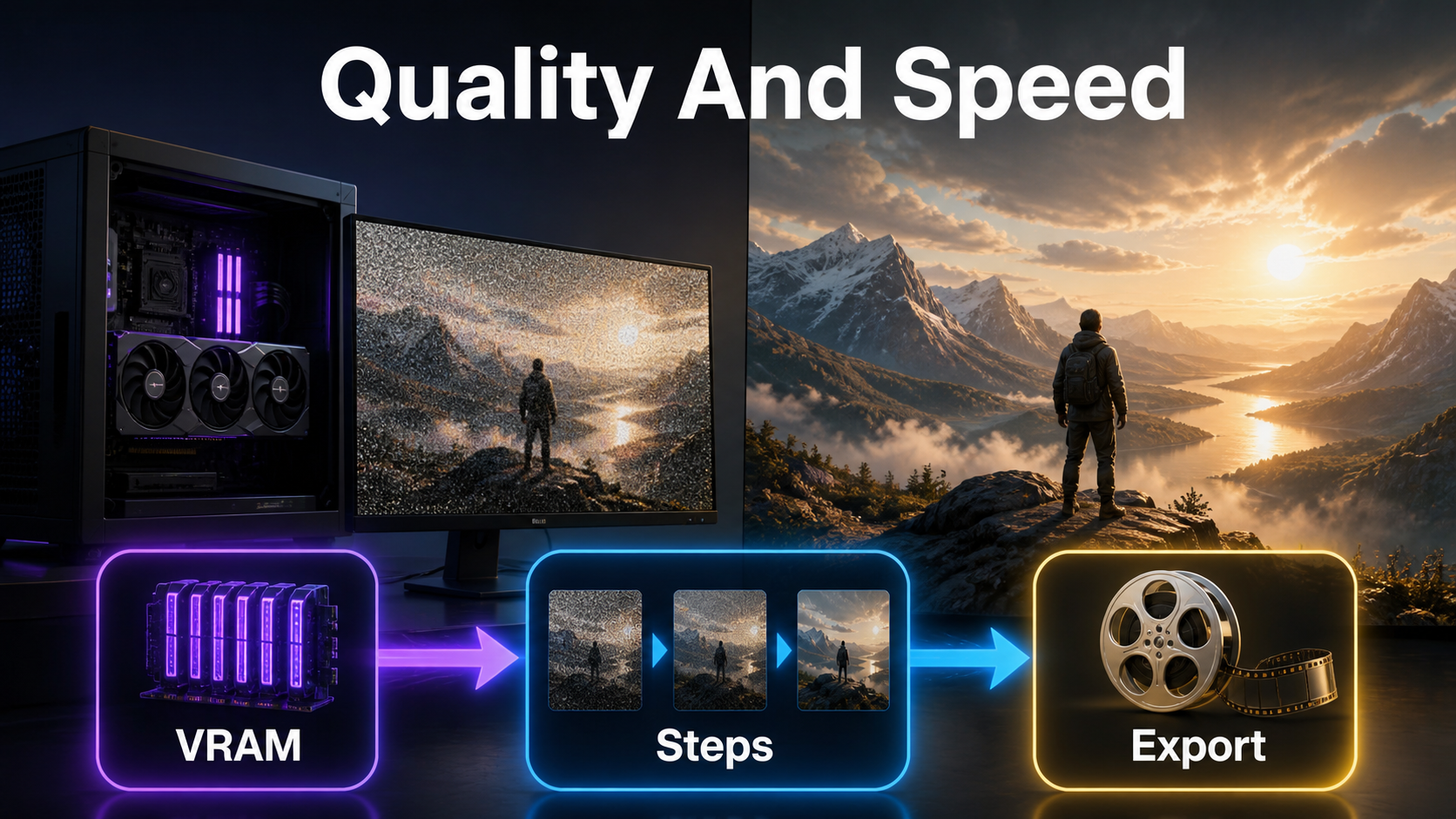
- Generate a short draft: use the official distilled or lower-cost path where appropriate.
- Review by category: score identity, first frame, scene, motion, audio, and lip sync independently.
- Change one variable: shorten motion, simplify action, strengthen a reference, or clarify timing.
- Render the selected take: use the higher-quality checkpoint or multi-scale/upscaling workflow only after approval.
- Finish: trim unstable frames, stabilize selectively, color-match, mix sound, add captions, and export.
Limitations and Troubleshooting
| Problem | Likely cause | Fix |
|---|---|---|
| Face drifts | Weak reference or excessive motion | Use a larger clear face and shorter simpler action |
| Wardrobe changes | Ambiguous color or occlusion | Name material and closures; keep silhouette visible |
| Background melts | Camera reveals unseen geometry | Reduce orbit; add environment views; use a lateral move |
| Prompt is ignored | Conflicting instructions | Remove adjectives and specify one timed action |
| Audio identity changes | Generated sound mistaken for voice cloning | Lock an approved voice track separately |
| Lips mismatch | Speech timing changed after video generation | Lock audio, then run or refine dedicated lip sync |
| Out of memory | Checkpoint, duration, or resolution too large | Use official quantization/offload options and shorter drafts |
| Soft final detail | Draft path used as master | Approve motion first, then use the official quality/upscale flow |
Edit AI videos here
Turn approved generations into a coherent sequence at https://ai.alphatechnologies.vn. Trim weak openings and endings, align dialogue, add captions, balance sound, match color, and create platform-ready exports. Editing is where several controlled shots become one finished story.
Final Recommendation
For LTX-2.3, prompt like a director and record like an engineer: solve the still image, describe one timed action, choose one camera behavior, separate identity from audio tasks, and review every continuity layer before spending compute on the final. Explore Aikolhub for more practical open-weight AI video workflows and model comparisons.
Frequently Asked Questions
Is LTX-2.3 open source?
It is safer to call LTX-2.3 open-weight. Its model card uses the LTX-2 Community License, while repository code may use Apache-2.0. Review both before commercial use.
Does a reference image lock a character?
No. It strongly anchors the first frame, but identity, clothing, props, and environment can still drift during motion. Use short tests and separate continuity checks.
Can LTX-2.3 generate audio?
Yes. Official materials describe synchronized audio-video and audio-led workflows. Stable voice identity and lip sync still require separate approval.
What should an LTX-2.3 prompt include?
Include the shot, fixed subject details, one timed action, environment, camera position and movement, lens behavior, lighting, preservation rules, and sound cues.
Should I render final resolution first?
No. Approve composition, motion, continuity, and audio in a short draft, then use the higher-quality or upscaling workflow for the selected take.