


The official HunyuanVideo-1.5 repository now supports LoRA fine-tuning through its main training script: prepare captioned image or video samples, enable --use_lora, train with the documented Muon optimizer, validate against fixed prompts, and load the saved adapter with the matching base checkpoint. A LoRA can specialize a narrow visual concept, but it does not replace reference images, shot planning, audio production, or continuity review.
Updated August 6, 2026, this guide reflects the official December 5, 2025 training-code release, current training arguments, model collection, prompt handbook, technical report, and Tencent Hunyuan Community License. HunyuanVideo-1.5 is best described as open-weight, not OSI-style open source: the custom license restricts territory and uses, so read it before training or deploying an adapter.
Table of Contents
What Changed for HunyuanVideo LoRA Training
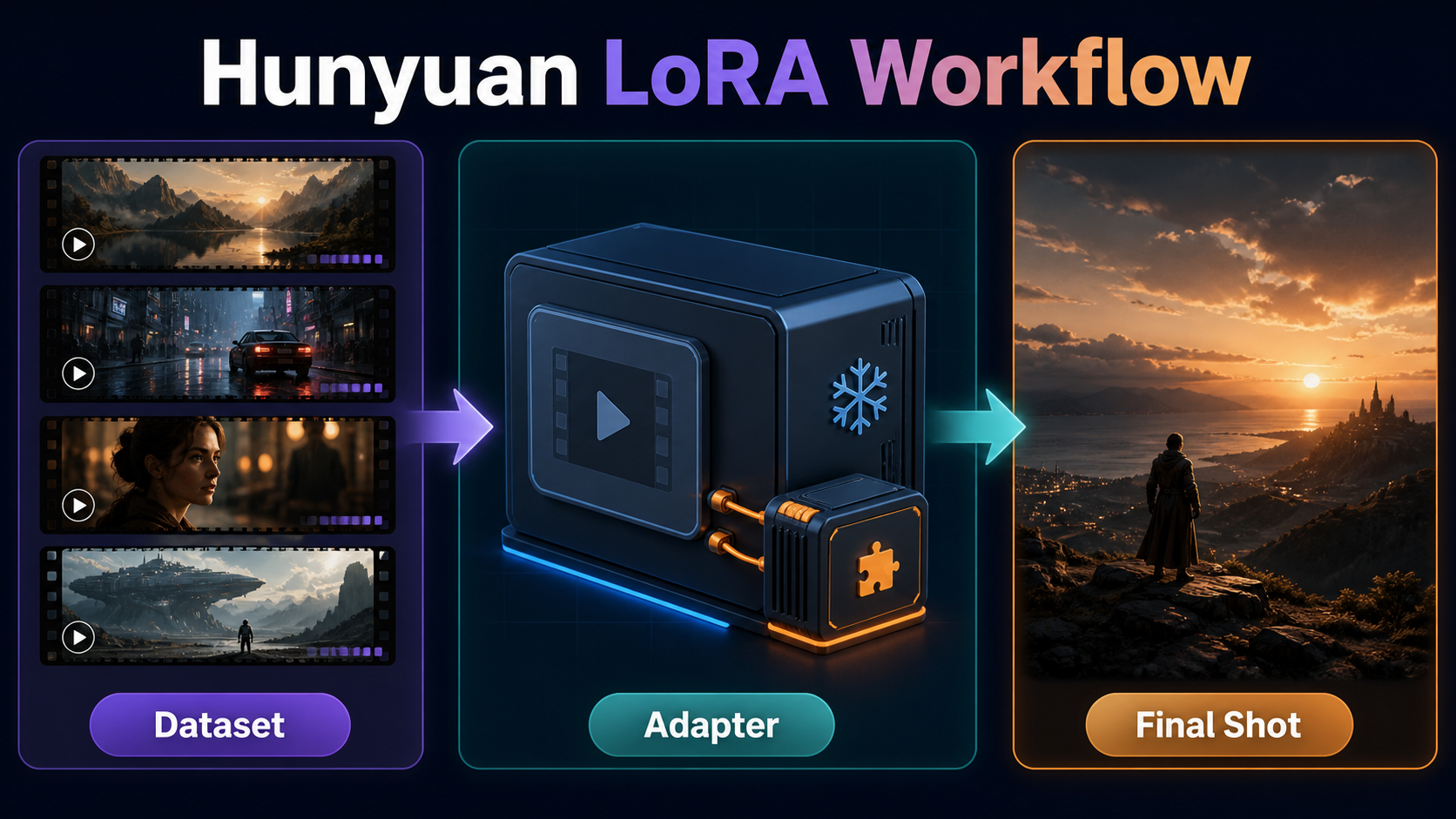
Tencent released HunyuanVideo-1.5 inference code and weights in November 2025, then added the complete training path and LoRA tuning switch on December 5, 2025. The official train.py supports distributed execution, Fully Sharded Data Parallel training, context parallelism, gradient checkpointing, checkpoint resume, validation, and parameter-efficient LoRA adapters.
Verified Official Training Scope
The model is an 8.3-billion-parameter video generation foundation with text-to-video and image-to-video checkpoints at documented 480p and 720p paths. Its training loader accepts images or videos, which makes mixed task preparation possible, and exposes an i2v_prob argument for image-to-video sampling during video training. The official team instructs LoRA users to use the Muon optimizer rather than silently substituting a familiar optimizer.
LoRA freezes most base-model weights and learns smaller low-rank updates. That reduces trainable parameter count and adapter storage, but it does not remove the memory needed for the base model, activations, text and vision encoders, VAE work, optimizer state, and video tensors. Treat it as parameter-efficient, not lightweight in every resource dimension.
License and Deployment Boundaries
The Tencent Hunyuan Community License expressly excludes the European Union, United Kingdom, and South Korea from its defined territory. It also contains an acceptable-use policy, distribution duties, restrictions on using outputs to improve other AI models, and additional terms for services above a stated scale. The license says Tencent claims no rights in generated outputs, but that does not clear training data, likeness, trademark, privacy, or music rights. Get consent for people and proprietary styles, and retain provenance for every sample.
Hardware, Installation, and Checkpoints
The official inference baseline is Linux, Python 3.10 or newer, CUDA, an NVIDIA GPU, and at least 14 GB of GPU memory with model offloading. That 14 GB figure is for inference, not a promised LoRA training minimum.
Plan Training Capacity Honestly
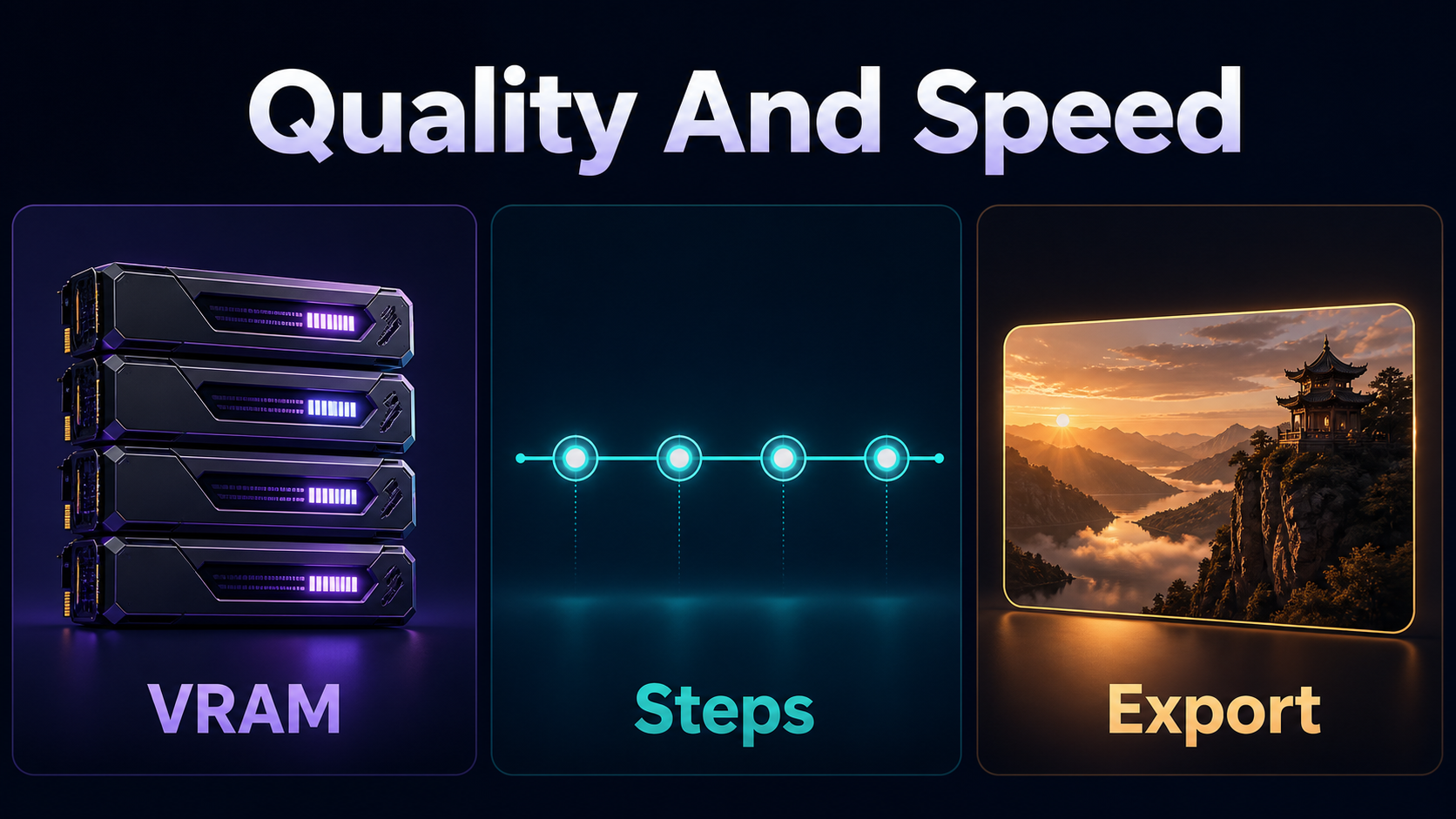
The official distributed example uses eight processes with FSDP, gradient checkpointing, and sequence parallel size eight. The repository also shows a single-GPU command, but it does not publish one universal minimum VRAM guarantee for LoRA training. Resolution, frame count, batch size, latent caching, precision, checkpointing, offloading, and GPU architecture change the requirement dramatically.
- Start with short, low-resolution validation samples before full runs.
- Use gradient checkpointing when capacity is the constraint.
- Pre-encode latents only after verifying the VAE and preprocessing path.
- Record peak GPU memory and CPU memory for a complete optimizer step.
- Confirm checkpoint saving and resume before committing a long run.
- Use multi-GPU FSDP only with a configuration you can reproduce.
Install and Pin the Base
- Clone the official repository on Linux and record the commit.
- Create an isolated Python 3.10+ environment and install
requirements.txt. - Install the attention backend appropriate for the documented GPU path.
- Download the exact base checkpoint from the official model collection.
- Run one unmodified base-model generation with a saved seed.
- Archive the prompt, source image, output, commit, checkpoint, and environment before training.
Do not mix a 480p adapter with a mismatched architecture or casually swap T2V and I2V bases. A clean baseline makes it possible to tell what the adapter actually changed.
Build the Dataset and Reference Pack
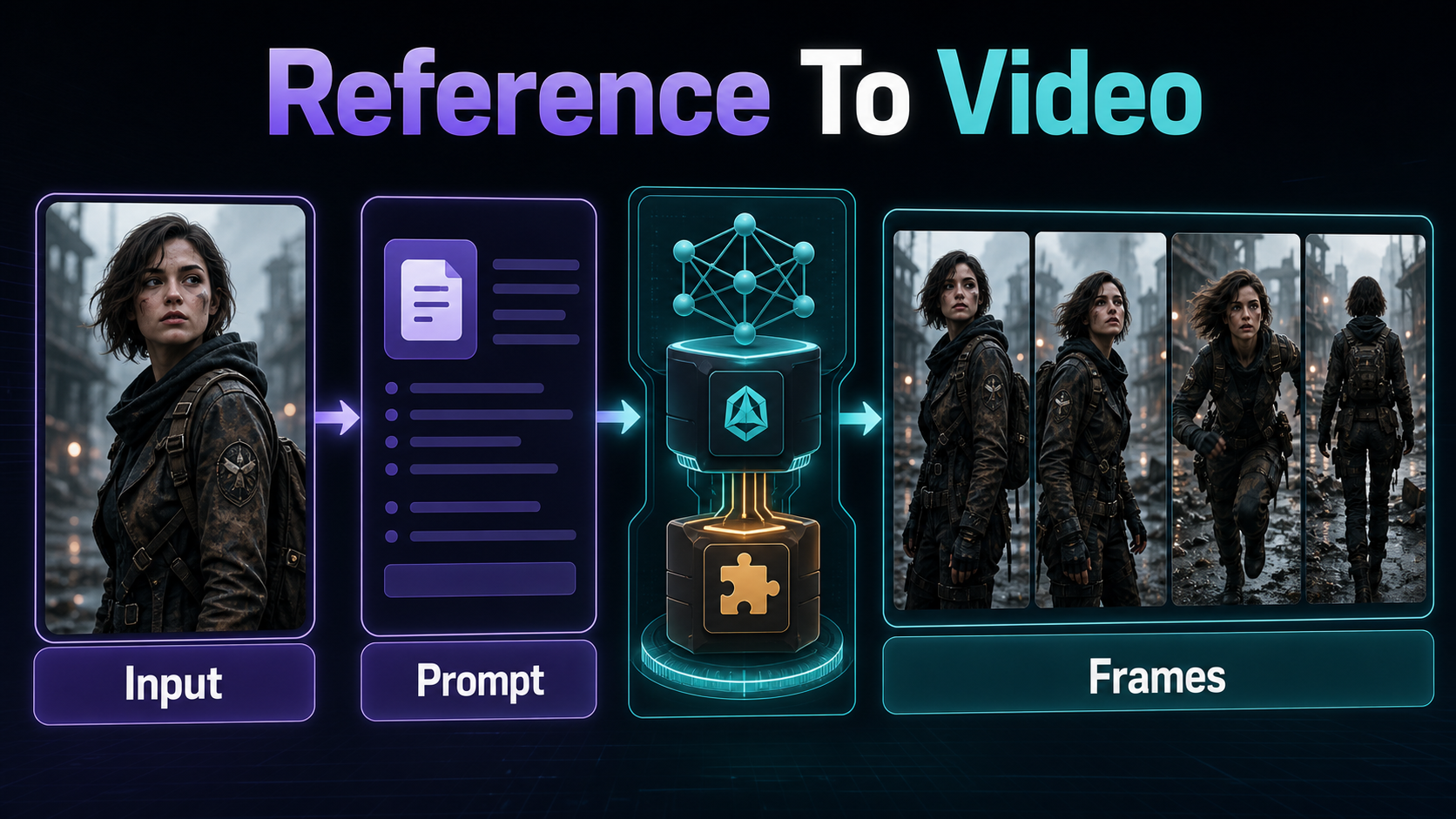
A narrow, clean dataset is more useful than a large collection of unrelated clips. Decide whether the adapter should learn a person with consent, a product, a wardrobe element, a motion pattern, a location treatment, or a visual style. Combining all of those without balanced captions encourages unwanted binding.
Follow the Official Sample Format
The official loader contract requires pixel_values, text, and data_type. Video tensors use [C, F, H, W]; image tensors use [C, H, W]; values must be normalized to [-1, 1]. Video frame counts must follow 4n+1, such as 17, 33, or 49. Optional pre-encoded latents and pre-tokenized byT5 inputs can reduce repeated work, but they must match the exact preprocessing and model setup.
| Dataset check | Practical rule | Why it matters |
|---|---|---|
| Rights | Document source and consent | LoRA training does not erase legal obligations |
| Identity | Use sharp, varied, accurately labeled views | Reduces pose-specific overfitting |
| Motion | Include useful starts, middles, and ends | Prevents a static appearance adapter |
| Background | Vary it unless the location is the concept | Reduces subject-background binding |
| Validation | Hold out clips and prompts | Measures generalization instead of memorization |
Caption for a Controllable Adapter
Captions should state what visibly changes and what should remain separable: subject, action, environment, shot size, camera movement, lighting, and style. Use one consistent trigger only if the production plan needs it. Avoid copying the same vague caption onto every sample, because the adapter can bind the trigger to every repeated background, angle, or garment.
[trigger or subject], [observable action], in [environment].
[Shot size] from [camera height and angle], [single camera move].
[Lighting direction and quality], [visual style].
Visible details: [wardrobe, prop, texture, or expression].
Keep a separate character sheet and scene bible. The training set teaches statistical associations; the reference pack defines the approved production design.
Train and Validate the LoRA
Official LoRA Settings and Command
The current official argument table defaults LoRA off, rank to 8, alpha to 16, and dropout to 0.0. The documented LoRA example enables --use_lora and uses a learning rate of 1e-4. Those are starting points from the repository, not a quality guarantee for every dataset.
| Argument | Official value or default | Production note |
|---|---|---|
--use_lora |
False by default | Required to enable adapter training |
--lora_r |
8 | Raise only after a controlled comparison |
--lora_alpha |
16 | Record with rank and adapter weight |
--lora_dropout |
0.0 | Change only with validation evidence |
--learning_rate |
1e-4 in LoRA example | Watch validation drift and overfit |
--use_muon |
True in training table | Follow the official optimizer guidance |
torchrun --nproc_per_node=8 train.py
  --pretrained_model_root ./ckpts
  --use_lora
  --lora_r 8
  --lora_alpha 16
  --learning_rate 1e-4
  --enable_fsdp
  --enable_gradient_checkpointing
  --sp_size 8
  --output_dir ./outputs
Replace the dummy dataloader with the real, tested loader before running this pattern. Match --nproc_per_node and --sp_size to the actual distributed setup; do not paste an eight-GPU example onto a one-GPU machine.
Validate More Than Training Loss
Render the same prompt grid at regular checkpoint intervals: trigger present and absent, familiar and held-out views, T2V and I2V if relevant, close and wide shots, simple and moderate motion, and several seeds. Compare the base model, each adapter checkpoint, and more than one adapter weight. Reject a checkpoint that copies training backgrounds, damages motion, ignores non-trigger prompts, or changes anatomy even if its training loss is lower.
Prompt and Reference Images to Final Shot
The official prompt handbook recommends a structure built from subject, motion, scene, shot type, camera movement, lighting, style, and atmosphere. At inference, keep the adapter concept concise and use the first frame to anchor composition when the chosen I2V checkpoint supports it.
Use a Structured Prompt Template
[shot size] of [trigger or same subject] wearing [fixed wardrobe].
Action: [one clear action] in [specific scene].
Camera: [height and angle], [one movement], [lens look].
Lighting: [key direction], [fill], [practical or rim light].
Preserve [face, product shape, wardrobe, prop, and set invariants].
Avoid [known dataset bias or unwanted motion].
Example: “Medium three-quarter shot of SORA-JACKET, the same authorized performer in a charcoal field jacket, checking a paper map at a rainy station. Eye-level slow dolly-in, natural 50mm perspective, moderate depth, soft key from camera-left and warm platform lights. Preserve face, jacket pockets, map hand, wet pavement, and screen direction. No wardrobe change, duplicate fingers, orbit, or readable sign text.”
Separate Consistency and Audio Problems
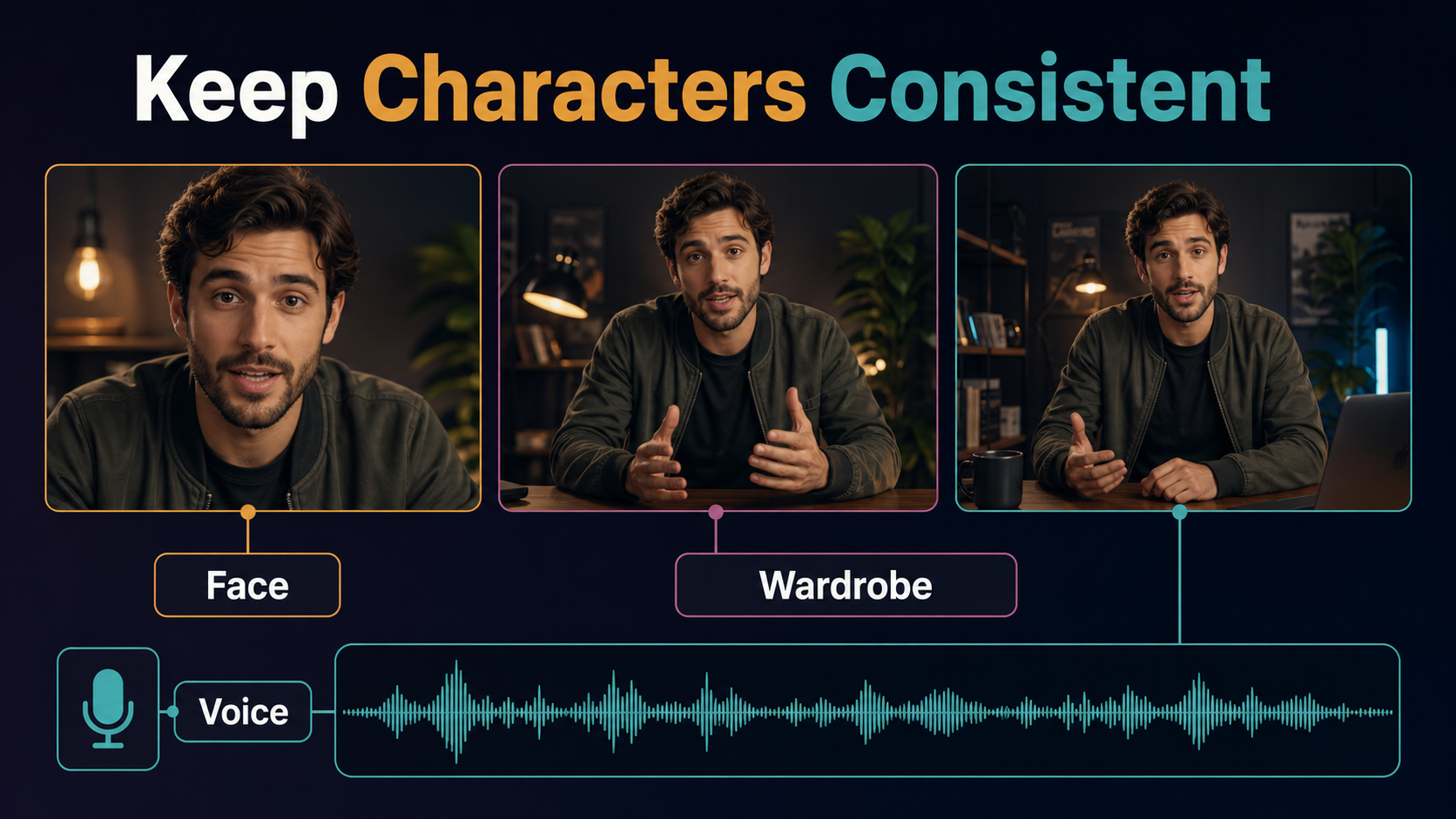
A LoRA may improve a narrow subject or style association, but it does not guarantee the same face across every angle, unchanged wardrobe, fixed prop geometry, or continuous scene layout. HunyuanVideo-1.5 base T2V and I2V generate visuals; the official base interface does not train a speaker identity, create dialogue, or guarantee lip sync. Record or synthesize authorized speech separately, preserve consent and provenance, and run a dedicated lip-sync stage when required.
Practical End-to-End Workflow
Training and Production Checklist
- Define one adapter goal and document dataset rights.
- Build training, validation, and held-out prompt sets.
- Implement the official tensor, caption, data-type, and frame-count contract.
- Pin repository commit, environment, base checkpoint, and preprocessing.
- Verify base inference and one complete training step.
- Run a small checkpoint-and-resume test before the full schedule.
- Evaluate fixed prompt grids, seeds, adapter weights, and held-out views.
- Select the earliest checkpoint that meets the goal without obvious binding.
- Create approved first-frame references for individual production shots.
- Render short previews, inspect identity and motion, then master accepted clips.
- Add voice, lip sync, sound, captions, color, and cuts in post.
- Archive the dataset manifest, consent, settings, adapter, and output provenance.
Limitations and Troubleshooting
Video LoRA tuning is compute-intensive and sensitive to preprocessing. A small or repetitive dataset can memorize backgrounds; a broad dataset can dilute the concept; aggressive learning can damage motion or prompt responsiveness. The custom license may block otherwise technically feasible deployments.
Common Training and Inference Failures
| Failure | Likely cause | Fix |
|---|---|---|
| Immediate out of memory | Frames, resolution, or distributed config too large | Reduce sample load; enable checkpointing; verify sharding |
| Bad frame-shape error | Frame count is not 4n+1 | Resample clips to a supported count |
| Adapter copies backgrounds | Repeated scene and weak captions | Vary backgrounds and label scene attributes |
| Identity works only in close-up | Insufficient scale and angle coverage | Add rights-cleared varied views and held-out tests |
| Motion becomes stiff | Static data or overtraining | Add clean motion examples or select an earlier checkpoint |
| Trigger dominates every prompt | Overbinding or adapter weight too high | Lower adapter strength and rebalance captions |
| Resume changes results | Environment, data order, or config drift | Pin manifests, seeds, commit, and full arguments |
| I2V result ignores the reference | Mismatched base or conflicting prompt | Use the correct I2V path and simplify contradictions |
Edit AI videos here
Assemble accepted adapter shots, cut around drift, add authorized voice and lip sync, mix sound, create captions, match color, and export platform versions at https://ai.alphatechnologies.vn. Editing is where separate short generations become a coherent sequence.
Final Recommendation
Use the official LoRA path for a narrow, measurable goal. Start with rank 8 and alpha 16 as documented, but choose checkpoints by held-out videos rather than defaults or loss alone. Keep reference images, scene continuity, and audio as separate production controls. Explore more AI-video workflows on Aikolhub, and review the current Tencent license before every deployment.
Frequently Asked Questions
Does HunyuanVideo-1.5 officially support LoRA training?
Yes. The official repository added training code and the --use_lora path on December 5, 2025.
How much VRAM does LoRA training need?
The official repository does not give one universal LoRA training minimum. Its 14 GB figure applies to inference with offloading; training depends on frames, resolution, precision, checkpointing, and sharding.
What are the official default LoRA rank and alpha?
The current training argument table lists rank 8 and alpha 16, with LoRA disabled until --use_lora is set.
Can a LoRA guarantee character consistency?
No. It can strengthen a learned association, but references, shot design, adapter weight, motion, occlusion, and review still determine continuity.
Does the base model train or generate voice?
No. The official HunyuanVideo-1.5 T2V/I2V path is visual. Voice identity, speech, and lip sync require separate authorized workflows.
Official sources: HunyuanVideo-1.5 repository and release notes; official training script; Tencent Hunyuan Community License; official model collection; official prompt handbook; HunyuanVideo 1.5 technical report.


