


A rack focus changes focus distance during a continuous shot so attention moves from one depth plane to another. The camera can remain completely fixed, focal length need not change, and framing should stay stable; only the sharp plane travels between a foreground object and a background subject, or in the reverse direction.
For a reliable rack focus AI video prompt, build a reference frame with two clearly separated subjects, name the start and end focus targets, specify pull timing and direction, and lock camera, exposure, geometry, and identity. Most current camera-control repositories specialize in pose or trajectory, not physical focus motors, so plain prompts often request the visual effect rather than guaranteed optical metadata.
Table of Contents
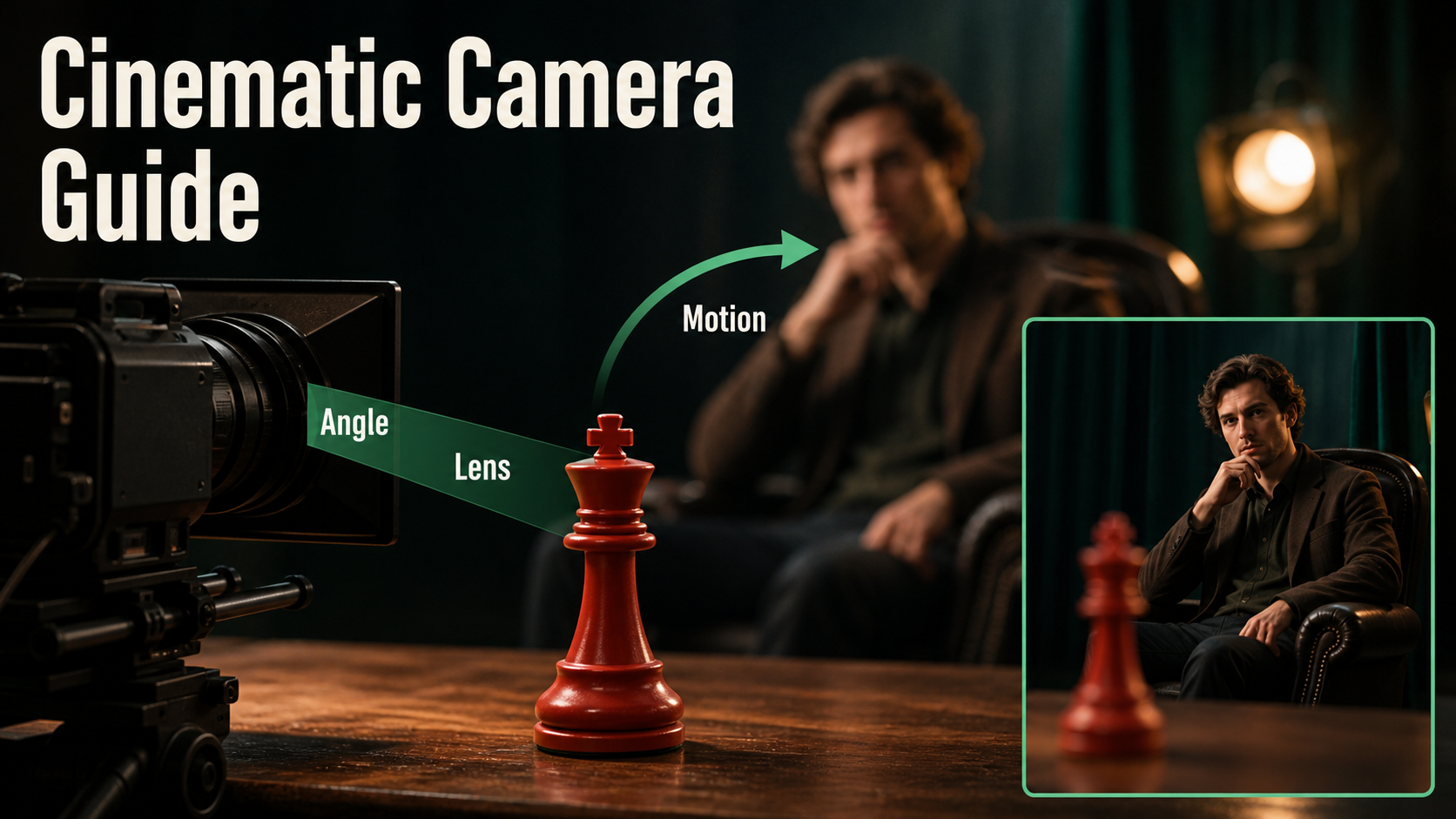
Visual Meaning of Rack Focus
Rack focus changes the hierarchy inside one composition. Starting on a foreground clue and ending on a face reveals who noticed it. Starting on a listener and ending on a distant doorway can introduce danger. The technique connects two subjects without cutting, so timing should follow a glance, line, sound, or story realization.
The effect is strongest when viewers can still recognize the soft subject before it becomes sharp. If the background dissolves into total abstraction, the audience may not understand where attention is going. If both planes are already acceptably sharp, the transition is invisible.
Rack Focus Versus Zoom
A rack focus changes focus distance. An optical zoom changes focal length and field of view. A dolly changes camera position and perspective. Lens breathing may make framing shift slightly during a real focus pull, but that side effect is not the storytelling goal. In a generated shot, obvious zooming, subject scaling, or camera travel is a failure unless intentionally combined.
Do not prompt “zoom focus onto the actor.” Say “camera locked; focus plane moves from the red chess piece at one meter to the actor at five meters; framing and focal length unchanged.” Concrete depth language gives the model fewer conflicting interpretations.
Camera Placement and Depth Design
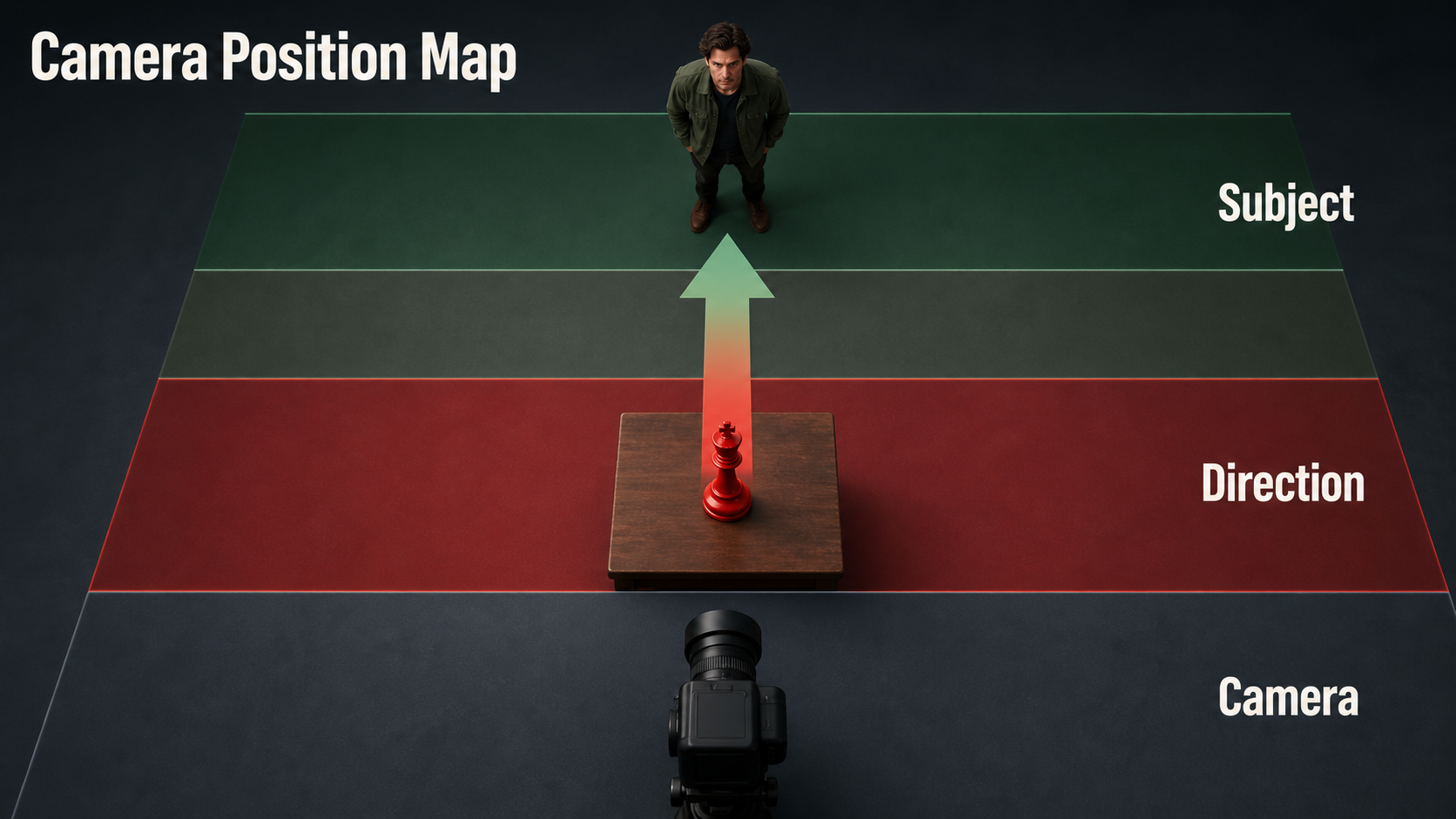
Compose both targets before generating motion. Put a clean object in the foreground and a face or action in the background, with visible separation along the lens axis. Avoid tangencies, reflective clutter, and repeated patterns that can shimmer. Keep the camera on a support and the actor mostly still for the first test.
Map Two Focus Planes
- Choose the narrative start target and final target.
- Measure or estimate their distances from the camera.
- Frame both as readable silhouettes at the same time.
- Set a moderate shallow-depth look that isolates one plane without erasing the other.
- Lock camera position, height, tilt, focal look, exposure, and lighting.
- Define when the pull starts, how long it travels, and whether it eases at the end.
A simple arrangement places the foreground object around one meter away and the actor four to six meters away. Exact distances depend on sensor, lens, aperture, and framing; in prompt-only systems they communicate relative depth rather than guaranteed metadata.
Lens, Aperture, and Shutter Choices
A normal-to-short-telephoto lens look makes focus separation visible without extreme distortion. Longer focal lengths, closer focus, wider apertures, and greater subject separation generally reduce depth of field. Yet an extremely shallow look makes eyes, hands, or objects flicker out of focus, so prioritize a readable transition over maximum blur.
Practical Settings Table
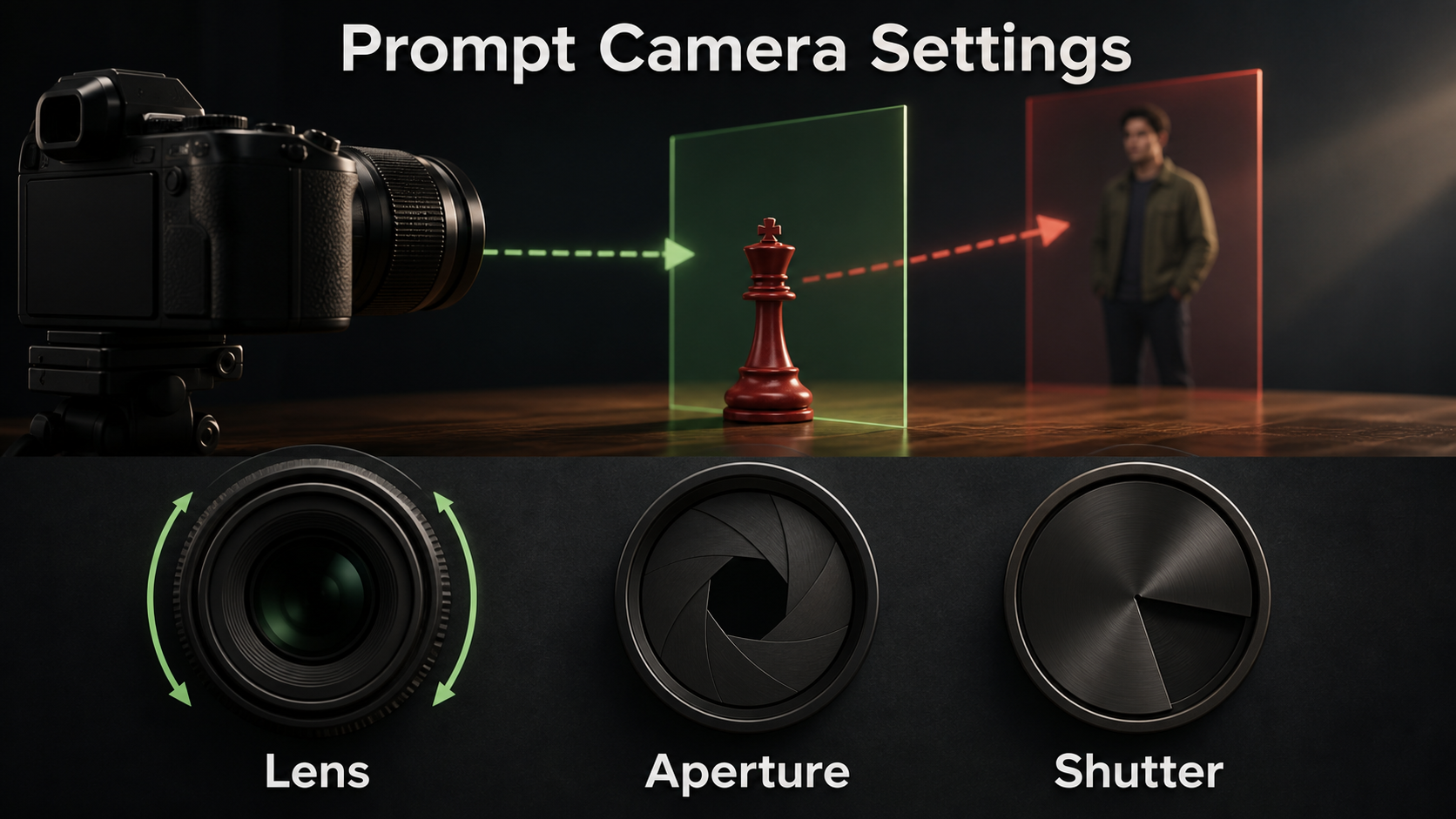
| Control | Useful starting point | Visual result | Risk |
|---|---|---|---|
| Focal look | 50mm to 85mm full-frame equivalent | Clear separation and natural faces | Long lens may erase environmental context |
| Aperture look | f/2.8 to f/4 | One plane sharp, second still recognizable | Too wide causes eye and edge instability |
| Camera | Locked tripod | Only focus changes | Drift can look like a zoom or dolly |
| Frame rate | 24 fps delivery look | Conventional cinematic cadence | Prompted cadence may not be output metadata |
| Shutter look | 180 degrees | Natural subject motion blur | Fast gestures blur during focus transition |
| Pull duration | One to two seconds | Readable attention transfer | Very fast pull looks like a glitch |
| Exposure | Locked | Stable brightness and bokeh | Automatic exposure can pulse with blur |
Focus breathing is an apparent field-of-view change as focus distance changes. If you want a clean graphic pull, ask for “no focus breathing, no framing shift.” If you want a realistic vintage lens character, a small amount can be intentional, but keep it consistent and subordinate to the story beat.
Rack Focus Prompt Formula
Use this order: story beat + fixed composition + near target and distance + far target and distance + starting focus + pull timing + final focus + lens and aperture look + locked camera and exposure + continuity exclusions. Name what becomes sharp and what becomes soft at each endpoint.
Near-to-Far Template
“Suspenseful locked medium-wide shot across a wooden table. A red chess king one meter from camera fills the lower center; one man sits five meters behind it. Start with the chess king tack sharp and the man’s face softly recognizable. Hold for one second, then perform a smooth 1.5-second rack focus from the chess king to the man’s eyes. End with eyes tack sharp and chess king softly blurred. Fixed 65mm lens look, f/2.8 depth, camera completely locked, exposure and warm key light unchanged. No zoom, no dolly, no pan, no reframing, no object motion, no face change.”
Far-to-Near Template
“Quiet reveal in the same locked composition. Begin with the seated woman’s eyes sharp in the far plane and the sealed envelope soft in the foreground. After she glances down, pull focus smoothly to the envelope over one second. Her face becomes soft but remains stable; envelope edges and red wax seal become tack sharp. Fixed camera, unchanged focal length, stable f/4 look, no lens breathing, no exposure pulse, no new objects, no cut.”
Negative constraints should target the common substitutions: “No camera push, no digital zoom, no object scaling, no depth morph, no background replacement, no light flicker, no subject identity change.”
Reference Image Workflow
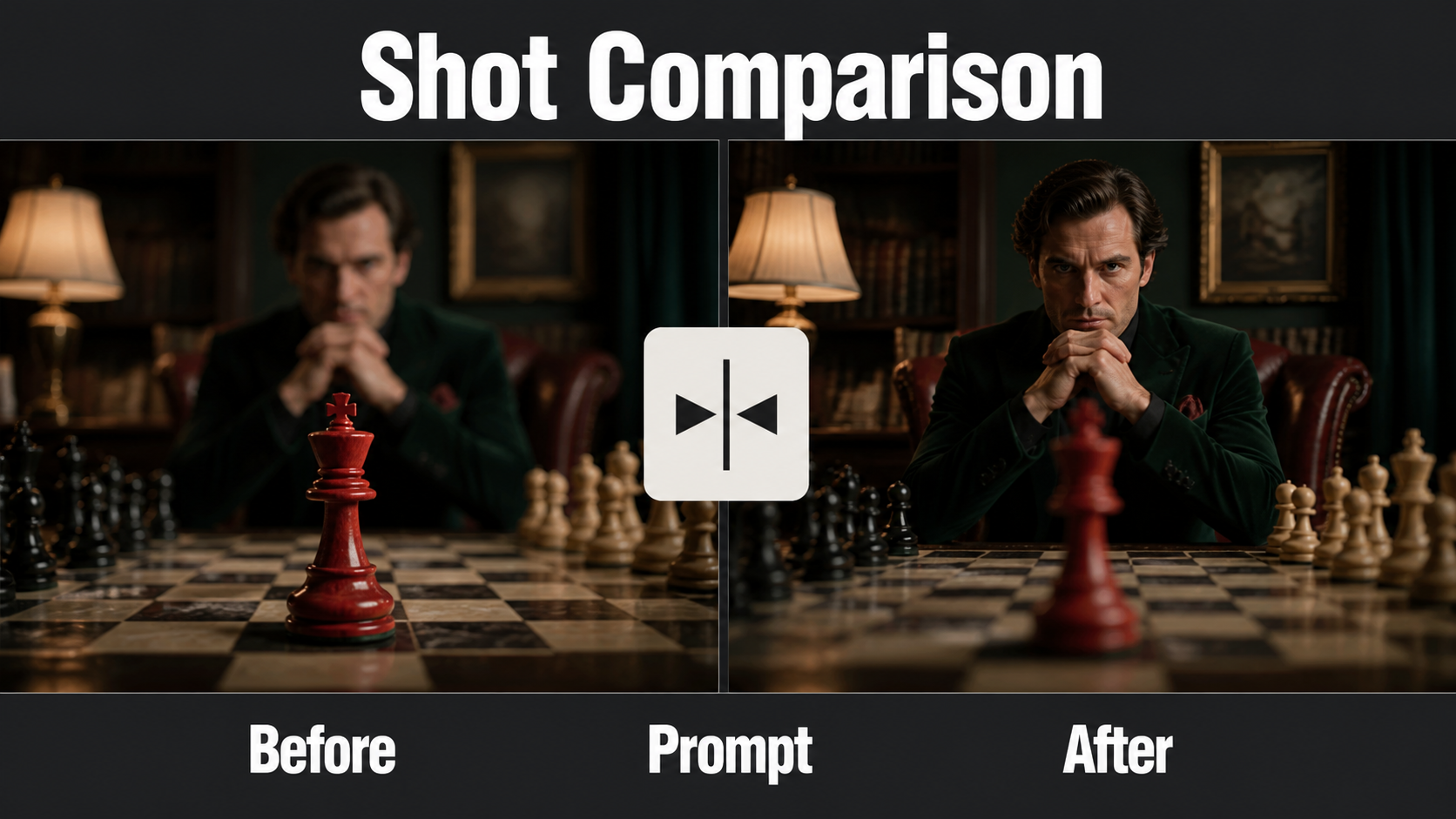
Create the starting endpoint as a finished still. It should show both subjects, correct depth order, stable geometry, and the intended first focus plane. A model cannot reliably focus on a detail that is malformed or missing from the reference.
Build Before-and-After Endpoints
- Save the master composition with all objects and lighting approved.
- Create a near-sharp version and a far-sharp version without moving any pixels.
- Overlay the images at 50 percent opacity; only blur distribution should differ.
- Check that the final target contains enough real detail to become sharp.
- Record target names, estimated distance, focus order, hold, pull duration, and easing.
- Use the correct start endpoint as the image-to-video input and keep the other as a visual QA reference.
If the model repeatedly changes the background face while sharpening it, use a stronger face reference or generate a stable sharp plate for compositing. A controlled post-production blur transition can be more reliable than regenerating the entire scene.
Model Workflow and Current Controls
As of August 9, 2026, camera-controlled video research has progressed faster on camera pose than on focus pulling. Distinguish what a repository demonstrates from what a general prompt interface guarantees.
What Official Research Supports
CamI2V and RealCam-I2V provide camera-controlled image-to-video research for translations, rotations, and zoom-like movements. Their released DynamiCrafter-based checkpoints include 256×256 and 512×320 research variants. A camera trajectory is not a focus-distance curve.
CameraCtrl conditions generation on per-frame camera trajectories, and MotionCtrl separates camera and object motion controls. Those are valuable for keeping the camera fixed while action occurs, but neither original repository turns a text phrase into guaranteed physical lens focusing.
UCPE represents 6-DoF pose, camera intrinsics, lens distortion, pitch, and roll in a 2026 research pipeline. Its lens control is broader than ordinary trajectory conditioning, yet the official description does not make rack focus a standard end-user control. The May 2026 DeltaCam report explicitly targets time-varying aperture and depth-of-field behavior, evidence that focus-like photographic control requires more than extrinsic camera pose.
Production Pass Order
- Design the locked composition and two depth targets.
- Create pixel-matched near-sharp and far-sharp endpoint stills.
- Generate a static shot to confirm geometry and identity.
- Request only the focus pull, with no actor or camera movement.
- Approve timing and plane transition before adding a glance or hand action.
- Compare the result against both endpoint stills.
- Repair with another short generation or a post-production depth mask.
- Color-match, mix the motivating sound, and export.
Limitations
Prompt-only models may fake rack focus by blurring the entire frame, scaling the subject, changing focal length, moving the camera, or rebuilding the background. A soft region in the starting frame may not contain enough information to become genuinely sharp. Thin hair, hands, glass, reflections, and overlapping edges make depth masks unstable.
Exact focus distance, aperture, circle of confusion, lens breathing, frame rate, and shutter metadata are not guaranteed unless the pipeline exposes them. Research checkpoints have specific base models, resolutions, and licenses. Check code, weights, datasets, and dependencies before commercial use, and preserve provenance for synthetic footage of recognizable people.
Common Failures and Fixes
Troubleshooting Checklist
| Failure | Likely cause | Fix |
|---|---|---|
| Whole frame blurs | Targets are not named clearly | Specify start target, end target, distance, hold, and pull duration |
| Camera zooms | Focus and zoom language mixed | State fixed camera and unchanged focal length; exclude reframing |
| Final face mutates | Soft source lacks identity detail | Use a sharper face reference or composite a stable plate |
| Object changes shape | Model rebuilds it while sharpening | Use a simple high-contrast prop and shorter pull |
| Focus pulses back | No final hold | Specify one-way pull and hold final plane through the last frame |
| Exposure flickers | Blur changes brightness interpretation | Lock exposure, aperture look, light direction, and color |
| Depth edges halo | Poor separation or mask | Increase depth gap and clean overlapping silhouettes |
Edit AI videos here
Trim the unstable heads and tails, align the sharpness handoff with a glance or sound cue, add a subtle focus-pull effect when needed, and export at https://ai.alphatechnologies.vn. Aikolhub readers can combine a stable generated plate with controlled blur masks when the model cannot preserve both endpoints.
Final Recommendation
Treat rack focus as a change of attention, not a generic camera flourish. Design two readable depth planes, keep the camera and focal length fixed, generate pixel-matched endpoints, and ask for one smooth timed focus transition. If geometry or identity changes, preserve the stable shot and create the pull in post. Explore Aikolhub for more practical AI-video camera and reference workflows.
Frequently Asked Questions
Is rack focus a camera move?
No. It changes focus distance inside a shot. The camera may remain fixed, although filmmakers can combine focus pulling with a separate camera move.
Does rack focus change focal length?
Not intentionally. It changes the focus plane. Some lenses breathe slightly while focusing, but a major framing change is a zoom or model error.
What aperture look works best?
An f/2.8 to f/4 look is a useful start: separation is clear while the soft target remains recognizable. Exact behavior depends on lens, distance, and sensor.
Can camera-control models guarantee rack focus?
No. Many control camera pose or trajectory, not physical focus distance. Verify explicit lens controls or treat the prompt as a visual request and test it.
How long should the focus pull take?
One to two seconds is a practical starting range. Time the pull to the story beat and include a brief hold on the final target.


