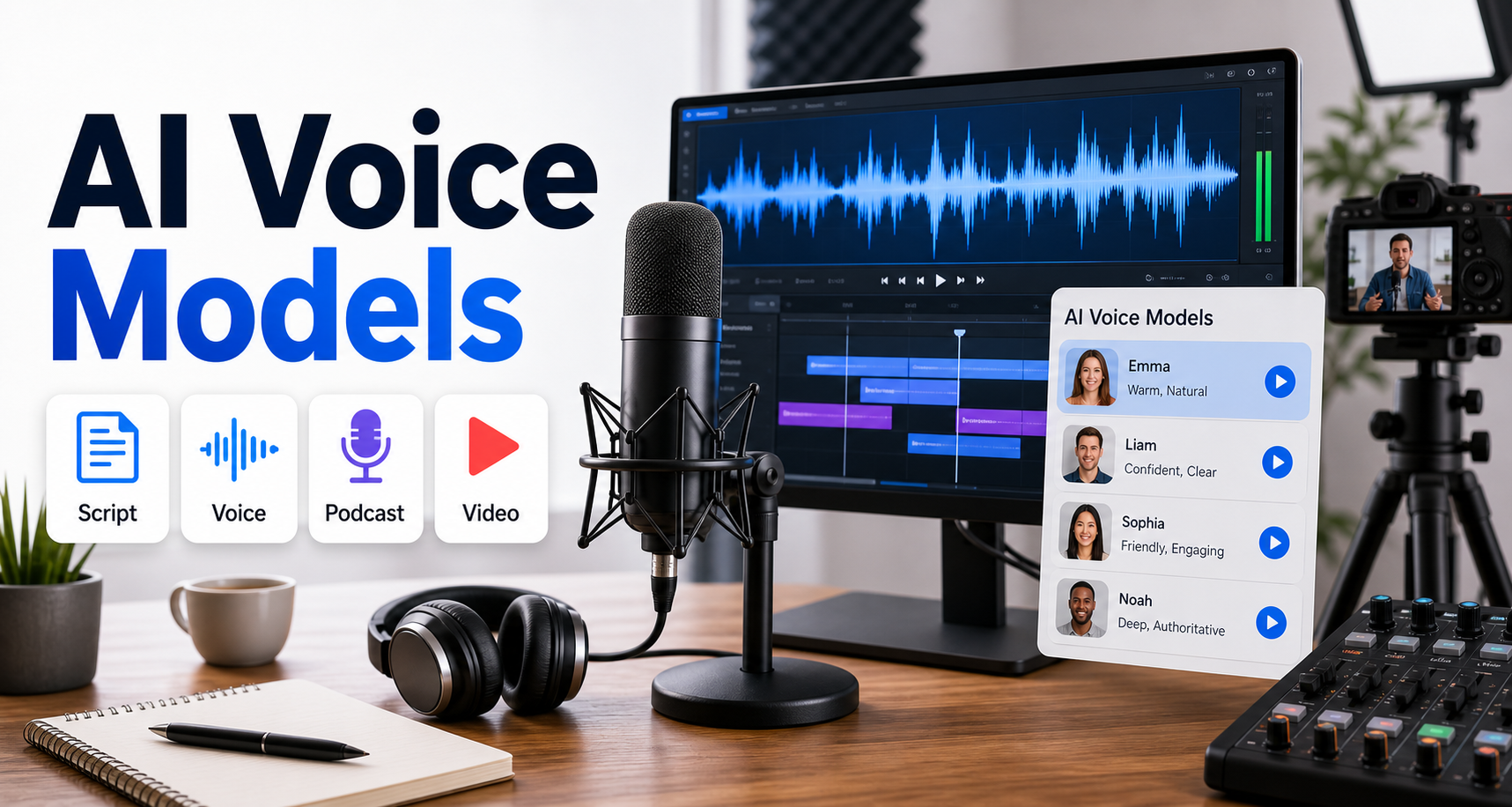
What is the best way to choose an AI voice model?
The best AI voice model is the one that matches your content format, language, rights requirements, latency, and budget. For video and podcasts, do not choose only by how realistic a demo sounds; test the model with your real script, your target language, your desired export format, and your editing workflow.
Updated June 20, 2026, this guide compares practical text-to-speech choices for creators, marketers, developers, and AI tool users. Official documentation now shows several important differences: OpenAI offers GPT-4o mini TTS with promptable speech style and built-in voices, Google Cloud prices multiple Text-to-Speech voice families by character, ElevenLabs prices TTS by character across Flash/Turbo and Multilingual models, and Microsoft Speech supports neural, custom, and personal voice workflows with pricing that depends on region and product tier.
Quick recommendation
| Use case | Best first test | Why |
|---|---|---|
| YouTube narration or short explainers | OpenAI GPT-4o mini TTS or Google Chirp 3 HD | Strong quality, API control, and practical language coverage. |
| Podcast intro, ads, or creator voiceovers | ElevenLabs Multilingual v2/v3 or OpenAI built-in voices | Good emotional delivery and controllable tone for spoken media. |
| High-volume app narration | Google WaveNet, Neural2, or Standard voices | Character-based pricing is easy to forecast at scale. |
| Real-time agent voice | OpenAI streaming speech or ElevenLabs Flash/Turbo | Low-latency paths matter more than maximum studio quality. |
| Branded custom voice | OpenAI custom voices, Microsoft Custom Neural Voice, or ElevenLabs voice workflows | Use only with explicit consent, contracts, and policy review. |
What text to speech means in 2026
Text to speech, or TTS, converts written text into spoken audio. Modern AI voice systems do more than read words. They can follow instructions about tone, pacing, emotion, accent, and sometimes speaker style.
For creators, the key question is not whether AI voices sound human. Many already do. The real question is whether the voice is reliable enough for your workflow: consistent across episodes, natural in your language, clear after compression, safe for commercial use, and affordable when you generate many revisions.
Current official model and pricing facts to know
Official details change often, so always recheck before launching a production workflow. As of this update, these are the practical facts that matter most.
| Provider | Official detail checked | Planning note |
|---|---|---|
| OpenAI | GPT-4o mini TTS is the current speech model, with text input and audio output pricing listed at $0.60 and $12.00 per 1M tokens respectively. | Good for promptable delivery, streaming, and developer workflows. |
| Google Cloud | Chirp 3 HD is priced at $30 per 1M characters after the listed free usage limit; Neural2 is $16 per 1M characters; WaveNet and Standard are $4 per 1M characters. | Clear character pricing helps with predictable narration budgets. |
| ElevenLabs | API pricing lists Flash/Turbo TTS at $0.05 per 1K characters and Multilingual v2/v3 at $0.10 per 1K characters. | Useful when expressive voice performance is a priority. |
| Microsoft Speech | Microsoft documents neural TTS plus custom voice options; pricing varies by selected region and voice category. | Best for teams already using Azure or needing enterprise controls. |
Do not compare these prices as if they use the same unit. OpenAI uses token-based pricing for GPT-4o mini TTS, while Google and ElevenLabs list character-based TTS pricing. Your real cost depends on language, script length, audio duration, retries, and how many takes you discard.
How to evaluate voice quality
A voice demo can sound excellent and still fail in production. Test each model with real content from your channel, course, product demo, or podcast.
Use a five-script test
- Intro: a warm 15-second opening with your brand tone.
- Instruction: a clear tutorial paragraph with numbers and product names.
- Emotion: a persuasive ad read or story moment.
- Multilingual: a Vietnamese, English, or mixed-language paragraph if you serve regional audiences.
- Long-form: a 3-5 minute segment to check fatigue, pacing, and consistency.
Listen with headphones and phone speakers. Then place the voice inside your actual video timeline or podcast mix. Some voices sound impressive alone but become harsh after music, compression, captions, and social platform encoding.
Language and accent support
If your audience includes both Vietnam and global markets, language handling is critical. Check whether the provider officially supports Vietnamese and whether the selected voice is optimized for your target language.
OpenAI says its TTS model generally follows Whisper language support and lists Vietnamese among supported languages, while noting voices are optimized for English. Google Cloud publishes supported voice and language lists for Cloud Text-to-Speech. ElevenLabs states that its models adapt across many languages, but you should still test pronunciation of names, acronyms, product terms, and local phrases.
Voice cloning and custom voices
Voice cloning can be powerful, but it is also the area where teams need the strictest rules. Only clone a voice when you have explicit consent, a documented commercial agreement, and a review process for where the voice will be used.
OpenAI’s current custom voice documentation says custom voices are limited to eligible customers and require consent and sample recordings. Microsoft and ElevenLabs also provide custom or personal voice workflows, but availability, terms, and pricing vary. If a provider does not officially confirm a right, feature, region, or license term, treat it as not officially confirmed.
Workflow for videos and podcasts
A reliable AI voice workflow looks more like editing than prompting. You should separate script cleanup, voice generation, audio review, and final mixing.
- Write a spoken script, not a blog paragraph. Use shorter sentences and clearer transitions.
- Mark pronunciation for names, acronyms, numbers, and product terms.
- Generate a short test clip before creating the full episode or video.
- Export in the right format: MP3 for general use, WAV or PCM when you need low-latency editing or maximum quality.
- Normalize loudness and remove clicks, awkward pauses, or repeated breaths.
- Keep a log of model, voice, prompt instructions, date, and source script.
Prompt template for voice direction
Voice goal: clear creator narration for a 90-second product explainer.
Audience: marketers and small business owners.
Delivery: confident, friendly, not theatrical.
Pacing: medium speed, natural pauses after each sentence.
Emotion: helpful and practical.
Pronunciation notes: say Aikolhub as eye-kol-hub.
Avoid: shouting, whispering, excessive excitement, fake radio voice.
For podcast ads, add the platform and placement: pre-roll, mid-roll, sponsor read, or social cutdown. For tutorials, add the target listener: beginner, developer, marketer, or customer support team.
Pros and cons of AI voice models
| Pros | Cons |
|---|---|
| Fast voiceover production for videos, lessons, ads, and podcasts. | Voices can still mispronounce names or sound uneven in long-form content. |
| Easy to create multiple tones, languages, and revisions. | Commercial rights and custom voice consent must be checked carefully. |
| API workflows help teams automate narration at scale. | Pricing units differ, making direct comparisons harder. |
| Good for creators who do not have recording equipment. | Human review is still needed for emotion, accuracy, and brand safety. |
Checklist before publishing AI voice content
- Confirm the model, voice, pricing, and usage rights on the official provider page.
- Disclose synthetic voice use where required by platform rules or provider policy.
- Test pronunciation in every language you publish.
- Keep proof of consent for cloned or custom voices.
- Export a clean master file before cutting short social clips.
- Store script, prompt, voice ID, model, date, and final audio filename.
Edit AI videos here
After generating an AI voiceover, you still need to cut the video, align captions, add music, and prepare short versions for social platforms. You can edit AI videos here: https://ai.alphatechnologies.vn. This is useful when your voiceover becomes a product demo, explainer, podcast clip, course lesson, or ad creative.
Conclusion
Choose an AI voice model by matching the job: OpenAI is strong for promptable API speech and streaming, Google Cloud is practical for clear character-based cost planning, ElevenLabs is compelling for expressive spoken media, and Microsoft Speech is worth evaluating when Azure integration and enterprise controls matter.
The safest workflow is simple: test five real scripts, compare cost units carefully, verify rights before commercial use, and keep human review in the loop. Explore more AI tools on Aikolhub to build a complete stack for voice, video, image, and content automation.
FAQ
What is the best AI voice model for YouTube videos?
The best first tests are OpenAI GPT-4o mini TTS, Google Chirp 3 HD, and ElevenLabs Multilingual models. Choose based on voice quality, language, cost, and editing workflow.
Can I use AI voices commercially?
Often yes, but only under the provider’s current terms and your plan’s license. Always check official commercial-use rules before publishing ads, courses, or paid content.
Is voice cloning safe to use?
Voice cloning is safe only with explicit consent, clear rights, and responsible disclosure. Do not clone employees, creators, customers, or public figures without permission.
How do I estimate text-to-speech cost?
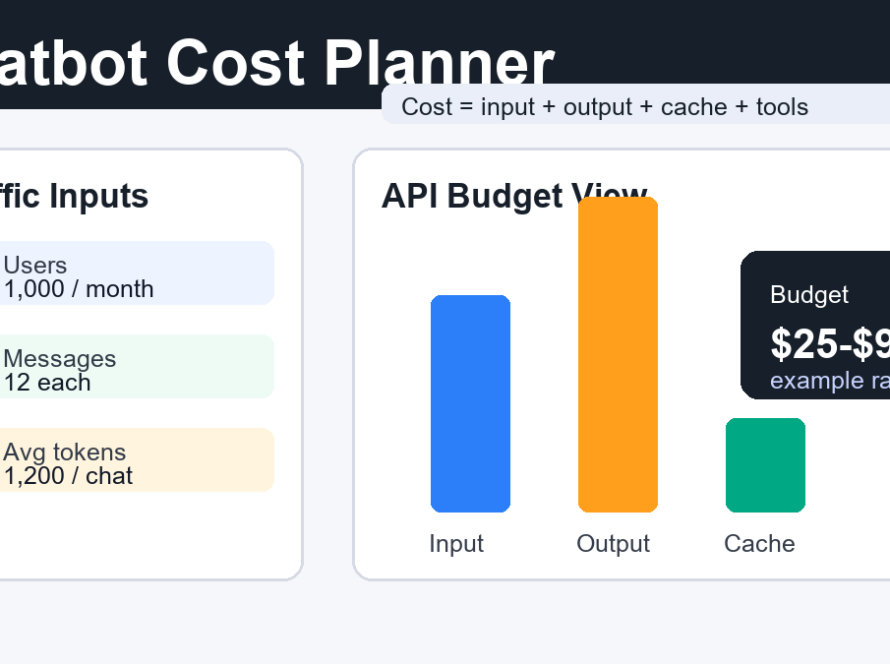
Count your script length, expected revisions, and final audio volume. Then convert using the provider’s official unit, such as characters, tokens, or minutes.
Do AI voices work well in Vietnamese?
Some providers support Vietnamese, but quality varies by voice and model. Always test Vietnamese pronunciation, tone marks, names, and mixed English-Vietnamese phrases before publishing.