Wan2.2 S2V can keep a speaking character recognizable when you treat the reference image, audio, prompt, and optional pose video as separate controls. The reliable workflow is to lock identity and wardrobe in one clean reference, use approved audio for timing and voice identity, render short previews, and check continuity before extending the clip. Updated July 18, 2026, this guide reflects the current official Wan2.2 repository, model card, inference commands, and Apache 2.0 license.
Wan2.2-S2V-14B is an open-source speech-to-video model, not a general continuity system for an entire film. It generates 480p or 720p video from an image plus audio and an optional text prompt; an optional pose video can guide body movement. That makes it useful for presenter shots, dialogue, singing, and character performances, but multi-shot scene continuity still requires production discipline.
Table of Contents
What Wan2.2 S2V Controls
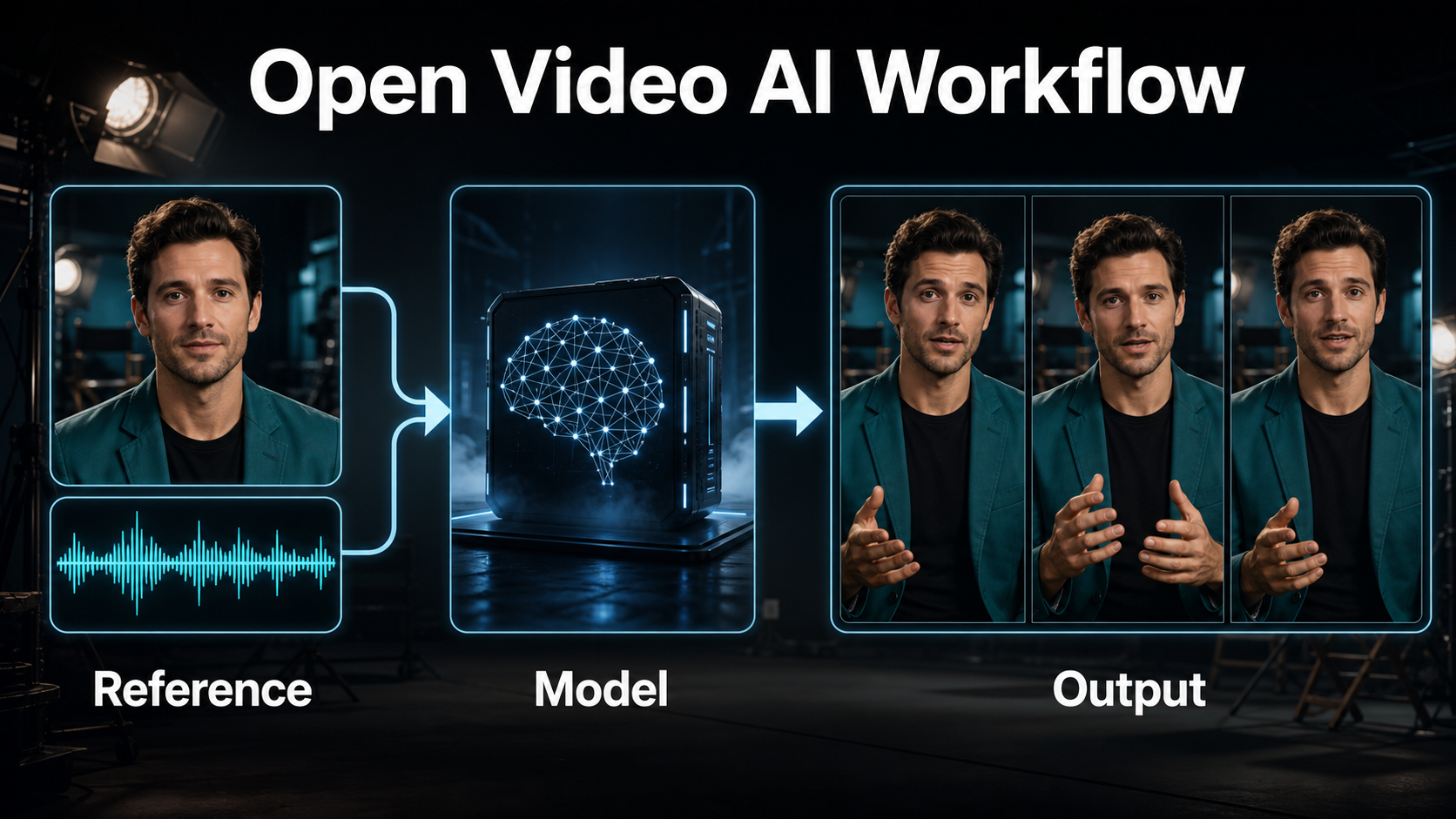
Wan2.2-S2V-14B converts a reference image and audio track into a synchronized character video. The prompt describes appearance, action, environment, camera, and lighting; the audio controls performance timing; and the optional pose video adds a motion trajectory.
Official Capabilities and Update
The official repository announced S2V-14B on August 26, 2025 and later added CosyVoice text-to-speech support on September 5, 2025. As checked July 18, 2026, the repository provides inference code and weights, lists 480p and 720p output, and documents automatic clip length based on audio when --num_clip is omitted. The code and weights are distributed under Apache License 2.0, so “open-source” is accurate for this release.
Seven Different Consistency Problems
Do not collapse every failure into “consistency.” Diagnose the layer that actually changed:
| Layer | What should remain stable | Primary control |
|---|---|---|
| Subject consistency | Face, body proportions, hair | Reference image |
| First-frame consistency | Opening composition and appearance | Reference crop |
| Scene continuity | Set, lighting direction, props | Scene bible and prompt |
| Voice identity | Speaker timbre and delivery | Approved source audio or TTS voice |
| Speech synthesis | Words and generated voice | CosyVoice when enabled |
| Lip sync | Mouth timing against phonemes | Clean audio and visible face |
| Audio-driven motion | Expression and gesture rhythm | Audio plus optional pose video |
Hardware, Installation, and First Run
S2V-14B is a large model. The official single-GPU example says at least 80 GB of VRAM, even with model offload and dtype conversion. Treat lower-memory community optimizations as separate implementations, not an official baseline.
Official Installation Baseline
- Clone the official Wan2.2 repository.
- Use Python 3.10-3.12 and PyTorch 2.4.0 or newer as documented.
- Install
requirements.txt; installrequirements_s2v.txtif you need CosyVoice speech synthesis. - Download Wan2.2-S2V-14B weights into a dedicated checkpoint directory.
- Keep reference images, approved audio, pose clips, prompts, seeds, and outputs in versioned shot folders.
First-Run Command
python generate.py --task s2v-14B --size 1024*704 \
  --ckpt_dir ./Wan2.2-S2V-14B/ \
  --offload_model True --convert_model_dtype \
  --image references/host_closeup.png \
  --audio audio/host_take_03.wav \
  --prompt "Medium close-up of the same host in a navy jacket, warm studio key light, calm delivery, locked camera."
The requested area follows the reference image aspect ratio. Start with a short audio excerpt or --num_clip preview before committing to the full recording.
Build the Reference and Prompt Context
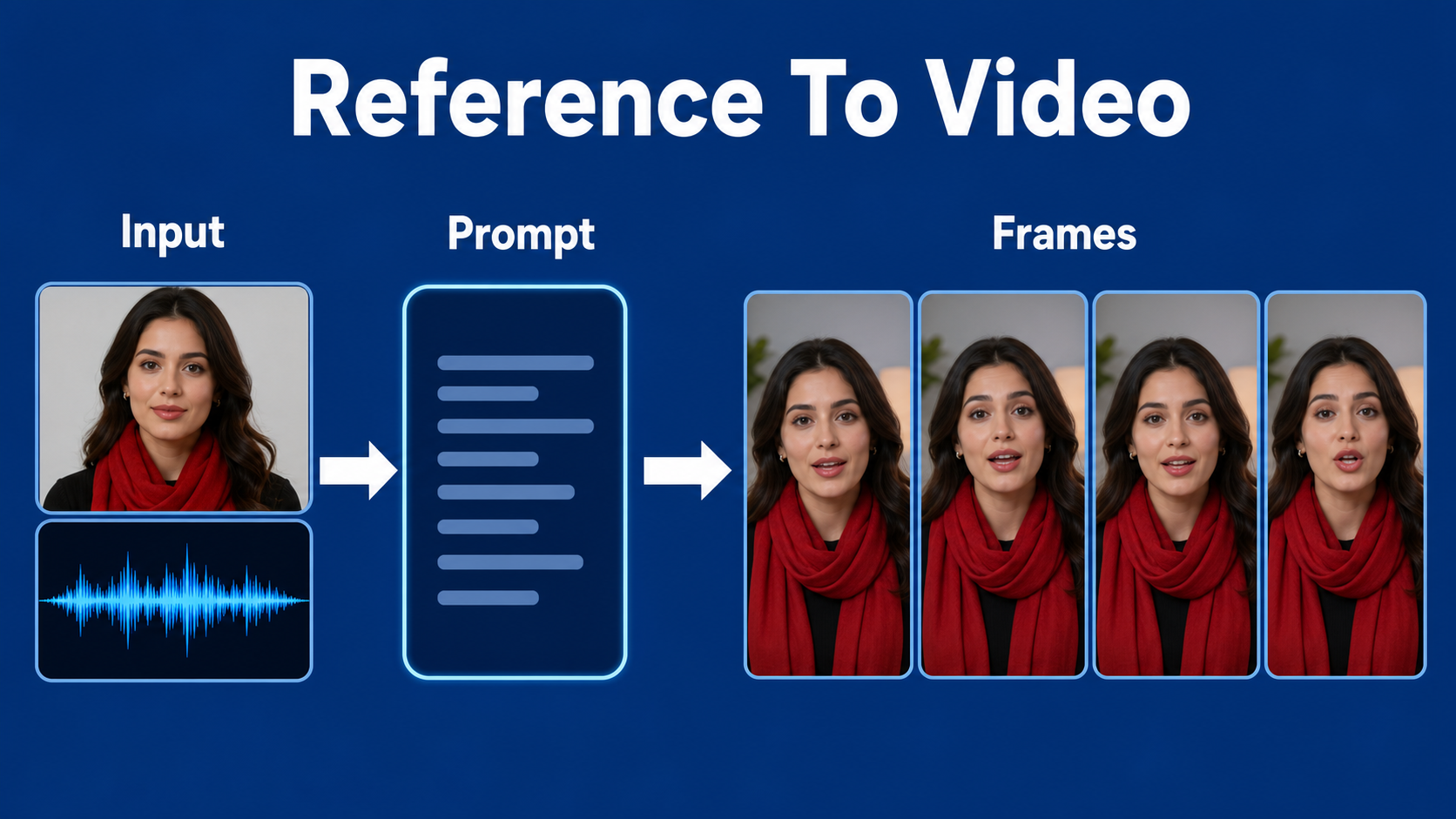
A strong input image carries more identity information than a long adjective list. Use one high-quality anchor per shot family and repeat factual descriptors without creative synonyms.
Reference Image Checklist
- Face is sharp, unobstructed, and large enough to inspect.
- Expression is neutral-to-engaged, with lips visible.
- Wardrobe colors, collar, jewelry, and props are final.
- Hands are either clearly framed or intentionally outside the crop.
- Background perspective and light direction match the intended shot.
- No text, logos, extra people, or reflective clutter competes with the subject.
Prompt Template
[shot size] of the same [character identity], wearing [fixed wardrobe and prop].
[performance action] in [fixed environment].
Camera: [angle], [movement], [focal length behavior].
Exposure look: [aperture look], [shutter motion], [frame rate].
Lighting: [key direction], [fill], [background practicals].
Preserve face, hair, wardrobe, prop, and background layout.
Example: “Medium close-up of the same female host, red scarf and black blouse, explaining one point with restrained hand gestures in a warm home studio. Eye-level locked camera, natural 50 mm perspective, shallow but safe focus, 180-degree shutter look, 24 fps, soft key from camera-left, amber practical behind. Preserve face, scarf knot, earrings, desk, and lamp position.”
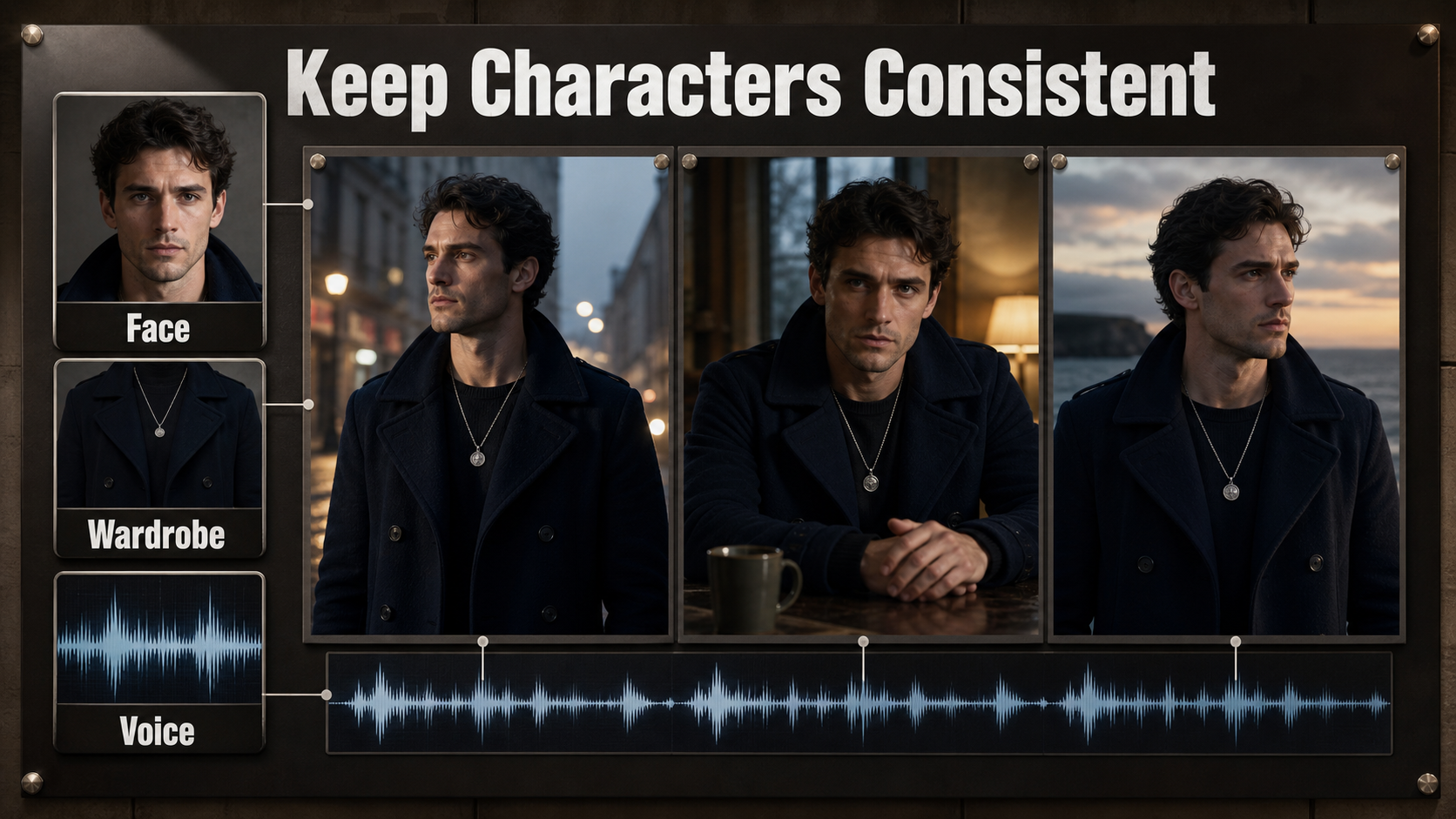
Character, Wardrobe, Prop, and Scene Continuity
S2V anchors a shot to an image, but it does not remember production decisions across independent generations. Your continuity package must supply that memory.
Create a Continuity Bible
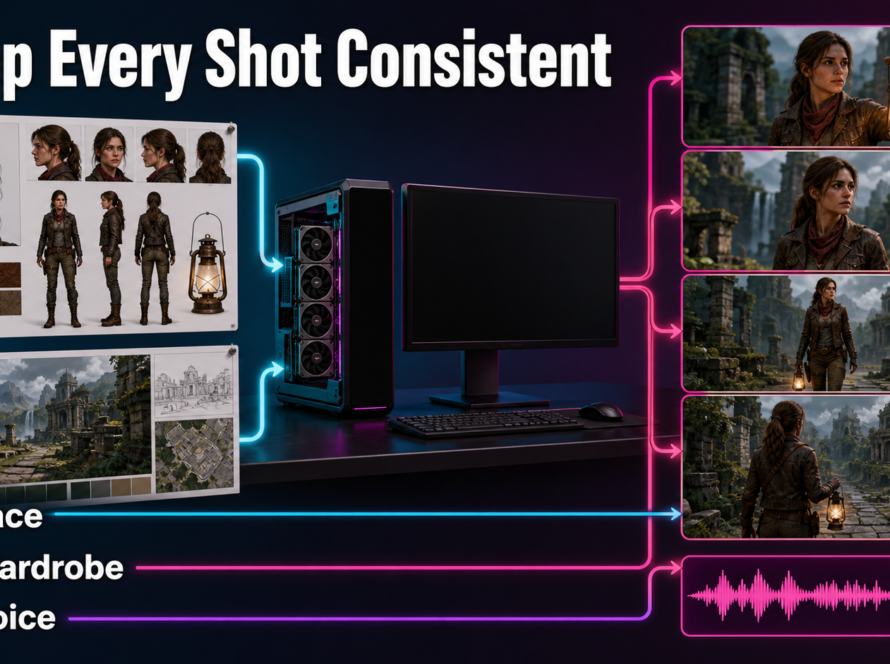
Record the approved face reference, hair shape, wardrobe layers, jewelry, prop hand, set layout, time of day, and light direction. Save a frame from every accepted shot. For a new angle, create a matching reference rather than asking the model to infer unseen costume or set details.
Generate one shot at a time. A single clip that changes rooms, clothes, or camera axes asks the model to solve identity, staging, and editing simultaneously. Cut between controlled clips in an editor instead.
Plan Camera and Lens Behavior
| Choice | Practical starting point | Why |
|---|---|---|
| Camera angle | Eye level, 5-15 degrees off-axis | Keeps facial geometry readable |
| Movement | Locked or slow push-in | Reduces background and identity drift |
| Focal length | 50-85 mm look for dialogue | Avoids wide-angle facial distortion |
| Aperture | Moderate depth, roughly f/2.8-f/4 look | Keeps eyes and mouth in focus |
| Shutter angle | 180-degree motion-blur look | Natural motion at the target frame rate |
| Frame rate | 24 fps cinematic delivery | Matches the intended edit cadence |
These are cinematography instructions, not physical camera metadata guarantees. Evaluate the rendered behavior, especially edge distortion, focus breathing, motion blur, and background warping.
Voice, Speech, Lip Sync, and Audio Motion
The input audio is both the timeline and the performance driver. It does not automatically prove ownership of a voice or guarantee perfect lip sync.
Use Audio as the Timing Master
Record or synthesize the final words first. Use clean mono speech, consistent loudness, minimal reverb, and no music during generation. Remove long silences and clicks. If you use CosyVoice, obtain consent for any cloned or imitated voice, preserve provenance, and label synthetic speech where appropriate.
Separate Audio Responsibilities
- Voice identity: comes from the chosen recording or authorized synthesis voice.
- Speech synthesis: creates the words and voice before or during the pipeline.
- Lip sync: is the visual alignment of mouth shapes to that audio.
- Audio-driven motion: includes head nods, expressions, gestures, and singing energy.
When mouth timing is weak, shorten the passage, use a clearer frontal face, reduce extreme emotion, and test speech without music. When body motion feels unrelated, add an approved pose video using --pose_video; this guides pose sequences but can introduce new conflicts with framing or wardrobe.
Practical Wan2.2 S2V Workflow
Render Short Tests First
- Lock the script and approved voice track.
- Create the character sheet and scene bible.
- Prepare one shot-specific reference image.
- Write a compact prompt with fixed identity, wardrobe, environment, camera, and lighting.
- Render a short low-cost preview using a short audio segment or limited clip count.
- Check face, mouth, hands, props, background, and camera motion frame by frame.
- Change only one variable, then rerun.
- Render the full 480p or 720p shot only after the preview passes.
- Edit separate shots, add music and effects, then normalize audio in post.
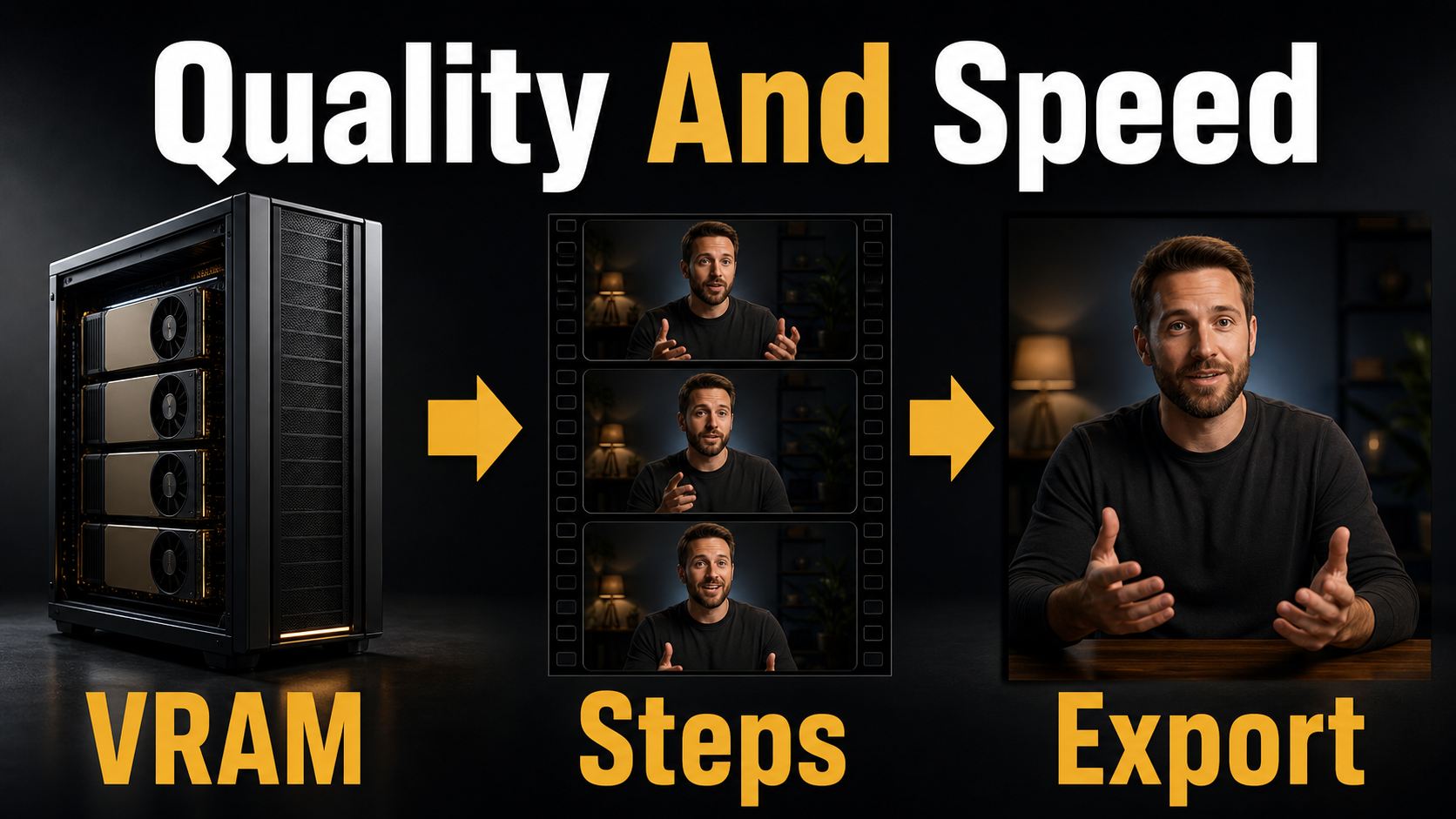
Quality-Control Checklist
- Identity matches the approved face at the beginning, middle, and end.
- Wardrobe color, collar, jewelry, and props do not mutate.
- Mouth closures and vowel shapes follow the dialogue.
- Voice source is approved and documented.
- Pose motion supports rather than contradicts speech.
- Camera direction, focal-length look, blur, and lighting remain stable.
- Background geometry does not bend during gestures.
- The final edit preserves intentional continuity between shots.
Limitations and Troubleshooting
Wan2.2-S2V is compute-heavy and shot-based. It cannot guarantee a perfectly stable person, set, voice, or lip performance across arbitrary long scenes. Hands, teeth, jewelry, fast gestures, profile faces, occlusions, and moving backgrounds remain difficult.
Common Failures and Fixes
| Failure | Likely cause | Fix |
|---|---|---|
| Face drifts | Small face or long clip | Tighter reference, shorter shot, simpler motion |
| Lips lag audio | Noisy speech or difficult profile | Clean audio, frontal view, shorter phrases |
| Wardrobe changes | Hidden details or vague prompt | Show full garment and repeat exact descriptors |
| Props switch hands | Ambiguous staging | Fix hand and prop placement in reference |
| Background warps | Large camera move | Use locked camera or slow push-in |
| Out of memory | 14B model footprint | Use official offload flags or suitable multi-GPU hardware |
Edit AI videos here
After generation, assemble approved shots, trim lip-sync errors, add captions, music, transitions, color, and delivery formats at https://ai.alphatechnologies.vn. Editing is where separate S2V clips become a coherent story.
Final Recommendation
Use Wan2.2 S2V as an audio-driven shot generator: one approved reference, one final audio segment, one precise camera plan, and one continuity check at a time. Keep speech synthesis, voice identity, lip sync, subject identity, and scene continuity as separate QA tracks. Explore more practical AI video workflows on Aikolhub, then test the shortest version of your shot before spending time on a full render.
Frequently Asked Questions
Is Wan2.2 S2V open source?
Yes. The official Wan2.2 repository and model card identify Apache License 2.0 for the released code and weights. Always recheck the files you download and any third-party components.
Does S2V clone a voice?
S2V animates video from audio. The optional CosyVoice integration can synthesize speech, but voice identity comes from the recording or synthesis system, not from the portrait alone.
Does a reference image guarantee identity?
No. It strongly anchors appearance, but longer clips, occlusion, extreme motion, and profile views can still cause drift.
Can it follow body motion?
Yes. The official pipeline accepts an optional pose video for pose-plus-audio-driven generation. Test it carefully because pose, framing, and reference appearance can conflict.
What resolution does it support?
The official repository lists 480p and 720p. The size parameter represents output area while the reference image determines aspect ratio.
Official sources: Wan2.2 repository and release notes; Wan2.2-S2V-14B model card; Apache 2.0 license; installation guide.