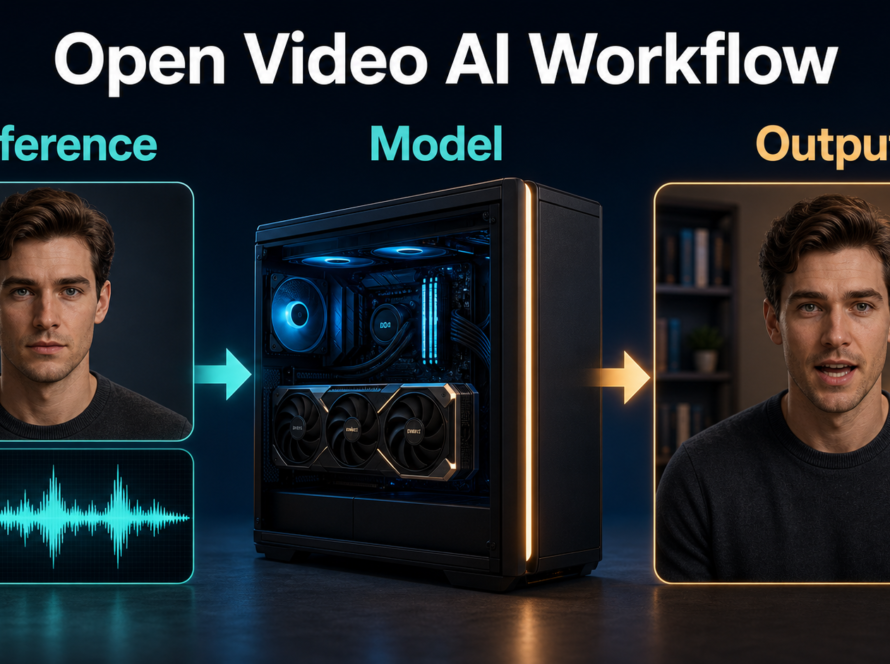
The best SkyReels-A2 character consistency workflow is to treat the model as a reference-composition engine, not a complete talking-character studio. Supply clean, role-specific images for the character, wardrobe or prop, and environment; render short shots; then manage speech, voice identity, lip sync, and audio-driven motion in separate documented stages. Updated July 24, 2026, this guide reflects the official repository, model card, technical report, checkpoint status, and license.
SkyReels-A2 is an Apache-2.0 open-source framework and open-weight preview model built on Wan2.1-14B for “elements-to-video” generation. The released preview targets about 81 frames at 480 × 832. The repository still lists the full, Pro, and Infinity checkpoints as “to be released,” so this article does not claim capabilities from those unreleased variants.
Table of Contents
What SkyReels-A2 Actually Does
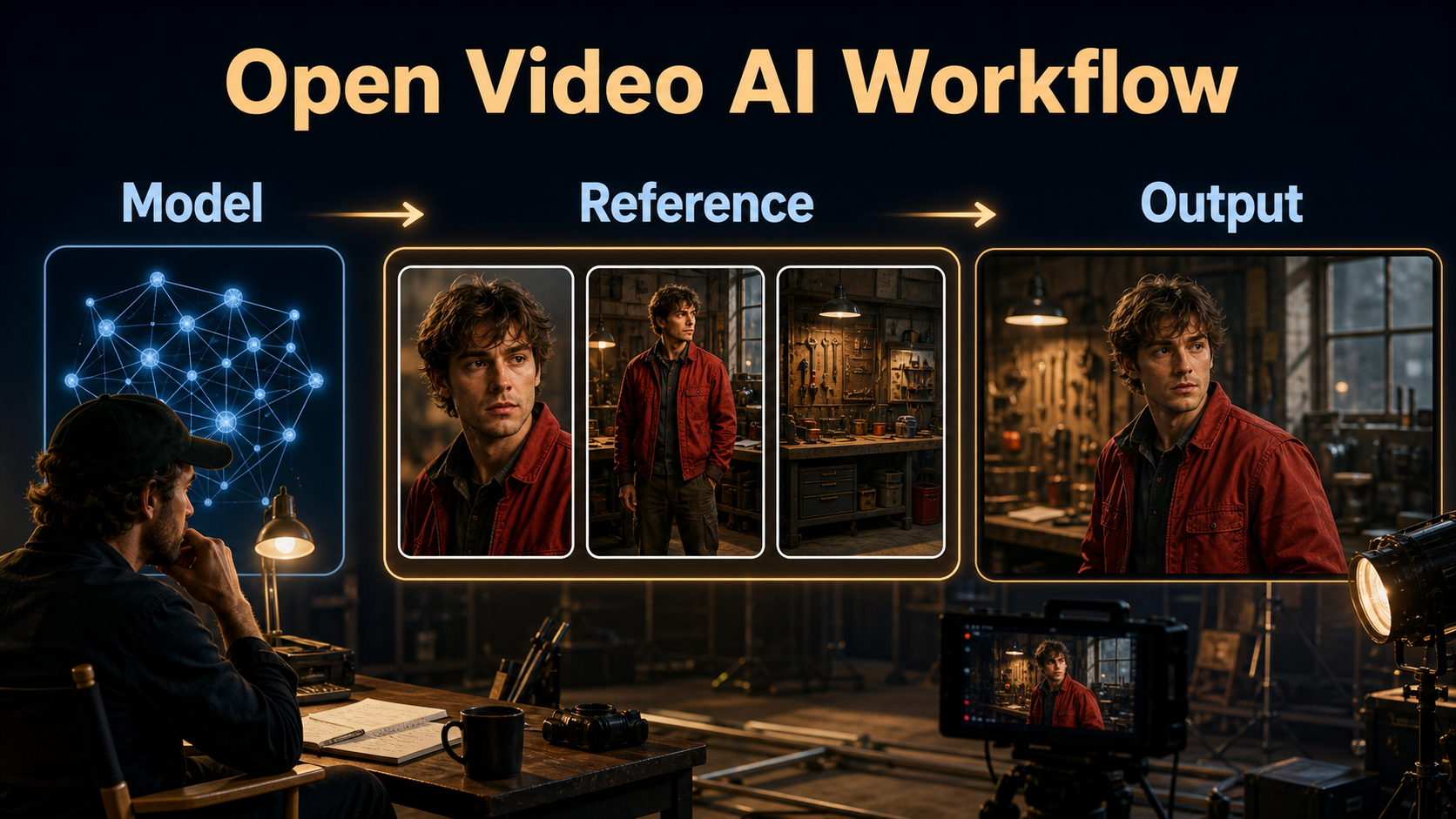
SkyReels-A2 composes visual elements from reference images into a prompted video. Its paper describes two reference branches: spatial features encode composition-level detail, while semantic features represent the meaning of each element. Those signals enter the video diffusion transformer through channel concatenation and additional cross-attention.
Verified Status on July 24, 2026
The official repository’s latest pushed code remains dated June 3, 2025, while its public metadata was updated July 16, 2026. The released checkpoint is A2-Wan2.1-14B-Preview. The repository provides inference, multi-GPU inference, and a Gradio app; it announced ComfyUI support on April 7, 2025. The Hugging Face model card labels the weights Apache-2.0 and reports a roughly 57.4 GB repository snapshot.
That storage size is not the same as peak VRAM. The official instructions say multi-GPU inference is supported and that setting offload_switch to true in the multi-GPU script can run on an RTX 4090. They do not state a universal minimum VRAM figure, so test on your exact software stack rather than repeating an invented requirement.
Seven Different Consistency Problems
| Problem | What must stay stable | Main control |
|---|---|---|
| Subject consistency | Face, hair, body proportions | Character references and short shots |
| First-frame consistency | Opening composition | Starting image or approved opening frame |
| Wardrobe and prop continuity | Color, shape, placement, hand | Separate visible element references |
| Scene continuity | Layout, time, weather, light direction | Environment reference and scene bible |
| Voice identity | Timbre, accent, delivery | Authorized voice asset outside A2 |
| Speech synthesis | Words and performance | Separate TTS or recorded dialogue |
| Lip sync/audio motion | Mouth timing or body response | Dedicated audio-conditioned stage |
Hardware and Installation
Start from the official repository and Python 3.10 environment. Clone it, install requirements.txt, download Skywork/SkyReels-A2infer.py. Use infer_MGPU.py only after a basic installation test.
Choose a Realistic Compute Path
- Workstation test: follow the documented RTX 4090 offload path and close competing GPU applications.
- Multi-GPU server: use the official TorchRun command and measure memory per worker.
- Node workflow: use the linked ComfyUI implementation, but confirm its checkpoint and node versions.
- Storage: budget well beyond the checkpoint snapshot for caches, inputs, previews, and exports.
Pin package versions after a successful render. Save the repository commit, checkpoint revision, prompt, seed, reference order, resolution, frames, steps, and output file with every approved shot.
Build the Reference and Prompt Context
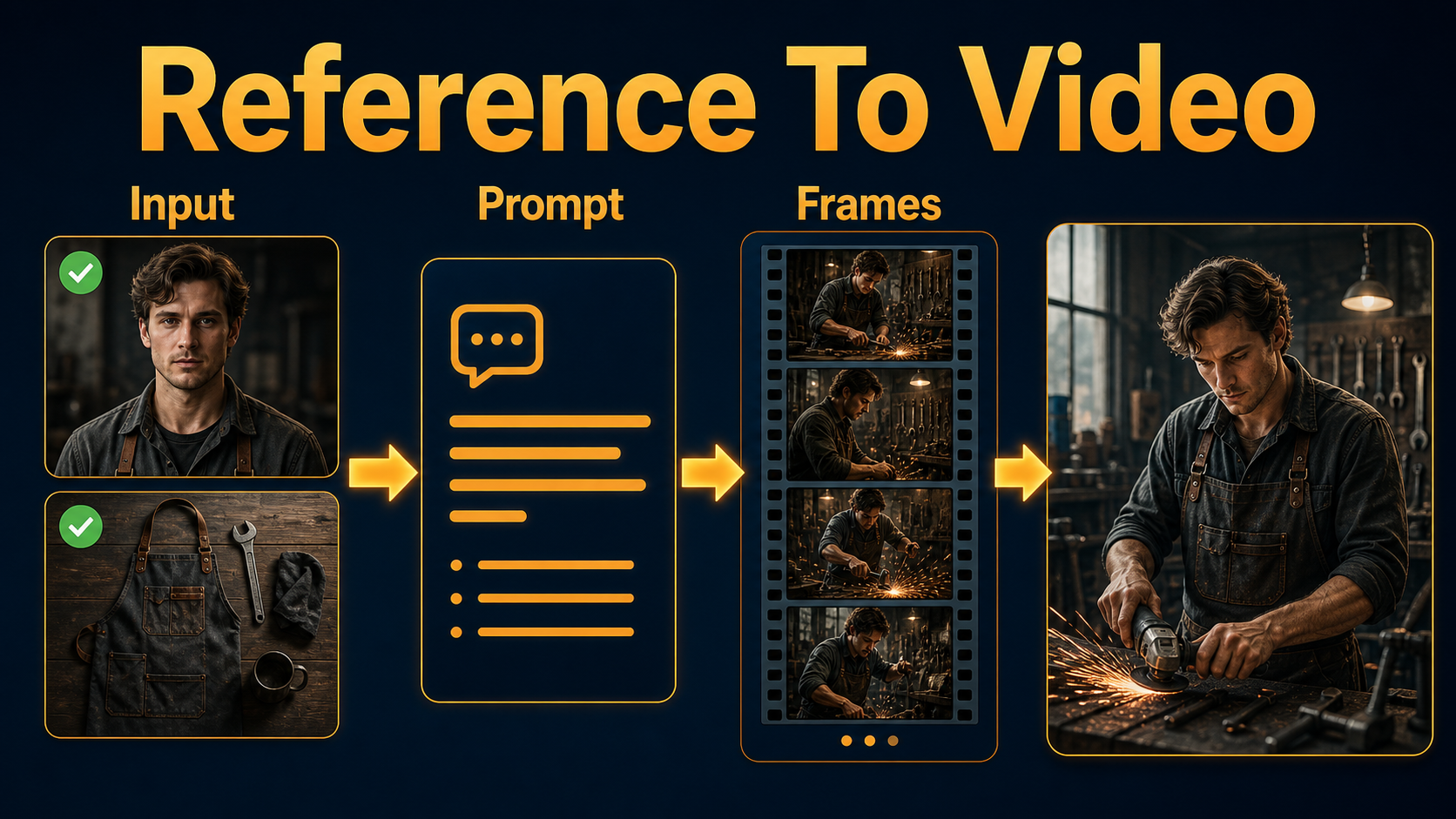
Reference quality matters more than reference quantity. Each image should have one unambiguous role, clean edges, useful scale, and lighting compatible with the intended scene.
Create an Elements Pack
- Prepare a neutral character portrait plus a three-quarter view with the same hair and accessories.
- Make wardrobe and hero props fully visible; avoid hidden handles, cropped hems, and unreadable labels.
- Use an empty environment plate showing architecture, practical lights, and the desired time of day.
- Add a continuity card naming fixed colors, prop hand, screen direction, and light direction.
- For a new camera side, create a compatible new reference instead of asking one image to reveal unseen geometry.
Use a Shot-Specific Prompt Template
[shot size] of the same [character reference], wearing [wardrobe reference],
using [prop reference] in [environment reference].
Action: [one simple action].
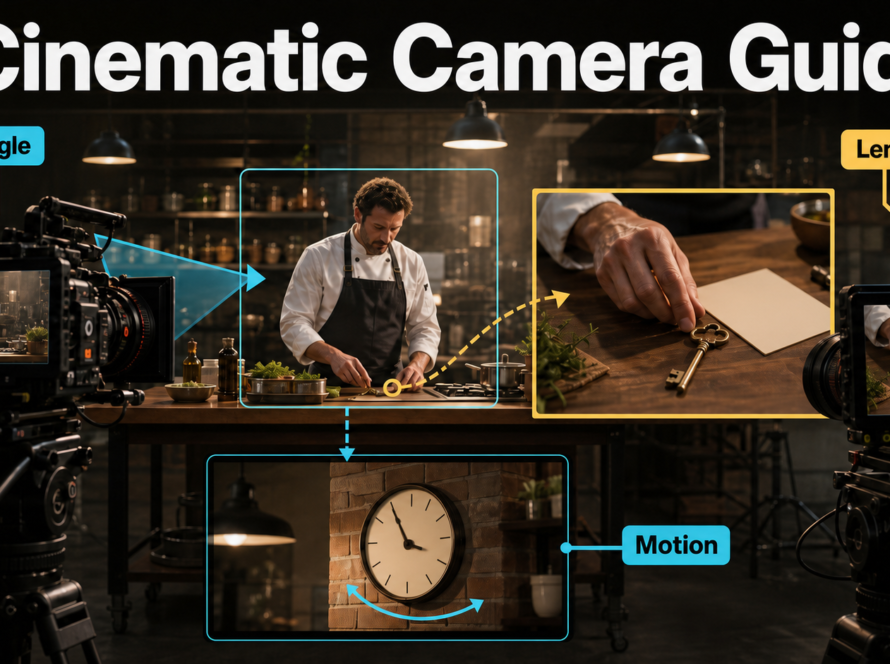
Camera: [height], [angle], [one movement], [focal-length look].
Exposure: [aperture look], [shutter-angle look], [frame rate].
Lighting: [key direction], [fill], [practical or rim].
Preserve [face], [wardrobe detail], [prop hand], [set geometry], [light direction].
Example: “Medium shot of the same mechanic in the red work jacket, tightening the silver clamp in the workshop. Eye-level camera, slow 10 cm push, natural 50 mm perspective, f/4 depth-of-field look, 180-degree shutter motion at 24 fps, soft window key from camera-left and warm practical behind. Preserve face, jacket pockets, clamp in right hand, bench layout, and light direction.”
Lens, aperture, shutter angle, and frame rate language describes the desired visual behavior unless the implementation exposes true camera parameters. Inspect perspective, depth of field, motion blur, rolling-shutter-like skew, focus breathing, and edge distortion rather than trusting prompt words.
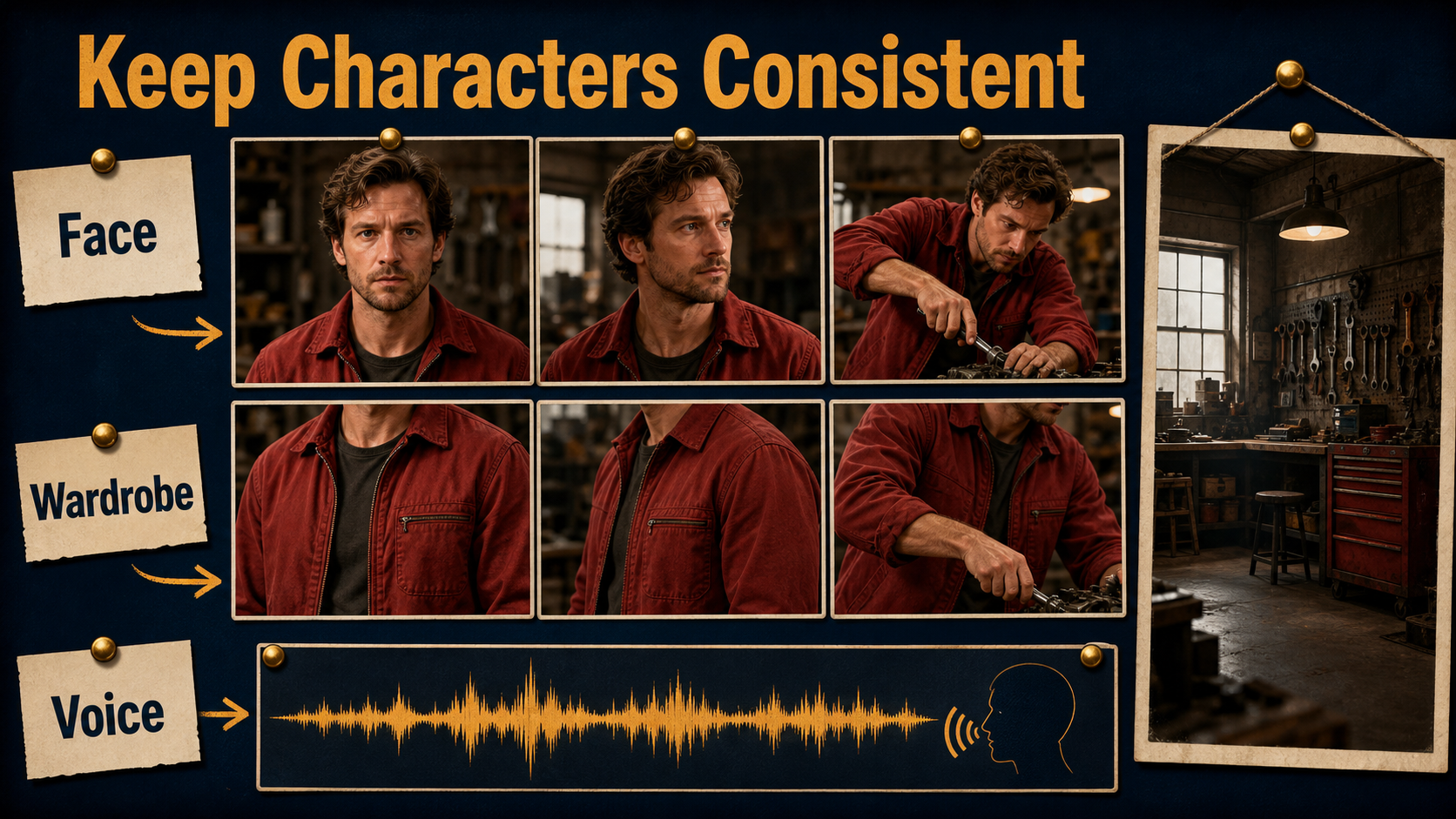
Character, Wardrobe, Prop, and Scene Continuity
Build continuity across a sequence by generating one short editorial unit at a time. Approve the master shot first, then derive close coverage from matching references and keep the character’s screen direction stable.
Design Shots the Model Can Hold
- Prefer one character action and one camera move per clip.
- Keep important face, hands, and prop details visible at the start.
- Avoid simultaneous costume changes, fast spins, heavy occlusion, and mirror reflections.
- Use cutaways for difficult hand transitions instead of stretching one generation.
- Carry an approved last frame into planning for the next shot, while reviewing scene continuity separately.
Control Camera, Lens, and Exposure Language
| Shot goal | Starting camera language | Continuity risk |
|---|---|---|
| Dialogue portrait | Eye level, 70–85 mm look, locked, f/4 look | Face drift during large turns |
| Workshop action | 35–50 mm look, gentle lateral move, 180° shutter look | Hands and tools mutate |
| Environment reveal | 24–35 mm look, slow dolly, deeper focus | Background geometry bends |
| Product insert | 70–100 mm look, tripod, controlled highlight | Text and small geometry fail |
Voice, Speech, Lip Sync, and Audio Motion
The released SkyReels-A2 workflow is visual reference composition. Its official inference path does not document voice cloning, text-to-speech, lip synchronization, or audio-driven body motion. Do not describe a stable face as proof of any audio capability.
Use a Separate Audio Pipeline
- Record or synthesize authorized speech and preserve consent and provenance.
- Lock the chosen speaker identity and pronunciation before video timing.
- Generate a frontal or three-quarter visual shot with a clear, well-lit mouth.
- Apply a documented lip-sync or audio-conditioned model as a separate pass.
- Review phoneme timing, teeth, jaw motion, blinks, head motion, and identity independently.
- Mix room tone, effects, and music after dialogue timing is approved.
Voice identity asks “does it sound like the approved speaker?” Speech synthesis asks “were the intended words performed?” Lip sync asks “does the mouth match phoneme timing?” Audio-driven motion asks “does the face or body respond naturally to sound?” They need separate acceptance tests.
Practical SkyReels-A2 Workflow
Use a preview-first loop so expensive generations are spent only on shots with validated references and motion.
Preview-to-Master Checklist
- Write a shot card with story purpose, duration, subject, action, camera, and continuity locks.
- Approve character, wardrobe, prop, and environment references at delivery aspect ratio.
- Run a short motion test using one action and a locked or gentle camera.
- Check face, costume, prop, scene, motion, lens behavior, and lighting frame by frame.
- Change one variable and rerun; retain seeds and settings for comparisons.
- Add approved speech and dedicated lip sync only after the visual shot is stable.
- Edit clips, trim unstable edges, normalize audio, caption, and export a mezzanine master.
Limitations and Troubleshooting
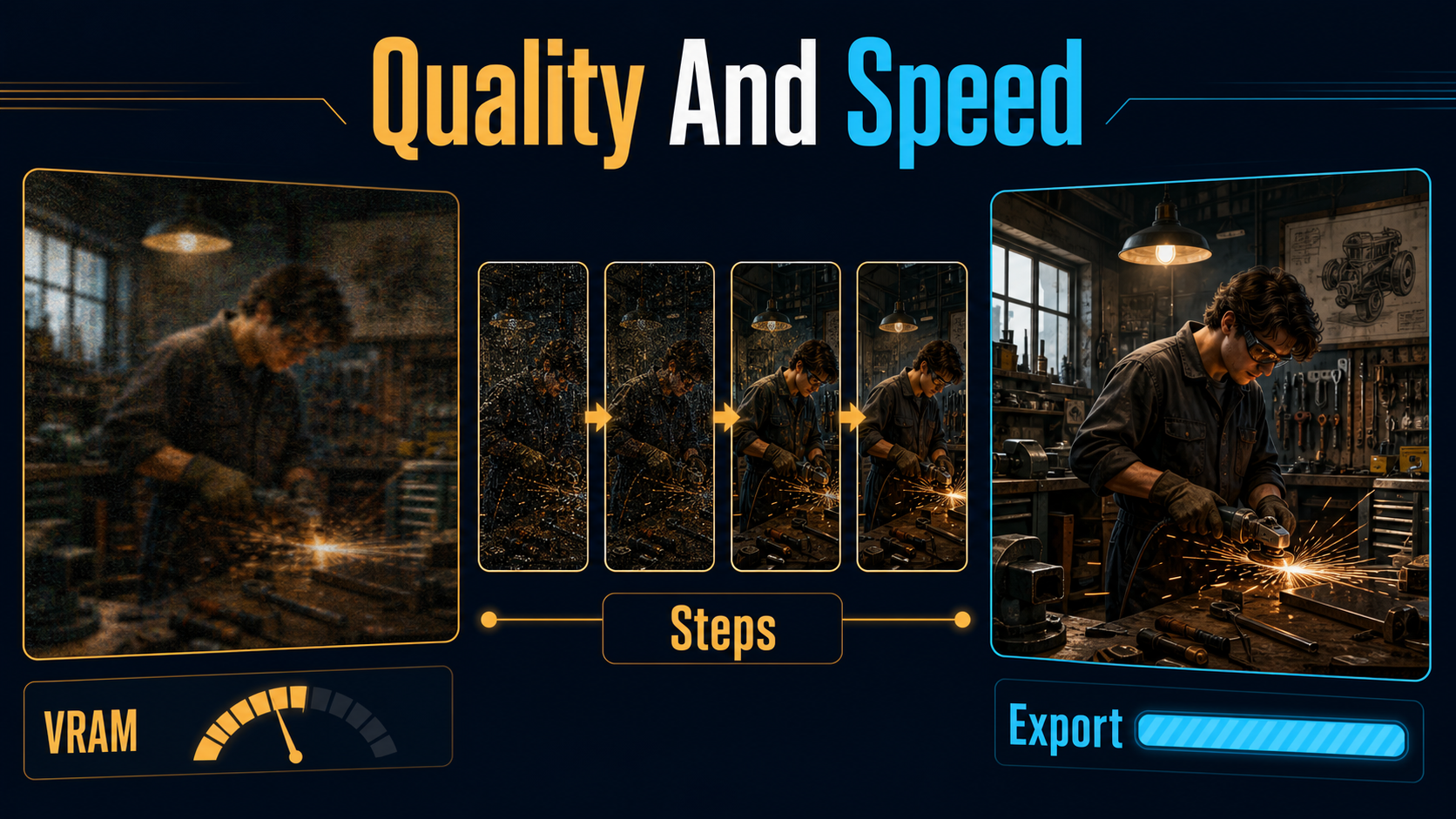
SkyReels-A2’s preview release is valuable for multi-element composition, but it does not remove the usual diffusion risks: identity drift, fine-detail mutation, unstable text, inconsistent hands, background warping, and temporal flicker.
Common Failures and Fixes
| Failure | Likely cause | Practical fix |
|---|---|---|
| Face changes | Long shot, occlusion, or extreme turn | Shorten clip; add a matching angle reference |
| Wardrobe merges with prop | Overlapping or ambiguous references | Separate elements; show clean silhouettes |
| Workshop layout bends | Large camera trajectory from sparse geometry | Reduce movement; add an angle-specific plate |
| Hands mutate | Fine interaction and fast motion | Slow action; show hands and tool at start |
| Voice sounds different | Changed TTS speaker or recording chain | Lock the authorized voice asset and settings |
| Lips lag | Noisy audio or wrong frame timing | Clean speech; confirm FPS; use dedicated sync |
| Out of memory | Large model and insufficient offload | Use official offload or multi-GPU path; close GPU apps |
Edit AI videos here
Assemble approved shots, trim unstable entrances and exits, align dialogue, add captions, normalize sound, and create social and widescreen versions at https://ai.alphatechnologies.vn. Editing is where separate visual and audio passes become a coherent scene.
Final Recommendation
Use SkyReels-A2 for what the released preview demonstrates: reference-guided composition of characters, objects, and environments. Keep shots short, references role-specific, and camera instructions restrained. Treat voice identity, speech synthesis, lip sync, and audio-driven motion as separate production systems. Explore more verified AI video guides on Aikolhub, and master only the previews that pass a frame-by-frame continuity review.
Frequently Asked Questions
Is SkyReels-A2 open source?
Yes. The official model card identifies Apache-2.0 for the released Preview weights, and the repository provides inference code. Check each dependency and downstream asset license separately.
Does SkyReels-A2 clone a voice?
No native voice-cloning feature is documented in the released A2 inference workflow. Use an authorized external recording or speech system and manage consent and provenance.
Does a reference guarantee character consistency?
No. References improve control, but occlusion, long motion, extreme angles, and complex interactions can still cause drift.
How many reference elements should I use?
Use the fewest images that clearly define the necessary character, wardrobe or prop, and environment. Extra ambiguous references can create conflicts rather than improve fidelity.
What hardware does SkyReels-A2 need?
The official repo documents multi-GPU inference and an RTX 4090 offload path but no universal minimum VRAM. Measure the released 14B Preview checkpoint on your exact environment.
Official sources: SkyReels-A2 repository; SkyReels-A2 model card and weights; SkyReels-A2 technical report; Wan2.1 repository.