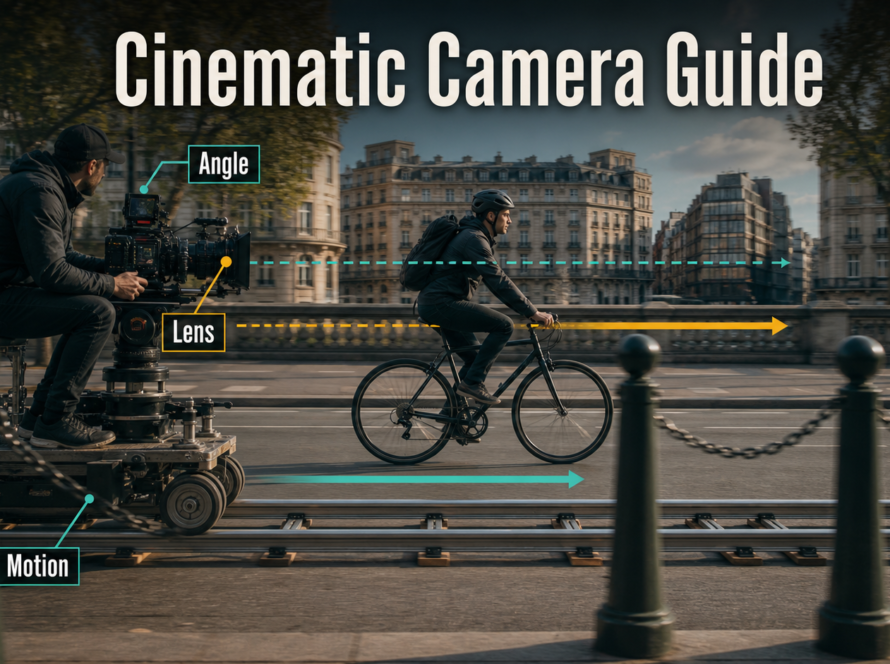
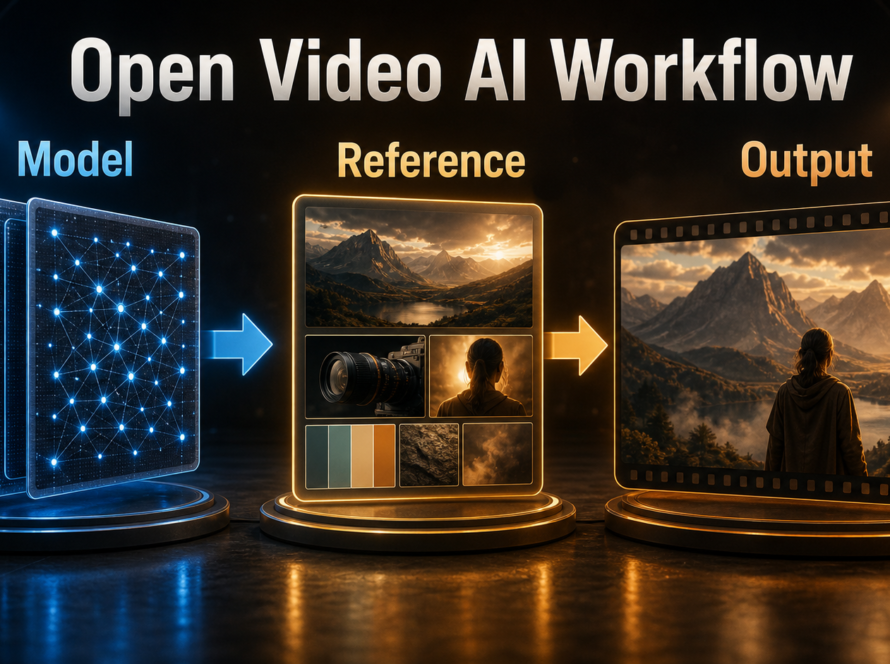
Use CamI2V when you want the clearest reproducible research baseline and published low-resolution speed and memory evidence; use RealCam-I2V when you need interactive, metric-scale, or more complex camera paths and can support a heavier workflow. In either case, begin with a short camera preview, lock the reference and seed, render one controlled path, and upscale or edit only after geometry survives the full clip.
This comparison was verified on July 30, 2026 against the current official repositories, model pages, technical reports, and licenses. The CamI2V repository contains DynamiCrafter-based CamI2V and RealCam-I2V checkpoints. The newer RealCam-I2V repository contains a CogVideoX 1.5 exploration and training path. They are related but not interchangeable installations.
Table of Contents
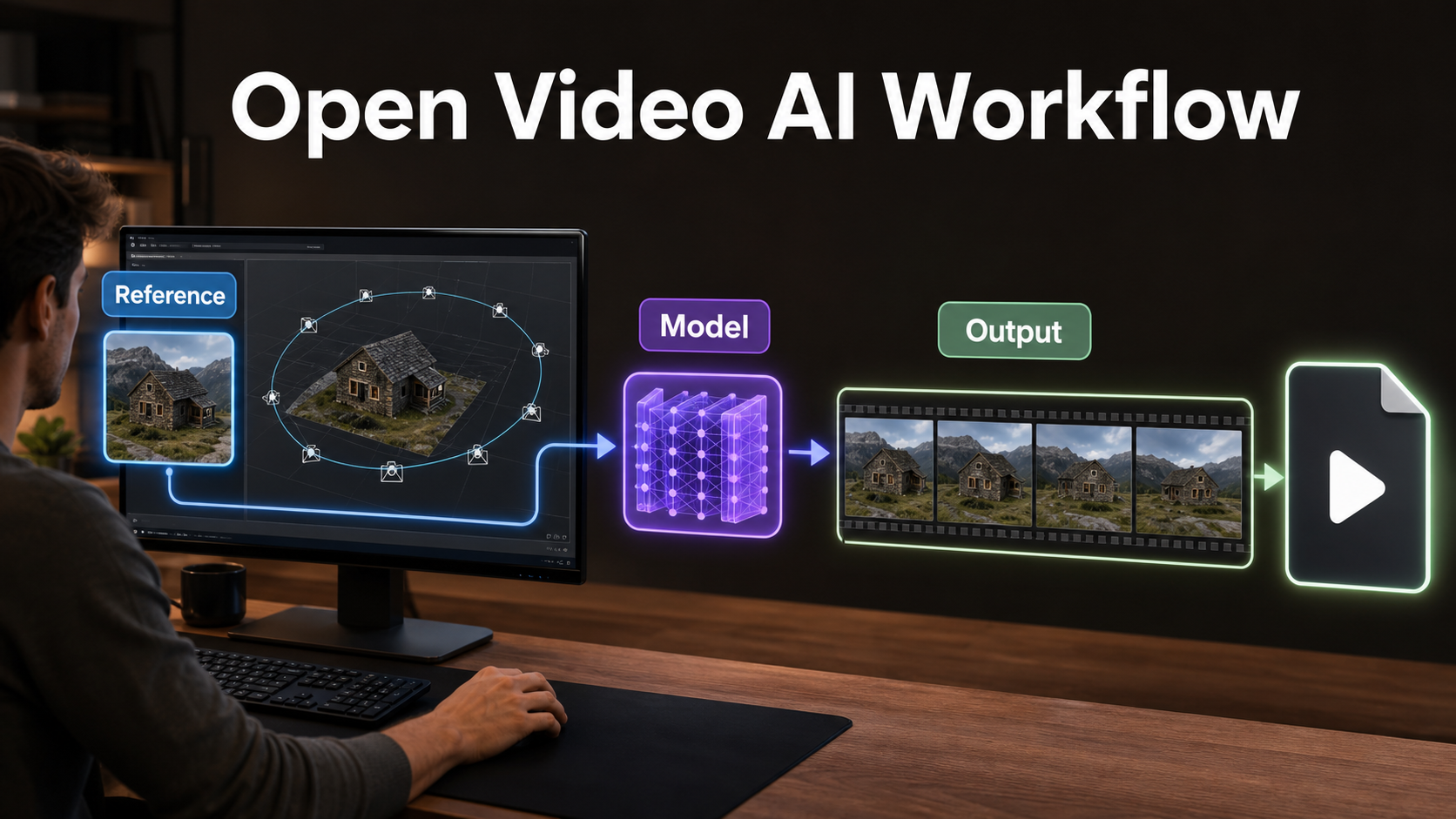
What changed and which version to use
CamI2V introduced camera-conditioned image-to-video generation with epipolar attention designed to improve cross-frame geometry and controllability. Its official repository later added a DynamiCrafter-based RealCam-I2V implementation, metric-depth support, 512×320 checkpoints, a Gradio interface, and evaluation tools for rotation error, translation error, camera motion consistency, and video quality.
RealCam-I2V extends the idea toward real-world, interactive complex camera control. The paper describes drawing camera trajectories in a reconstructed 3D scene and using scene-constrained noise shaping to improve control and scene coherence. The separate RealCam-I2V repository offers a CogVideoX 1.5-based path for exploration, while directing exact paper reproduction and evaluation back to the DynamiCrafter implementation in CamI2V.
CamI2V versus RealCam-I2V options
| Option | Best for | Official evidence | Main caution |
|---|---|---|---|
| CamI2V 256×256 | Fast research tests and benchmark comparison | Published memory, time, and quality table | Very small output for modern delivery |
| CamI2V 512×320 | Higher-resolution DynamiCrafter exploration | 50k and 100k checkpoints listed | No matching end-to-end VRAM table |
| RealCam-I2V on DynamiCrafter | Paper reproduction and official evaluation | 256×256 and 512×320 checkpoints | Still a research-scale output |
| RealCam-I2V on CogVideoX 1.5 | Larger frames and interactive trajectory experiments | Inference/training code and checkpoint path | Heavier dependencies and no official full-stack VRAM figure |
Hardware, installation, weights, and licenses
Do not combine requirements from the two repositories. Create separate environments so PyTorch, CUDA, FFmpeg, and model dependencies remain reproducible. Both stacks also need several supporting models beyond the camera-control checkpoint, so disk and system RAM planning matter as much as the headline GPU number.
CamI2V installation
The official quick start specifies Python 3.10, PyTorch 2.4.1, torchvision 0.19.1, CUDA 12.1, xFormers, and the repository requirements. Place CamI2V or DynamiCrafter-based RealCam checkpoints under ckpts, configure their paths in configs/models.json, add the matching DynamiCrafter base model, and install metric Depth Anything V2. Qwen2-VL is optional for automatic image captioning in the Gradio apps.
conda create -n cami2v python=3.10
conda activate cami2v
conda install -y pytorch==2.4.1 torchvision==0.19.1 pytorch-cuda=12.1 -c pytorch -c nvidia
conda install -y xformers -c xformers
pip install -r requirements.txt
python cami2v_gradio_app.py
RealCam-I2V CogVideoX installation
The newer repository specifies Python 3.12, FFmpeg 7, and its requirements with the CUDA 12.6 PyTorch package index. Download CogVideoX1.5-5B-I2V, Metric3D, Qwen2.5-VL, and the RealCam-I2V control checkpoint into the paths referenced by the current code. The checked repository tree places the app under finetune/gradio_app.py; run from that directory so relative paths such as pretrained, checkpoints, and demo resolve correctly.
conda create -n realcami2v python=3.12
conda activate realcami2v
conda install ffmpeg=7 -c conda-forge
pip install -r requirements.txt --extra-index-url https://download.pytorch.org/whl/cu126
cd finetune
python gradio_app.py
License check before production
The CamI2V code repository and its Hugging Face checkpoint page identify an MIT license. The newer RealCam-I2V GitHub repository did not expose a repository license file during verification, although its Hugging Face weight page is labeled MIT and has an empty model card. Its base CogVideoX1.5-5B-I2V model uses a separate CogVideoX license. Review the exact code, control weight, base model, caption model, depth model, dataset, and input-image terms before commercial deployment; one permissive label does not override every dependency.
Reference image and prompt context
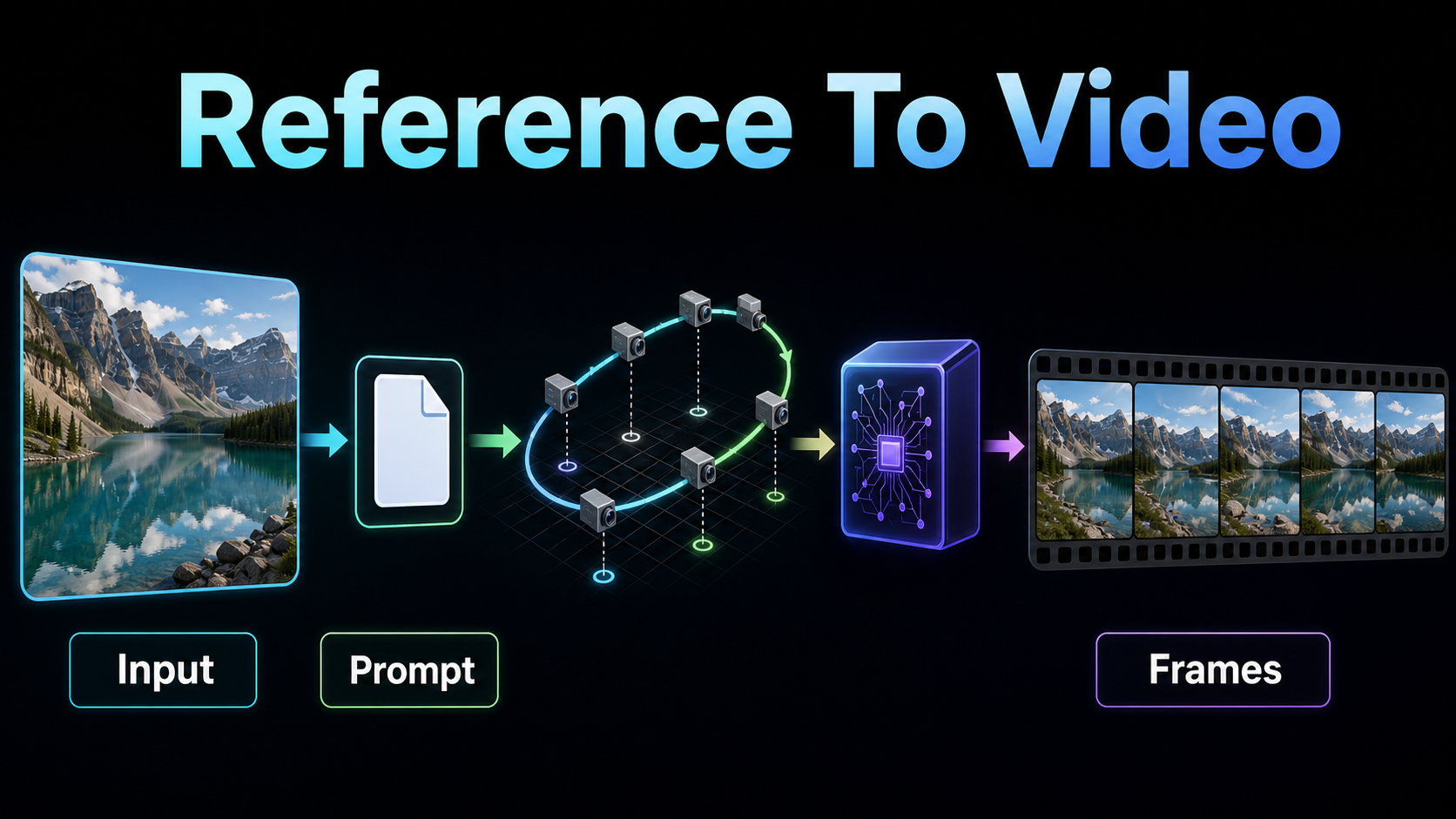
Start with a reference that already contains the approved subject, scene, lighting, crop, and aspect ratio. Camera control can reveal or extrapolate geometry, but it cannot recover information that was never visible without making plausible inventions. Keep important faces and products away from borders, remove ambiguous reflections, and leave room in the direction of travel.
The prompt should describe what moves inside the scene, while the trajectory input describes how the camera moves. Separating those jobs makes troubleshooting possible. Avoid writing an orbit in text and choosing a conflicting push-in trajectory.
Copyable production prompt
Cinematic image-to-video shot of [subject] in [location]. The subject [one restrained action]; [specific environmental motion]. Preserve face identity, wardrobe, object shape, lighting direction, and background architecture. Natural temporal motion, stable details, no cut, no sudden zoom, no duplicated objects, no text changes. Camera follows the selected [push / truck / arc / rise] trajectory only.Camera trajectory workflow
Choose the smallest path that communicates the shot. Translation reveals new parallax and therefore demands hidden scene geometry. Rotation changes framing with less positional change. A combined orbit, rise, and zoom is harder because the model must solve several spatial relationships at once.
Preview before you render
- Select or draw one trajectory and inspect its start and end poses.
- Set the input crop, output frame count, height, and width.
- Run the depth or scene preview where RealCam exposes it.
- Check for stretched foregrounds, empty disocclusions, and collisions with the frame edge.
- Reduce trace scale or shorten the path before increasing sampling cost.
- Keep the seed, reference, and prompt fixed while testing trajectory changes.
In RealCam’s current interface, trace extraction changes how the stored path is sampled, while trace scale changes its spatial magnitude. These are not quality sliders. A larger value may create more dramatic motion but also reveals more unobserved space.
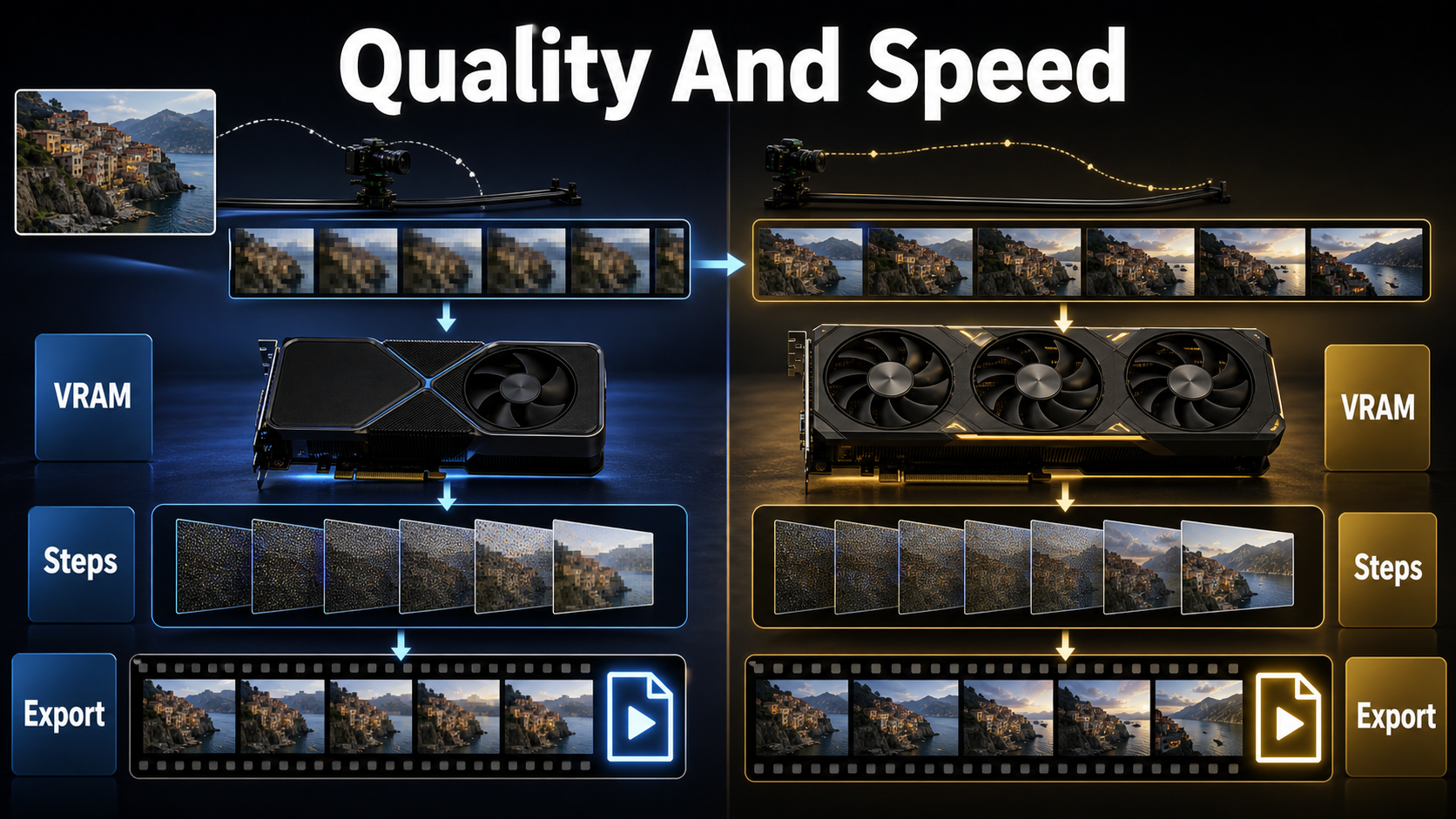
Speed, quality, and export settings
The official CamI2V benchmark is the safest hardware evidence: at 256×256, 25 DDIM steps, and the documented configuration, CamI2V used 11.67 GiB and took 10.3 seconds on an RTX 3090. That measurement is not a guarantee for 512×320, the Gradio captioner, depth estimation, Windows, or the CogVideoX RealCam stack.
Evidence-based starting table
| Stage | Starting setting | Why |
|---|---|---|
| CamI2V proof | 256×256, 25 steps, fixed seed | Matches the published benchmark class |
| CamI2V better frame | 512×320 checkpoint, 25 steps | Improves working resolution without inventing an unsupported preset |
| RealCam CogVideoX proof | 49 frames, 512×896, 25 steps, text CFG 5 | Matches current Gradio defaults |
| Trajectory | Short push, truck, or arc; scale 0.5-1.0 | Limits unseen geometry and keeps review clear |
| Export | MP4 at the app’s 16 fps default | Matches the current RealCam app before editorial conversion |
| Delivery | Upscale, retime, color, audio, then H.264/H.265 master | Separates generation from platform finishing |
The base CogVideoX1.5-5B-I2V model card reports a 9 GB minimum only with its tested Diffusers optimizations. RealCam adds a camera controller, depth preview, and caption model, so that number is not an official end-to-end RealCam minimum. Measure peak allocated VRAM on your exact stack and reduce frame size or count before reaching for quantization.
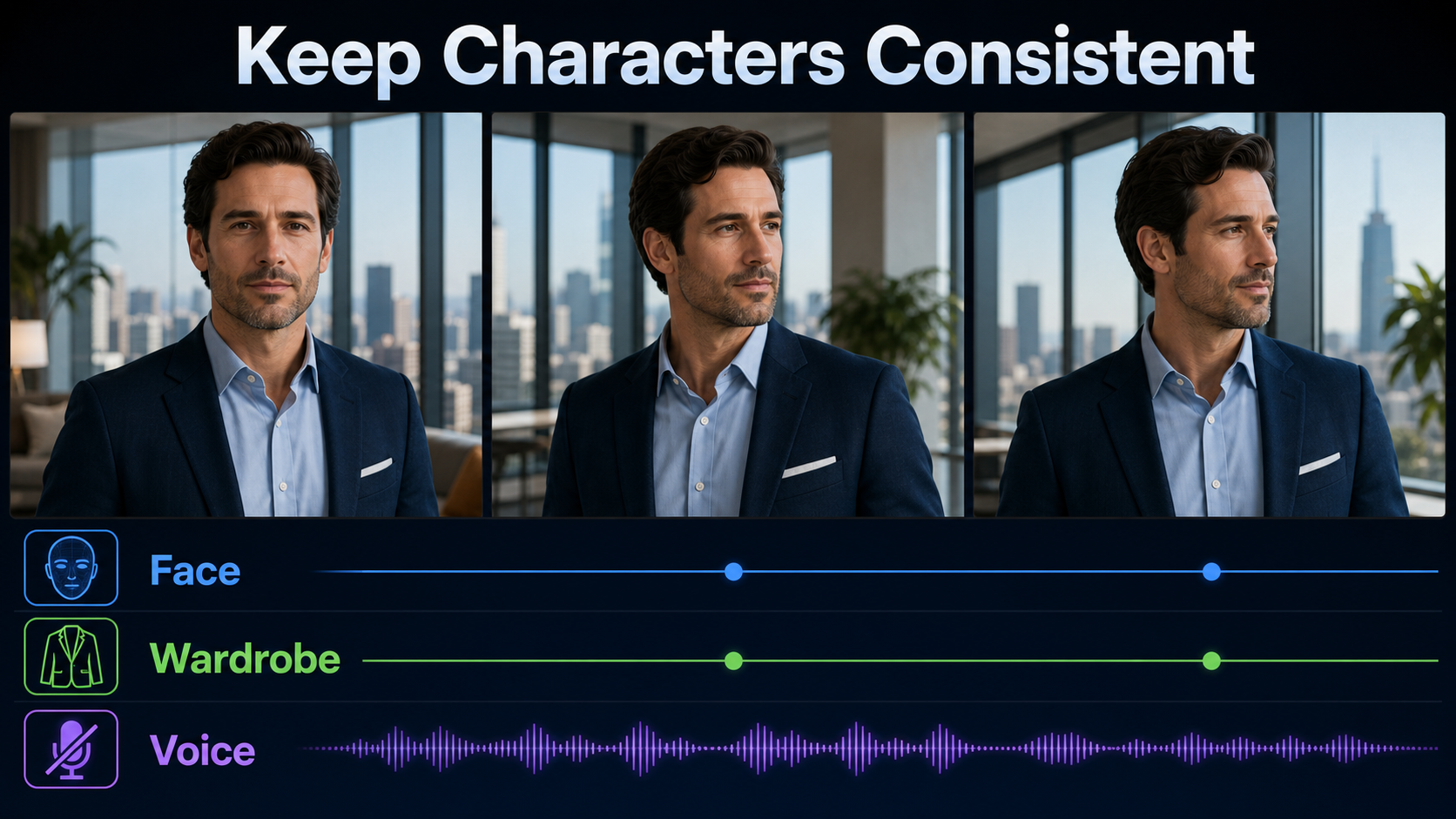
Character, scene, and audio consistency
Camera control does not equal subject consistency. Compare the face, hair, wardrobe, hands, product markings, straight architectural lines, and background anchors at the first, middle, and last frames. Large translations can uncover undefined sides of a face or object. Shorter paths, cleaner references, less subject motion, and multiple shot-specific references are safer than one heroic orbit.
Voice and lip sync are separate
The checked CamI2V and RealCam-I2V repositories generate video, not synchronized dialogue or a persistent voice identity. Record or synthesize speech separately with consent, keep a stable speaker reference, align lip motion in a dedicated workflow if needed, and mix the final audio during editing. Do not describe a silent camera-control checkpoint as an audio-video model.
Practical production workflow
- Choose the branch. Use CamI2V for benchmarkable research; select the matching RealCam path for paper reproduction or CogVideoX exploration.
- Record provenance. Save repository commits, model hashes, license pages, and dependency versions.
- Approve the still. Lock identity, crop, lighting, and scene geometry.
- Write one action prompt. Separate subject motion from the camera path.
- Preview depth and trajectory. Reject paths that expose too much unseen space.
- Render a small proof. Keep seed and inputs fixed; inspect every region, not only the subject.
- Change one variable. Adjust trace scale, steps, size, or prompt separately.
- Render the approved shot. Save the raw MP4 and a sidecar file containing settings.
- Finish in an editor. Trim, stabilize, upscale, retime, grade, add audio, caption, and export.
Limitations and troubleshooting
These are research repositories, not one-click commercial render services. Expect Linux-first setup, large dependent weights, strict relative paths, and model-specific checkpoints. Benchmark scores measure controlled test sets; they do not predict every portrait, product, or fantasy scene.
Troubleshooting table
| Problem | Likely cause | Fix |
|---|---|---|
| Out of memory | Large frame, long clip, or caption/depth models resident | Close other GPU processes, reduce size and frames, then profile each component |
| Checkpoint not found | Wrong metadata or relative path | Match the documented folder tree and run from the expected directory |
| Camera moves backward | Trajectory convention or selected pose is wrong | Inspect the 3D preview and test a minimal translation |
| Walls stretch or tear | Path reveals unsupported geometry | Reduce trace scale, shorten translation, or use a wider reference |
| Subject identity drifts | Too much viewpoint and subject motion | Lock subject action, shorten the path, and use a cleaner reference |
| Output plays too fast | Export fps differs from editorial timeline | Interpret frames at the intended cadence before optical-flow retiming |
| RealCam VRAM estimate is wrong | Base-model figure used for the full stack | Measure the camera controller, captioner, depth model, and generator together |
Edit AI videos here
Finish the generated shot at https://ai.alphatechnologies.vn. Trim unstable frames, retime the silent MP4, upscale only an approved take, match color across shots, add licensed voice and sound, create captions, and export the exact aspect ratio and codec each platform needs.
Final recommendation
CamI2V is the stronger starting point for a reproducible camera-control test because its repository publishes a compact benchmark, memory figure, checkpoints, evaluation tools, and an MIT license. RealCam-I2V is the more ambitious production exploration for complex metric-scale paths, but budget extra setup, VRAM validation, dependency review, and licensing diligence.
Explore Aikolhub for more open-weight video workflows, and keep a render sheet containing the reference, prompt, trajectory, seed, checkpoint, steps, frame size, fps, and final QA notes for every approved shot.
Frequently asked questions
What is the main difference between CamI2V and RealCam-I2V?
CamI2V focuses on camera-conditioned image-to-video generation and reproducible evaluation. RealCam-I2V adds interactive complex, metric-scale camera control and scene-constrained noise shaping, with DynamiCrafter and CogVideoX implementation paths.
How much VRAM does CamI2V need?
The official 256×256 benchmark reports 11.67 GiB for CamI2V on an RTX 3090. Higher resolution, captioning, depth models, different software, and RealCam’s CogVideoX stack can require more; measure your full configuration.
Can I run the repositories on Windows?
The official setup is Linux-oriented and lists Linux system packages. Windows may work through WSL2 or manual dependency changes, but the repositories do not provide a verified native Windows procedure, so treat it as an unsupported adaptation.
Do the models generate voice or sound?
No. The checked workflows export silent video. Add voice, ambience, effects, music, lip-sync processing, consent records, and final mixing in separate tools.
Can I use the outputs commercially?
Do not decide from one license badge. Review the CamI2V or RealCam code, control checkpoint, CogVideoX base license, support-model licenses, dataset restrictions, reference-image rights, and local law for your exact workflow.
Official sources
- CamI2V official repository, checkpoints, benchmarks, code, and MIT license
- CamI2V and DynamiCrafter-based RealCam-I2V checkpoint page
- RealCam-I2V official CogVideoX repository and release notes
- RealCam-I2V control weight page
- CogVideoX1.5-5B-I2V official model card and license link
- CamI2V technical report
- RealCam-I2V technical report