A reliable Diffusers video production workflow starts with the model card, not a universal preset. Choose a pipeline that supports your actual inputs, lock the reference and prompt context, test a short low-cost preview, then tune memory, steps, frames, and export settings for that checkpoint. Diffusers is the open-source orchestration library; the weights loaded through it can have different licenses, hardware needs, resolutions, and conditioning controls.
Updated August 4, 2026, this guide uses Diffusers 0.39.0, released July 3, 2026, as the current stable baseline. The main documentation may describe newer source-only behavior, so pin versions for production and verify every model card before copying an example.
Table of Contents
What Changed in Diffusers Video
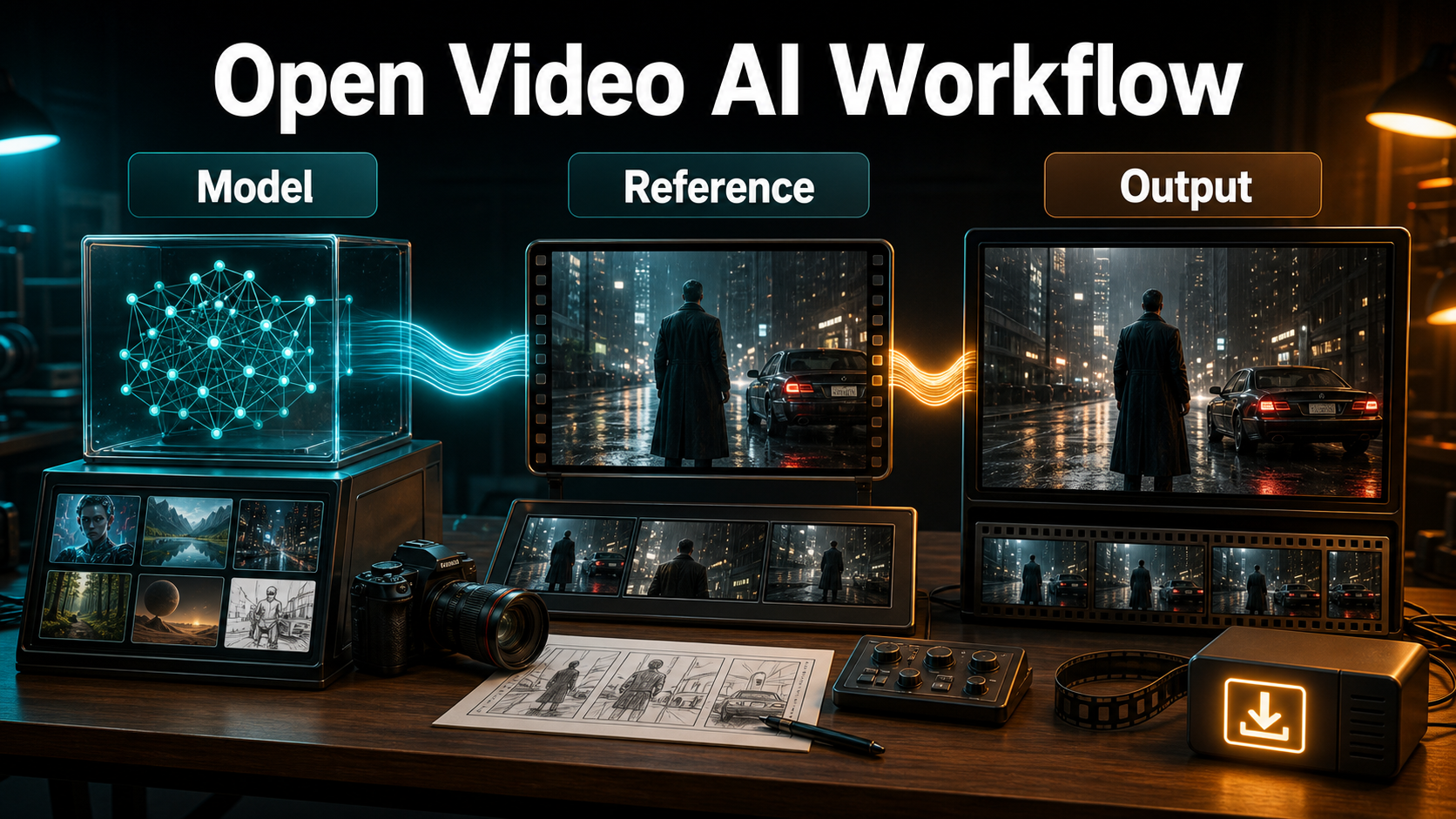
Diffusers has evolved from a small collection of image pipelines into a common PyTorch interface for image, video, and audio generation. Release 0.39.0 added video pipelines and core improvements, while recent stable releases expanded Wan, HunyuanVideo, LTX, FramePack, character-animation, and other integrations. This breadth makes workflow portability better, but it does not make checkpoints interchangeable.
Library Versus Model Capabilities
DiffusionPipeline.from_pretrained() can identify and assemble components such as text encoders, schedulers, diffusion transformers or UNets, and VAEs. The checkpoint decides whether the call accepts text, one image, first and last frames, a control video, audio, or another conditioning signal. Never assume a text-to-video example supports character references simply because another Diffusers class does.
Diffusers uses the Apache-2.0 license. That license covers the library code, not automatically every downloaded model. A checkpoint may be open-source, open-weight under a custom license, gated, research-only, or subject to an acceptable-use policy. Read the repository and model card for commercial permissions and attribution.
Current Stable Baseline
For reproducible work, pin the stable package and record the model revision. The official main documentation explicitly says it may require source installation and points regular pip users to stable v0.39.0. A production manifest should include Python, PyTorch, CUDA or accelerator build, Diffusers, Transformers, Accelerate, model ID, revision, dtype, scheduler, seed, dimensions, frame count, and inference steps.
Hardware and Installation
Video generation is memory-intensive because the model processes spatial information across many frames. Requirements vary dramatically by parameter count, precision, frame count, resolution, attention implementation, and offloading. There is no honest universal Diffusers VRAM number.
Install a Reproducible Environment
python -m venv .venv
python -m pip install --upgrade pip
pip install "diffusers==0.39.0" transformers accelerate safetensors imageio-ffmpeg
Install the correct PyTorch build for your GPU first. Some pipelines need additional libraries or a source version. Follow the selected pipeline page and model card rather than installing random dependency bundles. Test checkpoint access before a deadline; gated models may require an account, accepted terms, and a local token.
Measure VRAM Instead of Guessing
Start with the model card’s recommended configuration, then log peak allocated and reserved memory during one preview. If it does not fit, reduce frames or dimensions first, use the documented dtype, then test model offload, group offload, quantization, or VAE features supported by that pipeline. Keep enough system RAM for offloaded weights; moving pressure from VRAM to an undersized CPU can cause swapping and make a run unusably slow.
Reference Image and Prompt Context
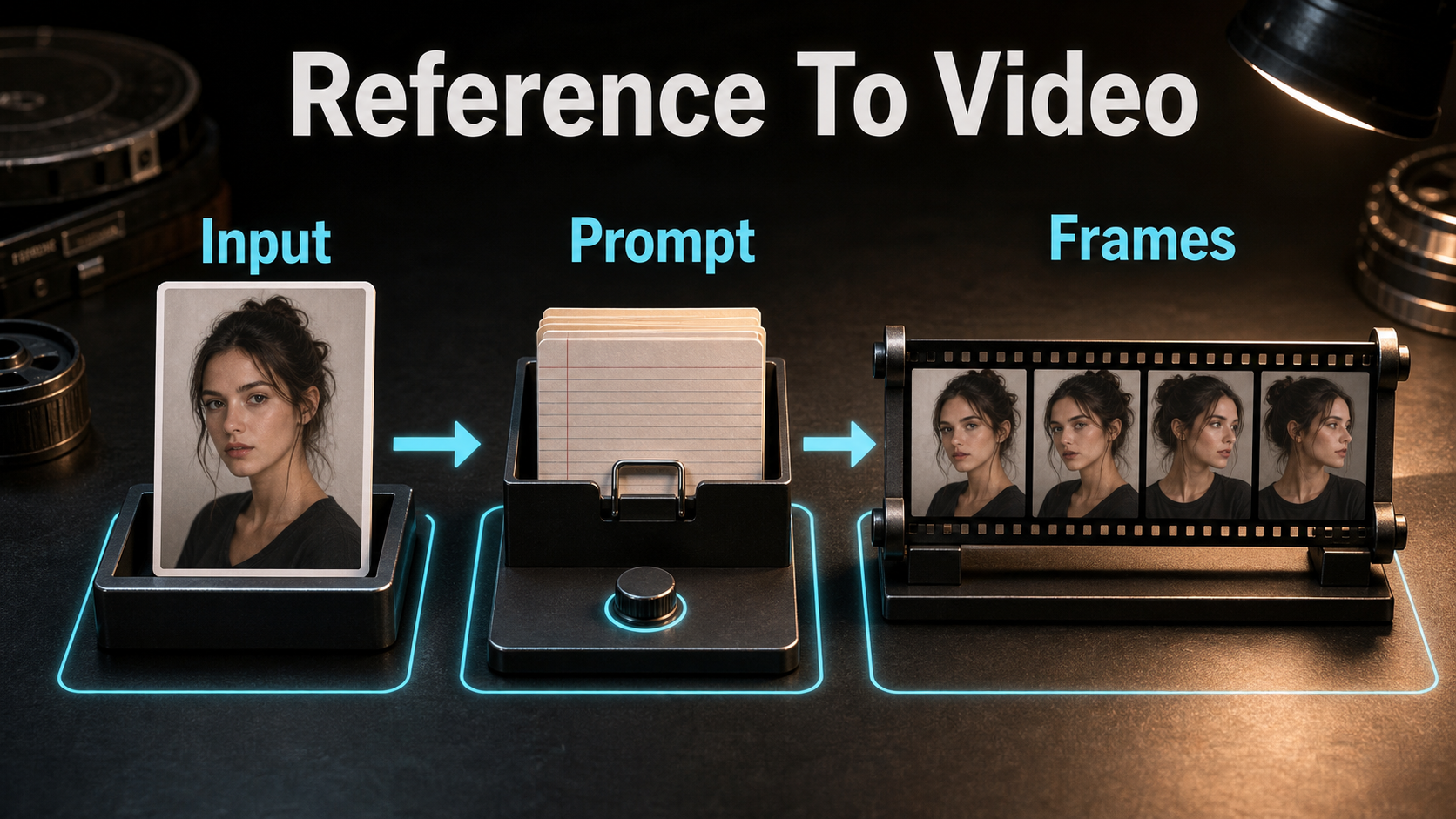
A reference is a conditioning input, not a promise of perfect identity. Use the same aspect ratio and intended composition as the shot. Keep the face, wardrobe, prop grip, background layout, and light direction legible. Cropping a close portrait into a wide action scene forces the model to invent most of the production design.
Choose the Right Pipeline
| Need | Pipeline capability to verify | Main risk |
|---|---|---|
| Idea from text | Text-to-video | Identity and layout drift |
| Animate one frame | Image-to-video | First frame holds, later frames drift |
| Connect two compositions | First/last-frame conditioning | Unnatural transition |
| Follow motion or structure | Pose, depth, flow, or control video | Control conflicts with reference |
| Extend a clip | Video continuation | Cut-boundary change |
Production Prompt Template
[Shot size] of the same [subject identity], wearing [fixed wardrobe],
performing [one clear action] in [fixed environment].
Camera: [height/angle], [one movement], [focal-length look].
Exposure look: [aperture], 180-degree shutter, [frame rate].
Lighting: [key direction], [fill], [rim or practical].
Preserve face, hair, wardrobe, prop, set geometry, eyeline, and screen direction.
Avoid reframing, lens change, flicker, focus hunting, extra limbs, text, and logos.
Focal length and aperture words describe a visual look unless the model accepts explicit camera intrinsics. Shutter angle and frame rate describe motion cadence; they do not change the generated file’s playback rate unless you also set export FPS. Ask for one camera move. Combining an orbit, zoom, tilt, and rack focus invites conflicting motion.
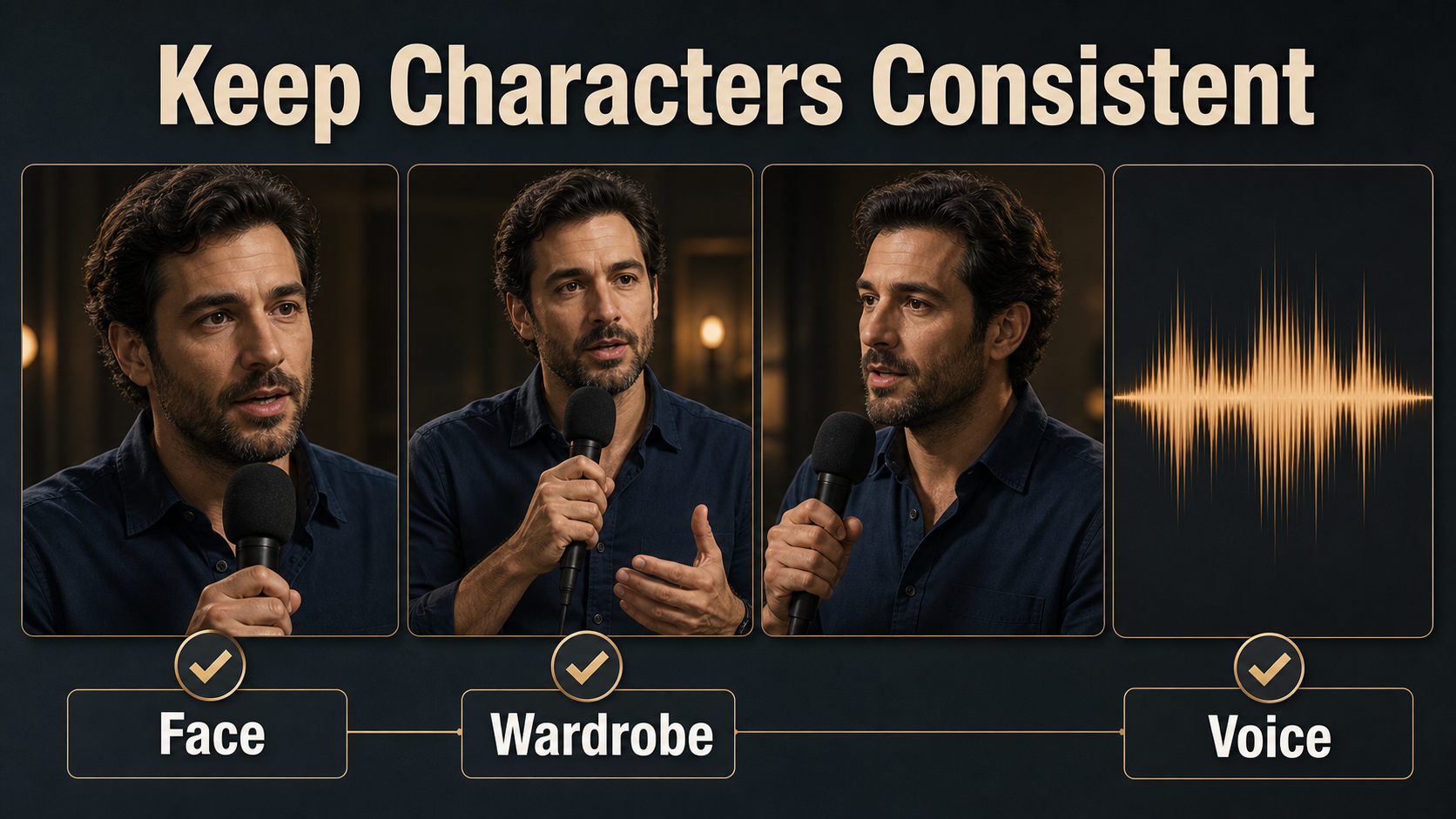
Character and Scene Consistency
Consistency is a stack of separate production problems. Diagnose the changing layer before changing the model or prompt.
Separate Consistency Problems
- First-frame consistency: how closely the opening follows the reference.
- Subject consistency: whether face, body, hair, wardrobe, and props persist during motion.
- Scene continuity: whether layout, lighting, weather, time, and screen direction match between shots.
- Voice identity: whether the same approved speaker timbre continues.
- Speech synthesis: how words are created from text.
- Lip sync: whether mouth shapes align with phonemes.
- Audio-driven motion: whether face and body movement respond to sound.
Build a Continuity Pack
Save a neutral character sheet, shot-specific references, wardrobe and prop notes, environment map, color palette, approved prompt blocks, negative constraints, seeds, and accepted frames. Reuse factual descriptors verbatim. For a reverse angle, prepare a new compatible reference showing the correct side of the face, costume, and set rather than asking the pipeline to invent unseen details.
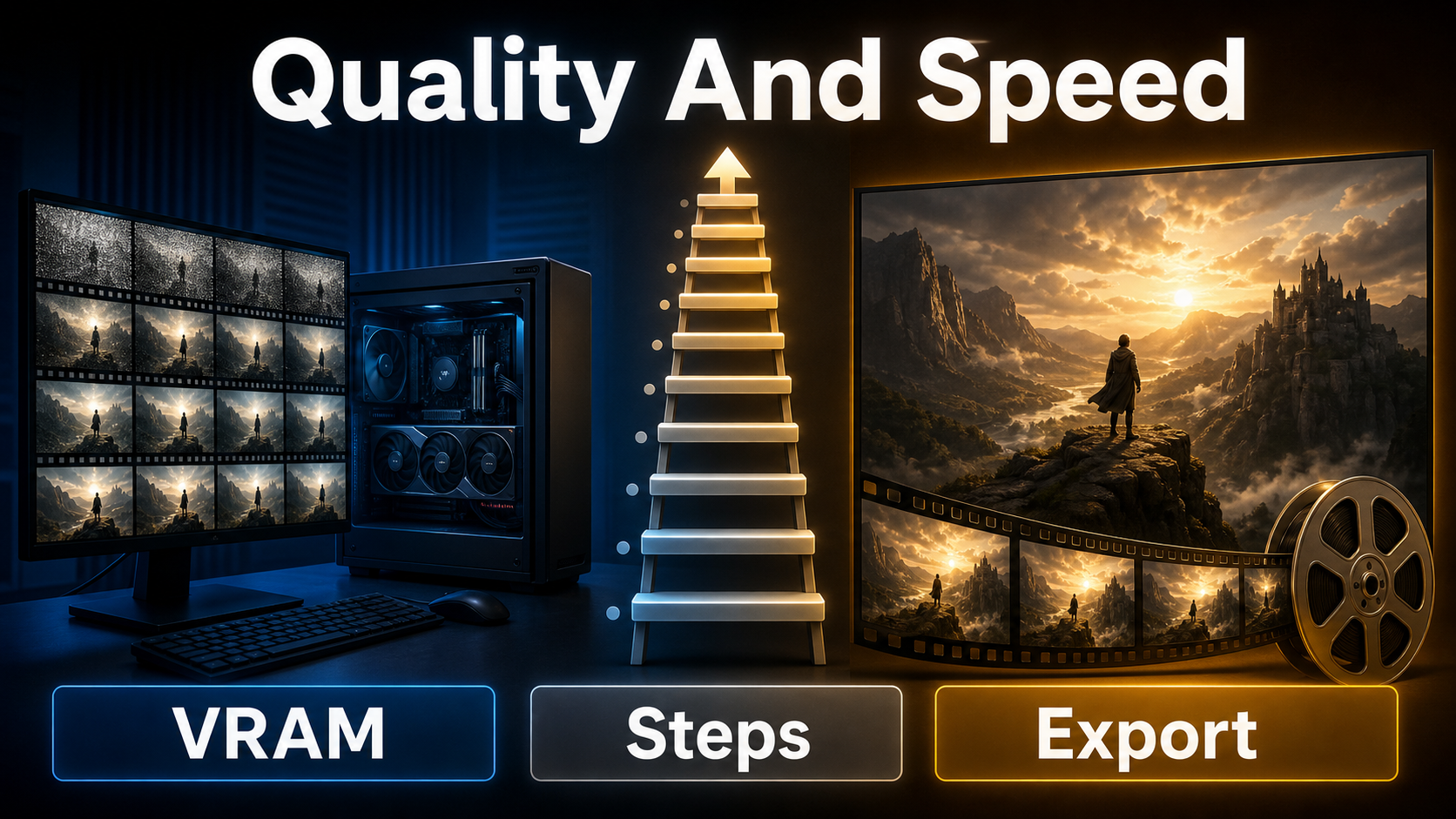
Speed, Quality, and Memory Settings
Optimize in stages. A fast preview answers composition and motion questions; a final render spends compute only after those choices are locked.
Settings Ladder
| Stage | Frames and size | Steps | Goal |
|---|---|---|---|
| Smoke test | Minimum supported | Low documented range | Confirm install and inputs |
| Motion preview | Short clip, reduced size | Moderate | Judge framing and movement |
| Continuity test | Production crop, short duration | Moderate | Check face, hands, props, set |
| Final | Approved duration and size | Model-card recommendation | Delivery master |
Optimization Tradeoffs
Model CPU offload saves GPU memory but adds transfers. Sequential offload saves more and can be extremely slow. Group offload can balance memory and speed; streaming may increase CPU memory demand. Quantization reduces weight memory but must be supported and quality-tested. Attention backends and compilation can accelerate compatible hardware, yet compilation has a cold-start cost. VAE tiling or chunked decoding may reduce peaks but can introduce tone variation or flicker; some Wan autoencoders do not support the generic slicing or tiling methods documented for other VAEs.
Change one optimization at a time and benchmark identical seeds and inputs. A faster result is not useful if it changes faces, motion, or color enough to fail continuity.
Practical Production Workflow
Generate, Review, and Lock
- Write the shot purpose, duration, aspect ratio, and delivery FPS.
- Select a pipeline whose official API accepts the required conditioning.
- Check model license, revision, recommended dtype, dimensions, and memory notes.
- Prepare a shot-specific reference and continuity pack.
- Run a minimum-size smoke test and record peak memory.
- Render a short motion preview with a fixed seed.
- Inspect first, middle, and final frames at full size.
- Lock prompt, reference, scheduler, seed, camera, lighting, and accepted optimization settings.
- Render the final clip and keep frames or a high-quality intermediate.
- Edit sound, timing, transitions, captions, and delivery versions outside generation.
Voice, Lip Sync, and Audio
Most video pipelines do not synthesize speech merely because Diffusers can export video. If the selected model accepts audio, verify whether it generates synchronized sound, drives motion, or only conditions timing. Otherwise create an authorized voice track separately, perform lip sync with a compatible system, and review every spoken shot. Obtain consent for cloned voices, preserve provenance, and never imply that visual subject consistency proves speaker identity.
Export Settings
Choose Frame Rate Deliberately
Diffusers’ export_to_video accepts a frame list and FPS; its documented default is 10 FPS. That default is a utility setting, not a cinematic recommendation. Export at the cadence your generation and edit were designed for. Do not label 16 generated frames as 24 fps and expect extra motion detail; that only changes playback duration unless you interpolate additional frames.
Encode and Finish
from diffusers.utils import export_to_video
path = export_to_video(frames, output_video_path="shot-preview.mp4", fps=24, quality=8)
The utility supports variable quality, fixed bitrate, and a macroblock-size constraint. For production, retain original generated frames or a high-quality master, then make web versions in the editor. Add audio, captions, legal disclosures, color matching, and platform-specific crops after the shot is stable.
Limitations and Troubleshooting
| Problem | Likely cause | Fix |
|---|---|---|
| Out of memory | Too many frames, high resolution, wrong dtype | Reduce workload, use documented dtype, then test offload or quantization |
| Very slow render | Sequential CPU transfers or swapping | Use model/group offload, add RAM, shorten preview |
| Face changes | Weak reference or excessive action | Use a shot-specific crop, shorter clip, restrained motion |
| Background bends | Complex camera motion | Lock camera or request one short movement |
| Flicker after memory tuning | Decode chunks or tiling too aggressive | Increase decode chunk size and compare with baseline |
| Unexpected argument error | Example and installed version differ | Open docs matching the pinned release |
| Wrong playback speed | Export FPS mismatches intent | Set FPS explicitly and verify duration |
Edit AI videos here
Assemble approved clips, trim unstable frames, add authorized voice, captions, music, transitions, color, and delivery formats at https://ai.alphatechnologies.vn. Editing several controlled shots is usually more reliable than demanding a single generation solve every camera, continuity, speech, and timing change.
Final Recommendation
Pin Diffusers and the checkpoint revision, choose capabilities from the model card, preview cheaply, and measure memory on your own hardware. Treat references, subject continuity, scene continuity, voice identity, lip sync, and export cadence as separate controls. Explore more hands-on AI video workflows on Aikolhub, and preserve a reproducible manifest for every approved shot.
Frequently Asked Questions
Is Diffusers open source?
Yes. The library is Apache-2.0 licensed. Model weights loaded through it can use different licenses, so verify each model card.
Which video model is best?
The best model is the one whose official pipeline supports your required input, license, hardware, aspect ratio, duration, and quality target. There is no universal winner.
How much VRAM is required?
It depends on the checkpoint, dtype, frames, resolution, attention, and offloading. Use official measurements when provided and benchmark peak memory locally.
Does a seed guarantee consistency?
No. A seed helps reproduce noise initialization under the same environment, but references, conditioning, software versions, and model behavior still determine continuity.
Can Diffusers add voice and lip sync?
Only if the selected model and pipeline explicitly support those inputs or outputs. Voice synthesis, voice identity, lip sync, and audio-driven motion remain distinct tasks.
Official sources: Diffusers repository and Apache-2.0 license; Diffusers 0.39.0 release; pipeline overview; official quickstart; memory optimization guide; video export utilities.