A successful whip pans AI video prompt defines two stable compositions and one fast, directional camera rotation between them. The endpoints should be readable; the middle should carry horizontal motion blur without changing the characters, wardrobe, props, lighting, or location. Updated August 9, 2026, the safest workflow is to create reference frames for both ends, test a short transition, and edit the best endpoint-to-endpoint take rather than asking one long generation to invent everything.
A whip pan is not random shake, a dolly, an optical zoom, or a subject racing across a locked frame. It is a rapid pan around a mostly fixed camera position, often used to reveal a new subject, hide a cut, compress time, or transfer energy between shots. AI video models may understand the phrase, but explicit geometry, timing, and continuity locks make the request much more testable.
Table of Contents
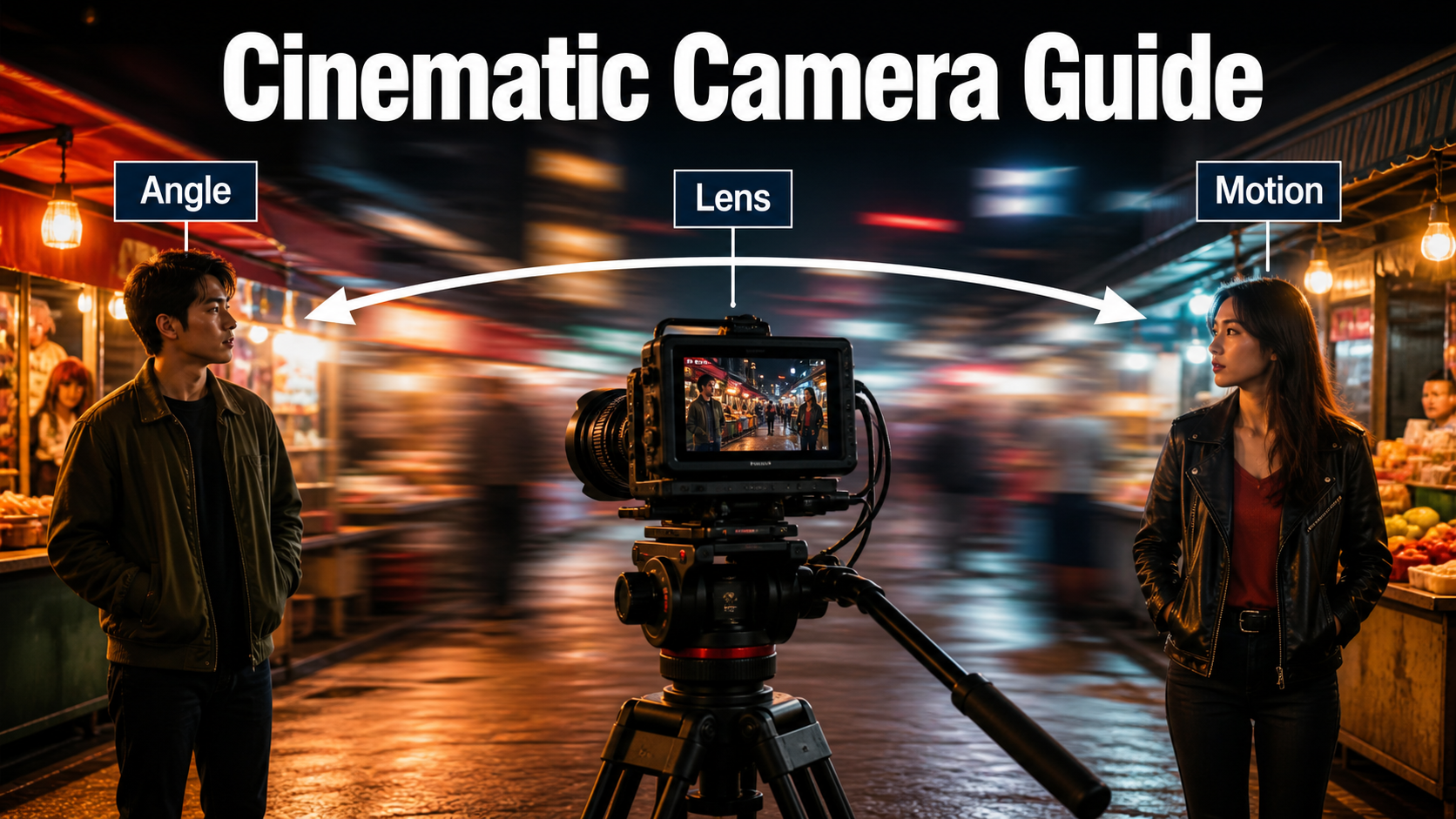
Visual Meaning of a Whip Pan
A whip pan transfers attention with speed. The audience sees a stable subject, a fast directional smear, and another stable subject or location. That pattern can create surprise, urgency, comedy, spatial connection, or an invisible transition. The blur is functional: it hides detail while the camera crosses empty space, making a cut or large change feel motivated.
Whip Pan Versus Other Fast Motion
A pan rotates the camera left or right from a fixed position. A track moves the camera sideways through space and creates parallax. A zoom changes focal length or simulates a changing field of view. A handheld move adds small positional and rotational variations. A whip pan is specifically a very fast pan; it should not translate the camera, roll the horizon, or make every object independently melt.
Story purpose comes first. Use a reveal when the second endpoint contains new information. Use a match transition when two shots share direction, color, or shape. Use an action bridge when one character looks or gestures and the camera whips toward the response. Avoid the move when the audience needs to study geography, fine product detail, or delicate facial acting throughout the transition.
Camera Placement and Screen Direction
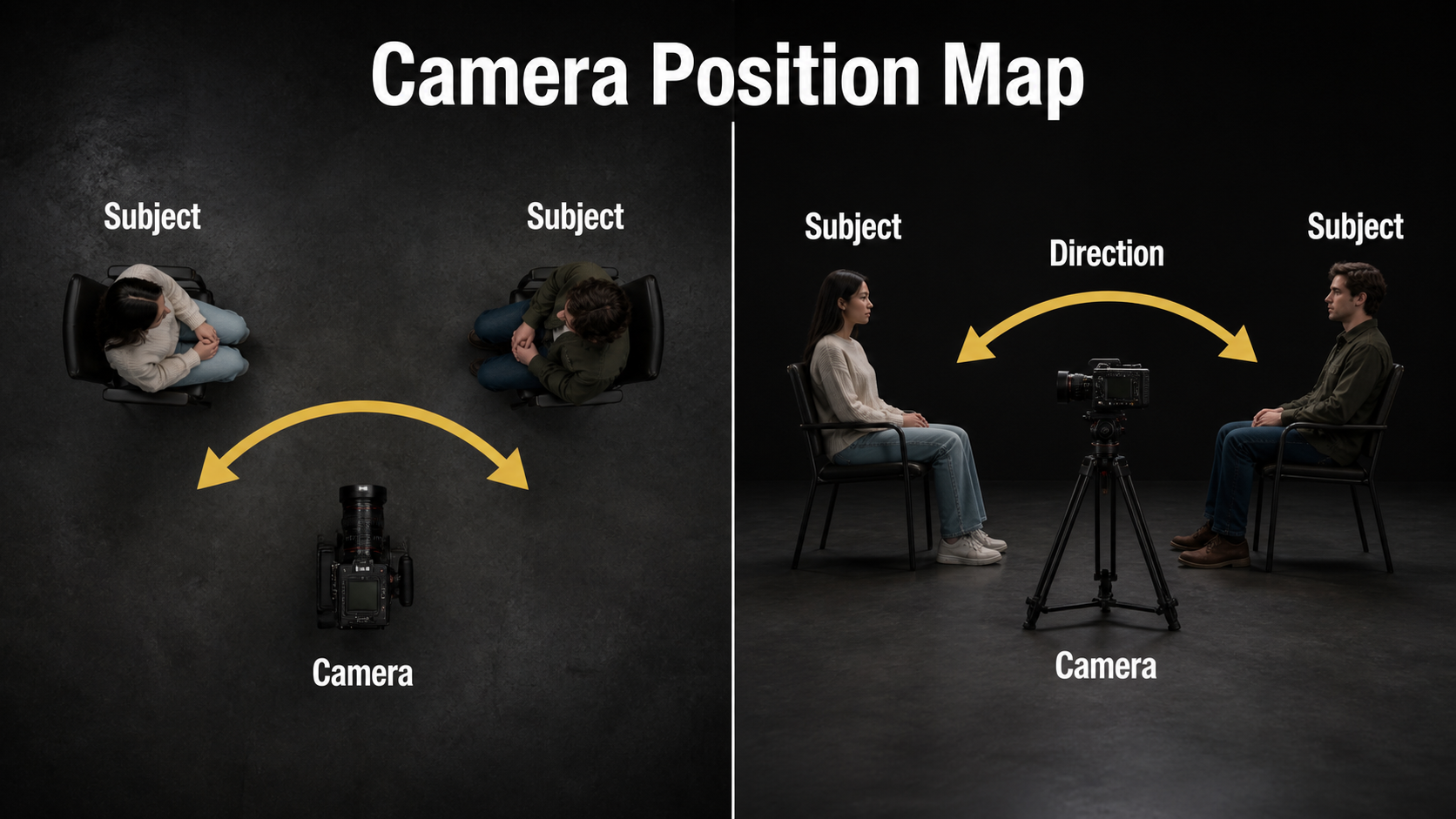
Choose the start frame, camera pivot, pan direction, rotation amount, and end frame before generating motion. The camera should remain at approximately the same point while its view rotates. If it also travels, changes height, zooms, and rolls, the model must solve several different camera problems at once.
Design Two Endpoint Frames
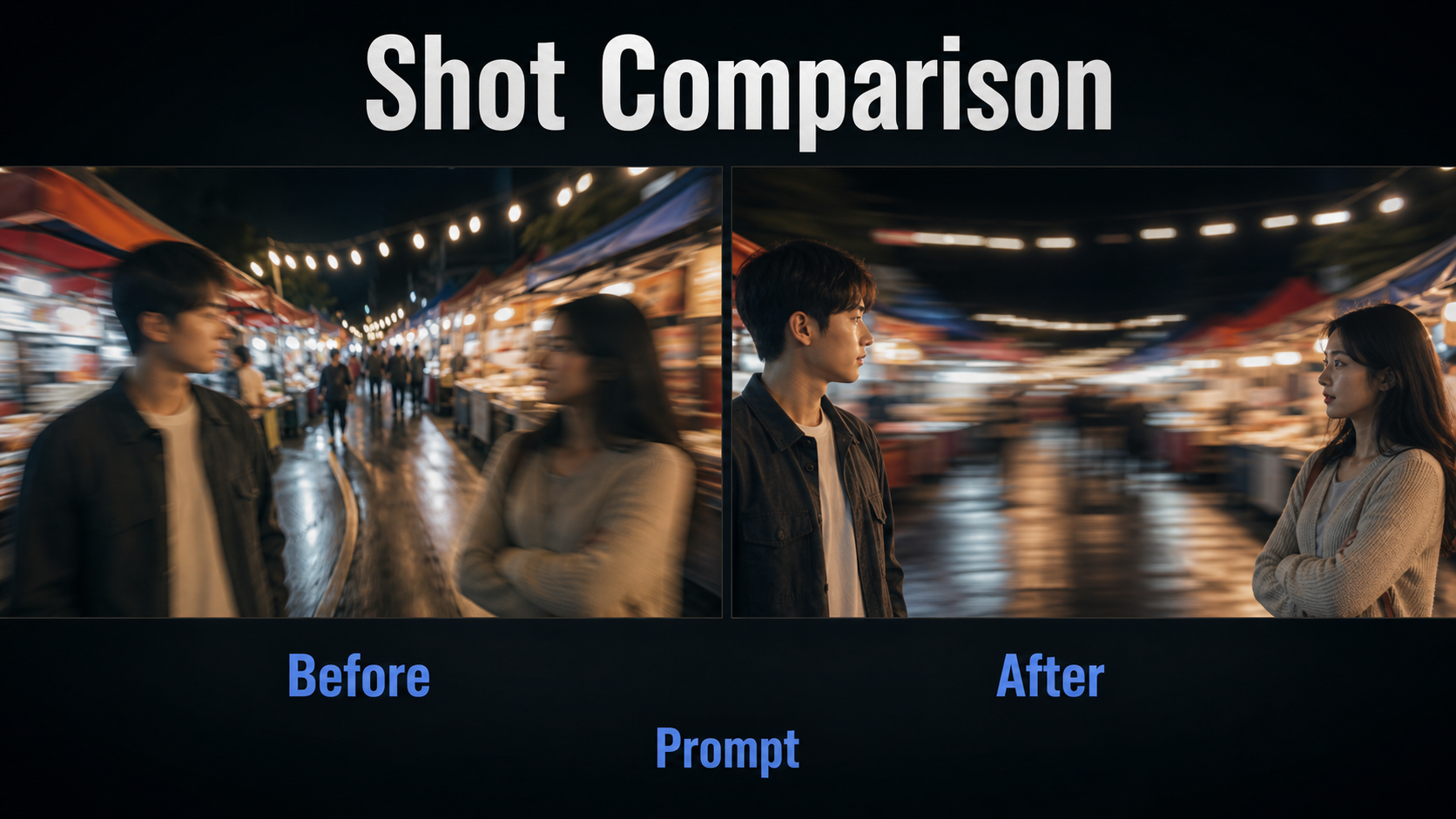
Give each endpoint a clean composition. In the night-market example, Subject A occupies the left third of the first frame and Subject B occupies the right third of the final frame. Keep their eyelines and light direction compatible. Decide whether the pan travels left-to-right or right-to-left, then preserve that direction in every prompt and edit.
- Start hold: about 8-16 frames of readable composition.
- Acceleration: a short ramp into the fastest rotation.
- Blur bridge: only long enough to hide the spatial change.
- Deceleration: settle without bounce, roll, or reverse motion.
- End hold: enough frames for the new subject to register.
These are editorial targets rather than guaranteed model controls. If an interface cannot specify a trajectory, describe the sequence plainly: hold, accelerate, sweep, decelerate, settle. Generate several short variants and select the one with clean endpoints.
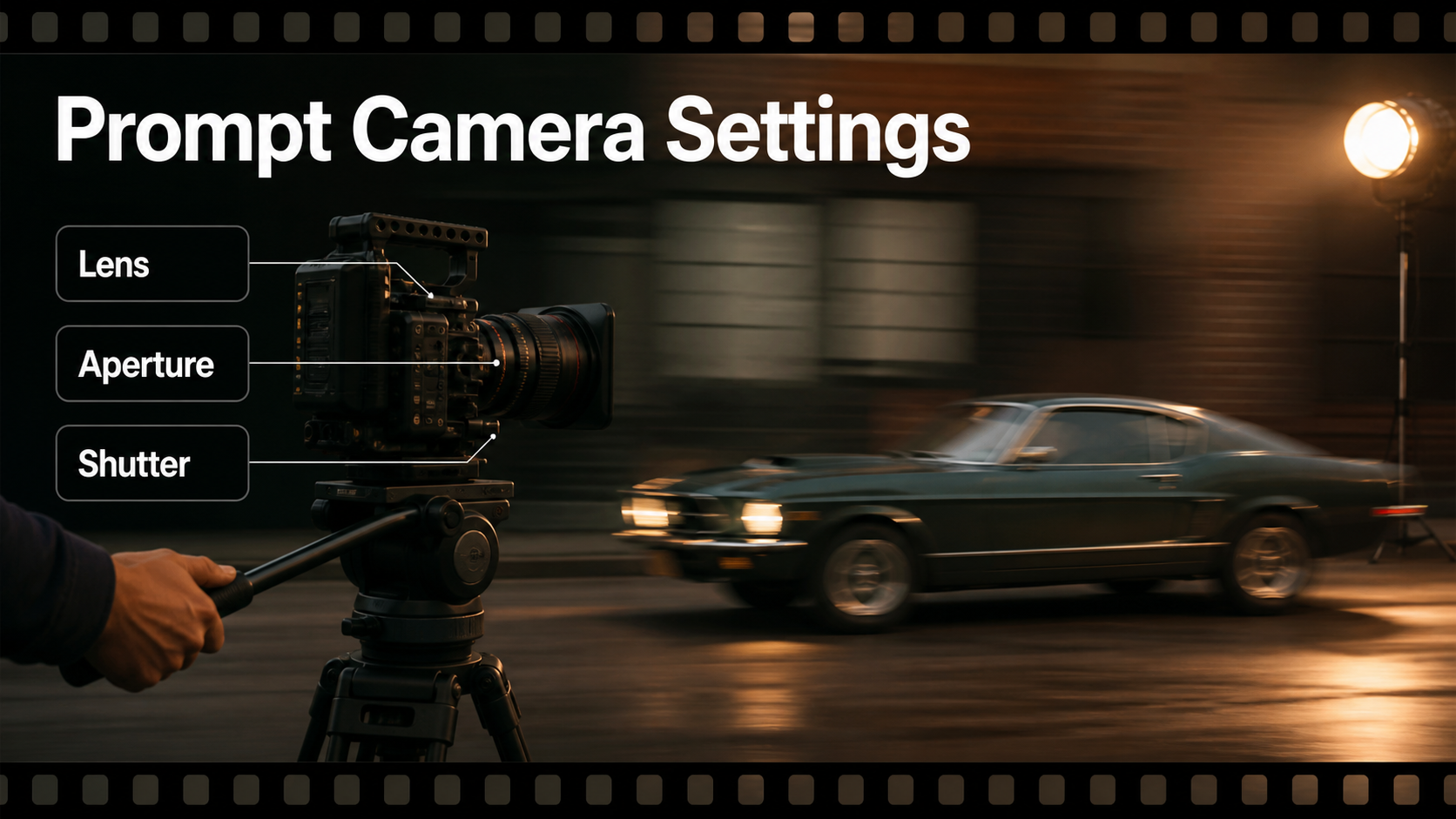
Lens, Aperture, Shutter, and Frame Rate
Camera terms in ordinary prompts describe an intended look unless the pipeline exposes actual intrinsics or trajectories. Focal length affects field of view in relation to sensor format and distance. Aperture affects depth of field in relation to focal length, focus distance, and sensor size. Shutter angle and frame rate shape motion blur and cadence. Treat them as a system.
Practical Settings Table
| Decision | Starting point | Why | Risk |
|---|---|---|---|
| Lens look | 28-40mm full-frame equivalent | Shows both environment and directional blur | Very wide lenses can bend edges |
| Aperture look | f/4-f/5.6 | Keeps endpoint subjects readable | Very shallow focus compounds drift |
| Frame rate | 24 fps | Familiar cinematic cadence | Fast motion can judder |
| Shutter look | 180-270 degrees | Natural to stronger blur bridge | Too much blur destroys endpoints |
| Pan duration | 0.3-0.8 seconds | Fast enough to feel like a whip | Long pans look like ordinary pans |
| Lighting | One motivated key direction | Improves spatial continuity | Changing sources create flicker |
A larger shutter angle creates more blur per frame, but a text model may only imitate that appearance. Do not assume prompted metadata is embedded in the output. Inspect frames for horizontal streak direction, stable exposure, preserved silhouettes, and a clean focus settle. Add bloom, halation, flare, or chromatic aberration only after geometry works.
Whip-Pan Prompt Formula
Use this order: start composition + fixed camera position + pan direction and rotation + timing phases + end composition + lens and shutter look + lighting + continuity locks + exclusions. Put the action and direction before stylistic adjectives.
Copyable Prompt Templates
Single-clip prompt: “Begin on a stable medium shot of Mara in a red raincoat beside the noodle stall, looking screen-right. Hold briefly. From a fixed eye-level camera position, accelerate into a fast 70-degree pan to the right with a strong horizontal motion-blur bridge, then decelerate and settle on Theo under the blue awning. 35mm full-frame look, f/4 depth, 24 fps cadence, 220-degree shutter look. Warm key light remains camera-left. Preserve both faces, Mara’s red coat, Theo’s black jacket, stall geometry, wet pavement, and light direction. No zoom, dolly, roll, shake, cuts, duplicated people, or background morphing.”
Transition-pair prompt: “Shot A ends with a rapid pan right across warm market lights. Shot B begins with matching rightward blur and settles on the same actor in a train station. Match blur direction, brightness, dominant orange streaks, camera height, and 35mm perspective. Keep the actor’s face, coat, suitcase, and screen direction unchanged.”
Negative constraints: “No reverse pan, no camera translation, no zoom, no horizon roll, no focus pumping, no face smear at the endpoints, no extra limbs, no wardrobe change, no flicker.” Keep exclusions short and prioritized; contradictory lists often reduce prompt clarity.
Reference Image Setup
A single image-to-video reference usually anchors the first frame, not both endpoints. Build the start reference at delivery aspect ratio with a clean subject silhouette, stable hands, visible props, straight architecture, and one dominant light direction. Then create a separate end-frame reference or storyboard panel for human review. If the workflow supports first-and-last-frame conditioning, test that feature specifically rather than assuming ordinary image-to-video provides it.
Build a Continuity Pack
- Character: face, hair, body proportions, and three useful viewing angles.
- Wardrobe: exact colors, fabrics, closures, footwear, and accessories.
- Props: shape, scale, condition, handedness, and orientation.
- Environment: floor plan, landmarks, crowd density, weather, and light direction.
- Shot record: model revision, seed, references, prompt, dimensions, frame rate, and pan direction.
Separate first-frame consistency from subject consistency and scene continuity. Voice identity is also separate from speech synthesis; lip sync aligns mouth timing; audio-driven motion maps sound into face or body movement. None is solved automatically by a camera trajectory. For dialogue, lock the approved voice and timing before final lip-sync work.
Open Camera-Control Model Workflow
Open research repositories can provide more explicit camera control than natural-language prompting, but they are not interchangeable commercial products. Verify code, checkpoint, dataset, and base-model licenses independently. Research resolutions and benchmark memory figures are not delivery guarantees.
What Official Repositories Support
As verified August 9, 2026, CamI2V is an MIT-licensed research implementation for camera-controlled image-to-video diffusion. Its official repository includes CamI2V and RealCam-I2V checkpoints, with 256×256 and 512×320 research configurations, trajectory examples, training code, and evaluation tools. Use it to test explicit rotation and translation, not as proof that a one-word “whip pan” prompt will preserve a production character.
CameraCtrl conditions video generation on per-frame camera trajectories and publishes code, pretrained weights, and example paths. MotionCtrl separates camera motion and object motion control in its research workflow. Both are useful references for planning a measured fast rotation, while their base models and weight terms still require separate review.
UCPE, whose official repository lists a May 14, 2026 update, extends camera-controlled text-to-video research to intrinsics, lens distortion, pitch, and roll through a unified encoding. Its 7.3B-base reported setup shows why true geometric controls are different from merely writing “35mm lens” in a prompt.
Production Pass Order
- Write the story purpose and choose the pan direction.
- Design stable start and end storyboard frames.
- Prepare identity, wardrobe, prop, environment, and audio records.
- Test a locked or slow pan to expose scene and identity drift.
- Increase rotation speed while keeping subject action simple.
- Review the first, middle, and last frames separately.
- Generate matching outgoing and incoming blur plates if one clip cannot preserve both ends.
- Edit the best pieces, then finish sound, stabilization, color, captions, and export.
Common Failures and Fixes
| Failure | Likely cause | Practical fix |
|---|---|---|
| Endpoints are blurry | Blur instruction applied to the whole clip | Specify stable holds before and after the blur bridge |
| Pan reverses | Direction not repeated | State “pan right” in composition, motion, and exclusions |
| Camera travels sideways | Pan confused with tracking | Say fixed camera position and rotation only |
| Faces melt mid-transition | Long blur plus complex action | Shorten the bridge and hide its center with an edit |
| Stalls bend | Large unseen scene rotation | Use endpoint references or separate outgoing/incoming clips |
| Exposure flashes | Conflicting light sources | Lock key direction, color, and exposure |
| End frame bounces | No deceleration or settle instruction | Add a controlled ease-out and stable final hold |
| Transition feels slow | Rotation lasts too long | Shorten the middle and preserve longer endpoint holds |
Limitations and Responsible Use
Fast camera motion forces a model to invent unseen geometry, occluded people, and intermediate frames. Even trajectory-conditioned research systems can drift in faces, text, hands, reflections, and repeating architecture. A clean edit between two controlled clips is often more reliable than one continuous generation. Keep original references and prompt records, respect image and voice consent, and review model and asset licenses before commercial use.
Edit AI videos here
Assemble the strongest endpoints and blur bridge at https://ai.alphatechnologies.vn. Trim unstable frames, align pan direction, hide the cut at peak blur, match exposure and color, add a synchronized whoosh, mix dialogue, create captions, and export the finished sequence.
Final Recommendation
Plan a whip pan as two compositions joined by a short blur event. Lock direction, camera position, identity, wardrobe, props, and lighting; change one motion variable at a time; and use editing when a single generation cannot protect both endpoints. Explore Aikolhub for more practical AI camera-control, reference-image, and consistency workflows.
Frequently Asked Questions
What is a whip pan?
It is a rapid horizontal camera rotation that creates directional motion blur between two readable compositions. The camera usually pivots rather than traveling through space.
Which lens is best for a whip pan?
A 28-40mm full-frame-equivalent look is a useful starting range. Choose based on endpoint framing and avoid extreme edge distortion.
Should the whole clip be blurred?
No. Keep the start and end readable and confine strong blur to the fast middle portion.
Can a reference image lock both ends?
Ordinary image-to-video usually anchors the first frame. Use explicit first-and-last-frame support, trajectory control, or two edited clips when the final composition must be exact.
Does camera control preserve identity?
Not automatically. Camera trajectory, subject identity, wardrobe, props, scene continuity, voice identity, lip sync, and audio-driven motion require separate tests.