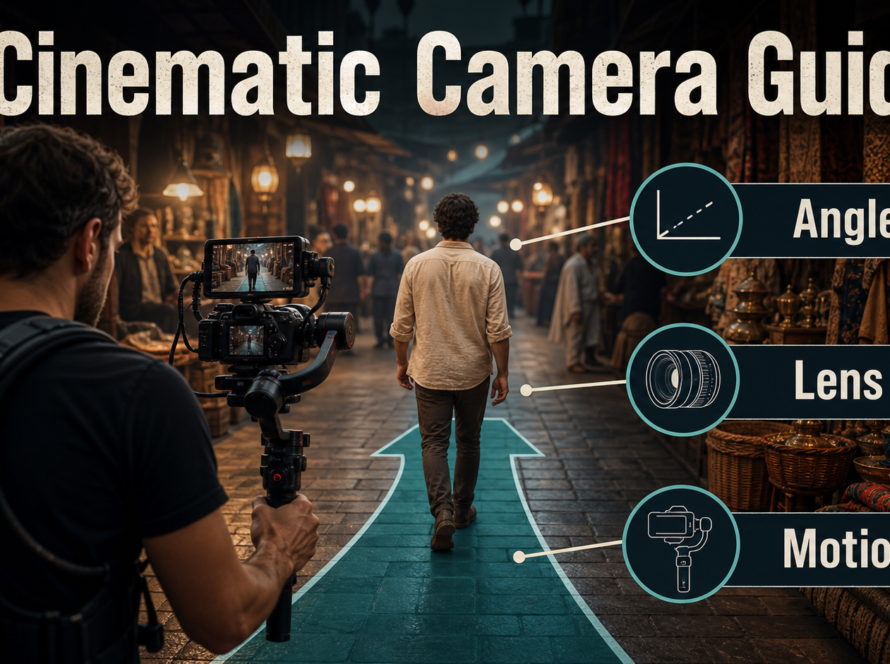
An optical zoom changes focal length while the camera stays in one position, so framing changes but viewpoint perspective does not. A dolly zoom moves the camera while changing focal length in the opposite direction to keep the subject approximately the same size; the background expands or compresses, producing the unsettling perspective effect.
For an optical zoom and dolly zoom AI video prompt, state camera position, travel, lens behavior, subject-size lock, focus, cadence, and the intended background change. Verify whether the chosen pipeline exposes camera intrinsics: plain prompt words often request a look, while research systems with explicit trajectory and focal controls can represent the move more physically.
Table of Contents
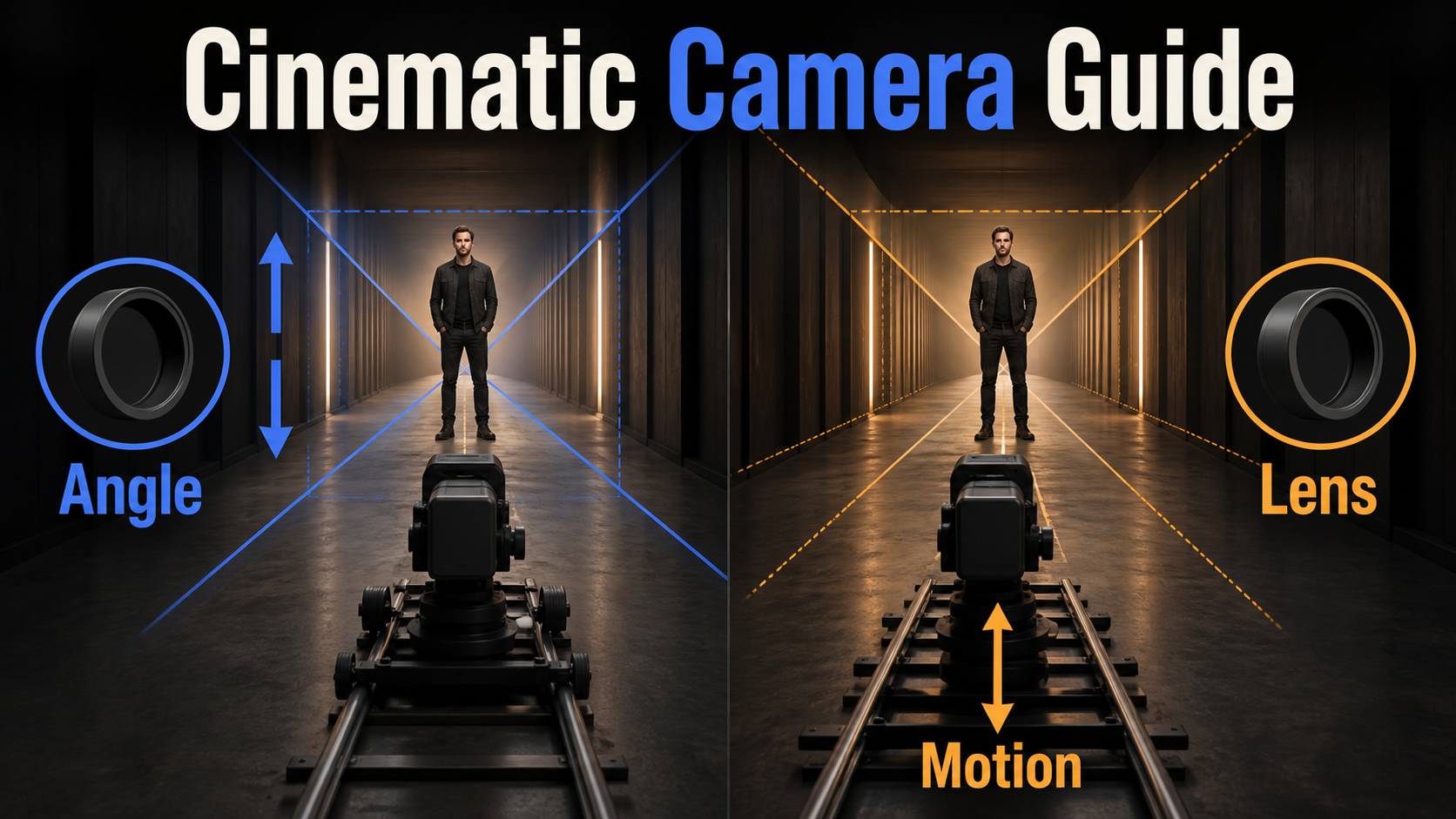
Visual Meaning of Each Zoom
Zoom language is narrative grammar, not decoration. A restrained optical push can direct attention without changing spatial relationships. A dolly zoom calls attention to space itself, so it works best at a psychological turn: realization, vertigo, threat, shock, or sudden isolation. If every scene uses it, the effect loses meaning.
Optical Zoom Meaning
With a fixed camera, increasing focal length narrows the field of view and enlarges the subject. Because the camera viewpoint does not move, the relative geometry between subject and background remains the same. The image can feel observational, documentary, or deliberately mechanical, especially when the zoom starts and stops visibly.
A digital crop can mimic tighter framing but does not add optical detail or change depth of field. In generated video, “optical zoom” may be interpreted as a crop unless the system models time-varying intrinsics. Look for changing field of view without camera parallax.
Dolly Zoom Meaning
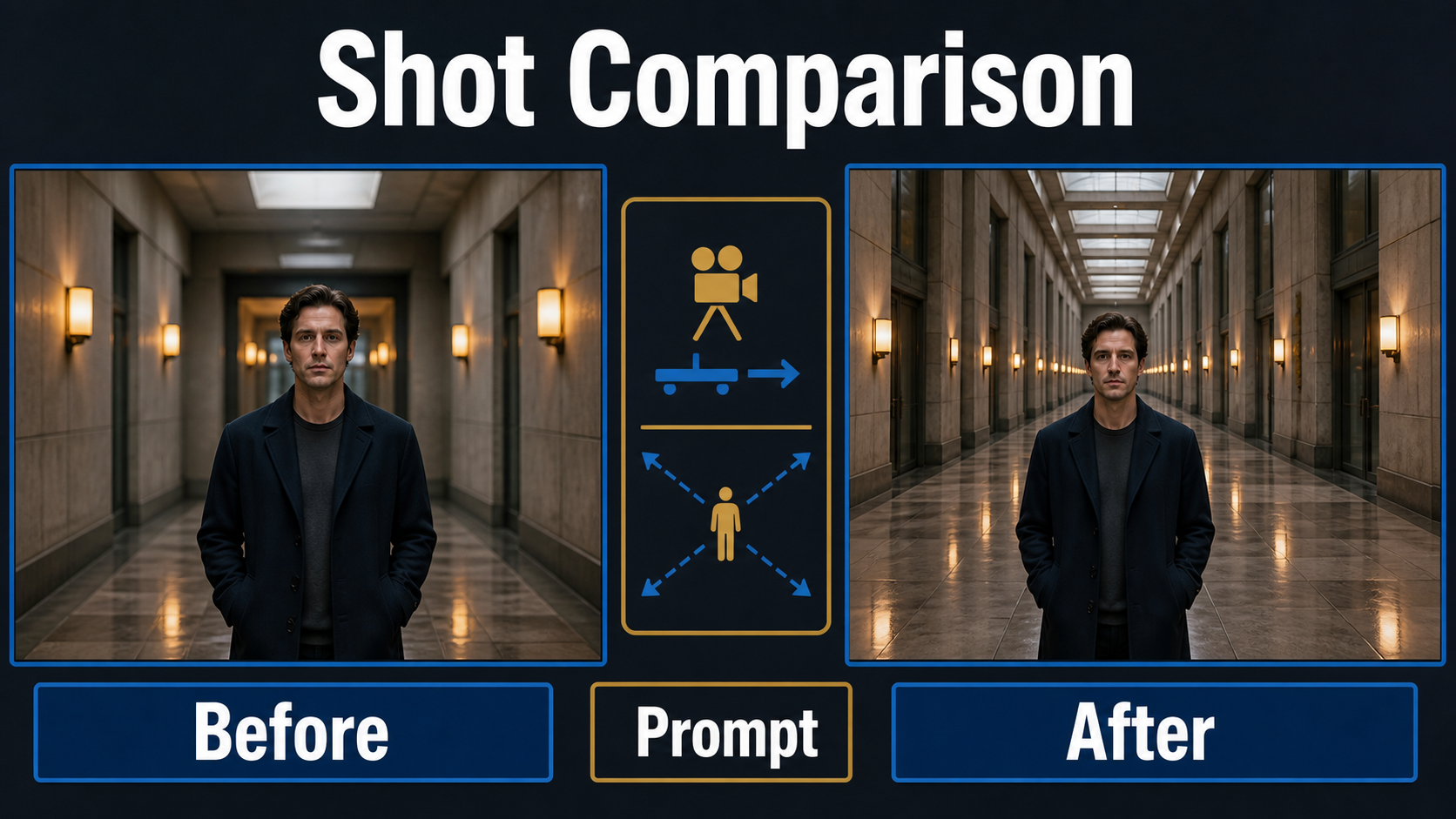
For a dolly zoom, camera distance and focal length change together. Dolly backward while zooming in, or dolly forward while zooming out. The subject’s frame height stays nearly constant, but near and far objects shift in scale because viewpoint perspective changes. That expanding or compressing environment is the proof of the effect.
Do not confuse it with a push-in plus ordinary zoom in the same direction. That combination magnifies the subject rapidly; it does not preserve subject size. The intended compensation must be explicit.
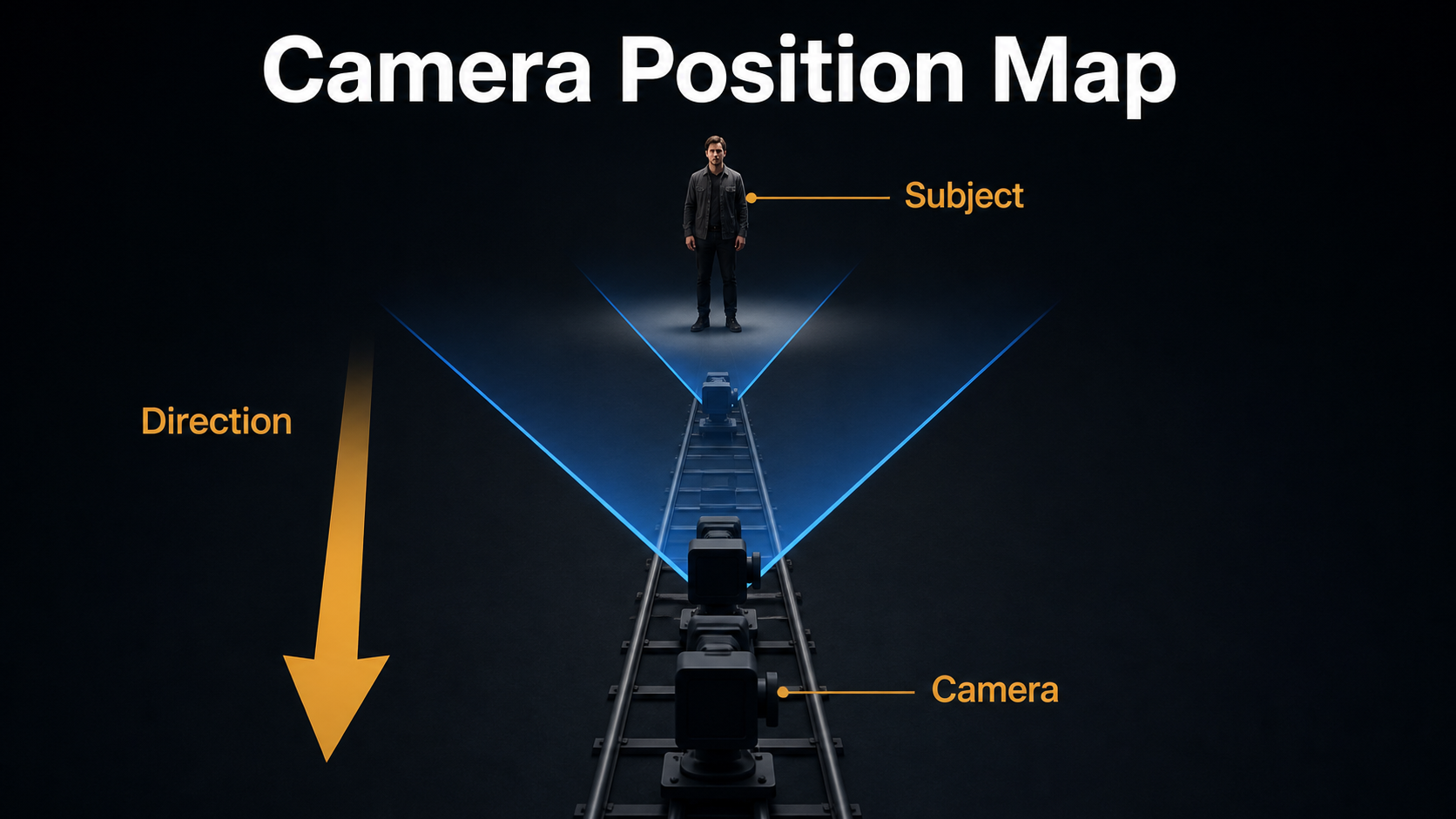
Camera Placement and Movement
Choose a straight path aimed at the subject’s center. A corridor, road, rows of shelves, fence posts, or repeated windows makes perspective change visible. Place the subject several meters from the background so the environment can breathe. Keep the actor still and avoid foreground crossings on the first test.
Map the Dolly Zoom
- Lock the subject on the same head-to-knee or head-and-shoulders frame line.
- Mark start and end camera positions on a straight track.
- At the near position, choose the wider focal look.
- At the far position, choose the longer focal look.
- Adjust focal length continuously so subject height remains stable.
- Keep camera height, tilt, horizon, focus target, exposure, and actor position fixed.
A useful physical approximation is to keep focal length proportional to camera-to-subject distance for the same framing. If distance roughly doubles, focal length also roughly doubles. Real lenses, sensor crop, close focus, and composition complicate the exact ratio, so test rather than treating the estimate as metadata.
Lens, Aperture, and Shutter Choices
The lens range must cover both endpoints without an extreme wide-angle start or an impractically long finish. Aperture controls exposure and depth of field, but changing focal length and camera distance also changes the blur appearance. A stable focus target is essential because focus pumping can look like a broken zoom.
Practical Settings Table
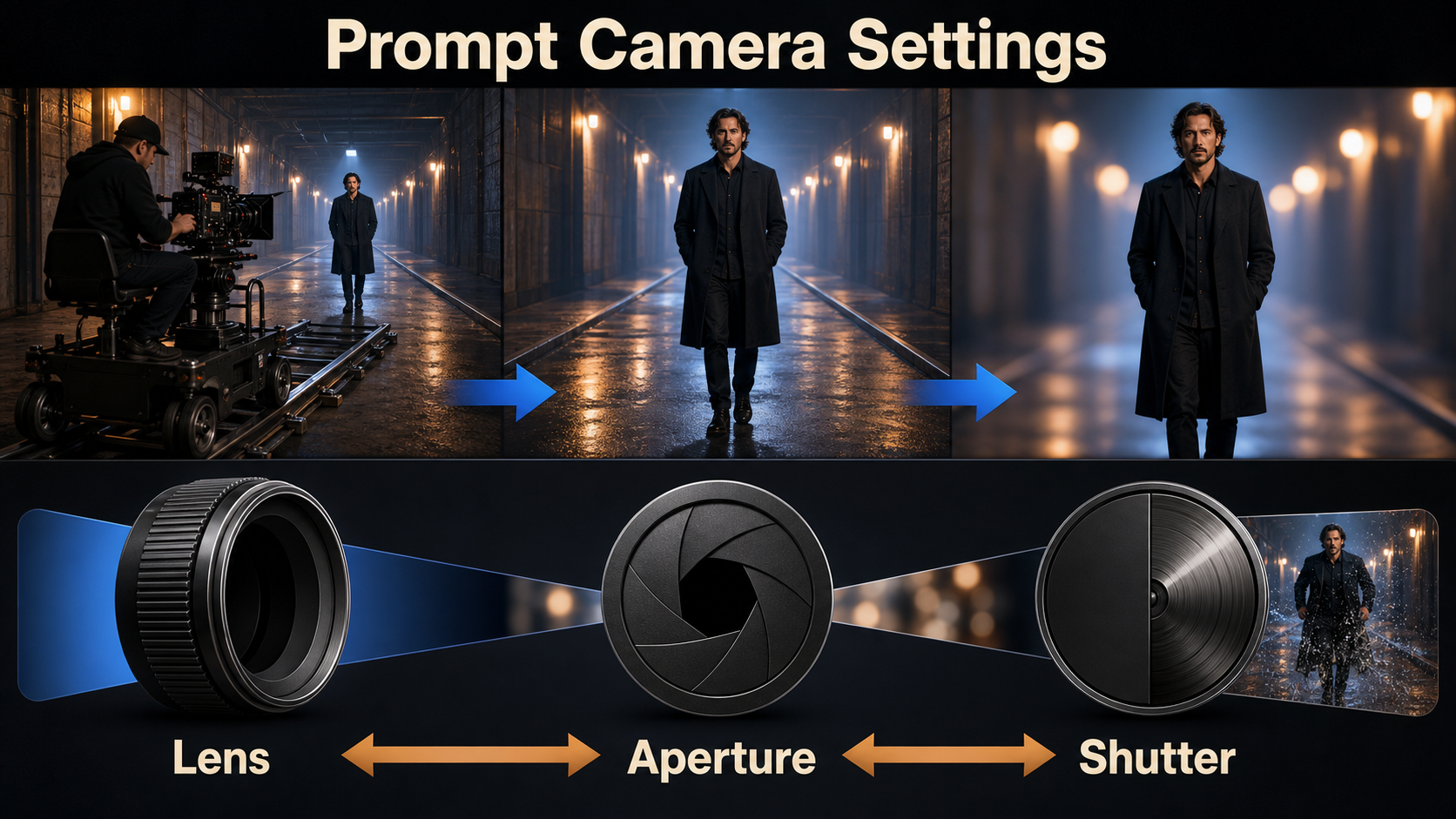
| Control | Optical zoom start | Dolly zoom start | Prompt or pipeline note |
|---|---|---|---|
| Camera | Locked position | Straight measured track | State “no translation” or exact direction |
| Lens look | 35mm to 70mm | 24mm near to 70mm far | Values are visual unless intrinsics are exposed |
| Aperture look | f/4 to f/5.6 | f/5.6 to f/8 | Moderate depth helps background remain legible |
| Frame rate | 24 fps | 24 fps | Use a constant cadence through the shot |
| Shutter look | 180 degrees | 180 degrees | Avoid smeared edges during track motion |
| Focus | Subject plane | Track subject continuously | Lock focus; no breathing or pumping |
These are production starting points, not universal truths. A wider start exaggerates the dolly effect but increases edge distortion. A shallow aperture can hide the background whose scale change communicates the shot, so preserve enough detail to read the transformation.
AI Video Prompt Formula
Use this order: shot purpose + subject and fixed action + environment depth cues + starting composition + camera translation + focal-length direction + subject-size lock + focus and exposure + cadence + continuity exclusions. Keep optical and spatial instructions explicit.
Optical Zoom Prompt Template
“Tense medium shot of one man standing motionless in the center of a long concrete corridor. Camera position remains completely fixed with no dolly, pan, tilt, roll, or parallax. Perform a slow optical zoom from a 35mm to 70mm full-frame look over four seconds. Subject grows from medium-wide to medium close-up; corridor perspective and object relationships remain unchanged. Stable focus on eyes, f/5.6 depth-of-field look, 24 fps, restrained 180-degree shutter blur, constant exposure, no cut, no digital crop jump.”
Dolly Zoom Prompt Template
“Psychological dolly zoom in a symmetrical corridor. The man remains motionless and exactly the same frame height. Camera travels smoothly backward on a straight centered track while focal length increases continuously from a 24mm to 70mm look. Keep camera height, horizon, tilt, subject position, eye focus, lighting, and exposure fixed. Corridor depth stretches and background scale expands around him; strong perspective change, no orbit, no pan, no actor movement, no reframing, no cut.”
Add a short negative line: “No simultaneous subject zoom, no warped walls, no breathing focus, no speed ramp, no duplicated doors, no background melt.” Do not bury the central compensation instruction under style adjectives.
Reference Image Setup
The first image should establish the near or far endpoint, not an average compromise. Use a level, symmetrical composition with clear vanishing lines, enough background detail, and space for camera movement. Keep the subject separated from repeating edges and avoid a background immediately behind the head.
Build a Perspective Test
- Create near-wide and far-long-lens storyboard frames with the subject at the same pixel height.
- Overlay the subject silhouettes to confirm the size lock.
- Compare door width, hallway depth, and background landmark scale.
- Record camera direction, estimated focal endpoints, duration, and easing.
- Generate a two-second static-actor test before adding performance or dialogue.
For an image-to-video model that only accepts one start frame, choose the endpoint with the most difficult geometry and ask the model to move toward the simpler view. Keep alternate corridor views as continuity references even when the pipeline cannot ingest all of them.
Model Workflow and Current Controls
As of August 9, 2026, official research repositories show several levels of camera control. Their demos establish capability within specific checkpoints and resolutions; they do not promise that any general AI-video model will follow the same parameterization.
What Official Repositories Actually Control
CamI2V provides camera-controlled image-to-video research checkpoints and shows zoom combined with rotation or vertical movement. Its released DynamiCrafter-based checkpoints include 256×256 and 512×320 research variants. “Zoom” in a gallery is evidence of a trained camera behavior, not proof of physical focal metadata.
CameraCtrl conditions text-to-video generation on per-frame camera trajectories. That is valuable for translation and rotation, but the original path is not a general rack of time-varying lens controls. UCPE extends camera representation to 6-DoF pose, intrinsics, distortion, pitch, and roll; its official repository identifies a 7.3B base and MIT license. It is a 2026 research implementation, not a universal prompt syntax.
Stable Virtual Camera explicitly defines its zoom preset as a fixed camera with changing focal length and its dolly-zoom preset as coordinated position and focal-length change. The May 2026 DeltaCam technical report explores time-varying focal length, aperture, ISO, color temperature, and distortion, underscoring why ordinary extrinsic camera control does not equal full photographic control.
Production Pass Order
- Storyboard both endpoints and approve the subject-size lock.
- Generate or shoot a clean reference at final aspect ratio.
- Run a fixed-camera optical zoom test.
- Run a translation-only dolly test.
- Combine translation and inverse focal change.
- Approve background perspective before adding actor motion.
- Add focus, lighting polish, and effects one variable at a time.
- Edit the best stable frames into the scene and mix sound separately.
Limitations
Prompt-only video models may simulate a zoom by cropping, scaling the subject, or morphing the room. Exact focal length, aperture, shutter, camera distance, and speed are not guaranteed unless the pipeline exposes and preserves them. Large dolly travel requires unseen geometry and can create duplicated architecture or changing subject anatomy.
Explicit camera-control repositories use particular base models, checkpoints, datasets, licenses, and resolutions. Check each component before commercial use. A convincing perspective effect is still synthetic media; keep provenance and avoid deceptive depictions of real people or events.
Common Failures and Fixes
Troubleshooting Checklist
| Failure | Cause | Fix |
|---|---|---|
| Subject size changes | Lens and travel are not compensated | Repeat the size lock; shorten path; specify inverse focal change |
| No perspective change | Model applied a crop | Add track direction and visible depth markers; use explicit controls |
| Walls bend or duplicate | Travel exceeds learned geometry | Use a shorter move and simpler symmetrical environment |
| Face drifts | Too much motion or small reference | Use a closer clean subject and static performance |
| Focus pulses | Zoom confused with focus | Lock the eye plane and exclude focus breathing |
| Motion smears | Fast track or excess blur | Slow the move and request restrained shutter blur |
Edit AI videos here
Trim unstable first and last frames, align the perspective peak to the story beat, add sound design, and export at https://ai.alphatechnologies.vn. Aikolhub readers can combine a clean generated move with a short hold or reaction cut instead of forcing one long clip to solve every action.
Final Recommendation
Use an optical zoom when you want attention to tighten without changing viewpoint; use a dolly zoom when the changing relationship between subject and environment is the point. Storyboard both endpoints, keep the subject still, make the camera path straight, and verify background perspective rather than judging only subject scale. Explore Aikolhub for more practical camera-language and AI-video production guides.
Frequently Asked Questions
Is an optical zoom the same as a dolly in?
No. A zoom changes focal length from a fixed viewpoint. A dolly physically changes camera position, creating parallax and new perspective relationships.
How does a dolly zoom keep the subject the same size?
The lens changes in the opposite direction to camera travel. Dolly backward and zoom in, or dolly forward and zoom out, adjusting continuously to preserve framing.
Can a text prompt create a true dolly zoom?
It can request the look, but exact geometry is not guaranteed. A pipeline with explicit camera trajectory and time-varying focal controls is more reliable.
Which aperture works best?
A moderate f/5.6 to f/8 look is a practical start because the background remains readable. Treat prompted values as visual guidance unless metadata controls exist.
Should the actor move during the effect?
Keep the actor still for the first test. Subject motion makes it harder to diagnose whether size drift comes from performance, camera travel, or focal compensation.