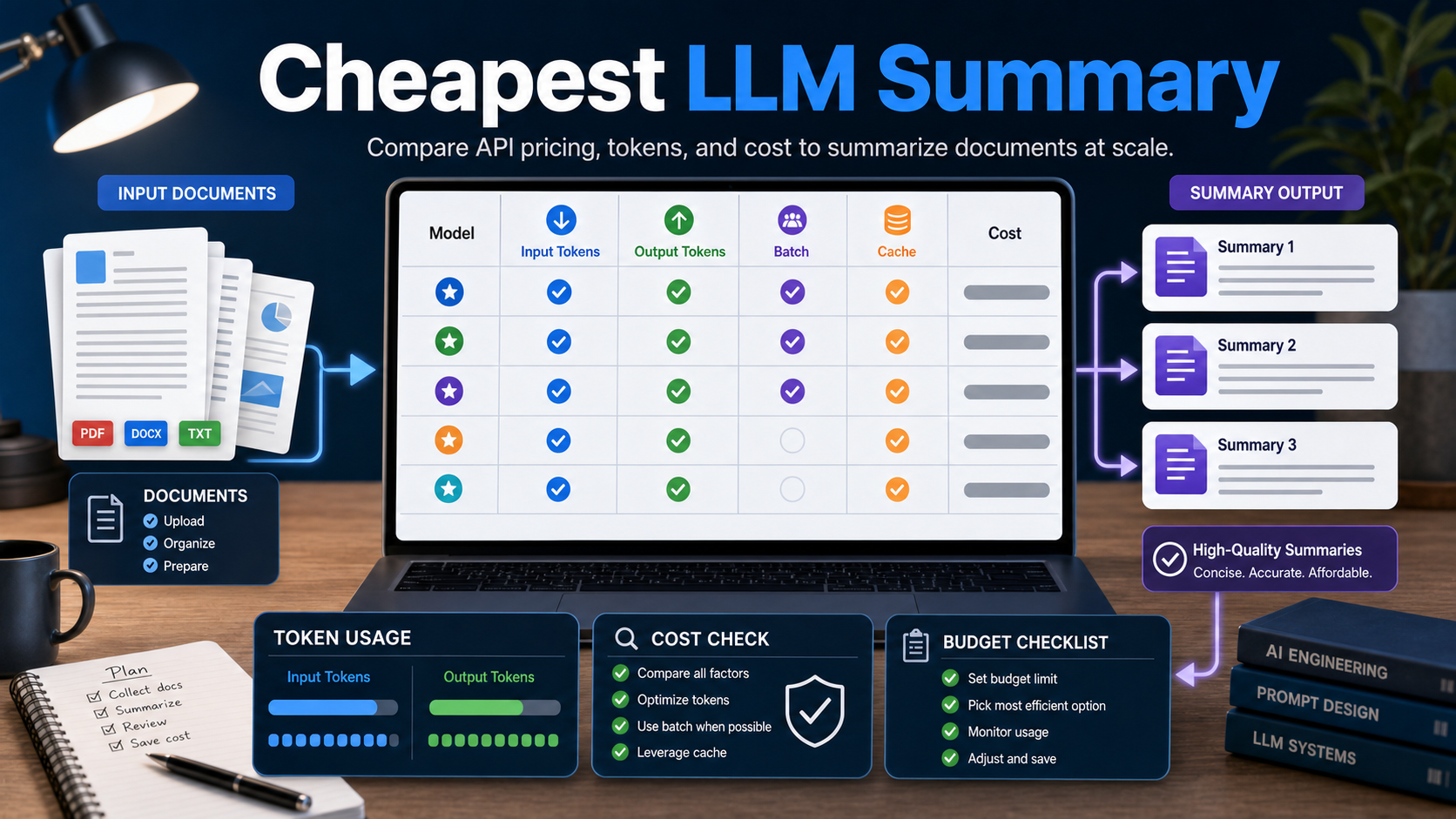
Answer first: the cheapest LLM API for document summaries is usually the model that combines low input-token pricing with reliable enough output quality for your document type. As of June 29, 2026, official pricing pages show very low list prices for options such as Google Gemini 2.5 Flash-Lite and Mistral Ministral, while Claude Haiku costs more but may justify the difference when instruction following and summary quality matter.
This guide is for creators, marketers, developers, and AI tool users who need to summarize PDFs, meeting notes, briefs, research, support tickets, contracts, or long content libraries. Prices change, free tiers vary by region and account, and enterprise discounts are not public, so treat the table below as a planning baseline and check the official pricing page before you commit production budget.
Quick recommendation
For high-volume basic summaries, start with a low-cost model and test it on your real documents before moving up. For legal, medical, financial, or strategy documents, use a stronger model for review, risk extraction, and final synthesis even if the first-pass summary is cheap.
- Lowest-cost first pass: use Gemini 2.5 Flash-Lite or a small Mistral model when summaries are short, structured, and easy to verify.
- Better balance: test Claude Haiku 4.5, Gemini Flash, or Mistral Small when formatting, tone, and consistency matter.
- Premium reasoning pass: reserve bigger models for comparing multiple documents, extracting contradictions, or generating executive recommendations.
Official prices checked on June 29, 2026
The following examples use public official list prices found on provider pages on June 29, 2026. They do not include taxes, committed-use discounts, regional billing differences, free-tier limits, tool charges, file-search charges, or custom enterprise contracts.
| Provider model | Official source checked | Input price per 1M tokens | Output price per 1M tokens | Best fit for summaries |
|---|---|---|---|---|
| Gemini 2.5 Flash-Lite | Google Gemini API pricing | $0.10 text/image/video | $0.40 | Very low-cost summaries at scale |
| Gemini 2.5 Flash-Lite Batch or Flex | Google Gemini API pricing | $0.05 text/image/video | $0.20 | Asynchronous bulk jobs where latency is flexible |
| Mistral Ministral 3B | Mistral pricing | $0.10 shown near model listing | Check current page for full row details | Lightweight classification and simple summaries |
| Mistral Ministral 8B | Mistral pricing | $0.15 shown near model listing | Check current page for full row details | Cheap summaries with a little more capability |
| Claude Haiku 4.5 | Anthropic Claude pricing | $1.00 | $5.00 | Higher-quality short summaries and structured extraction |
| OpenAI models | OpenAI API pricing page | Check official page | Check official page | Useful to compare for your stack, but direct page fetch was blocked during this run |
The important lesson is not that one model is permanently cheapest. The practical lesson is that document summarization is usually input-heavy. If your app sends 100,000 tokens of source material and asks for a 700-token summary, the input side dominates the bill. That is why compression, chunking, batch processing, and cache-aware prompt design often save more money than switching providers.
How to estimate the real cost of a summary
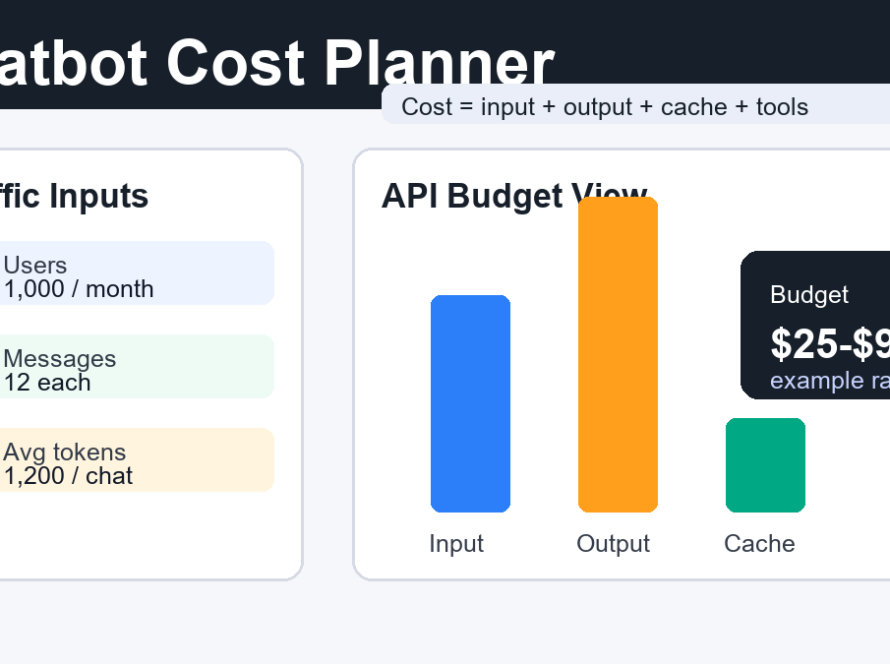
Use this simple formula before you build a summarization feature: input cost plus output cost plus any storage, tool, retrieval, batch, or cache charges. For most creator and marketing workflows, you can estimate with token counts first and refine after testing.
Example token math
Suppose you summarize a 20,000-token document into a 700-token brief. With a model priced at $0.10 per 1M input tokens and $0.40 per 1M output tokens, the rough model-only cost is tiny: 20,000 / 1,000,000 x $0.10 plus 700 / 1,000,000 x $0.40. At scale, however, 100,000 documents changes the decision. Suddenly, chunk count, retry rate, output length, and QA passes matter.
For production planning, track these values for every run: source tokens, retrieved tokens, prompt template tokens, output tokens, retry count, rejected summaries, and human-review time. A cheap model that forces many retries may cost more than a slightly more expensive model that produces usable summaries the first time.
What makes a model cheap for document summarization?
A cheap summarization model is not just a low price table. It is a model that can read the document length you need, follow your summary format, avoid hallucinating unsupported facts, and return concise output without repeated correction prompts.
1. Low input-token pricing
Summarization usually sends far more input than output. If you summarize long PDFs, transcripts, product specs, or research notes, prioritize input cost first. Use a stronger model only for the final synthesis if the first pass can be done cheaply.
2. Predictable output length
Output tokens are often more expensive than input tokens. Ask for a fixed format: three bullets, a 120-word summary, a risk table, or five decisions. Do not ask for “a detailed summary” unless you are ready to pay for long outputs.
3. Batch support
Batch or flex modes can be much cheaper when you do not need an immediate response. This is ideal for summarizing content libraries, YouTube transcripts, support archives, research folders, or weekly marketing reports overnight.
4. Caching and reusable context
If your app repeatedly sends the same instructions, brand rules, taxonomy, or policy document, design prompts so the repeated prefix can be cached when the provider supports it. Google lists context caching prices for Gemini models, and Anthropic lists cache write/read rates for Claude. The exact economics depend on how much text is reused.
Best workflows by use case
Different teams should optimize for different things. A marketer summarizing competitor pages does not need the same model plan as a developer summarizing private technical docs.
| Use case | Best workflow | Why it saves cost |
|---|---|---|
| Blog and newsletter research | Cheap model for source notes, stronger model for final editorial angle | Most source extraction is routine; final positioning needs quality |
| Meeting transcript summaries | Chunk transcript, summarize chunks, merge decisions and action items | Avoids sending the full transcript repeatedly |
| Support-ticket clustering | Small model for labels, sample human review, stronger model for complex cases | Only ambiguous tickets need expensive reasoning |
| PDF knowledge base summaries | Preprocess text, remove boilerplate, run batch summaries | Fewer tokens and lower latency requirements |
| Investor or strategy reports | Low-cost extraction plus premium final synthesis | Reduces cost while preserving final quality |
Prompt template for cheaper summaries
A concise prompt reduces output cost and improves reliability. Use explicit limits and ask the model to cite document evidence without inventing missing details.
Summarize the document below for a busy marketing or product team.
Return exactly:
1. One 40-word executive summary
2. Five bullet points with key facts
3. Three risks or unknowns
4. Three recommended next actions
Rules:
- Use only information in the document
- If a detail is missing, write "not stated"
- Keep the whole answer under 220 words
Document:
{{document_text}}
For many documents, add fields such as document title, source URL, author, date, and business goal. The model can produce better summaries when it knows why the summary matters.
Pros and cons of choosing the cheapest API
Pros
- Lower cost for large content archives and daily automation jobs.
- More room to run experiments, A/B tests, and quality checks.
- Good fit for simple extraction, tagging, and first-pass summaries.
Cons
- Small models may miss nuance in technical, legal, or strategic documents.
- They may need stricter prompts and more validation.
- A lower price can disappear if retries, long outputs, or manual review increase.
Checklist before you choose
- Test at least 30 real documents, not polished samples.
- Measure input tokens, output tokens, latency, retry rate, and accepted summaries.
- Compare normal pricing with batch or flex pricing if latency is flexible.
- Use a maximum output length and reject summaries that exceed it.
- Keep a human review path for regulated or high-value content.
- Re-check official pricing pages before production launch.
Edit AI videos here
If your summaries become short scripts, reels, explainers, or product videos, you can turn them into edited AI video assets at https://ai.alphatechnologies.vn. A practical workflow is to summarize the source document first, convert the key points into a 30-second script, then use an AI video editor to add captions, cuts, and visual scenes.
Final recommendation
For most document-summary apps, start with the cheapest reliable model for extraction, use batch processing where possible, and reserve stronger models for final synthesis or sensitive analysis. Gemini 2.5 Flash-Lite and small Mistral models are worth testing for low-cost first passes, while Claude Haiku is a sensible quality upgrade when the output must be more polished.
Explore more AI tools and workflow ideas on Aikolhub, especially if you are building content systems, marketing automation, video workflows, or developer products around LLM APIs.
FAQ
What is the cheapest LLM API for document summaries?
There is no permanent winner. As of June 29, 2026, Gemini 2.5 Flash-Lite and some small Mistral models have very low official list prices, but you should test quality and re-check current pricing before launch.
Is input cost or output cost more important for summarization?
Input cost is usually more important because documents are much longer than their summaries. Output cost still matters if you ask for long reports, tables, or multiple drafts.
Should I use batch processing for summaries?
Yes, if you do not need instant responses. Batch or flex pricing can reduce cost for overnight jobs, content libraries, support archives, and recurring internal reports.
Can a cheap model summarize legal or financial documents?
It can create a first-pass summary, but you should use stricter validation, cite source text, and involve a qualified reviewer for legal, financial, medical, or compliance decisions.
How do I reduce summary cost without changing models?
Remove boilerplate, chunk documents carefully, cap output length, cache repeated instructions, use batch mode, and avoid sending the same source text multiple times.