AI image text rendering is now good enough for draft posters, thumbnails, banners, and ad concepts, but it still needs human proofreading before publishing. Updated on July 3, 2026, the safest workflow is to use AI for layout, mood, background, and headline exploration, then verify every letter, number, brand phrase, price, and call to action in a real editor.
This guide adapts the July 2 topic idea into English for creators, marketers, developers, and AI tool users who want sharper poster text without wasting hours regenerating broken typography. The practical answer is simple: use tools that explicitly support typography or image editing, keep the in-image copy short, and separate creative generation from final production.
Quick answer: which AI tools should you test?
If readable text is the main requirement, start with tools that make typography a visible product feature or document image generation clearly. Ideogram is especially relevant because its official materials emphasize text rendering and creative typography. OpenAI GPT Image is useful for prompt-based image generation and editing. Google Imagen and Gemini image tools are strong candidates for high-quality visuals. Adobe Firefly is useful when teams want commercial design workflows tied to Adobe editing tools.
| Need | Best starting point | What to verify |
|---|---|---|
| Poster headline ideas | Ideogram, GPT Image, Firefly | Spelling, letter spacing, line breaks. |
| Marketing banner drafts | Imagen, Gemini image tools, GPT Image | Readable text at final crop size. |
| Social thumbnails | Ideogram, Firefly, GPT Image | Large words, face/product clearance, safe margins. |
| Final brand artwork | AI draft plus Photoshop, Illustrator, Canva, or Figma | Exact font, logo rules, legal copy, export quality. |
Why AI still gets text wrong
AI image models generate pixels, not editable type layers. Even when a model understands the prompt, it may draw letter-shaped marks that look correct at a glance but fail when viewed full size. Common errors include swapped letters, repeated characters, broken punctuation, fake words, strange kerning, and labels that mutate across variations.
That is why short text works better than dense copy. A three-word headline such as ‘Summer Sale Starts’ is far easier for a model than a full poster with dates, prices, brand disclaimers, product specs, and multiple calls to action. The more exact your text must be, the more you should plan to finish it manually.
Best use cases for AI text in images
AI text rendering is most useful when you need visual direction fast. It can help a team compare typography mood, background style, color palette, hierarchy, and campaign angles before a designer builds the final asset.
1. Poster concepts
Use AI to explore the overall poster: subject, lighting, color, mood, headline placement, and approximate type style. Ask for one large headline only. If the generated text is nearly right but not exact, keep the layout as a reference and rebuild the type in an editor.
2. Website banners
Banners need strong hierarchy and safe cropping. Generate a wide scene with a clear empty area for text, then add the final headline in your CMS, page builder, or design file. This keeps the text responsive and readable on mobile.
3. YouTube and short-video thumbnails
AI can quickly generate thumbnail compositions with a face, product, or object plus a bold phrase. Keep the phrase to three to five words and test it at small size. If it is not readable on a phone screen, it is not ready.
4. Ad variations
For ads, use AI to test visual concepts, not legal copy. Prices, discount terms, product claims, and compliance statements should be added as real text after review. This is especially important for finance, health, education, and high-value ecommerce campaigns.
Prompt formula for readable AI poster text
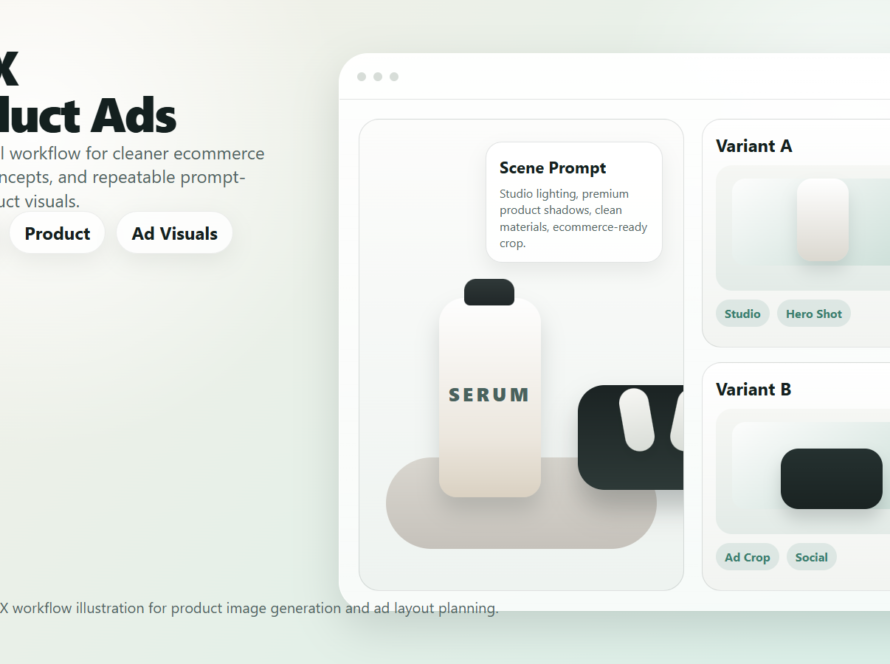
The best prompts treat text as part of the design brief. Tell the model the exact words, the number of lines, the font mood, and where the text should sit. Do not ask for too many labels in one image.
Create a clean marketing poster for a productivity app. Large readable headline text: 'Plan Work Faster'. Put the headline in the top third, bold sans-serif, white letters on a dark green background. Show a laptop, calendar cards, and task checklist below. No logos. No extra small text.For banners, add crop and spacing instructions:
Create a wide website banner, 16:9. Leave clear space on the left for headline text. Readable text only: 'Launch Faster'. Show a creator desk, campaign notes, and export button on the right. Large letters, no tiny UI text, no fake logo.Workflow: from AI draft to publish-ready artwork
The strongest workflow is not one-click generation. It is a controlled pipeline where AI handles exploration and humans control the final words.
- Write the exact copy first. Decide the headline, subhead, offer, and call to action before generating.
- Generate with short text. Start with one headline and no more than two labels.
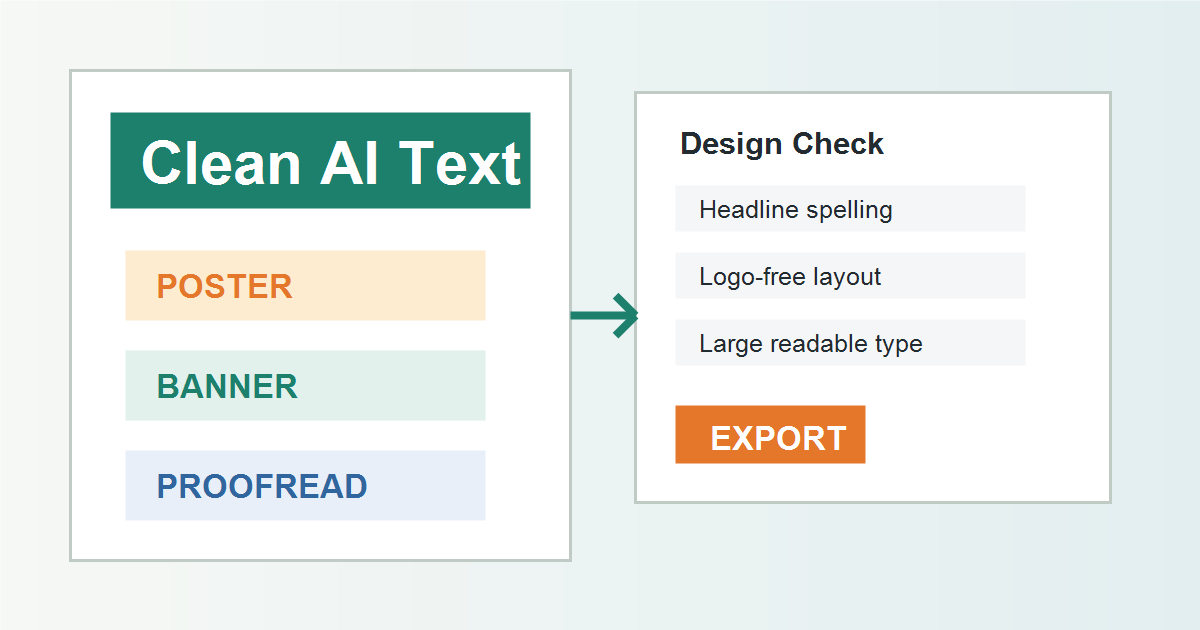
- Zoom in and proofread. Check every character at 100 percent and at the final display size.
- Rebuild important text manually. Use editable type for brand names, pricing, dates, and legal copy.
- Export platform sizes. Create separate versions for blog featured image, social square, story, YouTube thumbnail, and ad placements.
- Save the prompt and source. Log the model, date, prompt, reference assets, and license notes.
Checklist before publishing AI image text
- Is every word spelled correctly?
- Are numbers, dates, prices, and percentages accurate?
- Does the headline remain readable on mobile?
- Are there any fake logos, random letters, or unreadable UI labels?
- Does the image avoid trademarked characters or brand-like marks you do not own?
- Do the tool terms allow your intended commercial use?
- Is the final file exported at the right size and compression level?
Pros and cons of AI text rendering
| Pros | Cons |
|---|---|
| Very fast poster and thumbnail concepting. | Text can still contain subtle spelling errors. |
| Useful for exploring layout, mood, and hierarchy. | Most output is not editable type. |
| Can generate many campaign directions quickly. | Dense copy, prices, and legal text are risky. |
| Pairs well with manual design tools. | Brand consistency still needs human control. |
When should you edit manually?
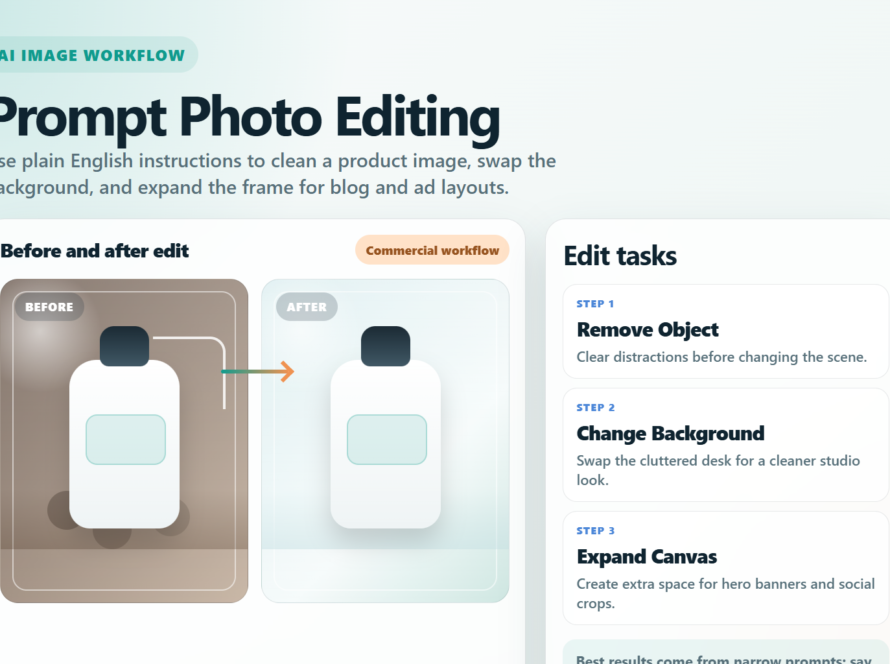
Edit manually whenever the text carries business meaning. Product names, URLs, coupon codes, prices, dates, event locations, safety claims, and legal disclaimers should not be trusted to a pixel generator. Use AI to make the background and layout; use a design editor for the final typography.
Manual editing also helps with SEO and accessibility. If your headline is baked into an image, search engines and screen readers may not understand it. For website banners, use HTML text over the image when possible, and always write descriptive alt text.
Edit AI videos here
After creating poster, banner, or thumbnail assets, you may want to turn them into short motion clips for ads, reels, tutorials, or product launches. You can edit AI videos here: https://ai.alphatechnologies.vn. A practical workflow is to generate a clean poster concept, export the visual, then add captions, music, cuts, and platform-ready formatting in the video editor.
Final recommendation
Use AI image text rendering for speed, not blind publishing. Ideogram, GPT Image, Imagen/Gemini image tools, and Firefly are worth testing for poster and banner workflows, but your final asset should still pass a strict proofreading checklist.
For Aikolhub readers, the best pattern is AI-assisted design: generate the concept, choose the best composition, rebuild key text manually, and save the prompt for repeatable campaigns. Explore more AI image, video, and automation tools on Aikolhub to build a workflow that is fast, accurate, and ready for real marketing use.
FAQ
Can AI create images with readable text?
Yes, modern AI image tools can create readable short text, especially headlines and labels. However, every generated word must be proofread before publishing.
Which AI image tool is best for poster text?
Ideogram is a strong first test because official materials emphasize text rendering and typography. GPT Image, Imagen/Gemini image tools, and Firefly are also useful depending on your workflow.
Why does AI misspell words in images?
Image models generate visual pixels rather than normal editable text. They may draw letter-like shapes that look plausible but are not exact characters.
Should I put all banner text inside the generated image?
Usually no. For websites, use AI for the background and add real HTML or design-tool text on top. This improves readability, responsiveness, SEO, and accessibility.
Can I use AI-generated posters in ads?
Often yes, but it depends on the tool terms, source assets, subject matter, and your claims. Check official commercial-use terms and manually verify all text before running ads.