The best Llama open model for an internal app is the smallest version that meets your accuracy, language, context, and privacy requirements. Updated on July 7, 2026, most teams should start with a small or mid-size text model for local chat and RAG, then move to larger or multimodal Llama models only when tests prove the upgrade is worth the hardware cost.
This guide adapts the July 3 Aikolhub topic into English for creators, marketers, developers, and AI tool users who want a practical model-selection process. Llama models are useful for private assistants, document Q&A, internal knowledge search, customer-support drafts, and image-aware workflows, but the right choice depends on deployment constraints as much as benchmark scores.
Quick answer: which Llama model should you test first?
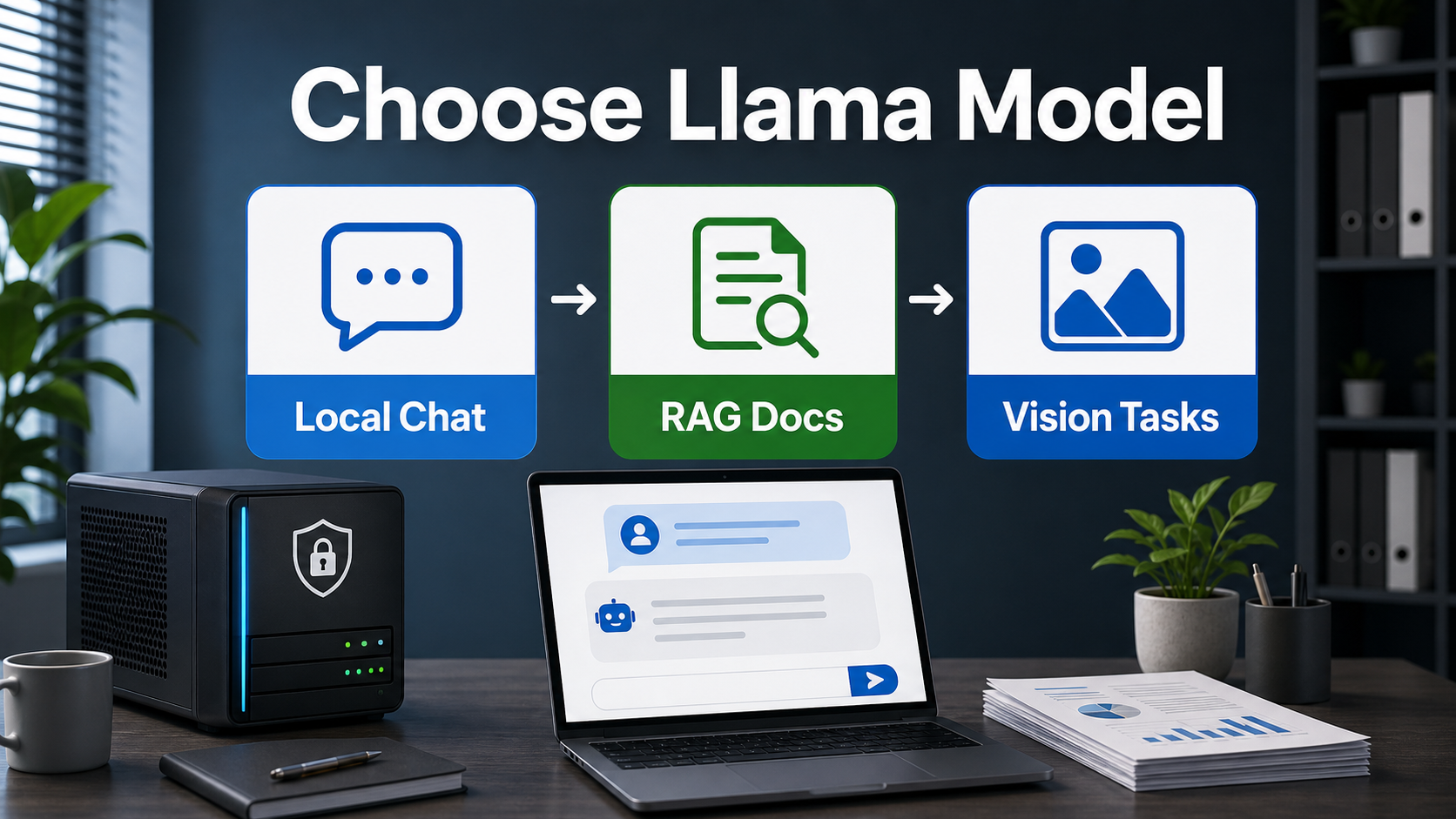
For a private internal chatbot, start with a small local Llama model through a tool such as Ollama if your priority is fast prototyping on modest hardware. For production RAG, test a stronger instruction model and measure citation accuracy on your own documents. For image understanding, use a vision-capable Llama model rather than a text-only model.
| Internal app need | Good first test | Why |
|---|---|---|
| Local FAQ chatbot | Llama 3.2 1B or 3B via Ollama | Small text-only models are easier to run and evaluate quickly. |
| Document Q&A and summaries | Llama 3.3 70B or a hosted Llama 4 model | More capacity can improve reasoning, retrieval use, and answer quality. |
| Image and document screenshots | Llama 3.2 Vision or Llama 4 Scout/Maverick | These are designed for text plus image input, not just text chat. |
| Long-context research | Llama 4 Scout or Maverick, tested carefully | Official materials emphasize long context, but retrieval quality still needs real tests. |
| Strict privacy prototype | Local text model plus RAG | Your documents stay in your controlled environment. |
What is a Llama open model?
Llama is Meta’s family of open-weight large language models. Open-weight means developers can download model weights under the applicable Llama license terms, but it does not mean every usage is unrestricted. Before using a Llama model commercially, check the exact model card, license, acceptable use policy, redistribution rules, and any naming requirements.
Official Meta materials describe Llama 4 Scout and Llama 4 Maverick as open-weight, natively multimodal models built with a mixture-of-experts architecture. Meta says Scout has 17 billion active parameters with 16 experts, while Maverick has 17 billion active parameters with 128 experts. The practical takeaway is simple: Llama 4 targets stronger multimodal and long-context workflows, but it also raises deployment complexity.
Model families to know in 2026
Llama 3.2 text models
Ollama lists Llama 3.2 instruction-tuned text-only models in 1B and 3B sizes. These are useful for lightweight local chat, simple summarization, extraction, routing, and development experiments. They are not the right choice for complex legal review or high-stakes customer answers, but they are excellent for learning how your prompts, retrieval chunks, and evaluation scripts behave.
Llama 3.2 Vision
Llama 3.2 Vision models add image input for visual recognition, image reasoning, captioning, and questions about an image. Use this family when your internal app needs to understand screenshots, receipts, diagrams, product photos, or document images. Do not force a text-only model into a vision workflow by manually describing images unless that is an intentional fallback.
Llama 3.3 70B
Ollama describes Llama 3.3 as a multilingual 70B instruction-tuned text model. It is a better candidate for serious text workflows than tiny models, especially when the app must handle nuanced instructions, summarization, translation, or RAG answers. The tradeoff is hardware and serving cost: 70B-class models usually require stronger GPUs, quantization, or managed hosting.
Llama 4 Scout and Llama 4 Maverick
Meta’s Llama 4 announcement says Scout and Maverick are the first open-weight natively multimodal Llama models and the first Llama models using mixture-of-experts architecture. The official blog says Scout is designed to fit on a single H100 GPU with Int4 quantization, while Maverick is positioned for stronger multimodal performance and can be deployed on a single H100 host in Meta’s description.
Use these models when you need newer multimodal capability, long context, and stronger reasoning than earlier small models can provide. Still, treat large context windows as an engineering feature, not a guarantee of perfect document understanding. For business apps, retrieval quality, source citations, latency, and evaluation matter more than a headline context number.
How to choose the right Llama model
Do not choose by model size alone. Choose by task risk, data sensitivity, latency budget, language quality, hardware availability, and the cost of mistakes.
1. Define the internal workflow
Start with one concrete workflow: answer HR policy questions, summarize customer calls, search sales decks, draft support replies, classify inbound tickets, or explain product screenshots. A model that is good for general chat may still fail if your app needs exact citations, structured JSON, or Vietnamese-English business terminology.
2. Decide text-only or multimodal
If users ask questions about documents that are already extracted as text, a text-only Llama model can work. If users upload screenshots, scanned PDFs, product photos, dashboards, forms, or charts, use a vision model and evaluate it on those image types.
3. Match model size to hardware
Small models are faster and cheaper, but they may miss nuance. Large models can be more capable, but they require more memory, slower serving, and stronger monitoring. For many companies, the best pattern is a small local model for low-risk automation plus a stronger hosted or GPU-served model for complex answers.
4. Test with your own data
Public benchmarks are useful for discovery, but internal apps need private evaluation sets. Build 50 to 200 representative questions from real documents. Score answers for correctness, citation quality, refusal behavior, language tone, latency, and cost per answer.
RAG is usually better than dumping every document into context
Retrieval-augmented generation is still the safer default for internal documents. Instead of pasting an entire knowledge base into a prompt, store documents in a searchable index, retrieve only the most relevant passages, and ask the model to answer from those passages.
This keeps prompts smaller, improves source control, makes updates easier, and reduces the chance that the model answers from stale memory. Even with long-context Llama models, RAG helps teams inspect why an answer was generated and which document supported it.
Prompt pattern for internal Llama apps
Use prompts that force source-grounded answers and make uncertainty acceptable. Here is a compact pattern for a document assistant:
System: You are an internal business assistant. Use only the provided sources. If the answer is not confirmed by the sources, say it is not confirmed. Keep the answer concise and cite source IDs.
User question: {question}
Sources: {retrieved_passages}
Return: short answer, supporting bullets, source IDs, confidence.
For multilingual teams, specify language behavior: answer in English unless the user writes in Vietnamese, preserve product names, and avoid translating code, URLs, or legal terms unless requested.
Pros and cons of using Llama internally
| Pros | Cons |
|---|---|
| Open weights give teams more deployment control. | Licensing and acceptable-use terms still require review. |
| Local deployment can protect sensitive documents. | Local hosting requires hardware, security, and monitoring. |
| Many sizes support different cost and latency targets. | Small models may fail complex reasoning or nuanced language tasks. |
| Vision-capable variants support screenshots and images. | Multimodal workflows need separate evaluation and guardrails. |
| Works with common developer stacks and local runners. | Production quality depends on prompts, retrieval, and evaluation. |
Deployment checklist
- Confirm the exact model card, license, and acceptable use policy.
- Choose text-only or vision based on real user inputs.
- Measure latency on the hardware or hosting provider you will actually use.
- Build an evaluation set from real internal documents and questions.
- Log model name, model version, prompt version, retrieved source IDs, and user feedback.
- Add human review for legal, medical, financial, HR, security, or high-value customer decisions.
- Set a fallback route when the model is uncertain or sources are missing.
Edit AI videos here
If your internal Llama project becomes a product demo, training lesson, onboarding video, or sales explainer, you can edit AI videos here: https://ai.alphatechnologies.vn. A practical workflow is to use your Llama assistant to summarize the documentation, turn the summary into a script, and then create a short video with captions, cuts, and platform-ready formatting.
Final recommendation
Choose Llama by workflow, not by hype. Start with the smallest model that can pass your private evaluation set, then upgrade only when larger or multimodal models produce measurable gains in answer quality, citation accuracy, or user experience.
For most internal apps, the strongest architecture is Llama plus RAG, not a standalone chatbot. Use retrieval for facts, the model for language and reasoning, and evaluation for trust. Explore more AI tools and open-model workflows on Aikolhub to build a private AI stack that fits your team, budget, and content goals.
FAQ
Is Llama open source?
Llama is commonly described as open-weight, but you should not assume it is unrestricted open source. Check the exact license and acceptable use policy for the model you plan to use.
Can I run Llama locally?
Yes, some Llama models can run locally, especially smaller variants through tools such as Ollama. Larger models may require significant GPU memory, quantization, or managed hosting.
Which Llama model is best for RAG?
The best model is the one that answers correctly from retrieved passages on your own documents. Start with a manageable model, then test larger Llama models if citation quality or reasoning is not good enough.
Do I need a vision model?
You need a vision model if users ask questions about screenshots, images, scanned documents, charts, or visual interfaces. Text-only models are better for extracted text and normal chat.
Should I use long context instead of a vector database?
Usually no. Long context is useful, but a vector database and RAG pipeline give better source control, smaller prompts, and easier updates for internal knowledge bases.