


A reliable CogVideoX1.5 production workflow uses the 5B text-to-video model for prompt-led shots or the 5B-I2V model when an approved first frame matters, then separates fast previews from 50-step final renders. Start with the official 10-second, high-resolution limits, use CPU offload and VAE tiling when memory is tight, and export an image-sequence master before making delivery MP4 files. Verified July 25, 2026, the official repository still lists CogVideoX1.5 as its latest CogVideoX generation.
CogVideoX1.5 is best described as open-weight. Its repository code is Apache-2.0, but the 5B model family uses the separate CogVideoX license. It generates visuals only: voice identity, speech synthesis, lip sync, and audio-driven motion require independent tools and checks.
Table of Contents
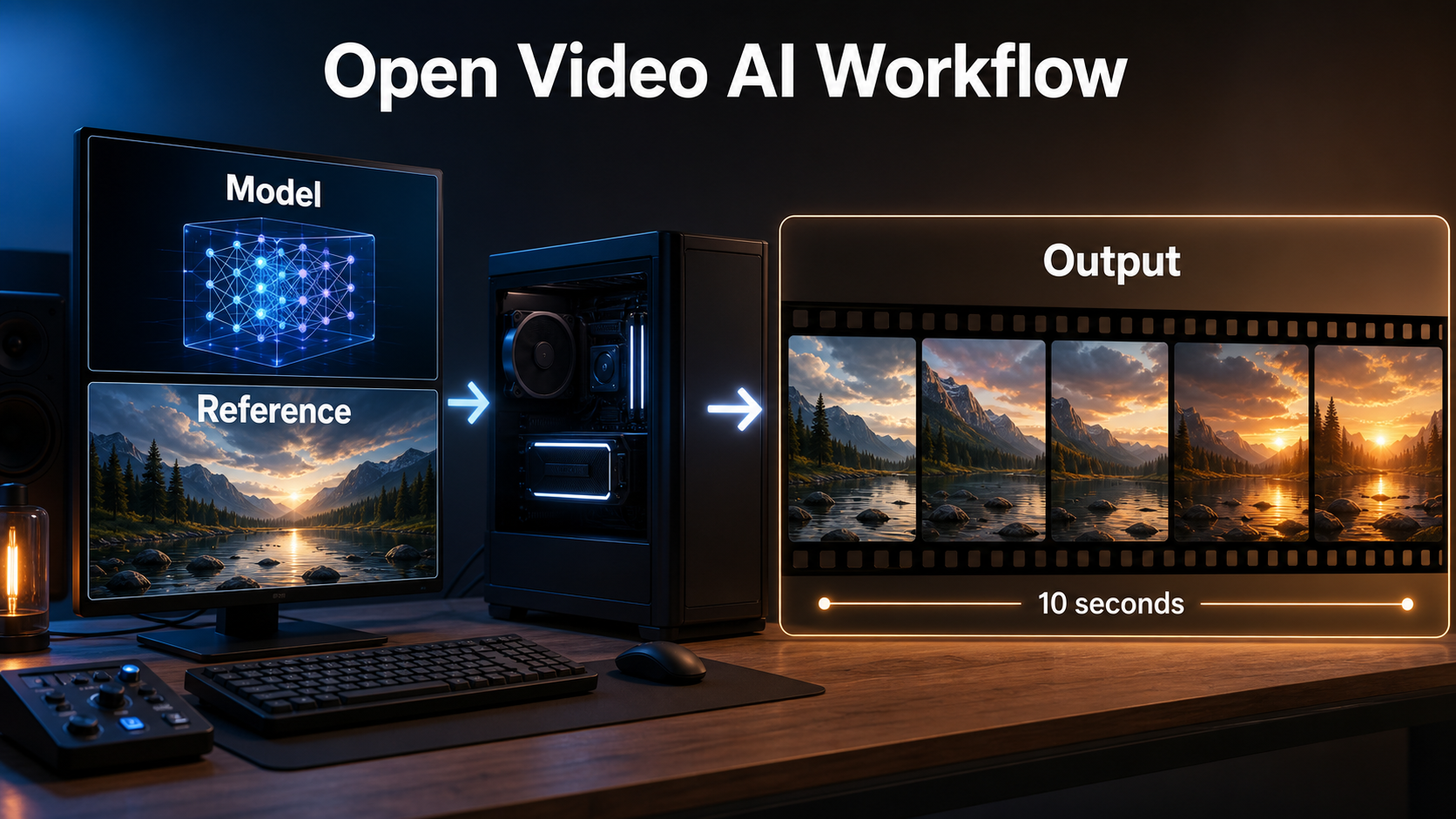
What Changed in CogVideoX1.5
CogVideoX1.5 extended the earlier 5B family to ten-second clips and higher output resolution. The official table specifies 1360 × 768 for text-to-video. For image-to-video, the shorter edge is 768, the longer edge can range from 768 to 1360, and the longer dimension must be divisible by 16.
Verified Release and License Status
The official repository dates the CogVideoX1.5 release to November 8, 2024 and its Diffusers release to November 15, 2024. Its newest listed project update is CogKit on March 24, 2025; DDIM inversion support for CogVideoX1.5-5B was announced February 28, 2025. As of July 25, 2026, the repository still labels CogVideoX1.5-5B and CogVideoX1.5-5B-I2V as the latest entries in this family.
Do not merge the code and weight licenses. The code repository is Apache-2.0, while the official README assigns the 5B Transformer family, including text-to-video and image-to-video, to the CogVideoX license. Review that license for your commercial or redistribution plan.
Choose Text-to-Video or Image-to-Video
| Need | Starting model | Main strength | Main risk |
|---|---|---|---|
| New scene from language | CogVideoX1.5-5B | Prompt-led composition | Identity and layout vary between runs |
| Approved opening composition | CogVideoX1.5-5B-I2V | First-frame control | Details can drift after frame one |
| Edit an existing clip | DDIM inversion workflow | Latent reconstruction and guided editing | Not a guaranteed pixel-perfect round trip |
Hardware and Installation
Use Python 3.10 through 3.12, follow the official requirements, and pin the repository commit and package versions after the first successful render. The official Diffusers example uses bfloat16, sequential CPU offload, VAE tiling, and VAE slicing.
Build a Reproducible Environment
- Create an isolated Python environment and install the repository requirements or a compatible current Diffusers stack.
- Download the exact text-to-video or image-to-video checkpoint revision.
- Record the model ID, revision, Diffusers version, PyTorch build, GPU driver, dtype, scheduler, seed, frame count, resolution, steps, guidance, and export FPS.
- Run one official example unchanged before modifying prompts or memory settings.
- Save a small contact sheet from every test so quality decisions are visible rather than remembered.
Manage VRAM Without Inventing a Minimum
The official repository gives examples of older CogVideoX variants running on consumer GPUs, but it does not publish one universal CogVideoX1.5 minimum that covers every resolution and optimization. Treat memory as a measured configuration. Begin with model or sequential CPU offload, VAE tiling and slicing, then consider official TorchAO or Quanto quantization. Quantization can reduce memory and may accelerate compiled inference, but compare faces, fine texture, motion, and color before adopting it for masters.
| Stage | Memory tactic | Trade-off to inspect |
|---|---|---|
| Installation test | CPU offload and VAE tiling | Slower transfers |
| Preview | Shorter duration or lower working size | Motion may not predict the full clip |
| Final | Native target size and 50-step baseline | Highest time and memory cost |
| Constrained GPU | Official weight-only quantization | Possible quality or compatibility changes |
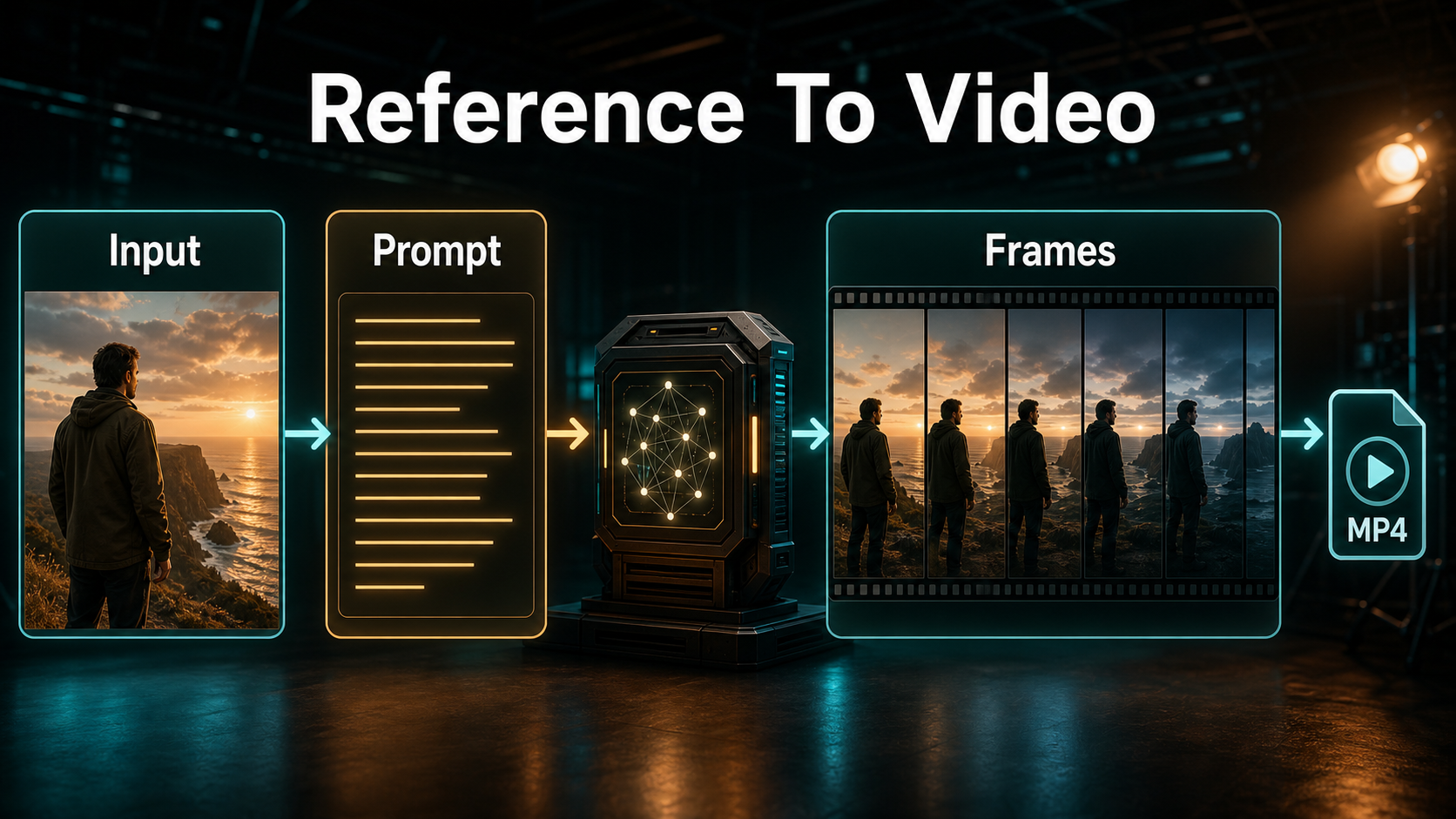
Reference Image and Prompt Context
Image-to-video gives first-frame consistency, not complete subject or scene continuity. Choose a reference that already contains the desired face angle, wardrobe, prop hand, environment geometry, lighting direction, and delivery aspect ratio.
Prepare the First Frame
- Use a clean, sharp image without unreadable text or broken hands.
- Keep the subject away from frame edges when movement needs space.
- Match the requested output proportions before inference; avoid relying on a forced crop.
- Show objects that must persist instead of merely naming hidden details.
- Make a new angle-specific reference when the camera must reveal unseen geometry.
Use a Production Prompt Template
[shot size] of [subject] in [environment].
Action: [one clear subject action] while [one secondary environmental motion].
Camera: [height and angle], [one movement], [focal-length look].
Exposure look: [aperture], [shutter angle], [frame rate].
Lighting: [key direction], [fill level], [practical or rim].
Preserve: [face], [wardrobe], [prop], [screen direction], [set geometry].
Avoid: abrupt cuts, identity change, extra limbs, warped background, unreadable text.
Example: “Medium shot of the same mechanic in a red jacket at the workshop bench. He turns one silver valve while steam drifts behind him. Eye-level camera, slow 15 cm push, natural 50 mm perspective, f/4 depth-of-field look, 180-degree shutter motion at 24 fps. Soft window key from camera-left, warm practical in the background. Preserve face, jacket zipper, valve in right hand, bench layout, and light direction.”
Focal length, aperture, shutter angle, and frame rate are descriptive visual targets unless your pipeline exposes physical camera controls. Judge the rendered perspective, depth of field, motion blur, distortion, rolling-shutter-like skew, and focus breathing rather than assuming the words became metadata.
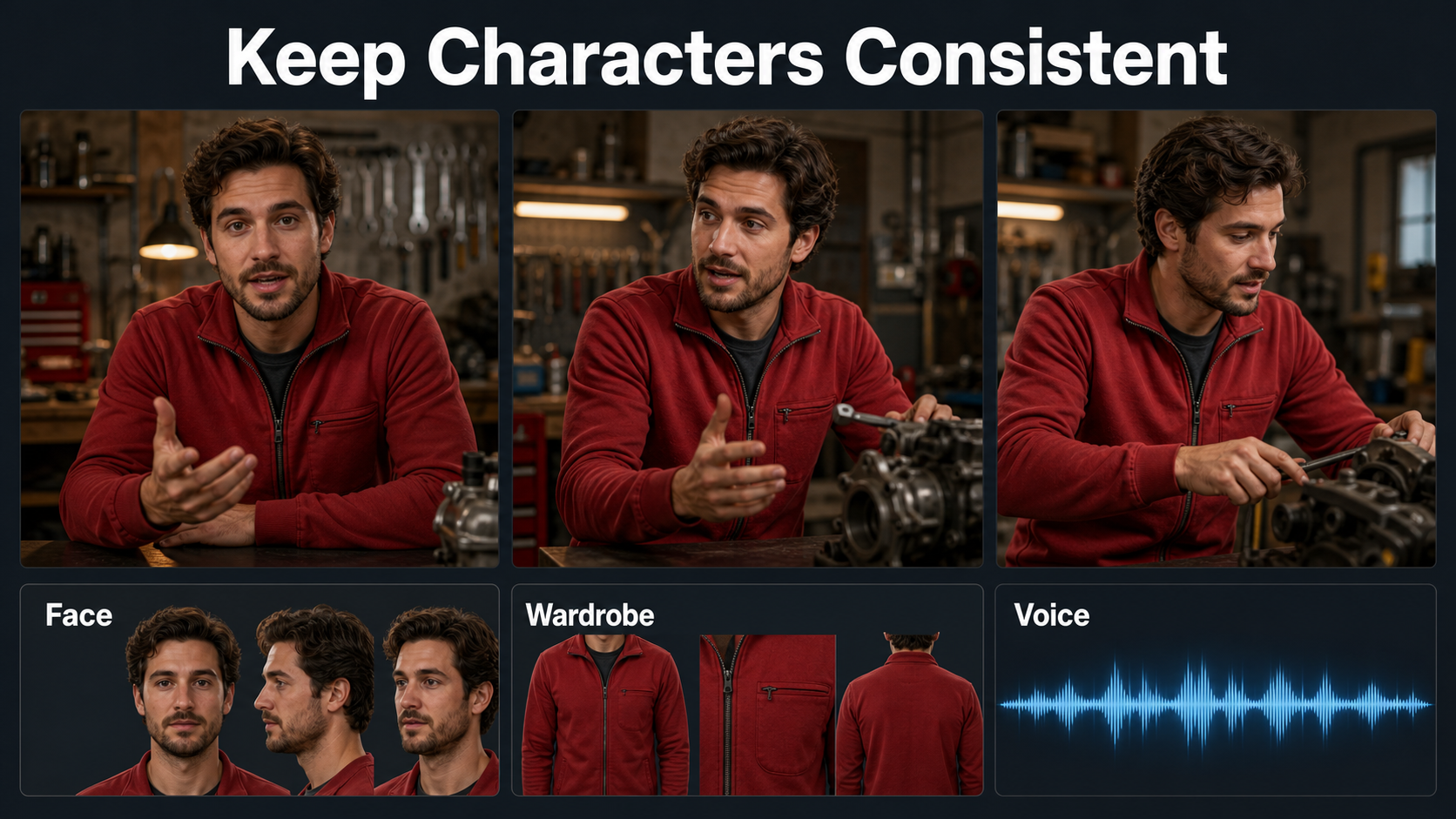
Character and Scene Consistency
Keep generations short and editorially modular. Approve a master composition, generate coverage with matching references, and cut around difficult turns, handoffs, occlusions, mirrors, or costume changes.
Separate Seven Consistency Problems
| Problem | What stays stable | Primary control |
|---|---|---|
| Subject consistency | Face, hair, proportions | Approved first frame and short action |
| First-frame consistency | Opening composition | I2V reference |
| Wardrobe and prop | Color, shape, placement | Visible reference details |
| Scene continuity | Layout, weather, light | Scene bible and matching plates |
| Voice identity | Timbre and delivery | Authorized external voice asset |
| Speech synthesis | Words and pronunciation | External recording or TTS |
| Lip sync and audio motion | Mouth timing or body response | Dedicated audio-conditioned stage |
CogVideoX1.5 does not document native voice cloning, speech synthesis, lip sync, or audio-driven body motion. Generate and approve the visual shot first. Then add authorized speech, run a dedicated sync stage, and check speaker identity, phoneme timing, teeth, jaw movement, blinks, and head motion independently.
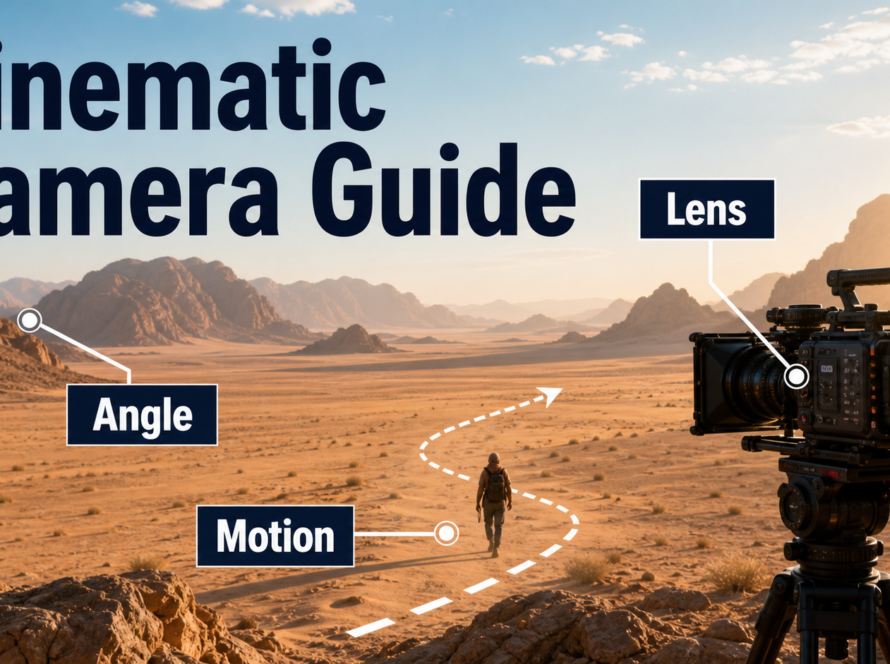
Control Camera and Lens Behavior
- Dialogue: eye-level, locked or gentle push, 70–85 mm look, moderate depth of field.
- Action: 35–50 mm look, one readable move, sufficient motion blur, no fast occlusion.
- Environment reveal: 24–35 mm look, deeper focus, slow dolly, stable horizon.
- Product insert: 70–100 mm look, controlled highlights, minimal motion, no generated text.
Practical Speed, Quality, and Export Workflow
Separate creative validation from expensive finishing. A fast preview proves composition and motion; a final render proves detail, continuity, and delivery fitness.
Preview-to-Master Settings
| Decision | Preview | Final baseline |
|---|---|---|
| Prompt | One action, one camera move | Locked approved prompt |
| Seed | Test several | Record selected seed |
| Steps | Reduced for ranking | Official example uses 50 |
| Guidance | Test near official baseline | Official example uses 6 |
| Frames | Short motion test | T2V uses 16N+1, N≤10; default 81 |
| Review | Contact sheet and playback | Frame-by-frame continuity check |
- Write a shot card with story purpose, duration, action, camera, and continuity locks.
- Choose T2V or I2V and validate the input dimensions.
- Render cheap variants; reject broken composition before increasing quality.
- Lock prompt, seed, reference, scheduler, and camera language.
- Render the final at the target aspect ratio and documented settings.
- Inspect opening, midpoint, closing frame, hands, face, props, background, and motion cadence.
- Archive the generation manifest beside the approved media.
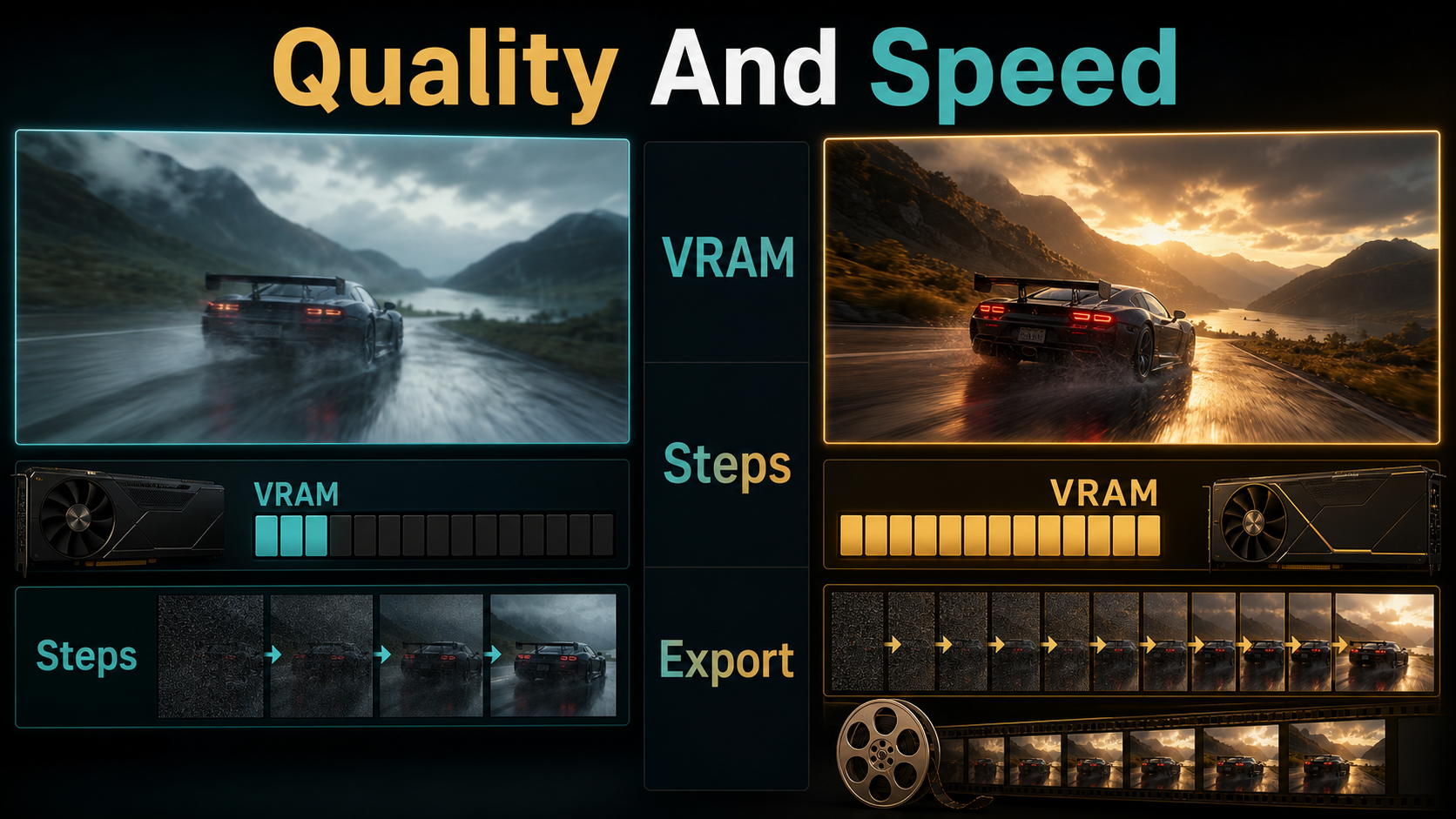
Export for Editing and Delivery
The official example exports MP4 at 8 fps, but that is an example container setting, not a universal delivery standard. Preserve the generated frames first. Import an image sequence or high-quality mezzanine into the editor, set an intentional timeline frame rate, and use frame interpolation only after checking for hand, hair, edge, and occlusion artifacts.
- Archive: lossless PNG sequence plus prompt, seed, settings, and model revision.
- Edit master: a high-quality intraframe codec when supported by your editor.
- Web delivery: H.264 MP4 with a compatible pixel format and tested audio.
- Quality control: inspect cadence, duplicate frames, color range, compression bands, captions, and loudness.
Limitations and Troubleshooting
Higher resolution does not remove diffusion failures. Expect identity drift, fine-detail mutation, unstable lettering, hand errors, geometry warping, temporal flicker, and motion that ignores complex instructions.
Common Failures and Fixes
| Failure | Likely cause | Practical fix |
|---|---|---|
| Out of memory | Native size and full model residency | Enable offload, tiling, slicing, or verified quantization |
| Face changes | Long action, turn, or occlusion | Use I2V, shorten the shot, add angle-specific reference |
| Background bends | Large camera move from one image | Reduce movement or use a compatible scene plate |
| Prompt ignored | Too many simultaneous actions | Use one subject action and one camera move |
| Motion stutters | Cadence or interpolation mismatch | Review source frames before retiming |
| Lips do not match | No native audio conditioning | Use clean authorized speech and dedicated lip sync |
| Colors shift after export | Range or codec mismatch | Tag color correctly and test the delivery file |
Edit AI videos here
Trim unstable entrances, assemble approved shots, retime carefully, add authorized dialogue, captions, music, and delivery versions at https://ai.alphatechnologies.vn. Editing is where separate visual, voice, lip-sync, and sound passes become a coherent scene.
Final Recommendation
Use CogVideoX1.5-5B for prompt-led ten-second shots and the I2V checkpoint when the opening frame must be controlled. Preview cheaply, lock a reproducible manifest, and reserve native resolution and 50-step runs for proven shots. Treat the 5B weights as open-weight under the CogVideoX license, keep audio work separate, and preserve frame masters before compression. Explore more verified AI video workflows on Aikolhub as you build a repeatable production pipeline.
Frequently Asked Questions
Is CogVideoX1.5 open source?
The repository code is Apache-2.0, but the 5B weights use the separate CogVideoX license. “Open-weight” is the safer description for the model until your use is checked against that license.
How long are CogVideoX1.5 videos?
The official release describes ten-second generation. Text-to-video frame counts should be 16N+1 with N no greater than 10; the official Diffusers example uses 81 frames and exports at 8 fps.
Does CogVideoX1.5 support reference images?
Yes. CogVideoX1.5-5B-I2V accepts an image and prompt. It controls the opening frame more directly but does not guarantee identity or scene stability for every later frame.
Does CogVideoX1.5 generate voice or lip sync?
No native voice, speech, lip-sync, or audio-driven motion workflow is documented for CogVideoX1.5. Use separate authorized audio tools and review each function independently.
Which export settings should I use?
Archive lossless frames and metadata first. Use a high-quality edit master, then create an H.264 MP4 for web delivery after checking cadence, color, captions, audio, and compression.
Official sources: CogVideo official repository and release table; CogVideoX1.5-5B model card; CogVideoX1.5-5B-I2V model card; Diffusers CogVideoX documentation; CogVideoX technical report; CogVideoX model license.


1 Comment